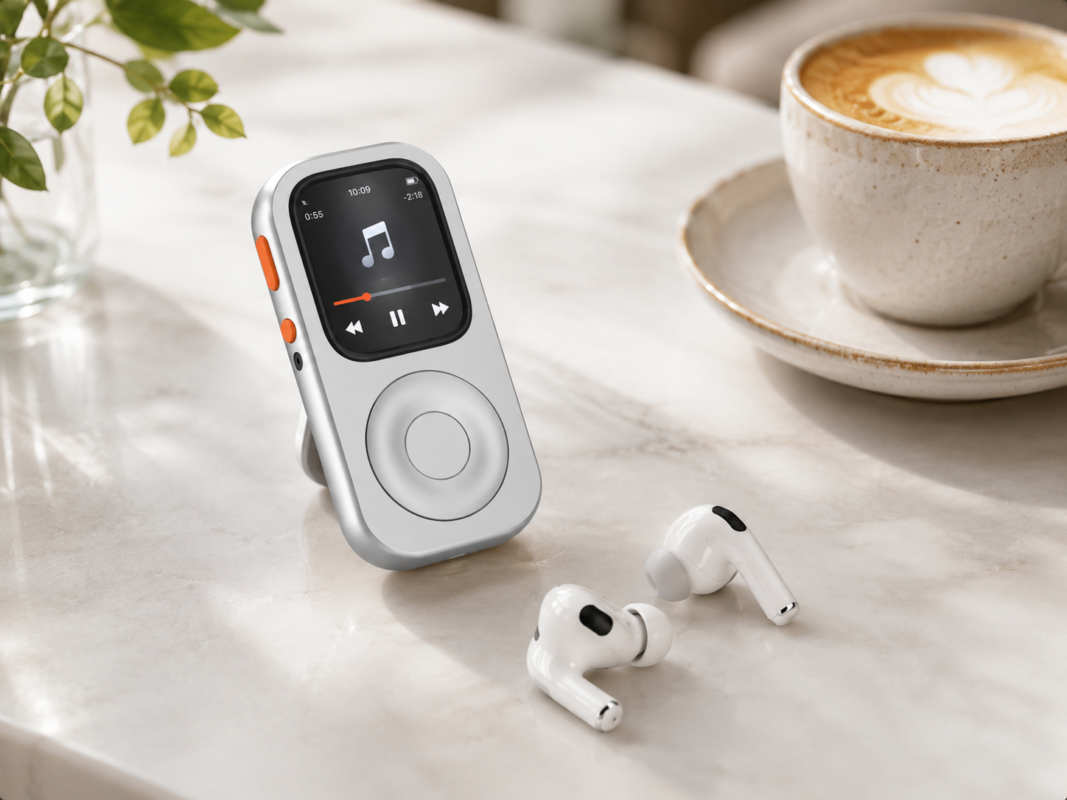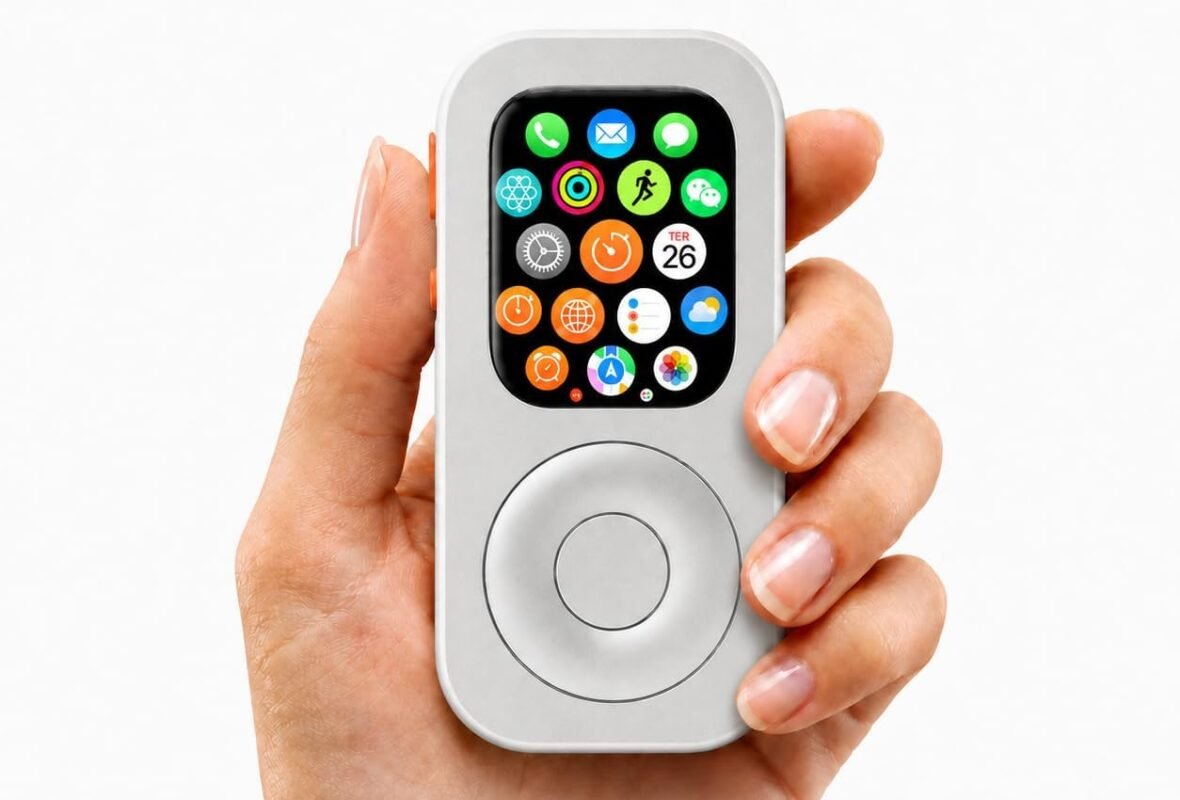



Stories


Foreword: 2 AM in the Laboratory
If I hadn’t personally pressed that first prototype cover, I might still be sitting in a boardroom waxing poetic about “retro nostalgia.”
It was 2 AM. The lab table was a graveyard of dissected Apple Watch screens and discarded FPC (Flexible Printed Circuit) prototypes. I was repeatedly pressing the designated “Back” zone, but the screen remained motionless. The “smooth interaction” we had mocked up in digital renders had turned into the one thing a hardware PM fears most: silence.
This is the reality of hardware development: Sentimentality is worthless in the face of the laws of physics.
Part 1: Capacitive or Resistive? A Question of “Bloodline”
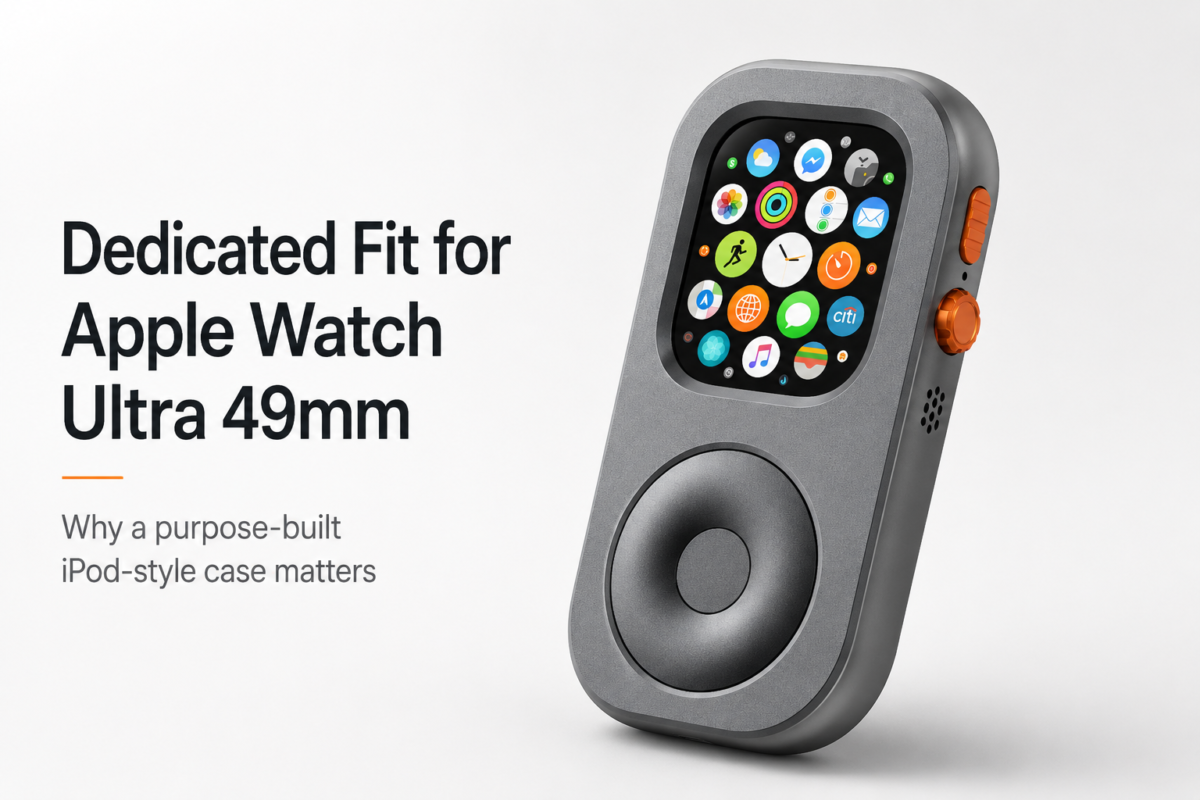
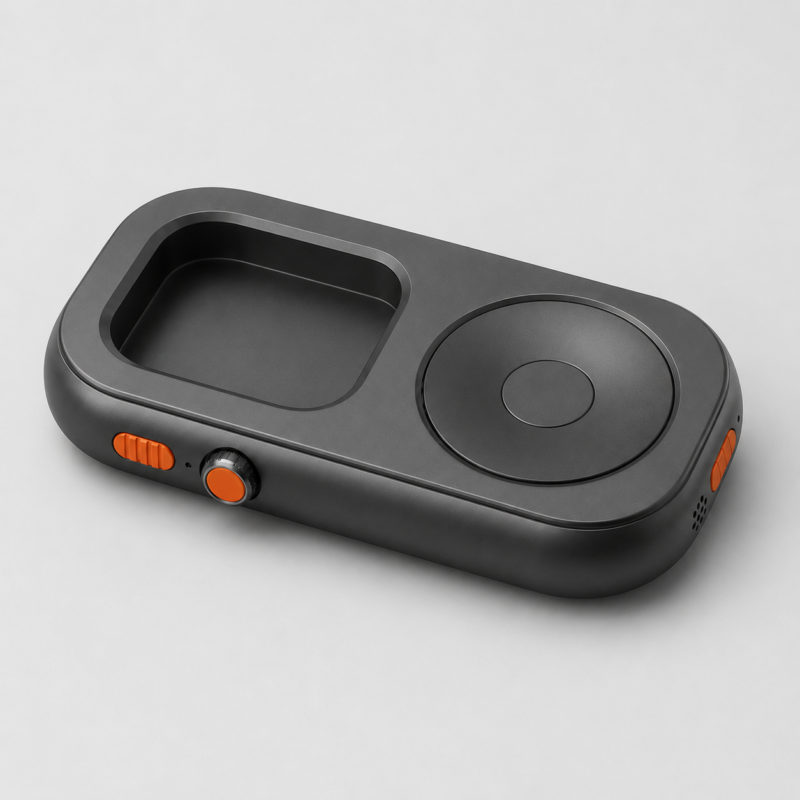
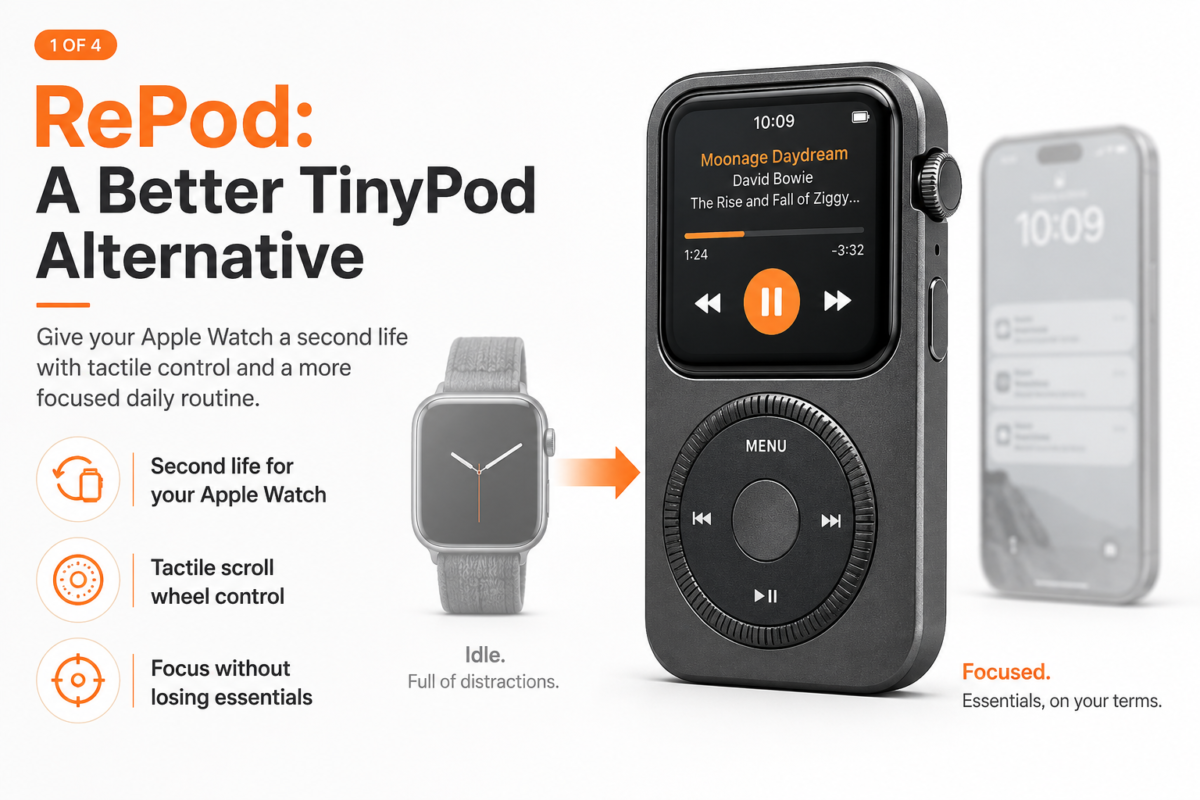
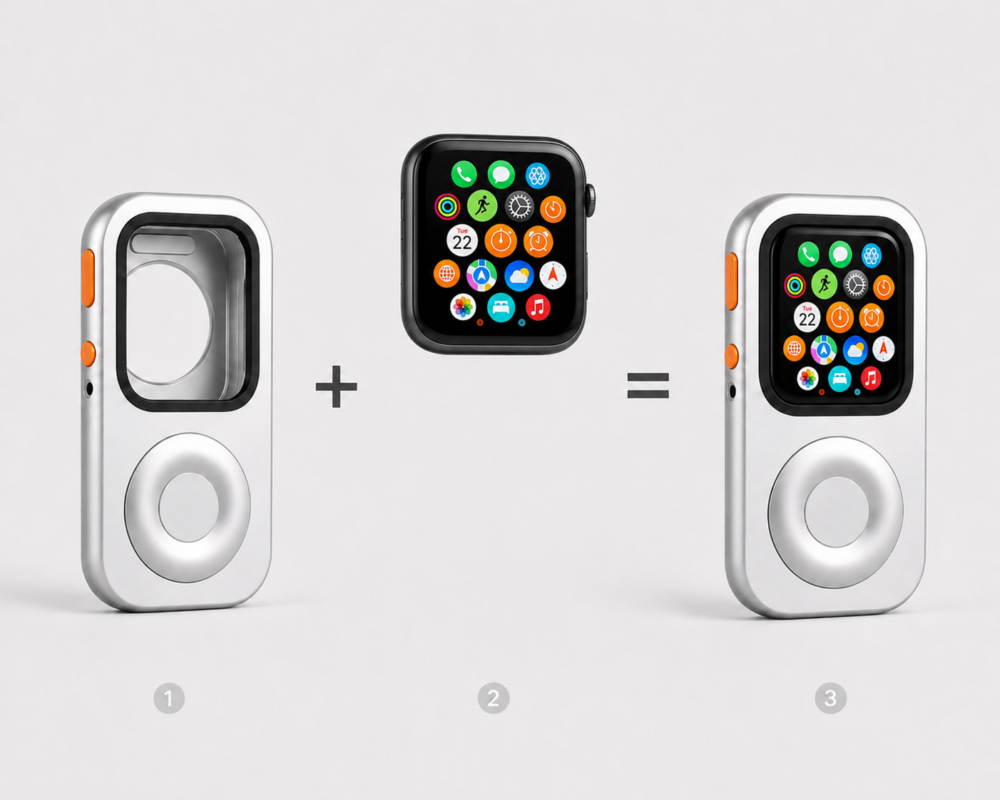
During the early stages of the repod pro project, we faced our first major fork in the road: How do we translate an external touch on the case to the watch nestled inside?
Some suggested a resistive solution. It’s simple, cheap, and doesn’t care much about fitment—as long as you apply enough physical force to bridge the contact, it triggers. But that thought lasted exactly half a second in my mind before I killed it.
Why? Because we are building a pro-tier accessory for the Apple Watch. The soul of the Apple ecosystem is light, capacitive interaction. If a user has to poke a button with the force of an old-school GPS navigator, that “cheapness” would instantly destroy the product’s premium identity. We had to go with PCR (Passive Capacitive Routing).
The theory of PCR sounds sophisticated: use a transparent conductive medium to “guide” the electrical charge from the user’s fingertip to the watch screen. It requires maintaining the native capacitive induction. But here’s the problem: Electromagnetic waves are incredibly picky—they do not cross chasms.
Part 2: The Air Gap—A PM’s Arch-Nemesis
In testing early prototypes, I found that touch sensitivity was abysmal. Seven out of every ten presses resulted in a “packet loss”—no response.
I put the samples under a microscope and finally found the culprit: The Air Gap.
Even if you think you’ve pressed the case tightly, at a microscopic level, there is still a thin layer of air between the FPC film and the watch glass. In PCR technology, this layer of air acts as an insulator, effectively blocking the capacitive coupling.
0.1 millimeters.
That was our lifeline. If the gap exceeds 0.1mm, touch response shifts from “seamless” to “guesswork.” At this point, a PM faces two choices:
- Apply Adhesive: Stick it down permanently like a screen protector.
- Mechanical Compression: Force the air out through structural design.
I hesitated for a long time. Adhesive would solve the problem, but I knew in my heart that it would make the product “heavy.” Users wouldn’t be able to swap their watch in and out freely, and the failure rate during installation would skyrocket. As a PM, I couldn’t accept a solution that sacrificed user freedom.
Part 3: The “Curvature Curse” of 2.5D Glass
If the Apple Watch screen were flat, this would have been 50% easier.
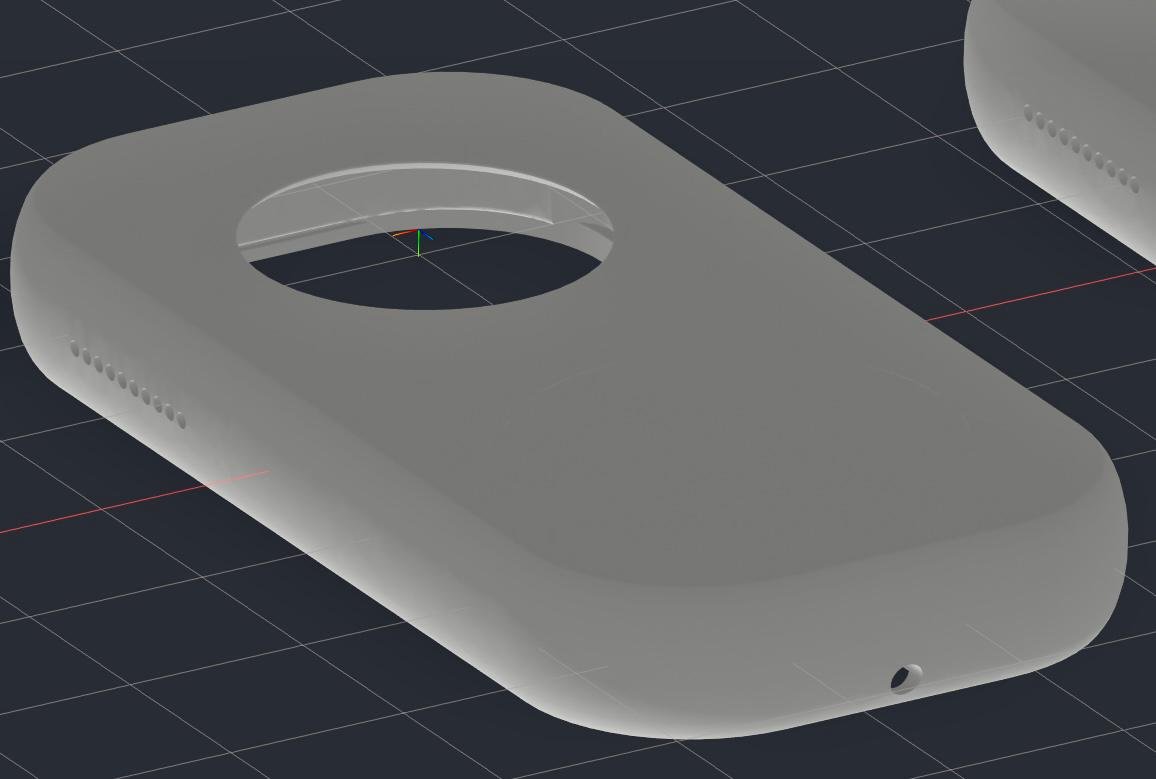
But it’s not. It uses 2.5D curved glass. This means our FPC film must bend at the edges. In physics, when a thin film bends, it generates stress—and that stress naturally makes the edges of the film “lift” upward.
The more you try to place “Back” or “Confirm” buttons at the edge, the more severe that lift becomes. As I demonstrated in our internal testing videos: when your finger presses on the side, if the pressure point isn’t perfectly aligned, the FPC acts like a seesaw. One side goes down, the other side pops up. The result? You think you’ve pressed “Back,” but you’ve actually just pressed a pocket of air.
Part 4: Tearing It Down—The 5.6mm Limit Gambit
When the client asked me why we hadn’t solved it yet, I knew I had to provide an industrial-grade solution, not an excuse.
I re-examined the entire routing logic. Previously, we were chasing “point-to-point” precision alignment. Now, I decided to play a bigger game: Trading area for probability.
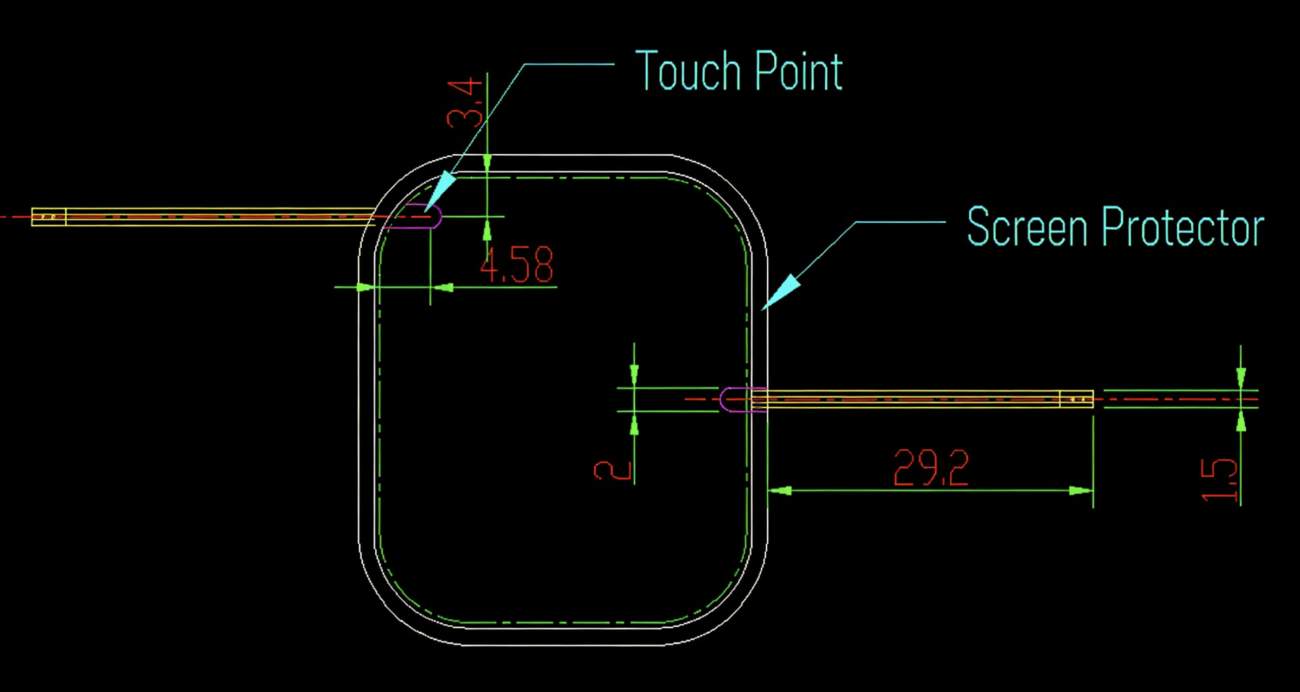
I instructed the engineers to increase the internal trace width of the “Back” button to the absolute physical limit—5.6mm. Simultaneously, I made a decision that defied conventional wisdom: I extended the touch zone beyond the edge and pushed it inward toward the center of the screen, halfway across the glass.
Why push inward? Because the center of the screen is flat! By bypassing that cursed edge curvature and establishing a “Primary Coupling Zone” on the flat surface, we left the edge as a “Secondary Induction Zone.” Now, no matter where the user’s finger lands, there is always a section of the FPC in tight, flush contact with the glass.
This wasn’t just a technical change; it was a pivot in product logic. We stopped trying to “defy” physical tolerances and started “embracing” them.
Part 5: The PM’s Reflection—Where is the Boundary of Functionality?
During those weeks of agonizing over PCR touch, I kept asking myself: Do we actually need these buttons?
If you have the repod pro in your pocket, and your thigh rubs against this 5.6mm high-sensitivity zone through the fabric of your jeans, will it trigger a “Ghost Touch”? If a user is immersed in music and a simple leg movement causes the track to skip or the app to close, that frustration is fatal to the product.
At this point, a PM’s intuition began to warn me: Do not solve a technical hurdle only to introduce a more severe experiential hazard.
Conclusion: Hardware Has No Magic, Only Costs
The journey of developing touch for the repod pro taught me a valuable lesson: in the world of wearables, any feature that seems “obvious” is actually the result of countless compromises and battles.
The PCR path is a road paved with thorns. It demands extreme assembly precision, fanatical material compatibility, and a PM with a heart ready to tear everything down and start over.
The current test samples have been sent to the factory. In one week, we will see the final results of this “5.6mm Maximum Redundant Extension” plan. If it succeeds, we define a new way of interacting with a case; if it fails, I am already prepared with a Plan B. Because in the world of hardware, Plan B is the only way you survive to reach Plan A.