


Stories
Why the RePod is the Ultimate Second Life for Your Apple Watch
In an era of 6.7-inch screens and constant notification pings, a quiet revolution is happening in our pockets. It’s called Digital Minimalism, and its latest hero isn’t a new phone—it’s an old watch.
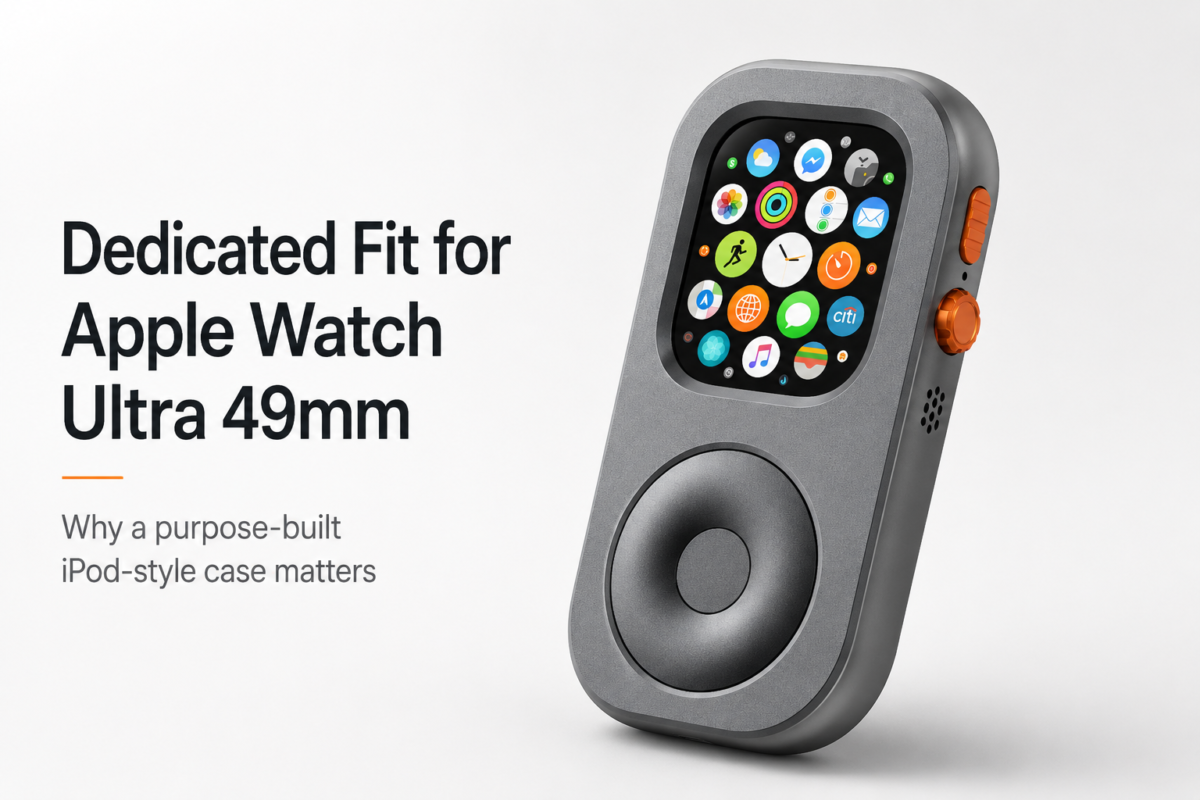
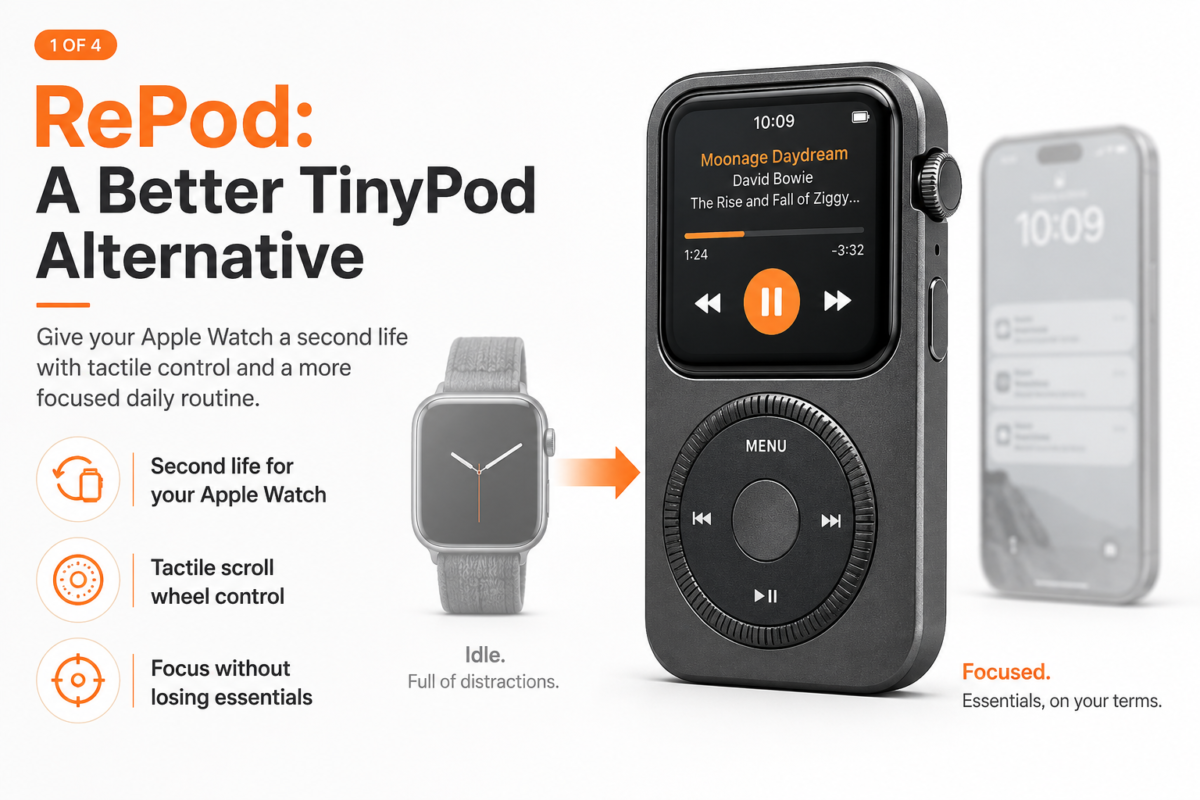
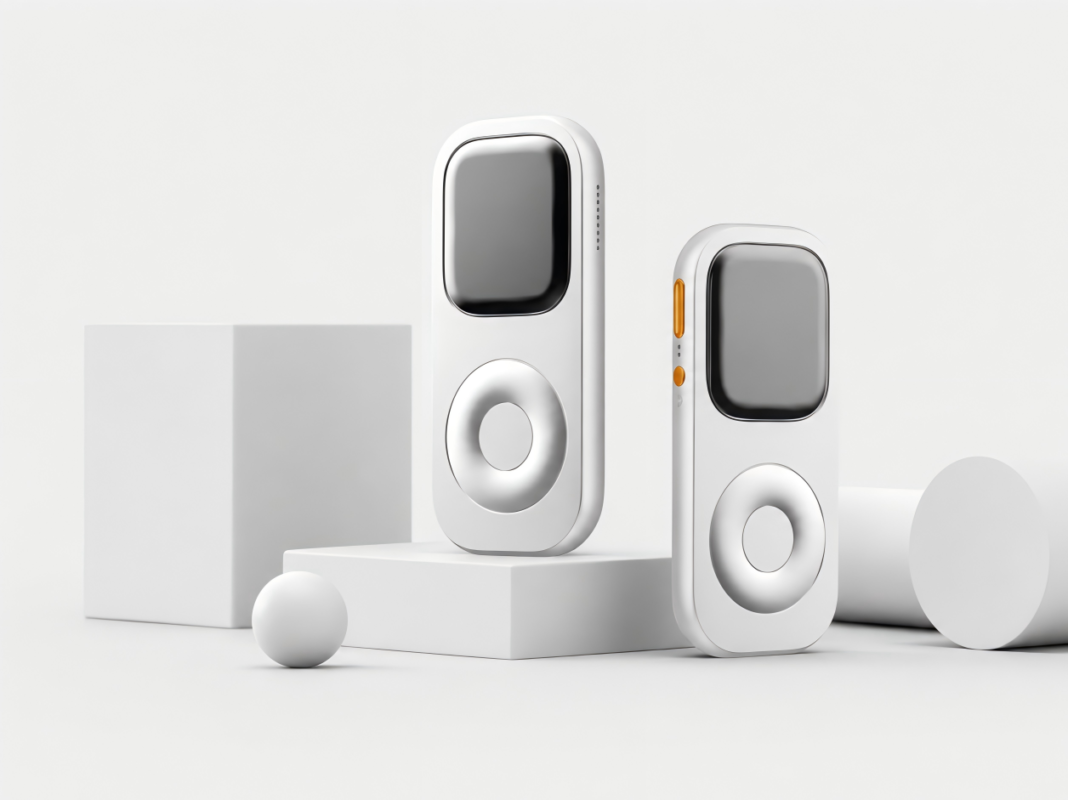
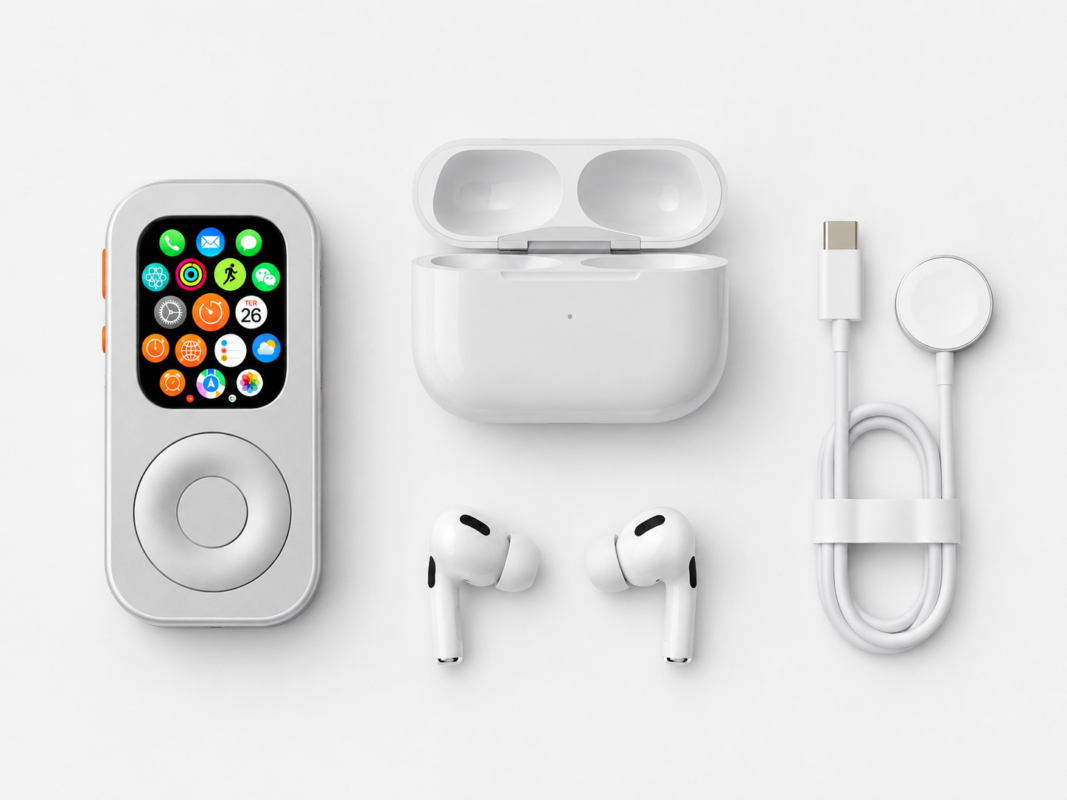
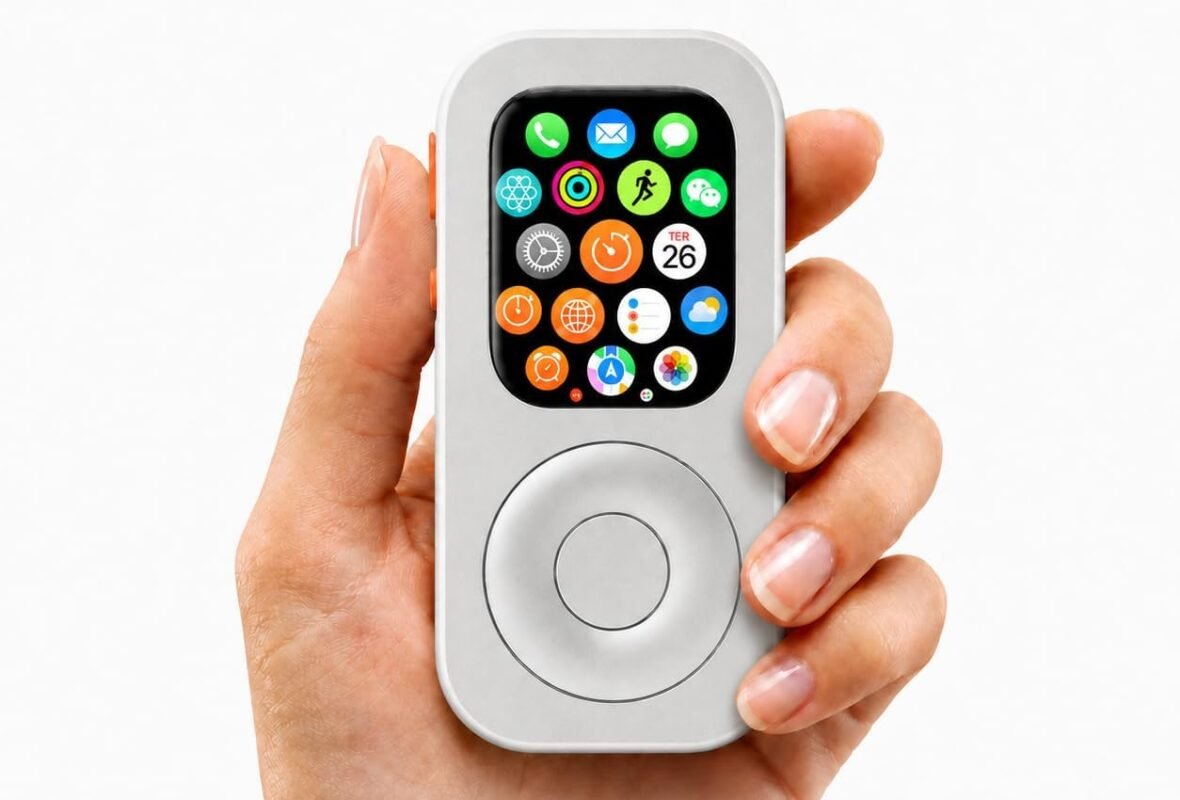
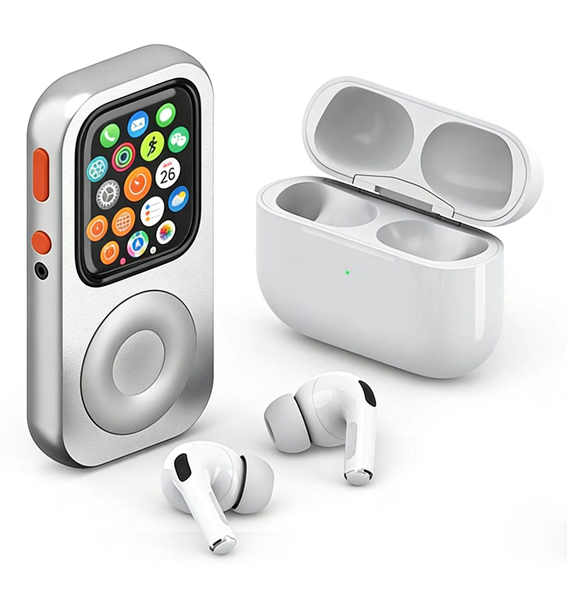
The RePod Apple Watch iPod Case has taken the tech world by storm, promising to transform “the most powerful mini-computer in the world” into a nostalgic, distraction-free handheld device. But is it just a novelty gimmick, or a genuine tool for reclaiming your attention? Let’s dive into the core experience.
The Mechanical Magic: Reinventing the Wheel
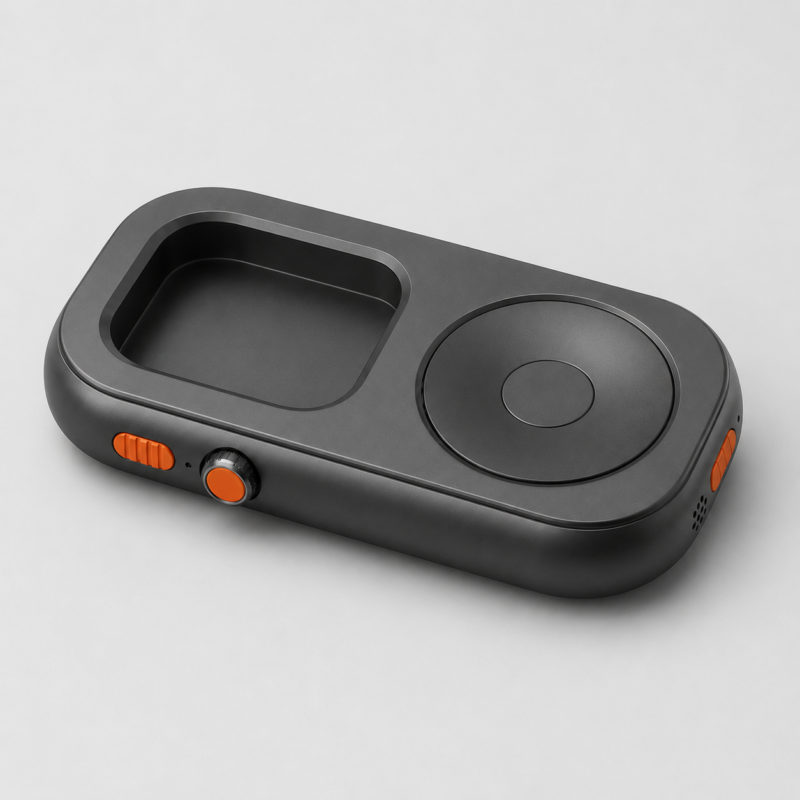
The soul of the original iPod was the Click Wheel. RePod recreates this not through software, but through clever mechanical engineering. Inside the CNC-machined aluminum or titanium frame is a physical linkage—usually a rubber pulley or gear system—that translates your thumb’s rotation on the large outer wheel directly to the Apple Watch’s Digital Crown.
The result? When you scroll, you aren’t just moving a cursor; you feel the tactile “click” of the watch’s Taptic Engine vibrating through the metal casing. It’s a sensory experience that modern touchscreens simply can’t replicate. While some users report a slight learning curve with wheel precision, the physical act of “cranking” through a playlist feels intentional in a way that swiping never does.
Upcycling: The Anti-E-Waste Accessory
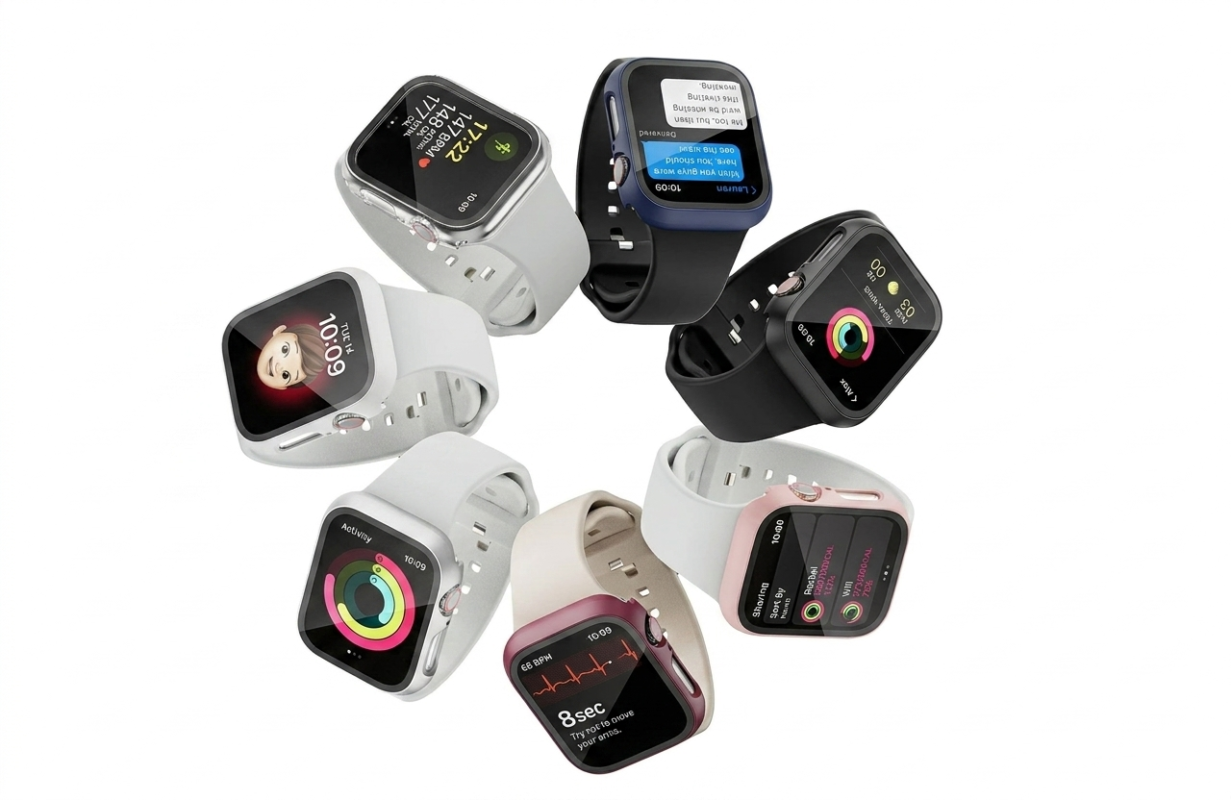
One of the most compelling arguments for the RePod is sustainability. Many of us have a “forgotten” Apple Watch Series 4 or 5 sitting in a drawer because the battery doesn’t last a full day of fitness tracking or the strap connectors are worn out.
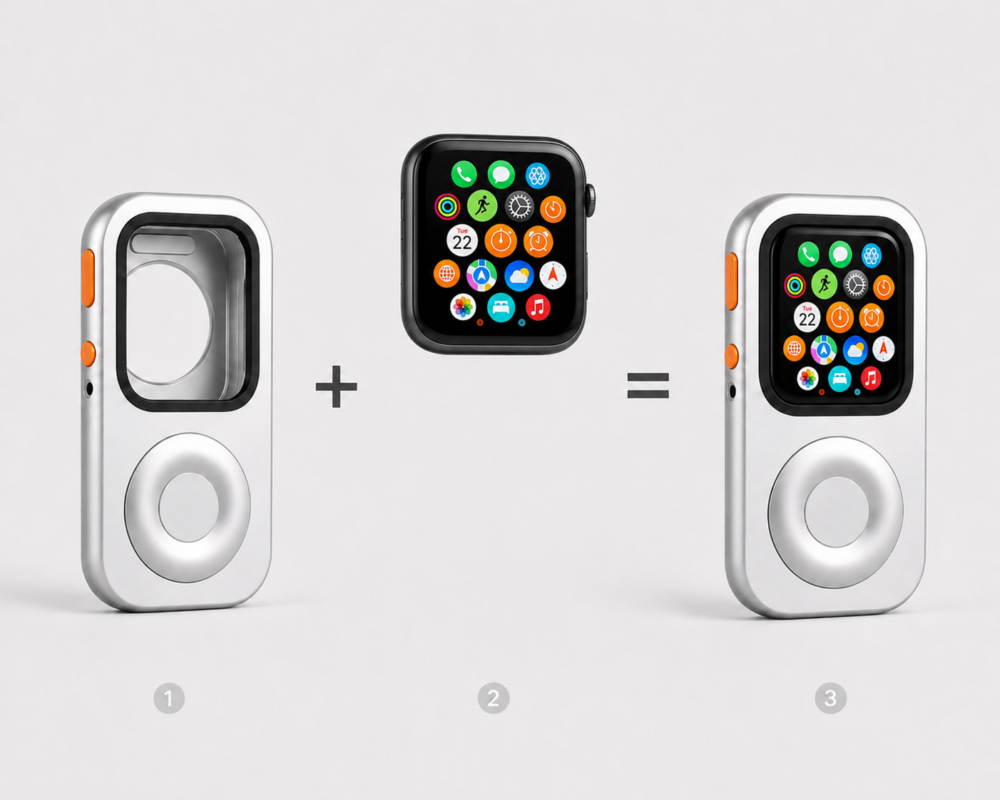
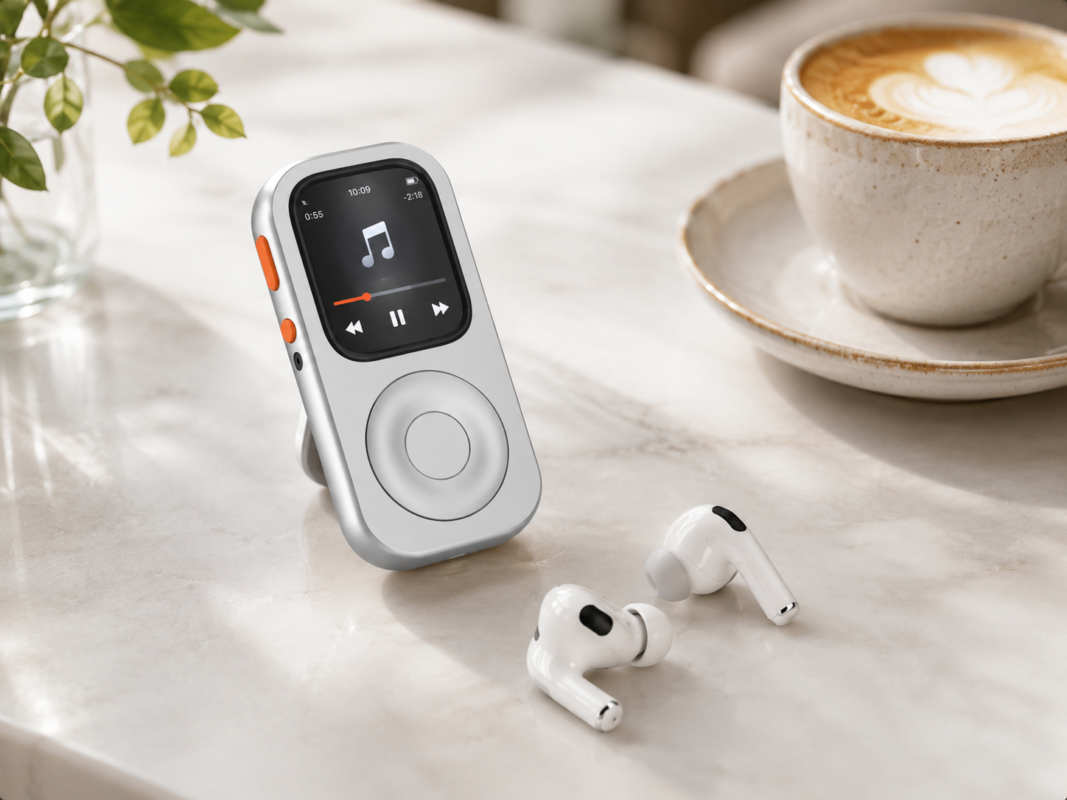
By “upcycling” these devices into a RePod case, you give them a second life as a dedicated media player or “emergency” phone. Since the device is no longer constantly scanning your heart rate or tracking your steps, the battery strain is actually reduced, making those older models perfectly viable for a few hours of focused music or podcast listening.
The “Phone Away from Phone” Lifestyle
If you own a cellular-enabled Apple Watch, the RePod becomes a legitimate “dumbphone” alternative. It retains the essentials—Apple Pay, Maps, Messages, and Calls—but its small screen naturally discourages “doom-scrolling” on social media.
Imagine going for a walk or a grocery run with just your RePod and a pair of AirPods. You stay connected to what matters (your family and your wallet) while remaining disconnected from the algorithm.
Pro-Tips: How to Set Up Your RePod Experience
To make your RePod feel less like a watch-in-a-box and more like a purpose-built device, you need to tweak a few settings:
- Disable Wrist Detection: This is non-negotiable. Since the sensors aren’t touching your skin, the watch will constantly lock itself unless you go to Settings > Passcode and toggle Wrist Detection off.
- Switch to List View: The standard “honeycomb” grid of apps is a nightmare to navigate with a scroll wheel. Switch your App View to List in the settings to enjoy a seamless vertical scrolling experience that feels exactly like a 2004 iPod Mini.
- The “Upside Down” Hack: Some users prefer to orient the watch “upside down” (crown on the bottom left) within the case to better align the mechanical gears for smoother rotation.
The Verdict
The RePod (and its competitor, the tinyPod) represents more than just tech nostalgia; it’s a “mech suit” for a digital detox. Whether you choose the lightweight plastic of the tinyPod ($79) or the premium CNC-machined titanium of the RePod, you’re investing in a more intentional way to interact with technology.
It’s time to take that old watch out of the drawer and put the “Classic” back into your everyday carry.
What do you think? Is the iPod revival here to stay, or are we just nostalgic for a simpler time? Let us know in the comments!
Related Posts

Engineering Series(I): The 0.1mm Lifeline—Why the repod pro’s Touch Interaction Was a Physical Odyssey
This is the reality of hardware development: Sentimentality is worthless in the face of the laws of physics. The theory