Stories
Apple Watch Music Without Phone: How to Listen Phone-Free
You do not need your iPhone every time you want music.
That sounds obvious until you notice how often “changing a song” turns into checking messages, opening social media, reading a notification, or getting pulled into something you never meant to open.
Music should not always require a full smartphone.
Your Apple Watch can already work as a small music device. Pair it with AirPods, download playlists, or use cellular streaming, and you can listen to music, podcasts, or audiobooks without carrying your iPhone everywhere.
The trick is setting it up correctly — and understanding what works, what does not, and how to make the experience feel less like using a tiny wrist screen.
That is where a phone-free Apple Watch music setup starts to make sense.
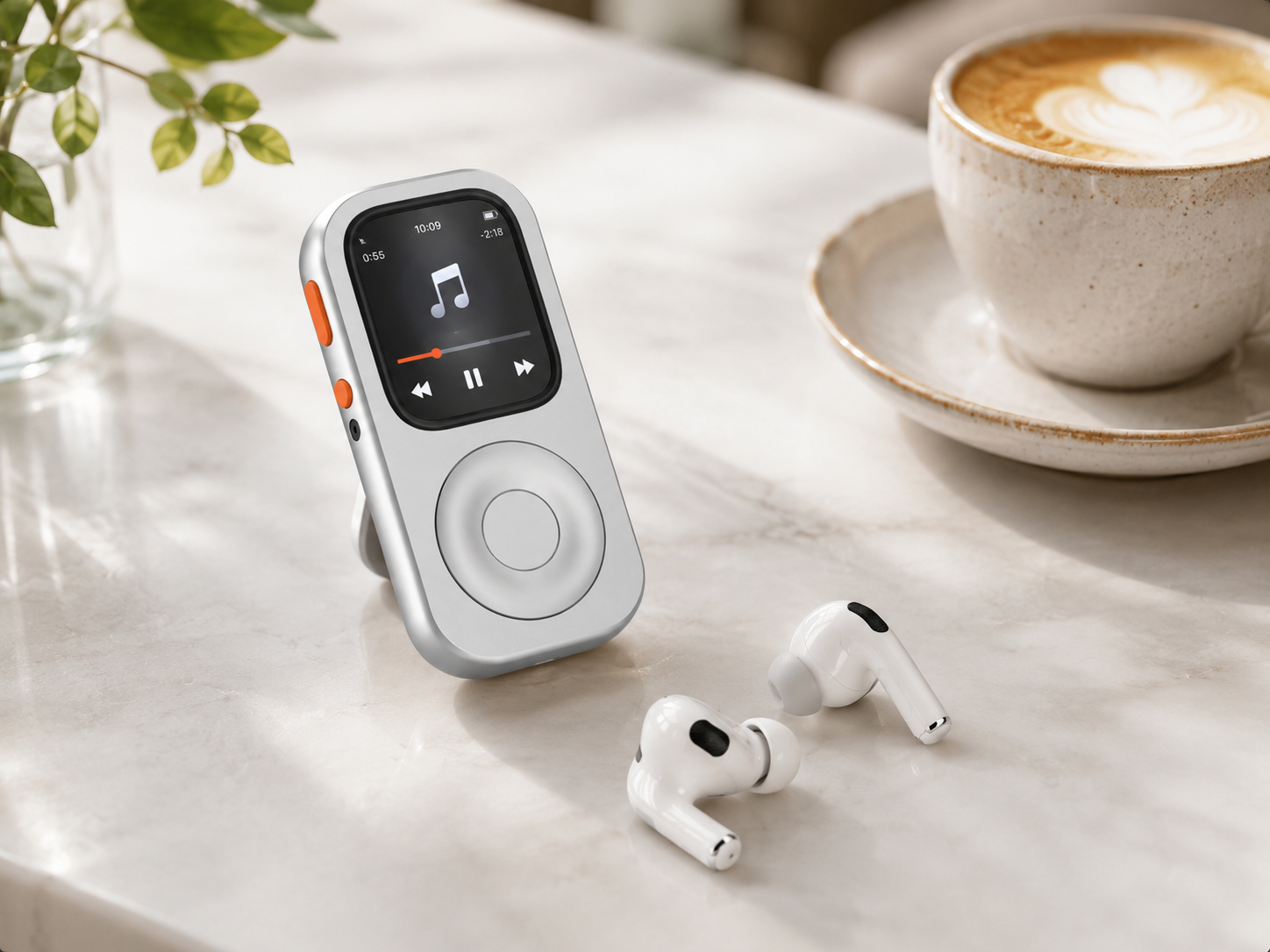
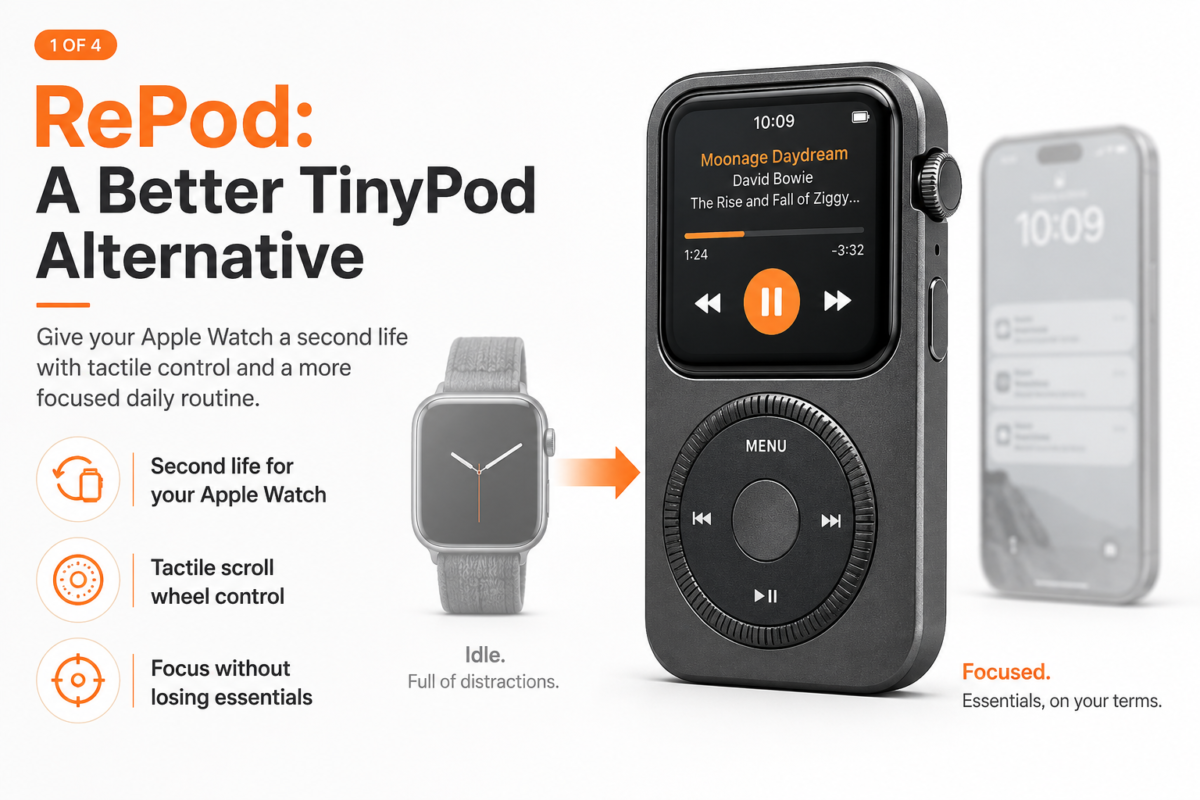
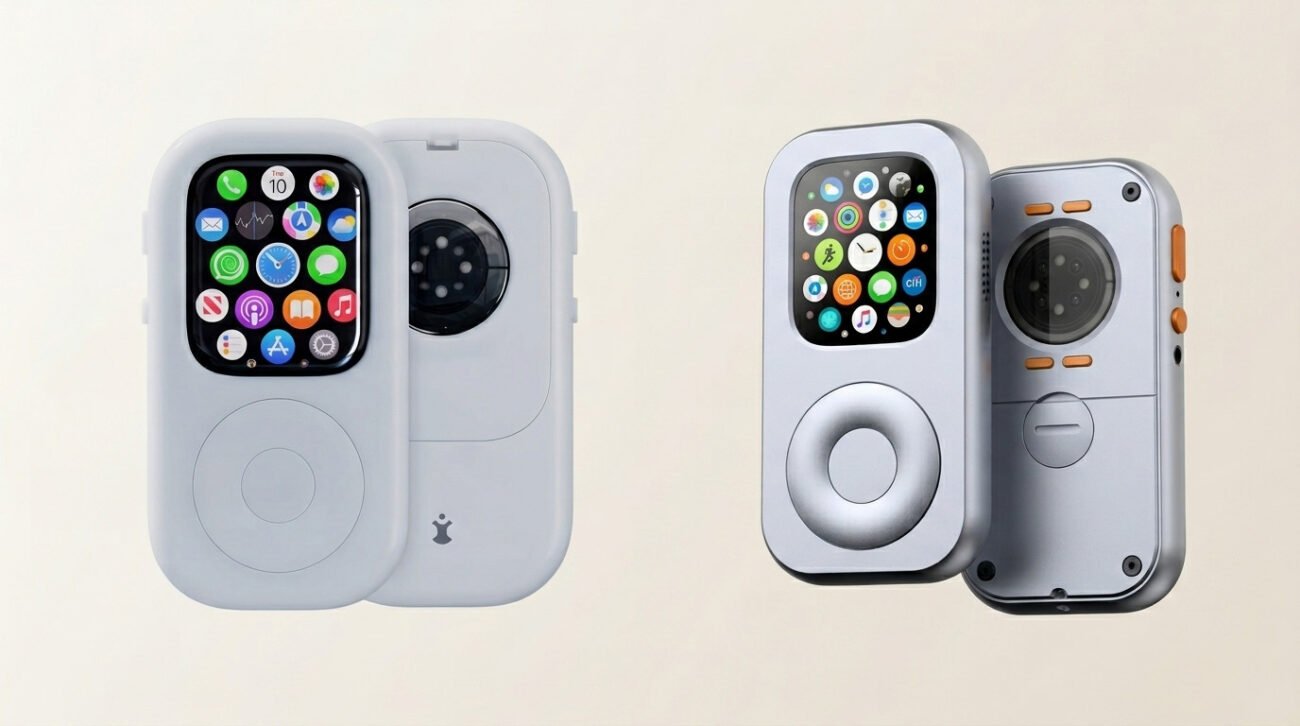
And if you want your Apple Watch to feel more like a dedicated iPod-style device, RePod gives it a better form for music, scrolling, Apple Pay, Siri, and everyday phone-free moments.
Can Apple Watch Play Music Without a Phone?
Yes, Apple Watch can play music without your iPhone, depending on your Apple Watch model, app, downloads, cellular setup, and headphones.
There are two main ways to listen:
- Downloaded music or podcasts stored on your Apple Watch.
- Cellular streaming if you have a cellular Apple Watch and an active plan.
In both cases, you will usually want AirPods or Bluetooth headphones.
Your Apple Watch is not trying to replace your full iPhone music library experience. It is better for a smaller, more focused kind of listening: playlists, albums, podcasts, runs, walks, gym sessions, errands, and moments when you want music without the rest of the phone.
That is the appeal.
The Apple Watch is already a tiny music player. It just never really looked or felt like one.
Give your old Apple Watch a second life by turning it into a dedicated music player with RePod.

What You Need for Apple Watch Music Without iPhone
To listen to music on Apple Watch without your phone, you need a few things.
- An Apple Watch
- AirPods or Bluetooth headphones
- A music or podcast app
- Downloaded playlists, albums, podcasts, or audiobooks
- Optional: cellular Apple Watch for streaming away from your iPhone
- Optional: RePod if you want an iPod-style handheld setup
The exact experience depends on your Apple Watch model and the app you use.
Downloaded audio is usually the most reliable option because it does not depend on cellular signal. Cellular streaming gives you more flexibility, but it depends on your carrier plan, coverage, battery level, and app support.
For a simple phone-free setup, download the music you know you want before leaving.
Boring advice. Very useful.

Option 1: Download Music to Apple Watch
The most reliable way to listen to music on Apple Watch without your iPhone is to download audio to the watch.
This is ideal for:
- Running
- Walking
- Gym sessions
- Flights
- Commutes
- Offline focus time
- Areas with poor cellular signal
- Battery-conscious use
Downloaded music removes one major problem: uncertainty.
You do not have to wonder whether the signal is strong enough. You do not have to stream everything. You do not need to bring your iPhone just in case.
You choose a playlist, sync it, pair your AirPods, and go.
This makes Apple Watch feel much closer to a dedicated music player. It is not trying to be everything. It is just there to play what you already chose.
That is a good thing.
A focused music setup starts before you leave the house.
Option 2: Stream Music With Cellular Apple Watch
If you have a cellular Apple Watch with an active plan, you may be able to stream music without your iPhone nearby.
This is the more flexible option.
You can leave the house with fewer downloads prepared and still access music, podcasts, calls, messages, and other connected features depending on your apps, region, and plan.
A cellular Apple Watch works especially well for:
- Short errands
- Walks
- Gym sessions
- Runs
- Coffee trips
- Times when you want to stay reachable
- Phone-free weekends
But cellular streaming has trade-offs.
It can use more battery.
It depends on signal.
It may depend on app support.
It may not feel as reliable as downloaded audio.
For the smoothest phone-free music setup, use both: download your most important playlists, and use cellular as a backup or for flexibility.
Option 3: Use Podcasts and Audiobooks
Music is not the only reason to use Apple Watch without your phone.
Podcasts and audiobooks may be even better for phone-free use.
They are perfect for:
- Long walks
- Chores
- Commuting
- Slow runs
- Dog walks
- Focus blocks
- Weekend mornings
- Screen-free evenings
A podcast on your Apple Watch feels different from a podcast on your iPhone.
With the iPhone, there is always another app nearby. With Apple Watch, listening can stay listening.
That is the point.
You are not carrying a giant attention machine just to hear one episode.
You are carrying a small device with one clear job.

Pair AirPods or Bluetooth Headphones First
Apple Watch music without phone makes the most sense with AirPods or Bluetooth headphones.
The watch handles playback.
The headphones handle listening.
Your phone stays out of the moment.
Before leaving your iPhone behind, check three things:
- Your headphones are paired.
- Your music or podcast is downloaded or ready to stream.
- Your Apple Watch battery is charged.
This may sound basic, but it prevents the most common phone-free failure: leaving the house and realizing one part of the setup was not ready.
A good phone-free routine should feel boringly reliable.

Why Apple Watch Is Awkward as a Music Player
Apple Watch can play music.
The problem is not capability.
The problem is form.
On the wrist, Apple Watch is great for quick glances, workout tracking, health data, and notifications. But when you want to browse music, change lists, scroll, or use it more like a small standalone device, the wrist can feel awkward.
Your arm moves.
The screen is small.
Touch targets are tiny.
Scrolling can feel cramped.
You may still reach for your iPhone because it feels easier.
That is where many people give up on the idea of Apple Watch as a music player.
The watch can do it.
It just does not always feel like the right object for the job.
How RePod Makes Apple Watch Feel More Like an iPod
RePod changes the form.
It does not create a new music app.
It does not replace watchOS.
It does not turn Apple Watch into an old iPod.
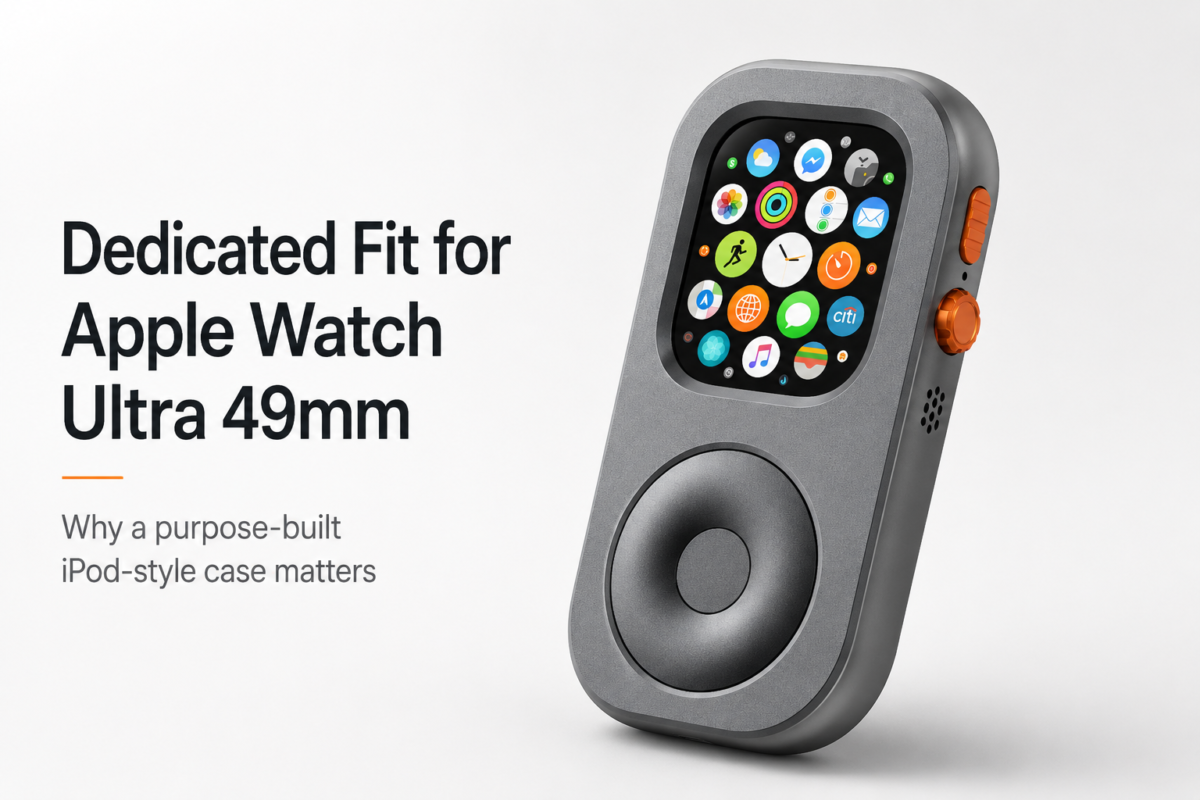
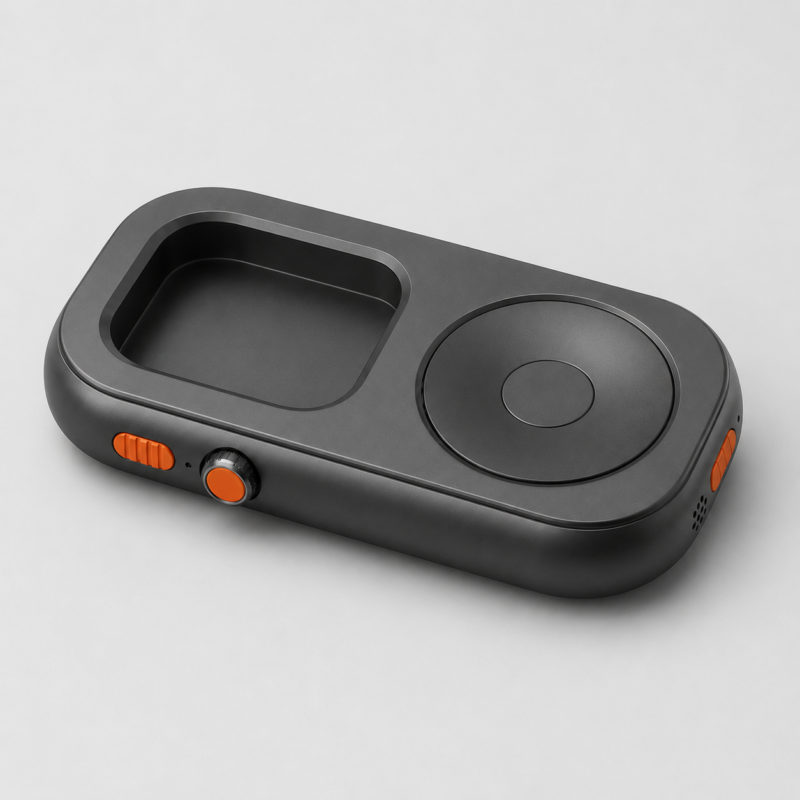
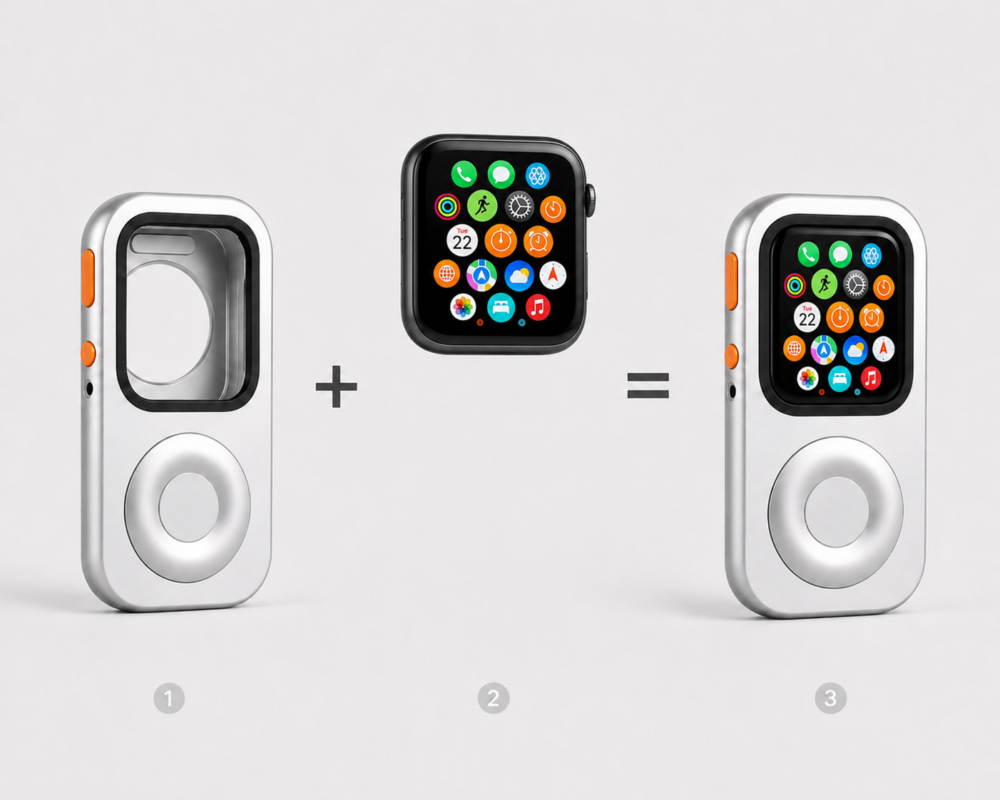
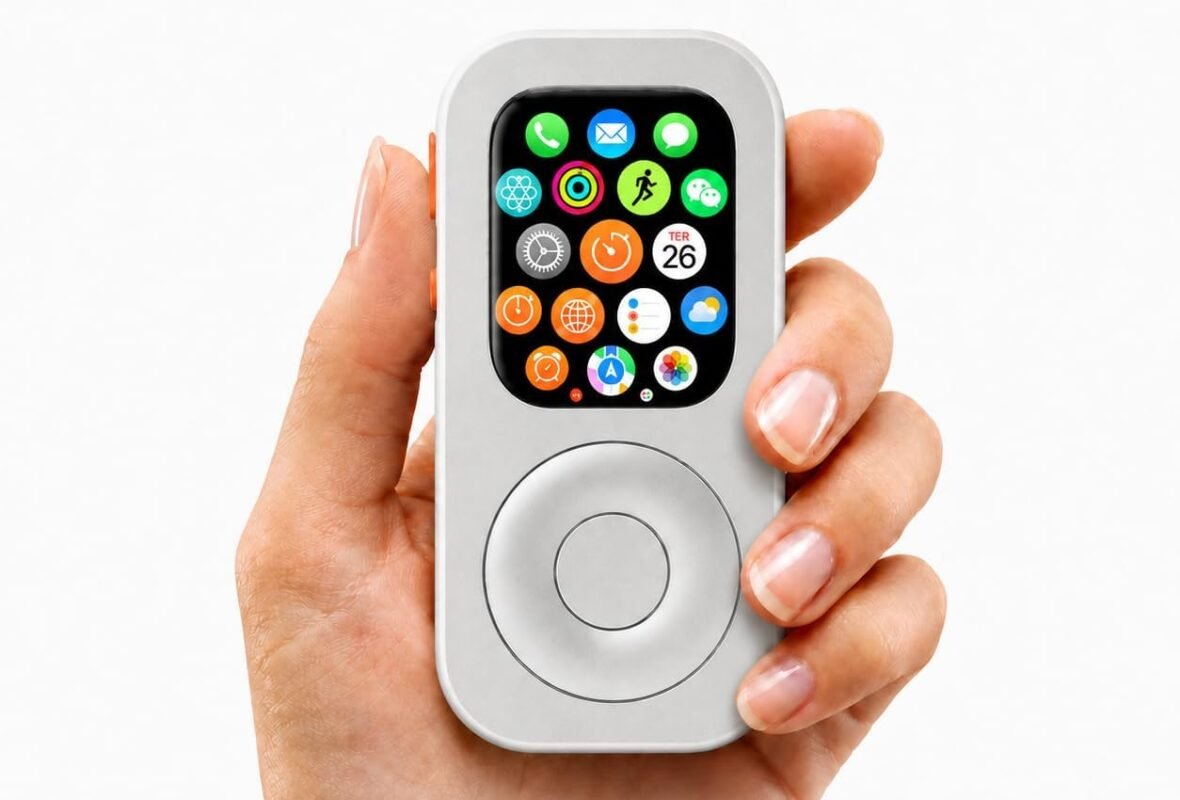
It gives Apple Watch an iPod-inspired body with a tactile scroll wheel, so the watch feels more like a small handheld music device.
Your product materials describe RePod as a physical Apple Watch case with a scroll wheel. The wheel is central to the interaction because it helps users scroll through Apple Watch content more naturally than relying only on tiny touchscreen gestures.
That matters for music.
A scroll wheel makes sense when you are moving through:
- Playlists
- Albums
- Podcasts
- Menus
- Notifications
- Timers
- Short lists
It gives music a physical rhythm again.
Turn, browse, pause, choose.
That is very different from tapping a small screen on your wrist.
RePod’s value is not only that it looks nostalgic. It makes Apple Watch feel more like a dedicated object — something you pick up for music, calls, Apple Pay, Siri, and short phone-free moments.
Best Situations for Apple Watch Music Without Phone
Apple Watch music without phone is not only for runners.
It works in many small moments where carrying an iPhone feels unnecessary.
Running
Running is one of the clearest use cases.
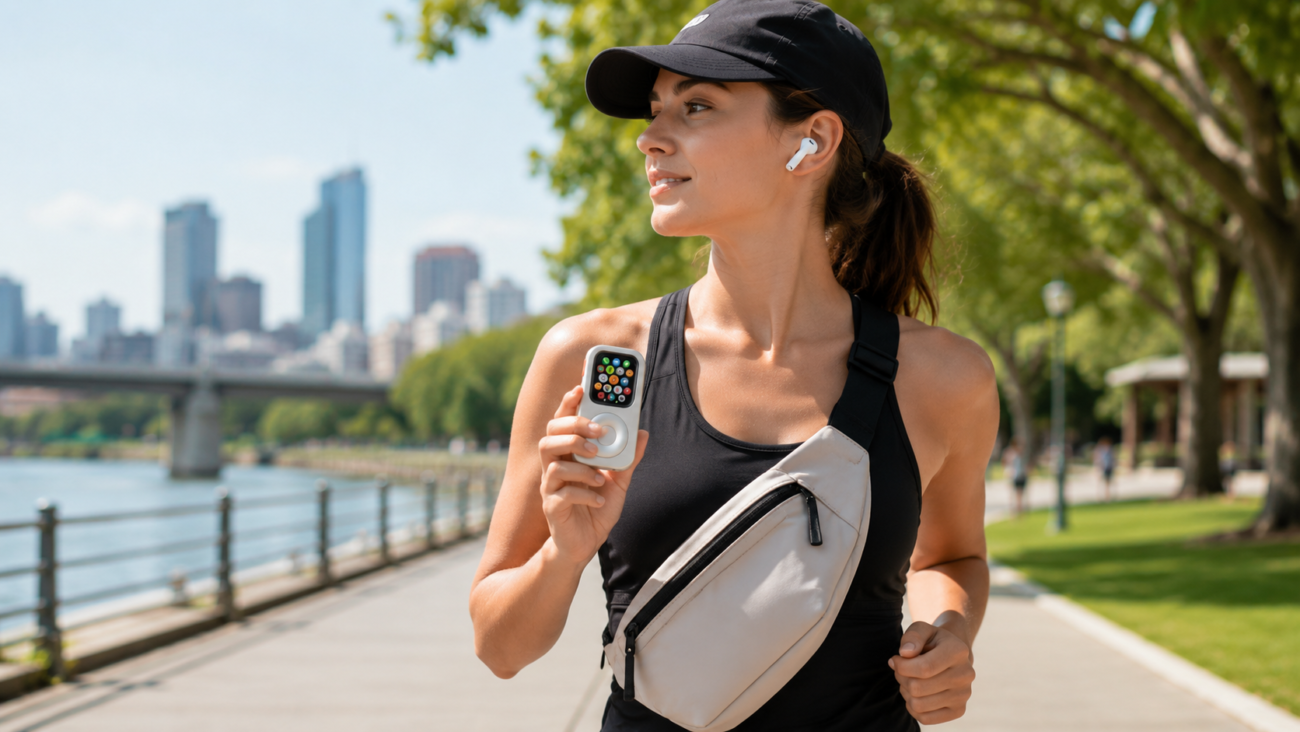
Your iPhone may feel heavy in a pocket, annoying in an armband, or distracting when notifications appear mid-run.
Apple Watch gives you music, workout tracking, calls, and Apple Pay after the run.
That is usually enough.
Gym Sessions
At the gym, you probably need music, timers, maybe Apple Pay, and maybe a way to receive an important call.
You probably do not need social media, emails, videos, and a full app library.
Apple Watch fits the gym well because it keeps the essentials small.
Coffee Runs
A short coffee trip does not need to become a full iPhone trip.
Apple Watch can handle music, Apple Pay, and a quick message. Pair it with AirPods and you have enough.
This is where phone-free living becomes practical.
Not dramatic. Just lighter.
Dog Walks
Dog walks are perfect for podcasts, music, and fewer screens.
Leave the iPhone at home. Take the Apple Watch, AirPods, and keys.
You still have audio, payment, and basic connection if needed.
You also get the rare experience of walking without constantly checking a large screen.
Focus Time
Apple Watch can help you keep music without keeping the whole internet nearby.
Put the iPhone in another room. Use Apple Watch for music, timers, reminders, and urgent calls.
This creates a clean boundary.
You are not unreachable.
You are just harder to distract.
Weekend Mornings
A phone-free weekend morning feels different.
Music, coffee, a walk, maybe a podcast — none of that requires a full smartphone.
Apple Watch gives you enough connection without starting your day inside a feed.
Apple Watch Music Without Phone: Downloaded vs Cellular
Here is the simple comparison.
| Setup | Best For | Pros | Trade-Offs |
| Downloaded music | Running, gym, travel, offline use | Reliable, battery-friendly, no signal needed | Requires planning ahead |
| Cellular streaming | Errands, walks, flexible listening | More freedom, less planning | Uses battery, depends on signal and plan |
| Podcasts downloaded | Walks, chores, commuting | Simple and focused | Need to sync before leaving |
| RePod setup | iPod-style Apple Watch use | Better handheld form, tactile scrolling | Requires compatible Apple Watch and case |
The best setup for most people is a mix:
Download your favorite playlists and podcasts, then use cellular when you need flexibility.

What Apple Watch Music Without Phone Does Not Do
This setup is not perfect.
Apple Watch is not as comfortable as an iPhone for managing a huge music library. It is not ideal for long searches, deep browsing, editing playlists, or discovering new music on the fly.
It is better for music you already chose.
That limitation is part of why it works.
A phone-free music setup should not tempt you into endless browsing. It should help you listen and move on.
Apple Watch is good at that.
Especially when you treat it like a focused music device instead of a tiny iPhone.
A Simple Phone-Free Music Setup
Here is a practical setup you can try.
Step 1: Choose Your Apple Watch
Use the Apple Watch you already own. A cellular model gives you more freedom, but a GPS model can still work well with downloaded audio.
Step 2: Pair AirPods
Pair AirPods or Bluetooth headphones before leaving.
Step 3: Download Music or Podcasts
Choose a playlist, album, podcast, or audiobook and sync it to your watch.
Step 4: Set Up Apple Pay
If you want to leave your phone and wallet behind, set up Apple Pay on Apple Watch.
Step 5: Use Focus Mode
Turn on a Focus mode to reduce unnecessary notifications.
Step 6: Add RePod
If you want the setup to feel more like an iPod-style music device, place your Apple Watch inside RePod.
Step 7: Test Before You Leave
Play music.
Check headphones.
Adjust volume.
Confirm Apple Pay.
Make sure battery is enough.
A phone-free setup works best when it is tested before the moment you need it.
Who Should Try Apple Watch Music Without Phone?
This setup is ideal for:
- Runners
- Gym users
- Dog walkers
- Commuters
- Digital minimalists
- Apple ecosystem users
- Old Apple Watch owners
- People who want music without scrolling
- People who want fewer reasons to carry an iPhone
- Anyone who misses the feeling of a dedicated music device
It is especially good if you already have an older Apple Watch sitting unused.
Your product direction strongly supports this: RePod is positioned as a way to give idle Apple Watches a second life, turning them into useful, focused devices instead of letting them sit in a drawer.
That is the bigger idea.
You may not need a new music player.
You may already own one.
FAQ
Can Apple Watch play music without a phone?
Yes. Apple Watch can play music without your iPhone if the music is downloaded to the watch or if you use cellular streaming with a supported Apple Watch, app, plan, and region.
Do I need cellular Apple Watch for music without phone?
Not always. You can listen to downloaded music or podcasts on a GPS Apple Watch. Cellular is useful if you want to stream music or stay more connected without your iPhone nearby.
Can I use AirPods with Apple Watch without iPhone?
Yes. You can pair AirPods or Bluetooth headphones with Apple Watch and listen without carrying your iPhone, depending on your audio setup.
Can Apple Watch play Spotify without phone?
It depends on your Apple Watch model, Spotify support, downloads, cellular plan, and setup. For reliable phone-free listening, check whether your chosen app supports offline playback or cellular streaming on your watch.
Can Apple Watch play podcasts without iPhone?
Yes. Podcasts can be downloaded to Apple Watch or streamed depending on your app, model, and connectivity.
Is Apple Watch good as a music player?
Yes, for focused listening. Apple Watch is good for playlists, podcasts, workouts, walks, and phone-free moments. It is not as good as an iPhone for searching, organizing, or managing a large music library.
How does RePod help with Apple Watch music?
RePod gives Apple Watch an iPod-inspired handheld form with a tactile scroll wheel. It makes the watch feel more like a dedicated music device instead of a tiny screen on your wrist.
Does RePod include an Apple Watch?
No. RePod is a functional case for Apple Watch. Apple Watch is not included.
Final Thought: Music Without the Phone Is the Point
The iPhone is a great music device.
It is also a great distraction device.
That is the problem.
Apple Watch gives you another option. It lets you keep music, podcasts, calls, Apple Pay, Siri, and the basics without carrying the whole phone into every small moment.
And with RePod, that setup starts to feel more intentional.
More like a music device.
More like a phone-free companion.
More like the Apple Watch finally has a second job.
You do not always need your iPhone to listen.
Sometimes the better music setup is the smaller one.
Shop RePod: https://justrepod.com/shop/