



Stories
TinyPod vs RePod: Which Apple Watch iPod-Style Device Is Better?

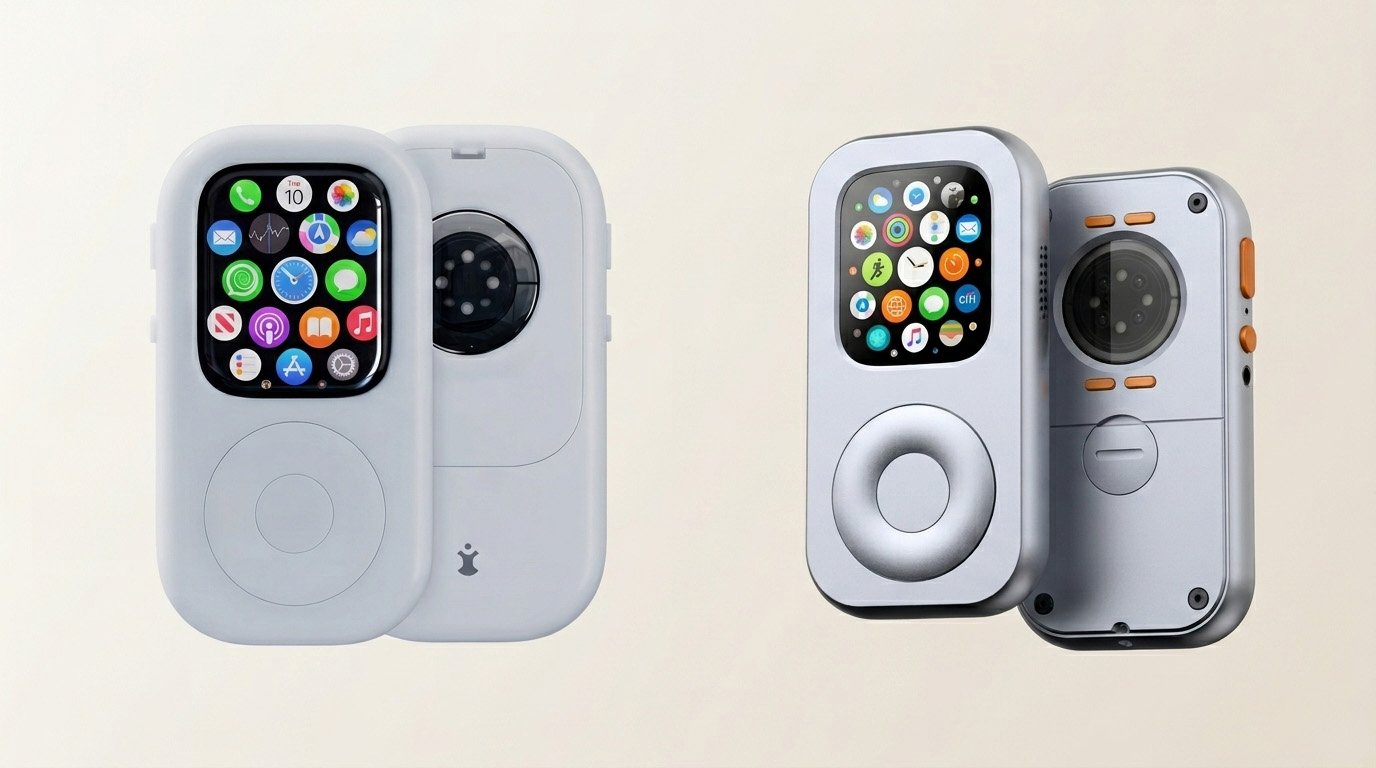
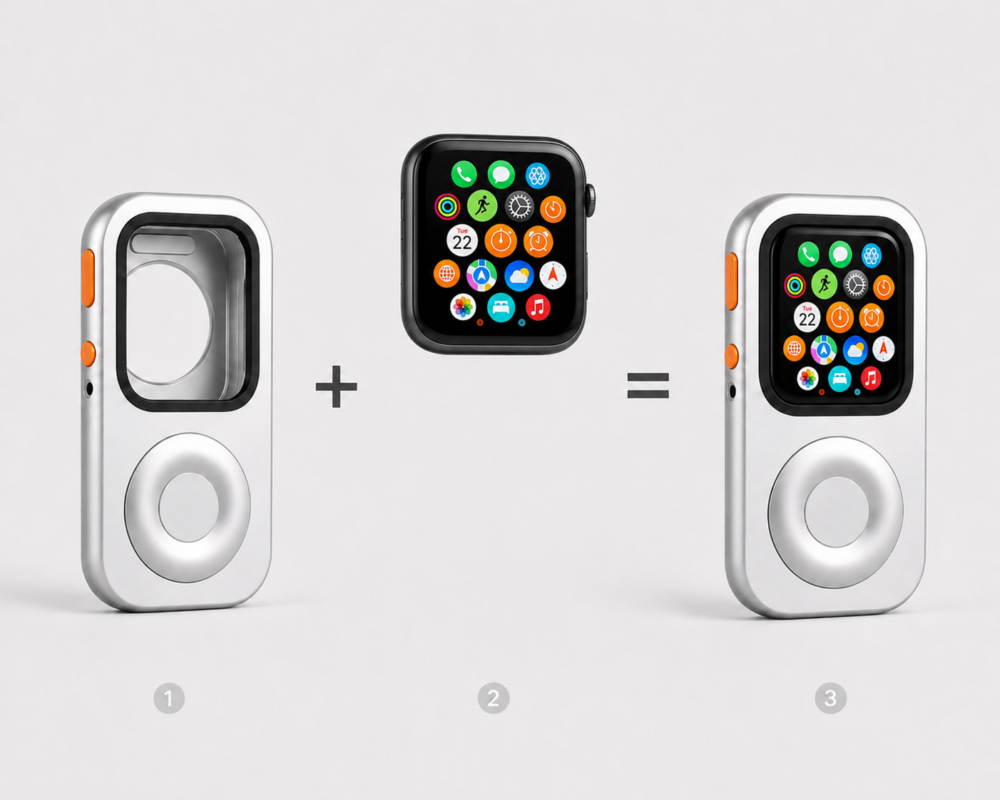
Quick definition: TinyPod and RePod are not ordinary Apple Watch protective cases. They are iPod-style conversion cases that change how you carry and use an Apple Watch. The SEO term is often “Apple Watch iPod case”, but the real product category is a phone-free Apple Watch conversion shell.
Apple Watch is no longer just something you wear on your wrist.
For a growing group of Apple users, it is becoming something else: a tiny phone, a music player, a payment device, a weekend companion, and a way to leave the iPhone behind without disappearing completely.
That is why products like TinyPod and RePod exist.
Both are built around a similar idea: take the Apple Watch you already own, remove it from the wrist, and give it a more focused, iPod-inspired form.
But they are not the same product. And depending on what you care about — scroll wheel feel, everyday carry, Apple Watch compatibility, price, materials, or phone-free use — one may make more sense than the other.
This guide compares TinyPod vs RePod in a practical way, without pretending that every user needs the same thing.
Quick Verdict
Choose TinyPod if you want a well-known Apple Watch iPod-style case with a polished minimalist product story, a hard case with scroll wheel, and a lighter “lite” version without the wheel.
Choose RePod if you want an iPod-inspired Apple Watch case designed around old Apple Watch reuse, tactile scrolling, music, calls, Apple Pay, Siri, and a more intentional phone-free setup.
The real question is not “which one is better?”
The better question is:
What kind of Apple Watch setup are you trying to build?
Why Apple Watch iPod Cases Exist
The iPhone is powerful. Too powerful, sometimes.
You pick it up to change music and end up checking messages. You open it for directions and somehow end up in a social feed. You bring it on a walk “just in case,” then spend half the walk looking down.
Apple Watch solves part of that problem.
It can already do many of the things people need for short outings:
- Music
- Podcasts
- Calls
- Short messages
- Apple Pay
- Siri
- Maps
- Timers
- Reminders
- Emergency access
The issue is form.
On the wrist, Apple Watch is great for quick glances. But as a standalone device, it can feel awkward. The screen is small. Your wrist is not always a comfortable operating platform. Touching tiny controls can be annoying.
That is the gap Apple Watch iPod cases try to solve.
They do not turn the Apple Watch into an actual iPod. They change the way you carry and interact with it.
TinyPod vs RePod: Side-by-Side Comparison
| Feature | TinyPod | RePod |
|---|---|---|
| Core idea | Turn Apple Watch into a tiny phone / iPod-style device | Give Apple Watch a second life as an iPod-inspired phone-free device |
| Scroll wheel | Hard case version includes scroll wheel | Designed around a physical scroll wheel experience |
| Lite option | TinyPod lite removes the scroll wheel | RePod focuses on the full iPod-style case experience |
| Best for | Users who want a polished, compact Apple Watch case ecosystem | Users who want old Apple Watch reuse, tactile control, and phone-free everyday carry |
| Key use cases | Phone, music, messages, maps, Apple Pay, podcasts | Music, calls, Siri messages, Apple Pay, podcasts, focused phone-free moments |
| Compatibility | 40/41mm, 44/45mm, and 49mm Ultra options shown on TinyPod’s site | Check RePod size guide before buying |
| Product philosophy | “Your phone away from phone” | Give your Apple Watch a second life |
| Apple Watch included? | No | No |
The most important point: both products depend on the Apple Watch itself.
That means the features you get depend on your Apple Watch model, watchOS, apps, cellular support, region, and setup.
Design Philosophy: TinyPod Is a Minimalist Object, RePod Is a Second-Life Kit
Design Philosophy: Material Craftsmanship vs. A New Object
TinyPod presents itself as a compact, palm-sized Apple Watch housing. Its messaging is clean and polished: your phone away from phone, with a smooth form factor. However, TinyPod relies primarily on standard hard-case materials, making it feel like a neat, lightweight gadget—a new object added to your tech pile.
RePod approaches design from a completely different manufacturing perspective. It isn’t just about making a cute enclosure; it’s about crafting a premium engineering solution for an active lifestyle.
Machined from a solid block of 7075 aerospace-grade aluminum using precise CNC contouring, RePod introduces a cold, substantial, and premium metallic texture to your hand. It features clean, industrial geometric lines that echo high-end design, making it feel less like a temporary plastic case and more like a permanent piece of classic Apple hardware.
This material choice transforms the emotional angle completely:
TinyPod feels like a fun, casual accessory you buy on a whim.
RePod feels like an industrial-grade upgrade, giving a luxury second life to an expensive device you already paid for.
Scroll Wheel Experience: More Than Decoration
The scroll wheel is the reason this product category feels different from a normal Apple Watch case.
Without a wheel, you mostly have a shell.
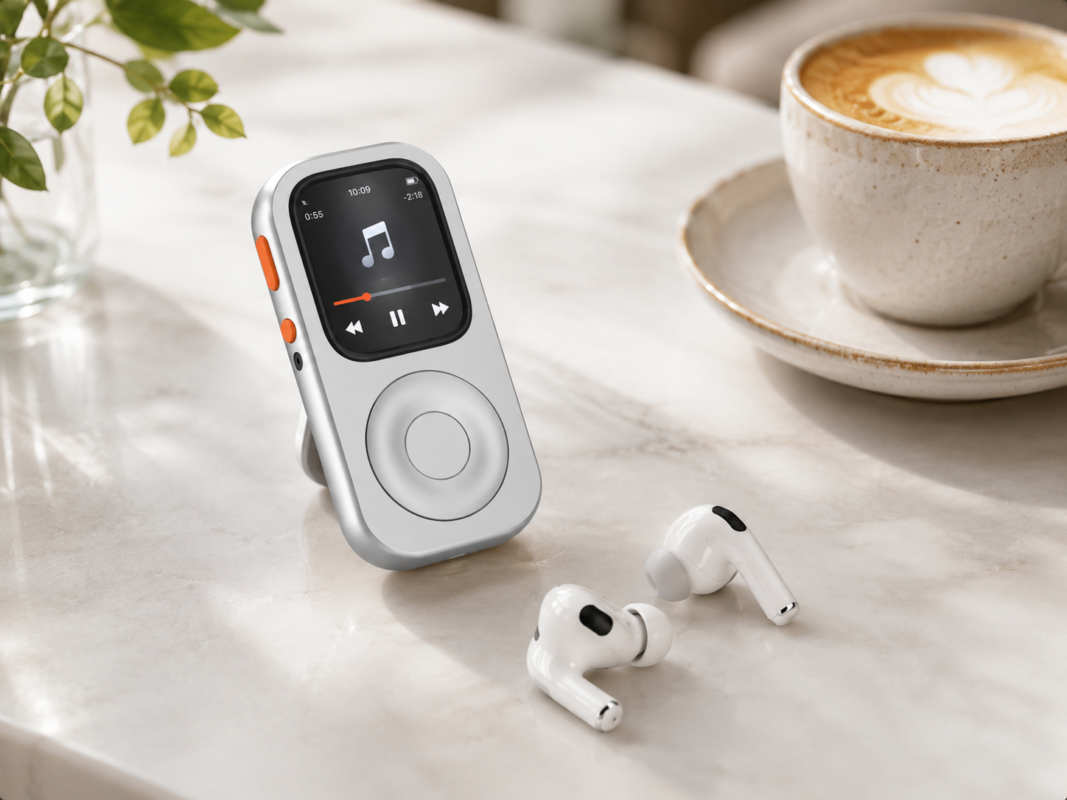
With a wheel, the device starts to feel like a dedicated music player.
TinyPod’s hard case version includes a scroll wheel. Its own site describes the physical wheel as something that “actually scrolls.”
RePod also puts the wheel at the center of the experience. Your product notes describe the physical scroll wheel as the “soul” of the product: users rotate the wheel to simulate up-and-down scrolling on the Apple Watch screen, then confirm with touch. This directly addresses the pain of operating a tiny screen with fingers.
That is the right way to frame RePod.
Do not present the wheel as decoration.
Present it as the interface.
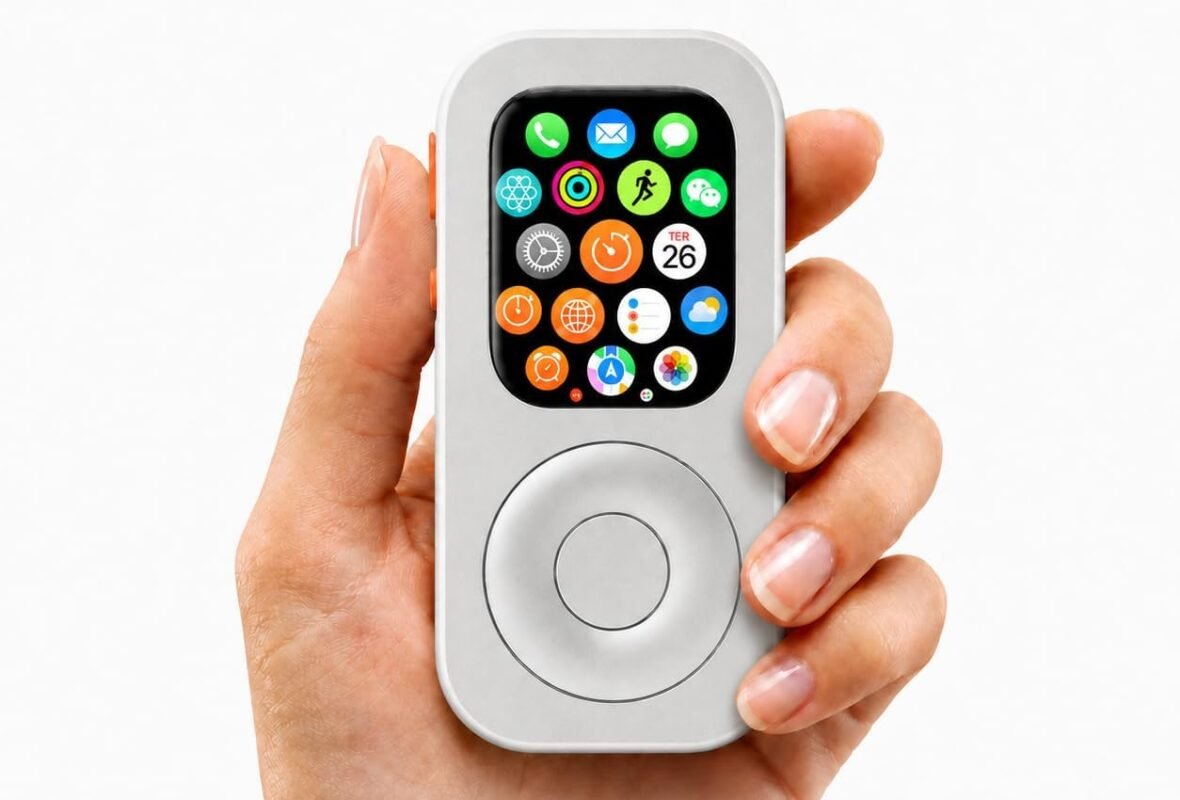
A scroll wheel gives the Apple Watch something it normally lacks as a handheld device: tactile rhythm. You turn, browse, pause, choose. That feels different from tapping a tiny screen over and over.
This is especially useful for:
- Music lists
- Podcasts
- Timers
- Notifications
- Short menus
- Simple navigation
- Everyday quick actions
The old iPod worked because it had a physical language. RePod brings that idea back to the Apple Watch.
Functionality: What Can You Actually Do?
Neither TinyPod nor RePod gives Apple Watch new software powers.
That is important.
The case changes the form. The Apple Watch still runs watchOS.
So the real question is: what can your Apple Watch already do?
Depending on your Apple Watch model and setup, you can use it for:
- Music
- Podcasts
- Calls
- Messages
- Apple Pay
- Siri
- Maps
- Timers
- Calendar
- Voice memos
- Reminders
- Shortcuts
- Emergency access
TinyPod’s site highlights many of these functions, including Phone, Music, Messages, Mail, Weather, Voice Memos, Photos, Calendar, Maps, Timer, Podcasts, Audiobooks, Siri, Apple Pay, and NameDrop.
RePod should be positioned more carefully.
RePod is not trying to make Apple Watch into a full iPhone. That is the point.
It keeps the essentials and leaves out the parts that create distraction.
Your product material makes this clear: RePod depends entirely on watchOS, so it can do what Apple Watch can independently do — calls, Siri messages, music, podcasts, and Apple Pay. It cannot comfortably become a social media, video, or gaming device, and that limitation is part of its minimalist design.
That honesty is good for conversion.
Users do not need fantasy. They need clarity.
TinyPod Strengths
TinyPod has several clear advantages.
First, it has strong brand awareness in this niche. For users searching “Apple Watch iPod case,” TinyPod is already one of the names they may know.
Second, the product line is easy to understand: a hard case with scroll wheel, and a cheaper lite version without the wheel. That gives users a simple choice.
Third, the website presentation is very strong. It sells the idea quickly: Apple Watch in your palm, phone-free essentials, AirPods, music, payment, and tactile scrolling.
TinyPod is best for users who want:
- A known product in the category
- A compact Apple Watch case
- A scroll wheel version or lite version
- A polished minimalist brand experience
- A simple way to turn Apple Watch into a tiny phone-like object
If someone wants the safest familiar choice in this niche, TinyPod will naturally be on their shortlist.
RePod Strengths
RePod’s strength is not just that it looks retro.
Its stronger angle is reuse.
RePod is for people looking at an old Apple Watch and thinking:
“Why is this still sitting in a drawer?”
That is a powerful buying motivation.
RePod turns the purchase from “I want another gadget” into “I want to get more value from the Apple Watch I already own.”
That is a better story.
RePod is best for users who want:
- To reuse an old Apple Watch
- A tactile iPod-inspired experience
- A phone-free Apple Watch setup
- Music and podcasts without carrying an iPhone
- Apple Pay for errands
- Siri messages and calls
- A compact everyday carry device
- A more intentional relationship with technology
This is where RePod can win.
Not by claiming TinyPod is bad.
But by owning a sharper position:
RePod is not just an Apple Watch iPod case.
It is a second life for your Apple Watch.
Which One Is Better for Digital Minimalism?
Both products can support digital minimalism, but they do it slightly differently.
TinyPod says: your Apple Watch can become a tiny phone-like object.
RePod says: your old Apple Watch can become useful again without bringing your iPhone everywhere.
For digital minimalists, the most important question is not the case itself.
It is whether the setup helps you leave the iPhone behind.
A good phone-free setup should keep:
- Calls from real people
- Short messages
- Music
- Apple Pay
- Siri
- Maps
- Timers
- Emergency access
And it should remove:
- Endless feeds
- Short video loops
- Constant app switching
- Full web browsing
- Fake urgency
RePod fits that idea well because it does not try to turn Apple Watch into a full smartphone. It gives the watch a new form while keeping the natural limits of watchOS.
That is useful.
A minimalist device should not feel like a punishment. It should feel like a quieter version of your normal life.
Which One Is Better for Music?
If your main goal is music, both products make sense.
Apple Watch already supports music and podcasts. Pair it with AirPods, download playlists, or use cellular streaming, and you have a small audio device.
TinyPod leans into this strongly with its AirPods-focused messaging and offline listening angle.
RePod should lean into a slightly different music story:
Your old Apple Watch is already a tiny music player. It just needs a better body.
That is more ownable.
The iPod was loved because it made music feel like a dedicated activity. RePod can bring that feeling back without asking users to buy a separate vintage device or leave Apple’s ecosystem.
For music-first users, the key buying factors are:
- Does it feel good in the hand?
- Is the scroll wheel satisfying?
- Can I pair AirPods easily?
- Can I access music quickly?
- Can I carry it without my phone?
- Can I charge it easily?
- Does it fit my Apple Watch size?
RePod should answer those clearly on the page.
Which One Is Better for Old Apple Watch Owners?
This is where RePod has the stronger story.
TinyPod can work with an Apple Watch, of course. But RePod’s best narrative is specifically about unused Apple Watches.
Your materials describe a target user who has upgraded to a newer Apple Watch but still has an older one sitting unused. The old watch still works, but the trade-in value may feel too low, and the user wants to get more value from it.
That is a very strong SEO and conversion angle.
Many people search:
- what to do with old Apple Watch
- old Apple Watch ideas
- reuse old Apple Watch
- Apple Watch iPod case
- Apple Watch minimalist phone
RePod can connect all of those searches.
The message should be simple:
Do not let your old Apple Watch sit in a drawer. Give it a second life as a focused music, payment, and phone-free everyday device.
That is clearer than simply saying “iPod alternative.”
Compatibility: Check the Size Before You Buy
This product category is size-sensitive.
Do not guess your Apple Watch size.
TinyPod’s site lists versions for 40/41mm, 44/45mm, and 49mm Ultra models, with compatibility across Series 4–9, SE, and Ultra models depending on size.
For RePod, users should also check the exact size before ordering.
A good comparison page should link users to your size guide, because this is where conversion friction happens. If a customer is unsure whether they have 41mm, 44mm, 45mm, 46mm, or 49mm, they may leave the page.
Do not make them search elsewhere.
Add a clear CTA:
Not sure which RePod fits your Apple Watch? Use the RePod Size Guide before buying.
Link to:
https://justrepod.com/apple-watch-repod-size-guide/Price and Value: Do Not Compare Only the Number
Price matters, but this category is not only about price.
The real value depends on what the case helps the user do.
If a product helps someone reuse a $300–$800 Apple Watch that was sitting in a drawer, the value is not just the cost of the case. It is the value of bringing an old device back into daily use.
That is RePod’s strongest value argument.
A cheaper case is not always better.
A more expensive case is not automatically better either.
The better question is:
Will this case make you actually use your Apple Watch again?
If yes, it has value.
If not, it is just another accessory.
Final Verdict: TinyPod or RePod?
Choose TinyPod if you want a known Apple Watch iPod-style case brand, a clear hard-case or lite-case option, and a polished minimalist presentation.
Choose RePod if you want to give an old Apple Watch a second life, build a phone-free Apple Watch setup, and use a tactile iPod-inspired form for music, calls, Siri, Apple Pay, and everyday carry.
TinyPod is a strong option for people who want the category’s most recognizable product.
RePod is the stronger story for people who already own an Apple Watch and want to use it differently.
The best Apple Watch iPod case is not the one with the loudest claim.
It is the one that makes your Apple Watch useful again.
FAQ
Is TinyPod the same as RePod?
No. TinyPod and RePod are different Apple Watch iPod-style cases. Both are designed to give Apple Watch a more handheld, phone-free form, but they differ in design, product positioning, pricing, and brand focus.
Does RePod have a scroll wheel?
Yes. RePod is built around a physical scroll wheel concept. Your product materials describe the wheel as the core interaction method, allowing users to scroll through Apple Watch content more naturally than tapping a small screen.
Does TinyPod have a scroll wheel?
TinyPod’s hard case version includes a scroll wheel, while TinyPod lite is a soft case without the scroll wheel. TinyPod’s official site lists the hard case with scroll wheel at $79 and the lite version at $29.
Does either product include an Apple Watch?
No. These products are cases or shells for Apple Watch. You need to use your own compatible Apple Watch.
Can I use Apple Pay with these cases?
Apple Pay depends on your Apple Watch setup, region, and cards. The case does not create Apple Pay support; it simply changes how you carry the Apple Watch.
Can this replace my iPhone?
Not fully. Apple Watch can replace your iPhone for specific moments such as music, calls, Apple Pay, messages, workouts, and errands. It is not a full replacement for camera use, long typing, social media, video, or complex work.
Which one should I buy?
Buy TinyPod if you want a known compact Apple Watch iPod-style case with a hard scroll-wheel version and lite option. Buy RePod if you want to reuse an old Apple Watch as a tactile, focused, phone-free device.
Ready to Give Your Apple Watch a Second Life?
Your Apple Watch may already have the essentials: music, calls, messages, Apple Pay, Siri, maps, timers, and shortcuts.
What it may need is a new form.
RePod turns your Apple Watch into an iPod-inspired device for phone-free everyday moments — music, payments, calls, short messages, and less time carrying your iPhone everywhere.
Start with the watch you already own.
Shop RePod:
https://justrepod.com/shop/Find your Apple Watch size:
https://justrepod.com/apple-watch-repod-size-guide/Looking for a TinyPod Alternative?
If your main search is not only TinyPod vs RePod, but a practical TinyPod alternative for Apple Watch, read the dedicated guide: TinyPod Alternative: RePod vs TinyPod for Apple Watch.
RePod and TinyPod Comparison FAQ
Is RePod a TinyPod alternative?
Yes. RePod is positioned as a TinyPod alternative for Apple Watch users looking for an iPod-style case and phone-free everyday carry experience.
What should I compare between TinyPod and RePod?
Compare Apple Watch compatibility, case material, size options, everyday carry feel, product availability, and how each design supports music, Apple Pay, calls, and phone-free use.
Which product is better for Apple Watch Ultra users?
Apple Watch Ultra users should check whether the product has a dedicated 49mm option. RePod includes Ultra-focused product options when available.

Related posts
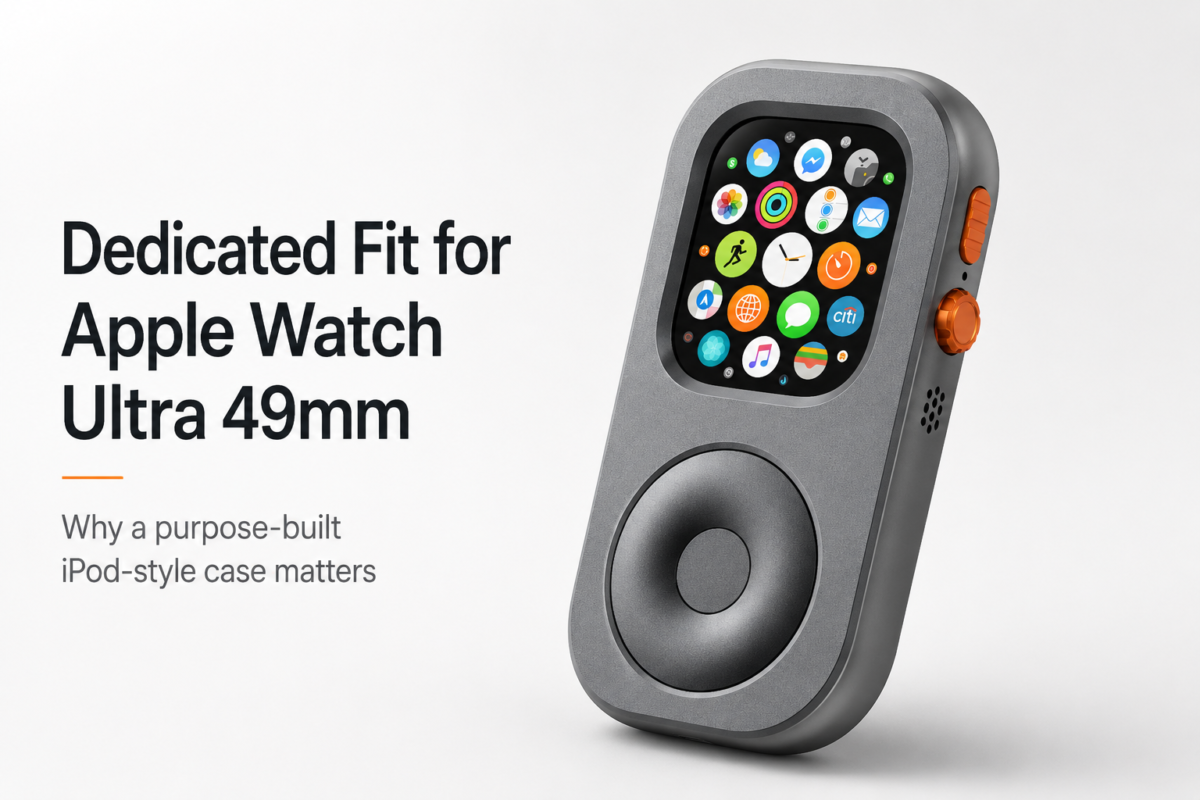
Does Your Apple Watch Ultra 49mm Need a Dedicated iPod-Style Case?

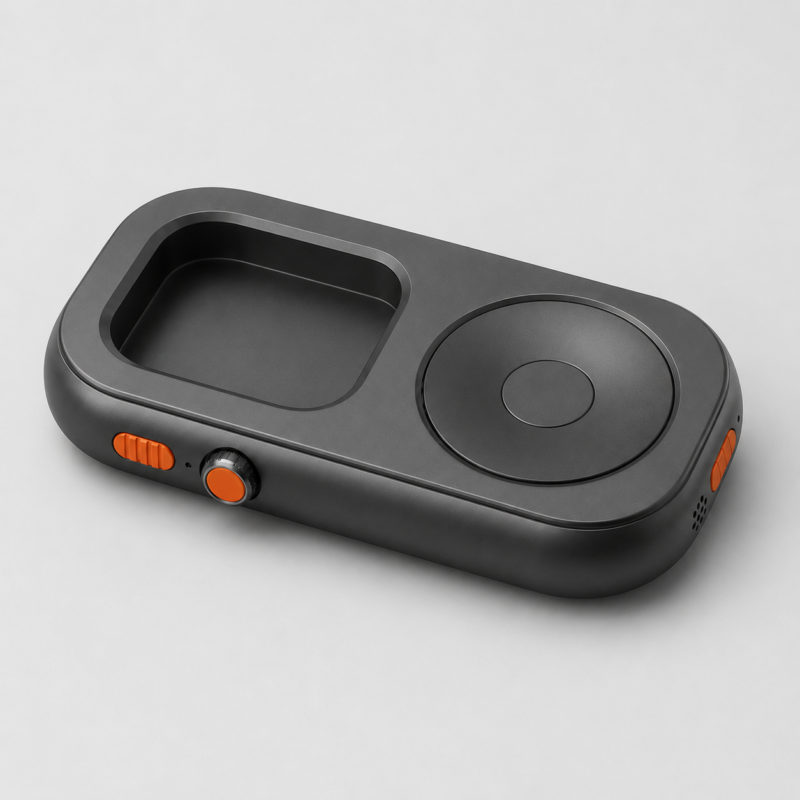
Is RePod the Best TinyPod Alternative for Your Apple Watch?
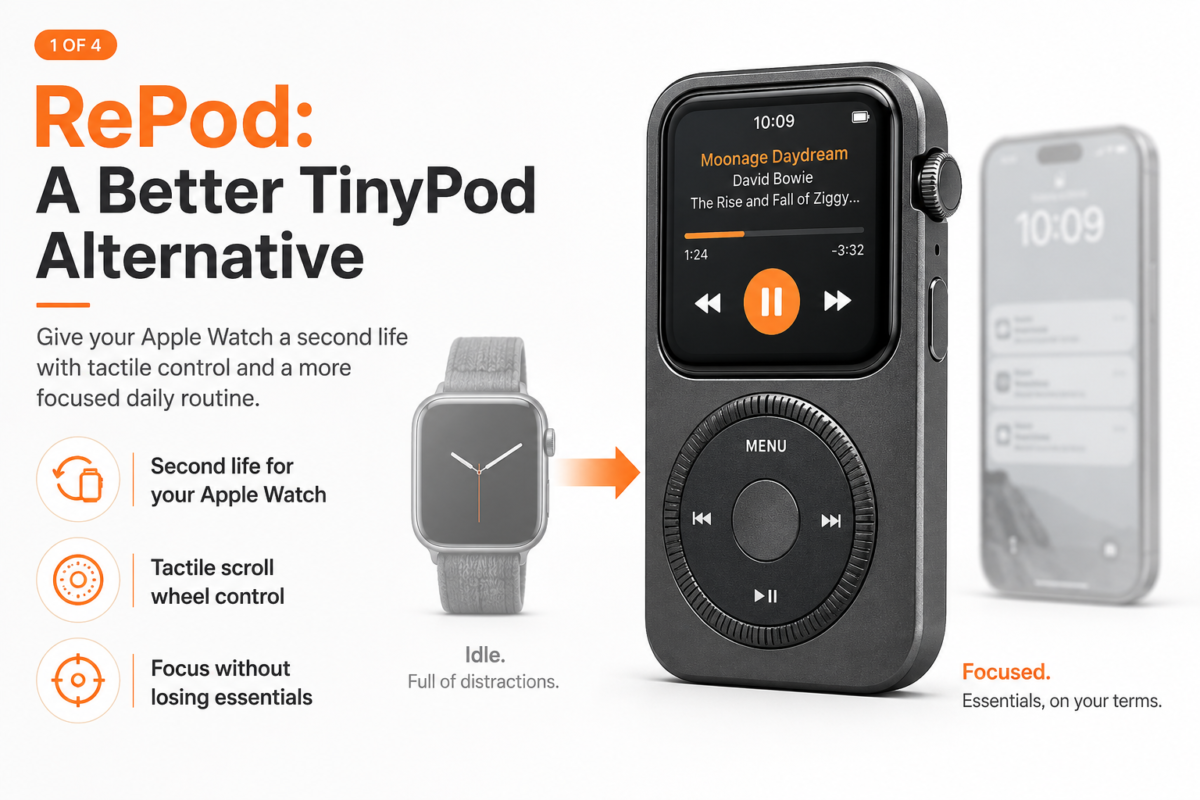
TinyPod Alternative: RePod vs TinyPod for Apple Watch
What Makes a Good Apple Watch iPod Case?

What Is an Apple Watch iPod Case?
How to Play Music on Apple Watch Without Phone
Can Apple Watch Replace Your iPhone?
Leave a Reply Cancel reply
This site uses Akismet to reduce spam. Learn how your comment data is processed.








One thought on “TinyPod vs RePod: Which Apple Watch iPod-Style Device Is Better?”