


Questions & Answers
Find answers about Apple Watch compatibility, RePod installation, charging, orders, returns, and product support.
TURN YOUR APPLE WATCH IN TO A RETRO IPOD-STYLE DEVICE.
Will be used in accordance with our Privacy Policy
What Do You Need Help With?
-
 Size & Compatibility

-
Installation & Charging
-
Orders & Shipping
-
Returns & After-Sales
Check Your Apple Watch Size Before Ordering
RePod is designed to match your Apple Watch case size. Please check the size printed on the back of your Apple Watch before placing an order.
Choose the RePod size that matches your Apple Watch case size:
40mm, 41mm, 42mm, 44mm, 45mm, 46mm, or 49mm.
Apple Wath Model | Apple Watch Case Size | Recommended RePod Case | Apple Watch Series 4/5/6/SE/SE2/SE3 | 40mm / 44mm | RePod 40mm / RePod 44mm |
|---|---|---|
Apple Watch Series 7/8/9 | 41mm / 45mm | RePod 41mm / RePod 45mm |
Apple Watch Series 10/11/12 | 42mm / 46mm | RePod 42mm / RePod 46mm |
Apple Watch Ultra/Ultra 2/Ultra3 | 49mm | RePod 49mm Apple Watch Ultra Case |
Always choose by the case size printed on the back of your Apple Watch, not only by the Series name.
Installation & Charging
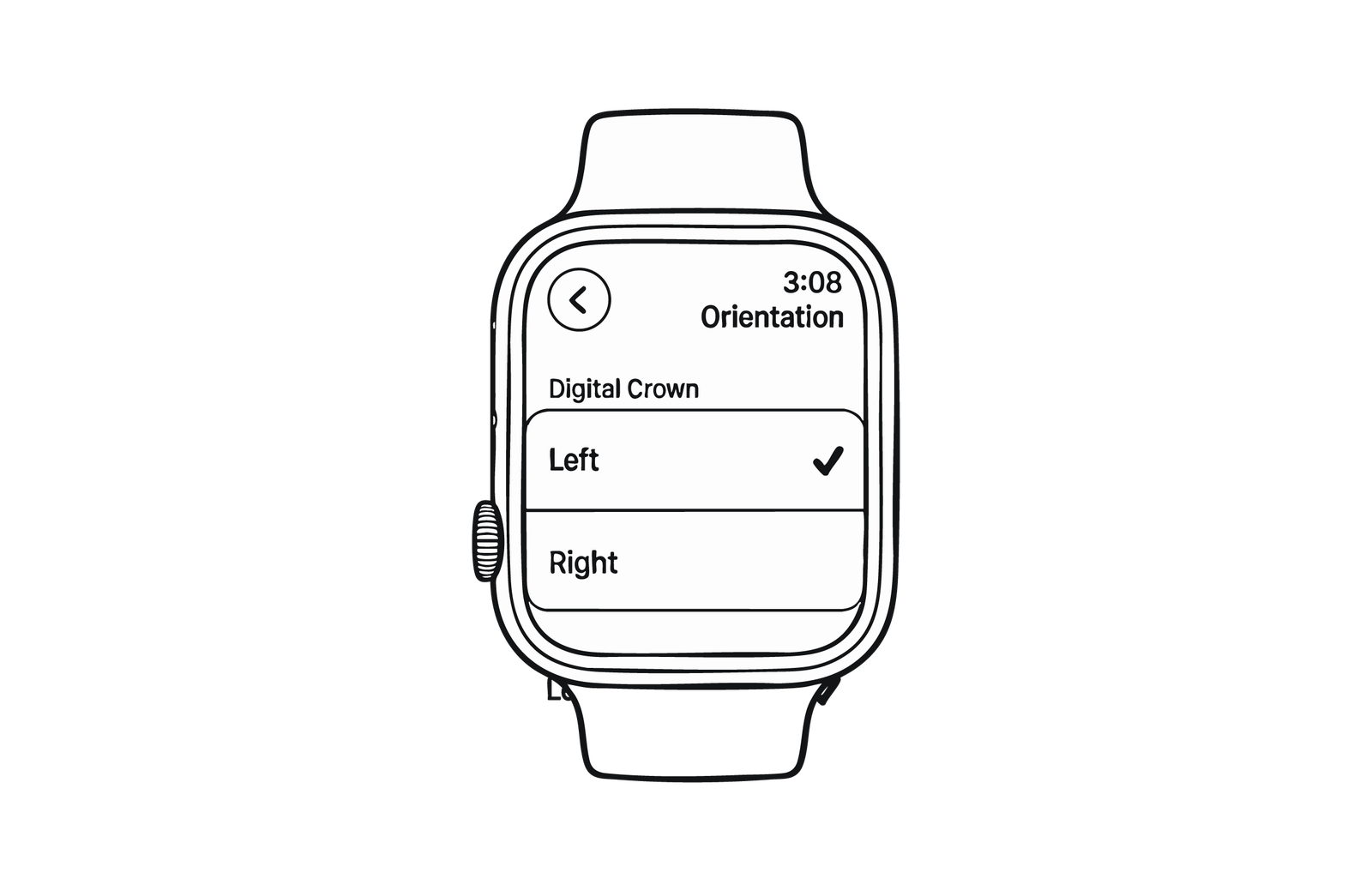
Set the Orientation
Go to Settings > General > Orientation,
Set both Wrist and Digital Crown to Left.
Turn off Wrist Detection
Go to Settings > Passcode,
Turn Wrist Detection OFF.
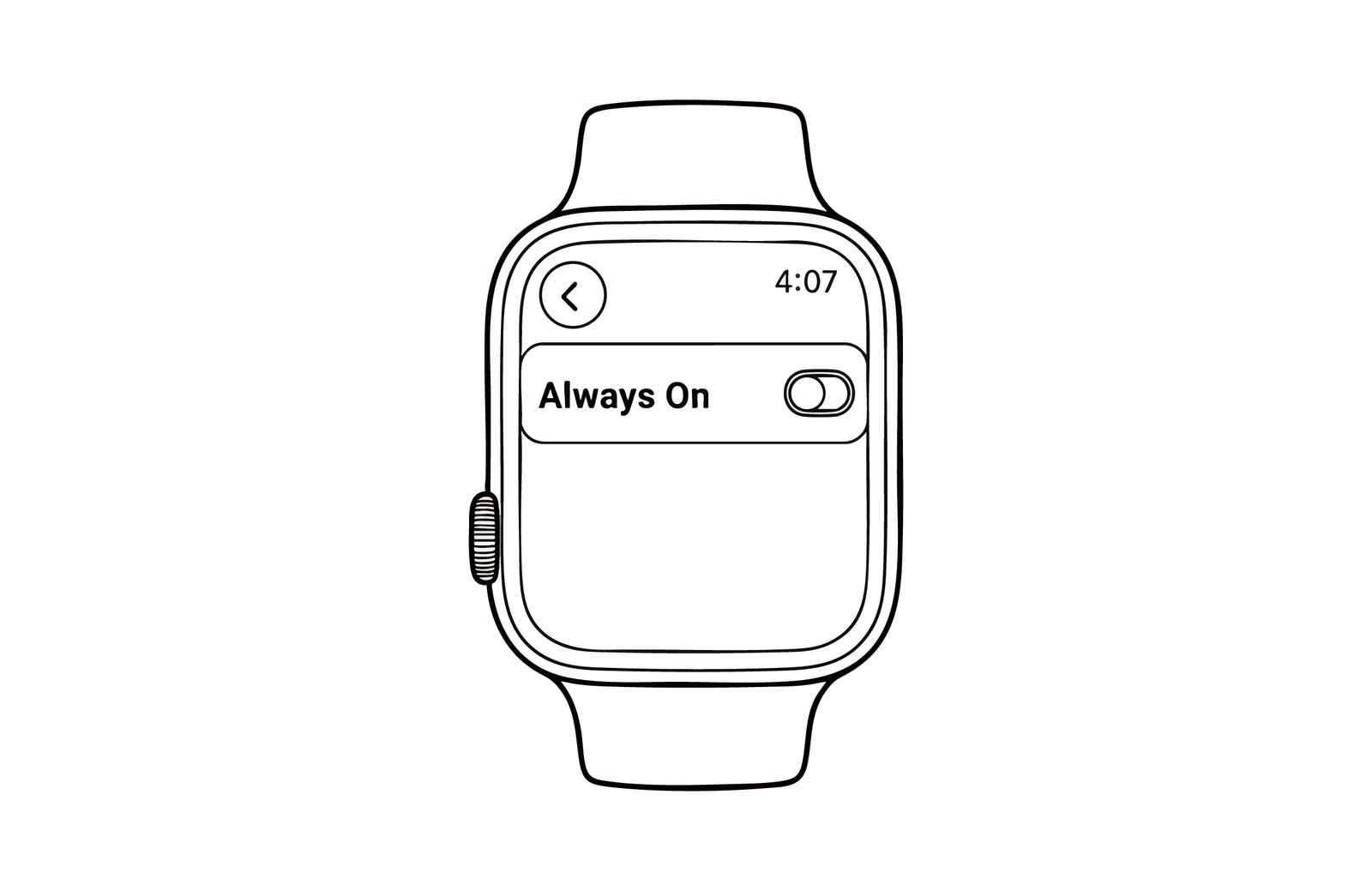
Adjust the Display
Go to Settings > Display & Brightness,
Always On Display: Turn it ON or OFF as you like.
Wake on Wrist Raise: Please turn this OFF.
Product Questions
A: The scroll wheel simulates Digital Crown-style scrolling. It can be used for browsing lists, scrolling notifications, controlling music volume, and other supported Apple Watch interactions.
A: No. RePod is a full case accessory. You need to remove your Apple Watch from its original band and place the watch body into RePod.
A: Yes. RePod is designed with a rear charging opening. You can use your original Apple Watch magnetic charging cable without removing the watch from the case.
A: RePod itself does not increase or reduce the water resistance of your Apple Watch. Please follow the water resistance guidance for your specific Apple Watch model.
A: Remove your Apple Watch from the original band, then carefully slide the watch body into the RePod slot. Make sure it is seated securely before use.
A: Yes. RePod is a removable case accessory. It does not permanently modify your Apple Watch.
Orders, Shipping & Returns
A: After placing an order, you will receive an order confirmation email. If you need help checking your order, contact us with your order number and email address.
A: Please contact us as soon as possible with your order number. If the order has not been shipped yet, we will try to help update the shipping address.
A: Contact us as soon as possible with your order number and the correct Apple Watch size. Please check the size printed on the back of your Apple Watch before requesting a change.
A: Please contact support with your order number, photos or video of the issue, and a clear description. We will review the case and help with the next steps.
A: The package includes one JustRePod case, one lanyard, and one instruction manual.
After-Sales Support
Important Note: RePod is a case accessory only. Apple Watch is not included.
If you experience a product quality issue, missing parts, or delivery damage, please contact JustRePod Support with your order number and clear photos or video.
For return or exchange requests, the product should be returned in complete condition, including the RePod case, original packaging, manual, accessories, and any included items. Products with visible wear, damage, stains, missing parts, or damaged packaging may not be eligible for return or exchange.
Please contact us before sending any return package.
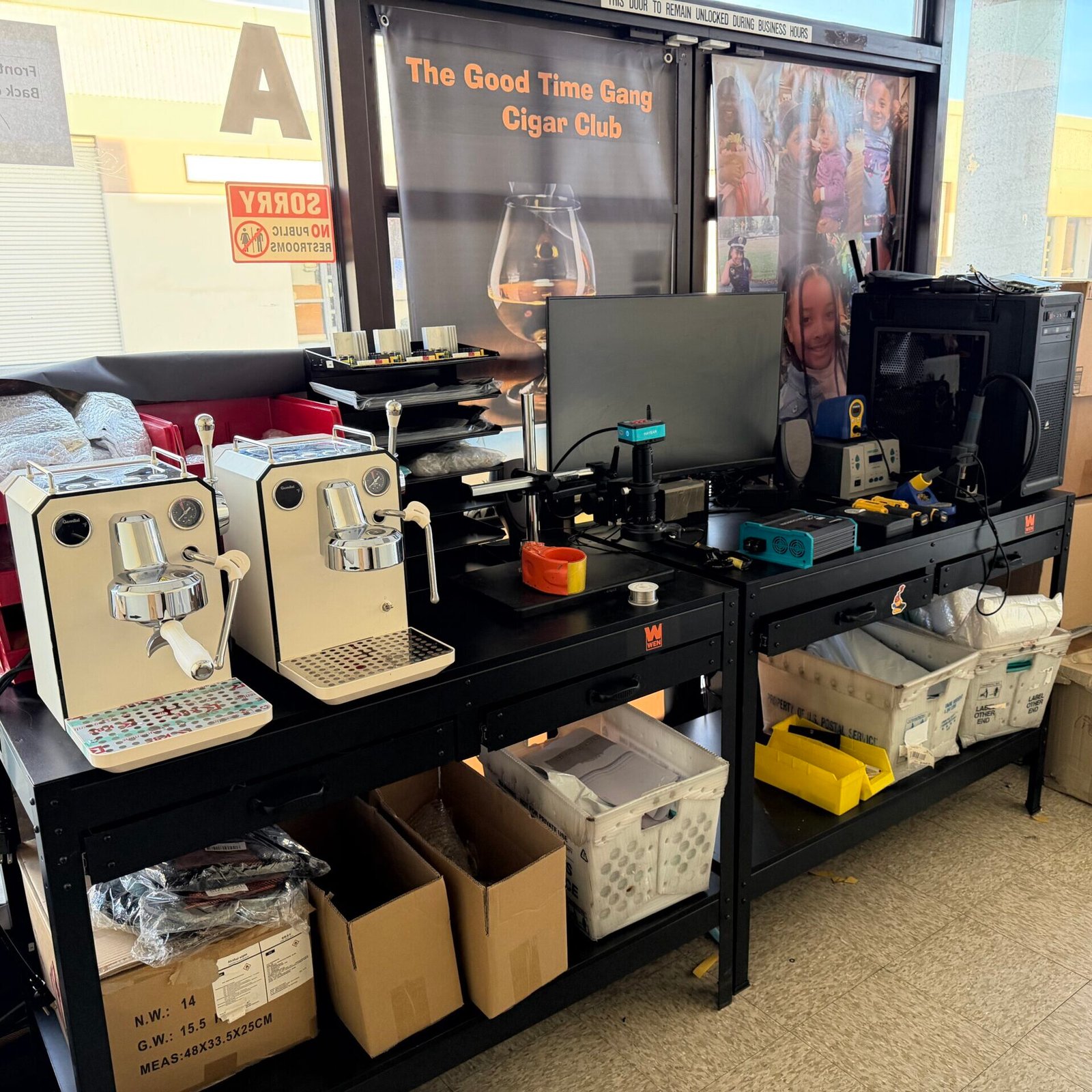
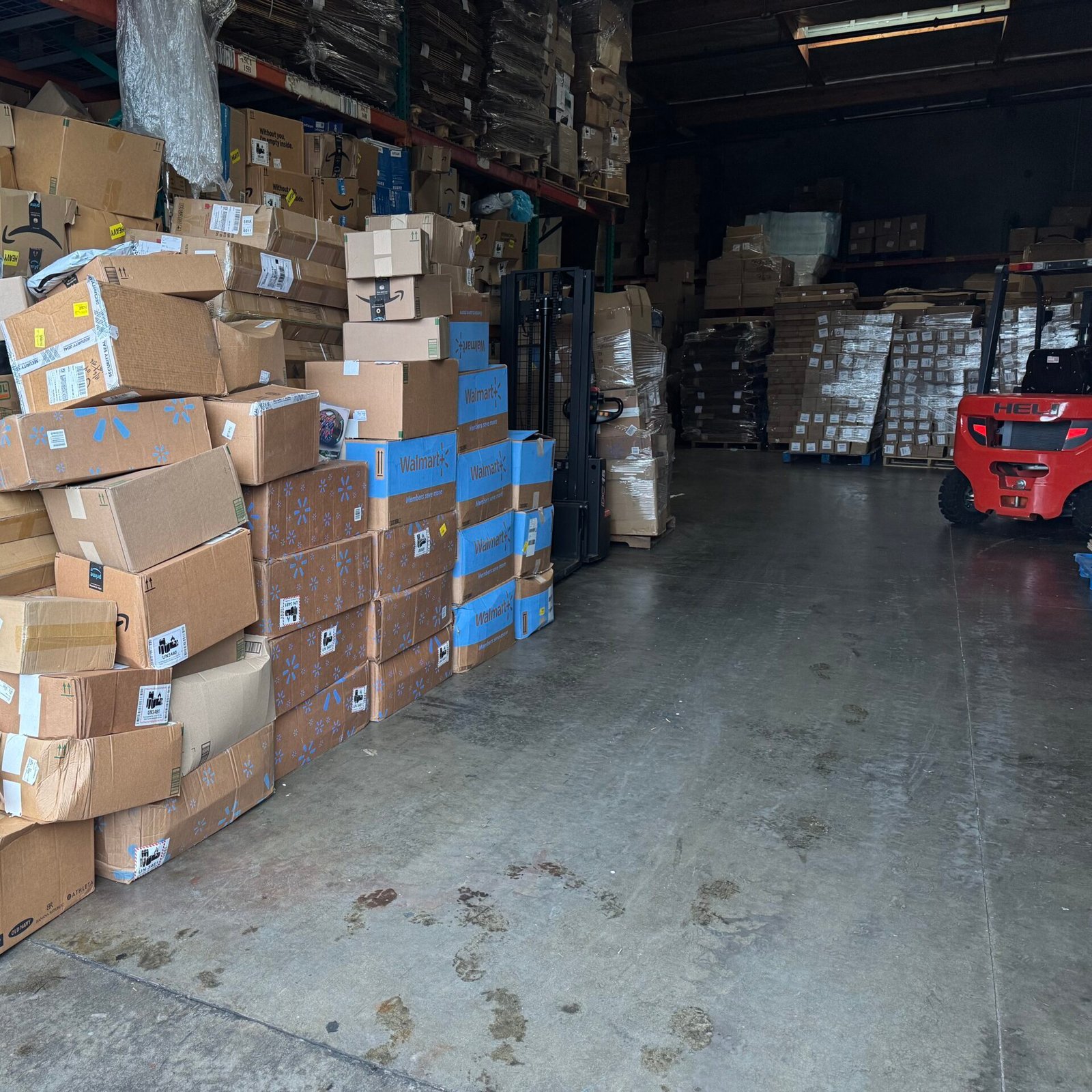
1633 W SAN BERNARDINO RD STE A COVINA CA 91722
Monday - Friday: 09:00 - 17:00
Email: support@justrepod.com
Tel: (626) 727-1942
SEND US AN EMAIL
CONTACT US
Phone&Email:
+1 626-727-1942
support@justrepod.com

Shipping
Free standard shipping on all orders.

Support
We usually reply within 24–48 hours.

Address
Available upon request for returns or exchanges.
Need help with size, compatibility, shipping, or returns? Send us a message with your Apple Watch size and order number if available. We’ll get back to you as soon as possible.