



Stories


Related posts
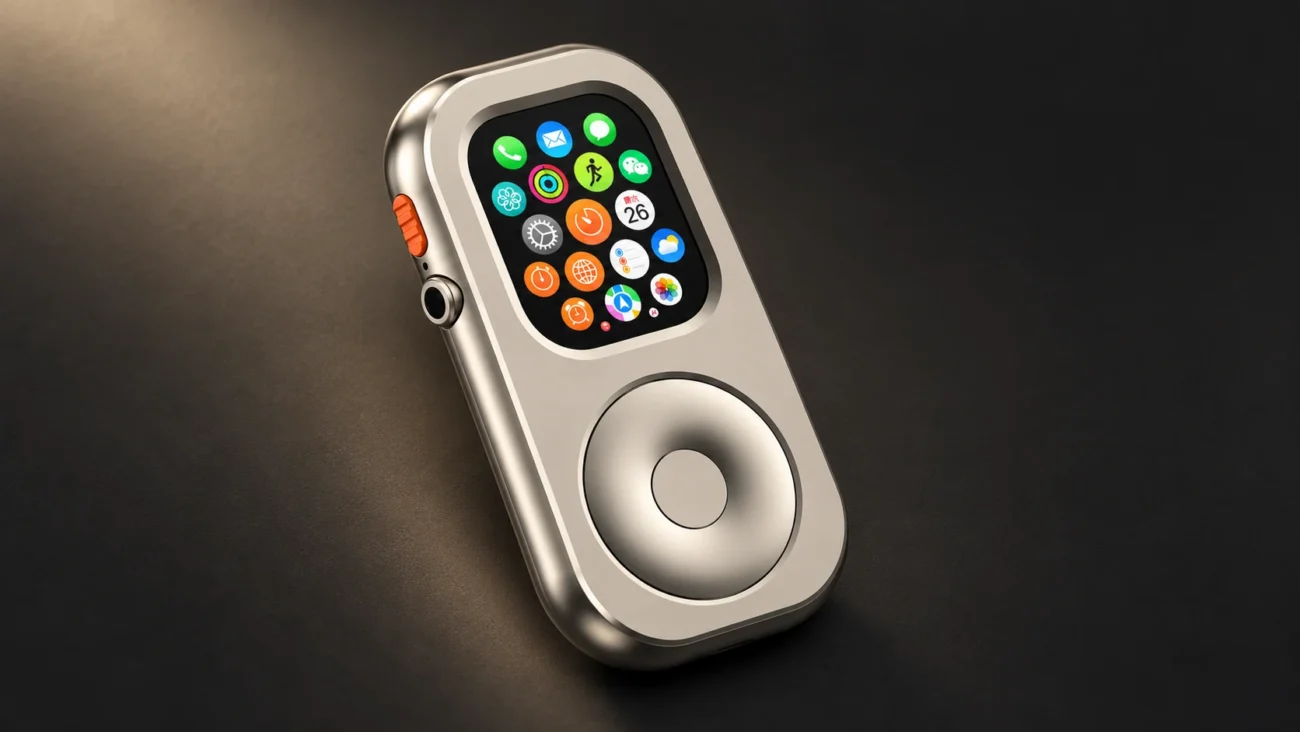
Physical Scroll Wheel vs. Touchscreen: What Actually Changes?

Compare a physical scroll wheel and touchscreen by grip, visibility, selection and task completion—without assuming hardware alone improves focus.
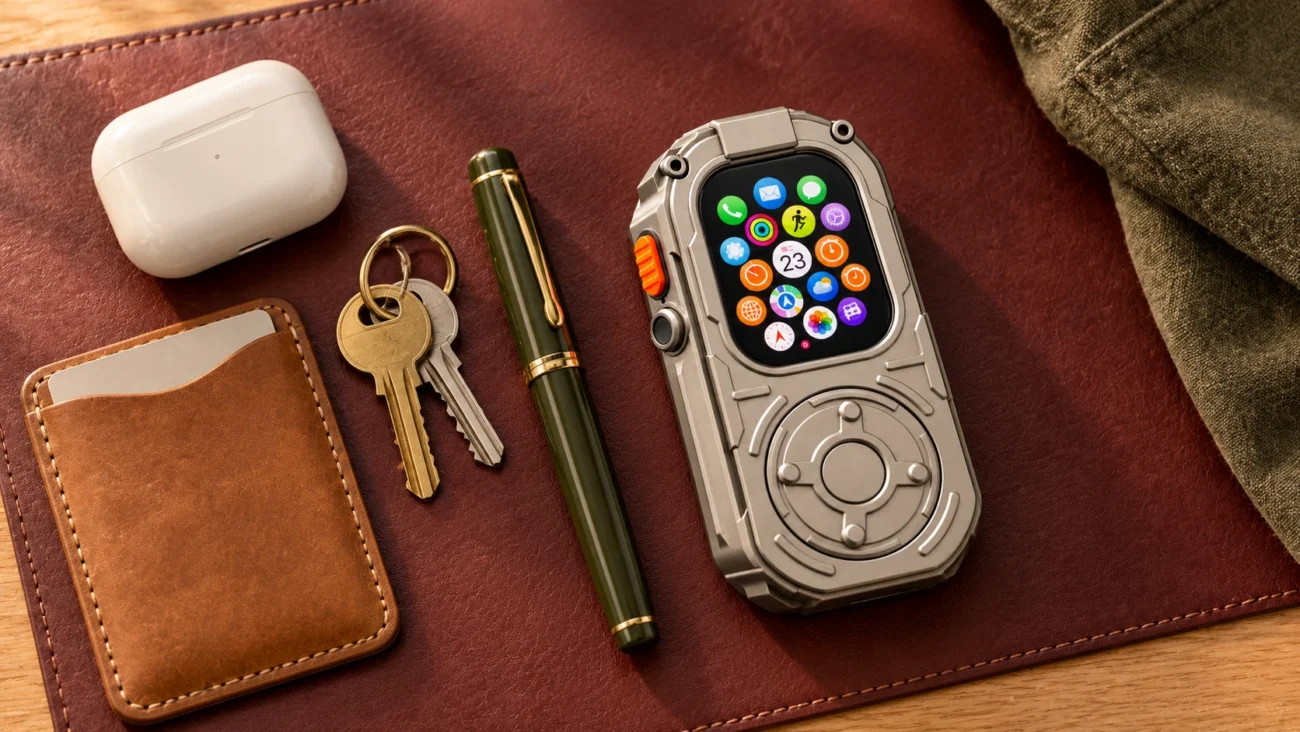
Why the Click Wheel Still Resonates—and What It Means for Your Watch
Explore why the iPod Click Wheel remains memorable, how modern Watch cases reinterpret tactile control, and where the similarities end.
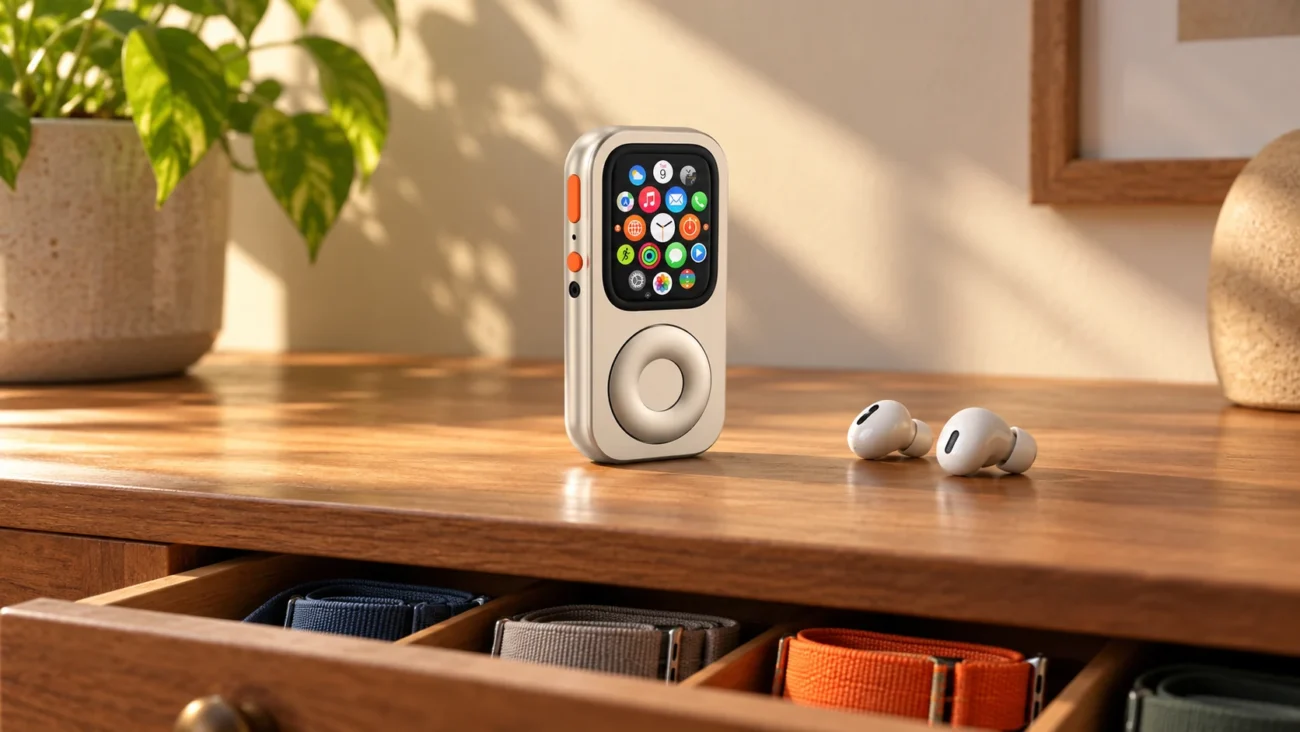
Upcycling an Old Apple Watch: A Utility Pod Readiness Checklist
Check battery condition, pairing, app support and offline playback before turning an old Apple Watch into a dedicated music and utility device.

Leaving Your iPhone at Home: A Practical Departure Checklist
Before leaving your iPhone at home, check calls, downloaded audio, payments, navigation and a backup plan. Start with a short, familiar trip.
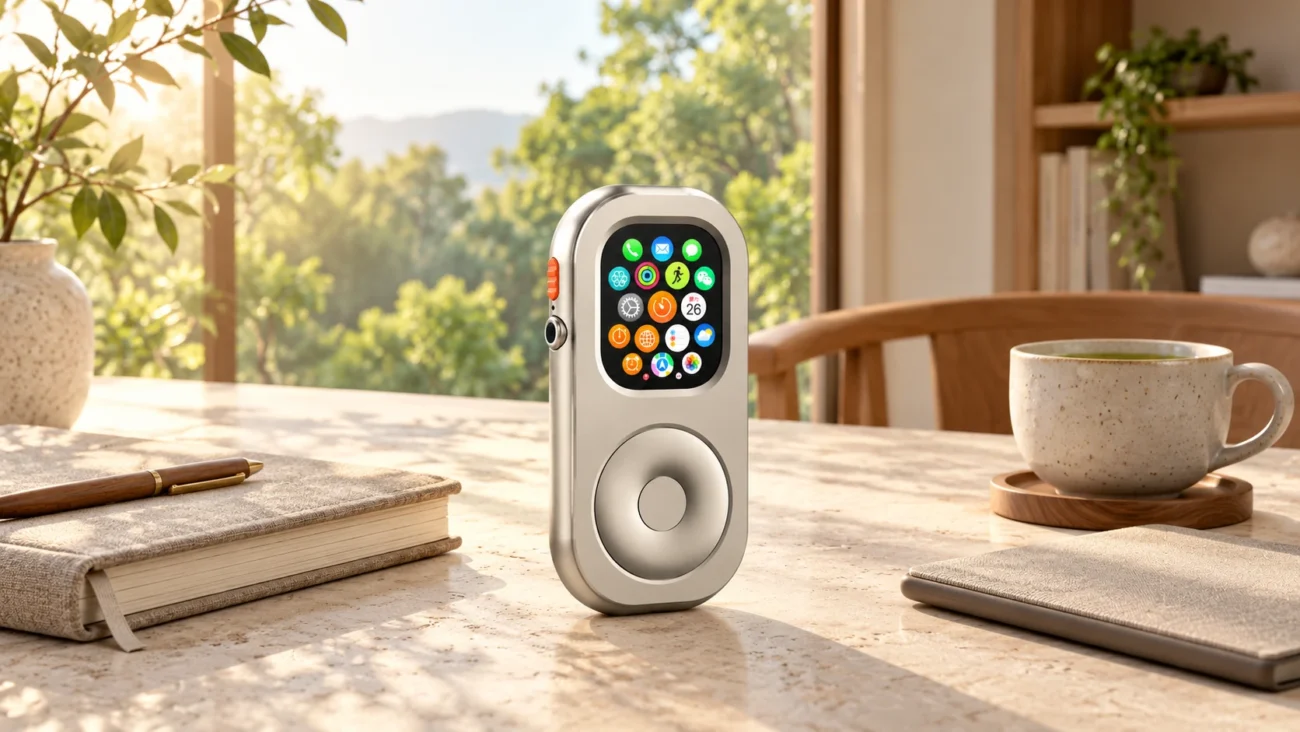
Slow Tech: Choosing Devices That Support Focus, Not Compete for It
Choose slow-tech devices with five practical questions about purpose, notifications, stopping points, dependencies, and the tools you already own.
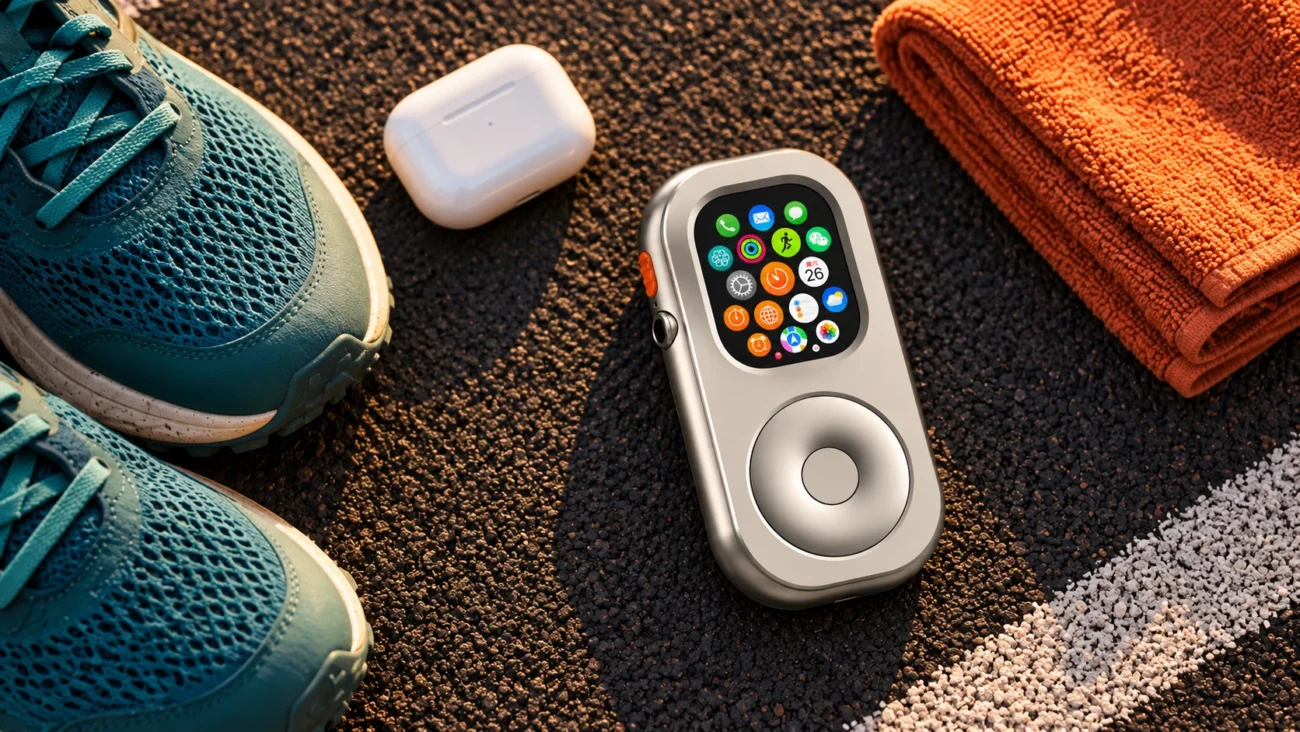
5 Ways to Use Apple Watch Without Your Phone (and When That’s Smart)
Try five practical ways to use Apple Watch without your phone, from a familiar run to a coffee trip, with setup checks and reasons to keep a backup.
Slow Tech and Everyday Carry: The Case for Single-Purpose Design
Explore slow tech through everyday carry, tactile controls, and purposeful tools, with a clear look at what a RePod Apple Watch case changes—and what it does not.
Can You Replace Your iPhone With an Apple Watch for Short Outings?
A practical guide to short outings without your iPhone: what Apple Watch can do on its own, what needs a connection, and what changes when you carry it off your wrist.

A Smarter Digital Detox for Apple Watch Users (You Don’t Have to Throw It Away)
Try a gentler digital detox with Apple Watch: keep useful tools, test phone-light routines, and understand the limits of off-wrist carry.
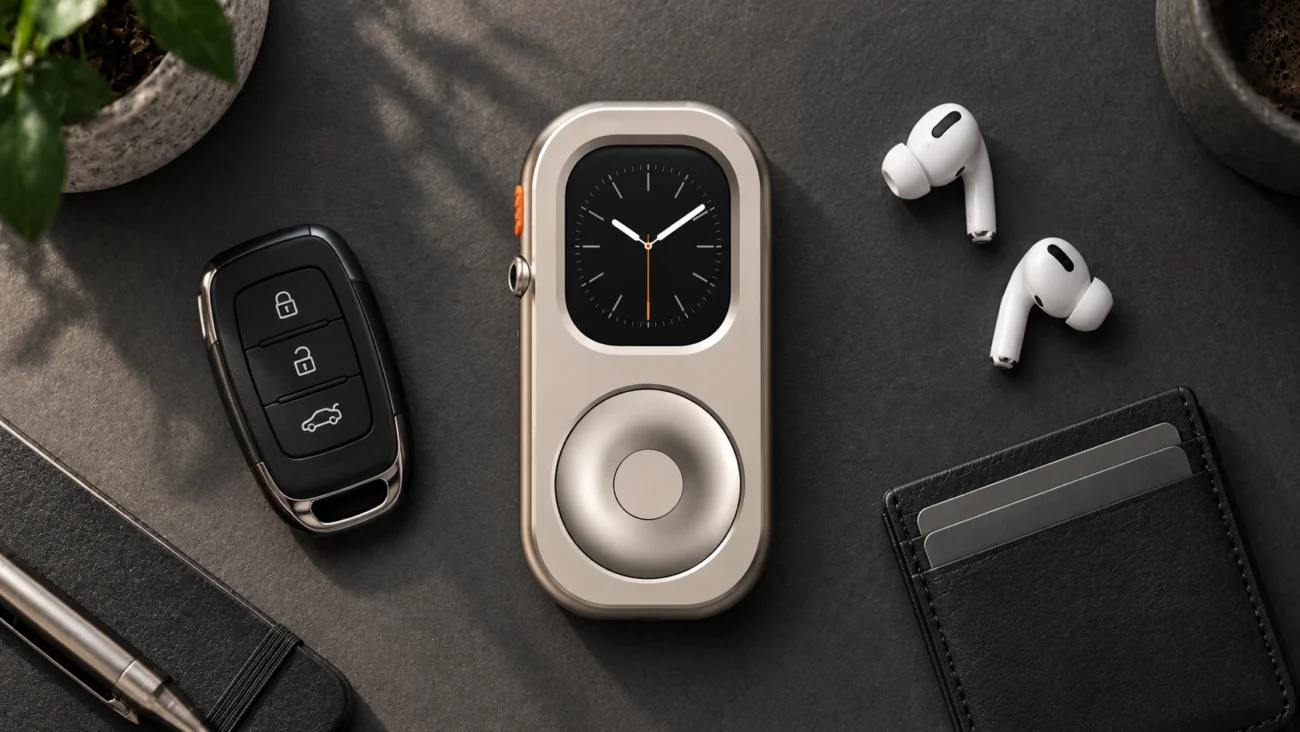
Is the RePod Apple Watch Case the Future of Digital Minimalism?
See how RePod’s handheld design and scrolling wheel can fit digital minimalism, with practical use cases, Apple Watch limits and a clear fit checklist.
From Smartwatch to Dumbphone: A Second Life for Apple Watch with RePod
Explore RePod’s mechanical wheel, handheld Apple Watch use, and the connection, battery, and Wrist Detection trade-offs to check before going phone-light.
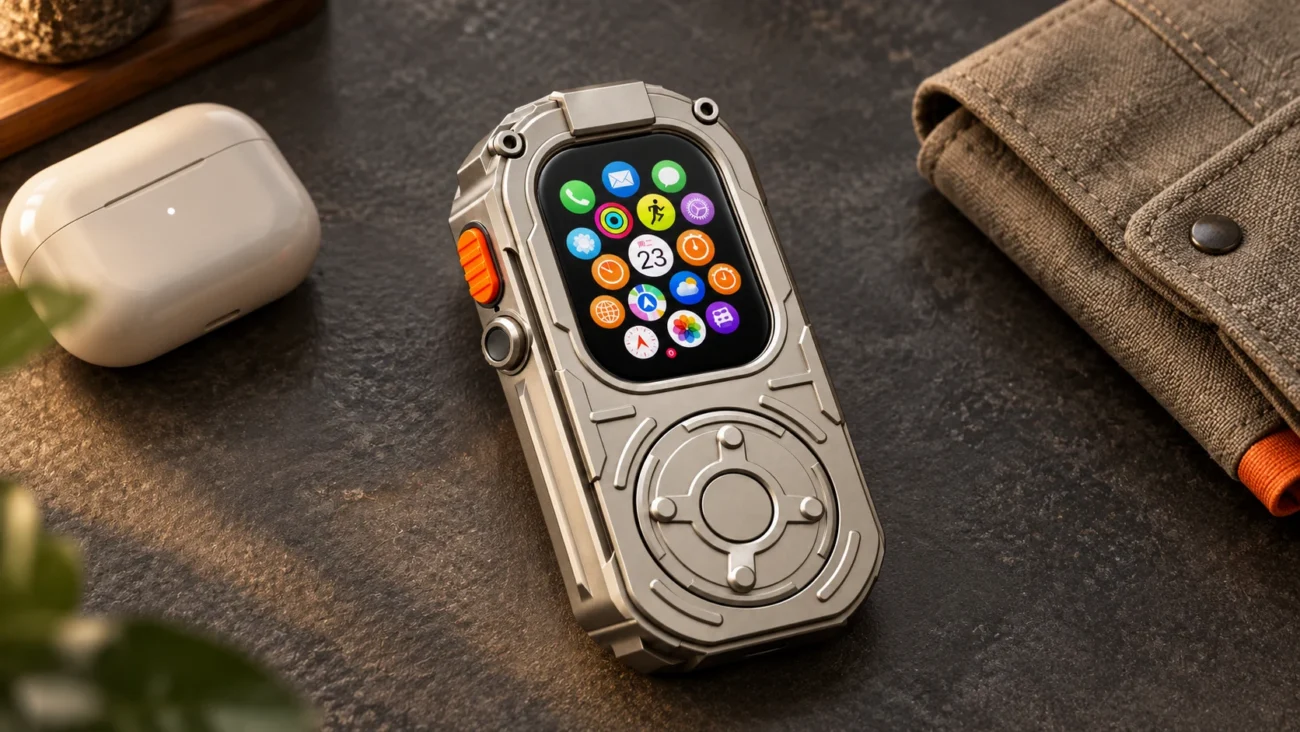
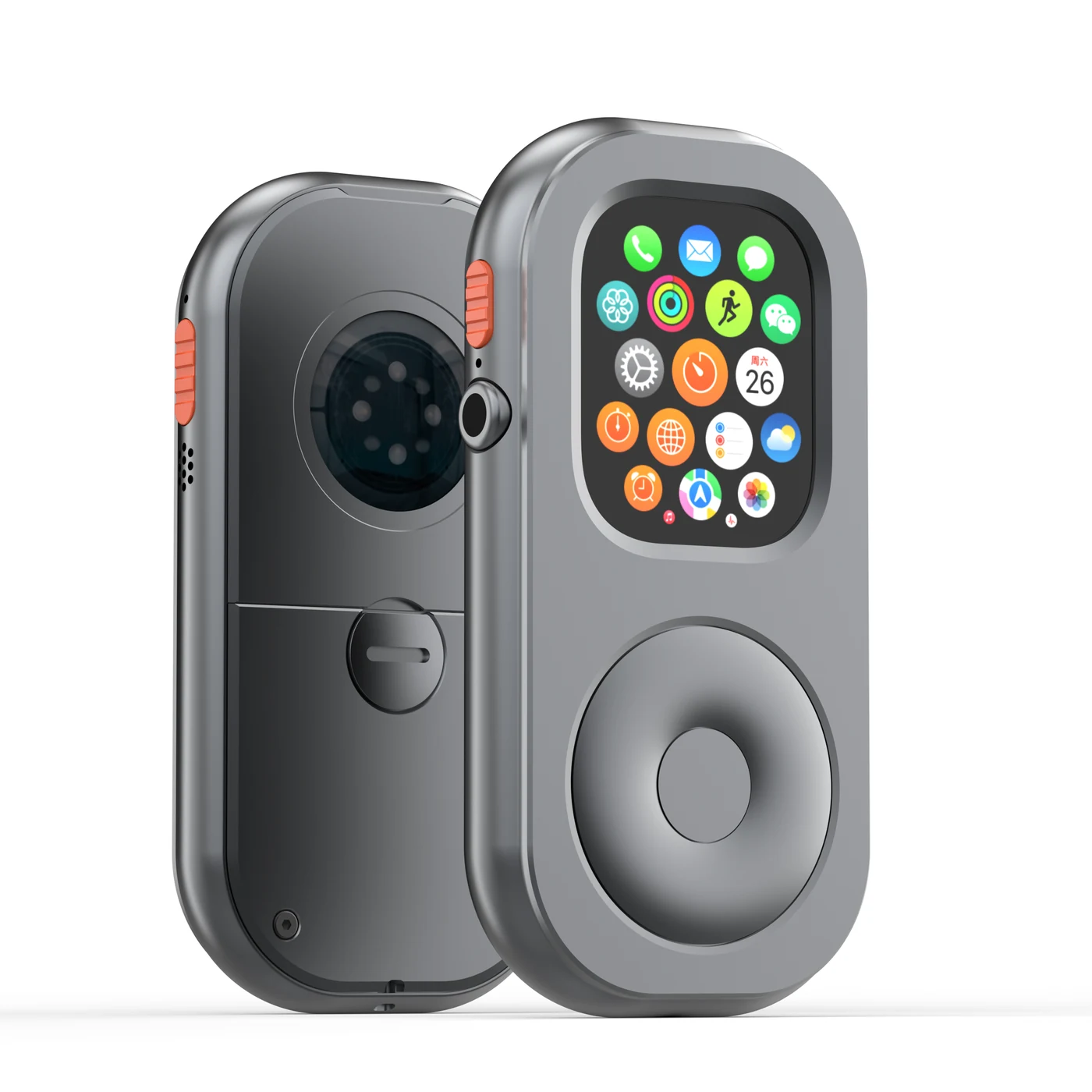
RePod Ultra Apple Watch Ultra iPod-Style Conversion Case
RePod Ultra is not a regular Apple Watch Ultra protective case. It is an iPod-style conversion case that takes your Apple Watch Ultra off your wrist and into your hand. Inspired by classic iPod interaction, cyberpunk hardware, and mechanica