



Stories

Five real-world moments to try without your phone, with a practical check for each—and clear reasons to bring the phone when you need it.
Leaving your phone behind can feel unfamiliar, even for a short outing. A familiar route and one clearly defined task make it easier to find out whether your Apple Watch can cover what you actually need.
These five scenarios are starting points, not a promise that a Watch replaces an iPhone. Some are better suited to wrist wear; others leave room for optional handheld carry. The useful question is simple: what will I need during this particular part of the day?
Why Choose a Phone-Free Moment?
Putting your phone out of reach may interrupt the habit of checking it during every pause. That is a choice about your routine, not an automatic effect of wearing a Watch or fitting a case.
Notifications can still arrive on Apple Watch. Choose which alerts and contacts matter before you leave, and treat the first attempt as a short trial. For a gentler starting point, see our digital detox guide for Apple Watch users.
Five Scenarios Worth Trying
1. A Familiar Run or Gym Session
The useful part: a session with a known route, a planned finish time, and audio already downloaded to the Watch. Confirm your earbuds connect directly to it before putting the phone away.
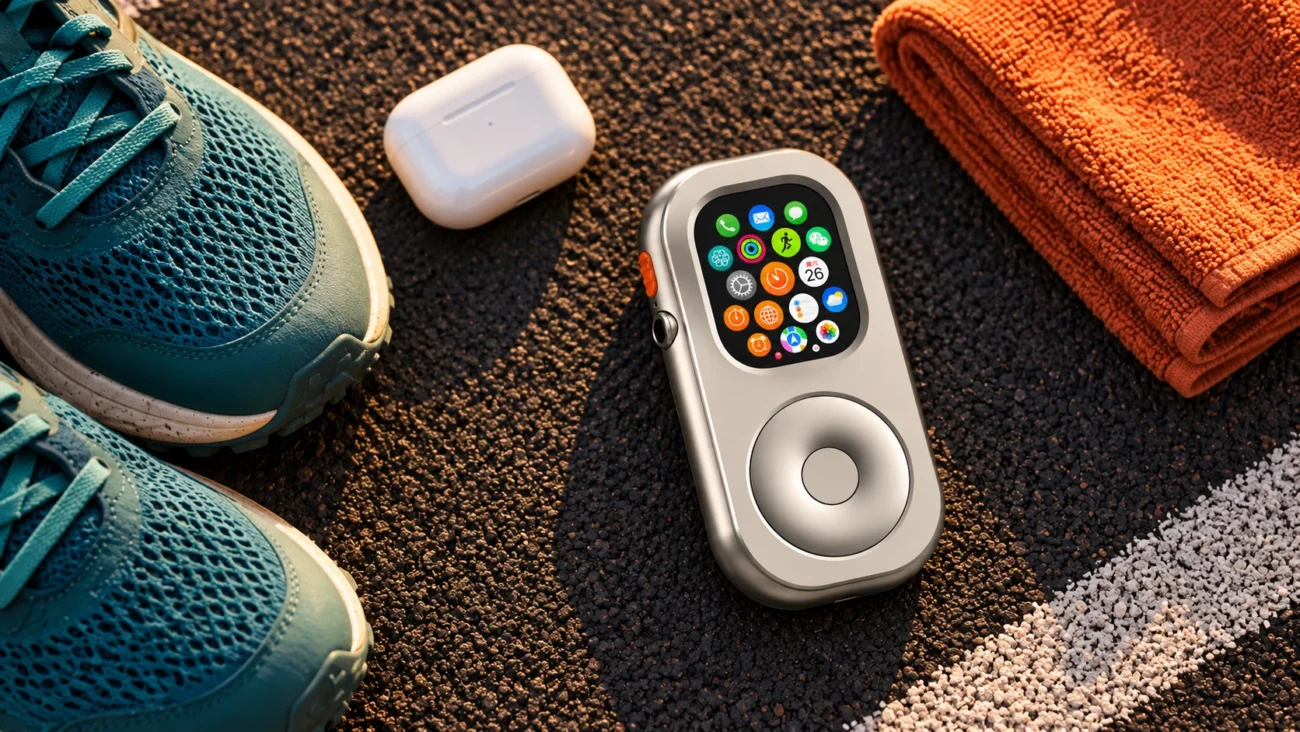
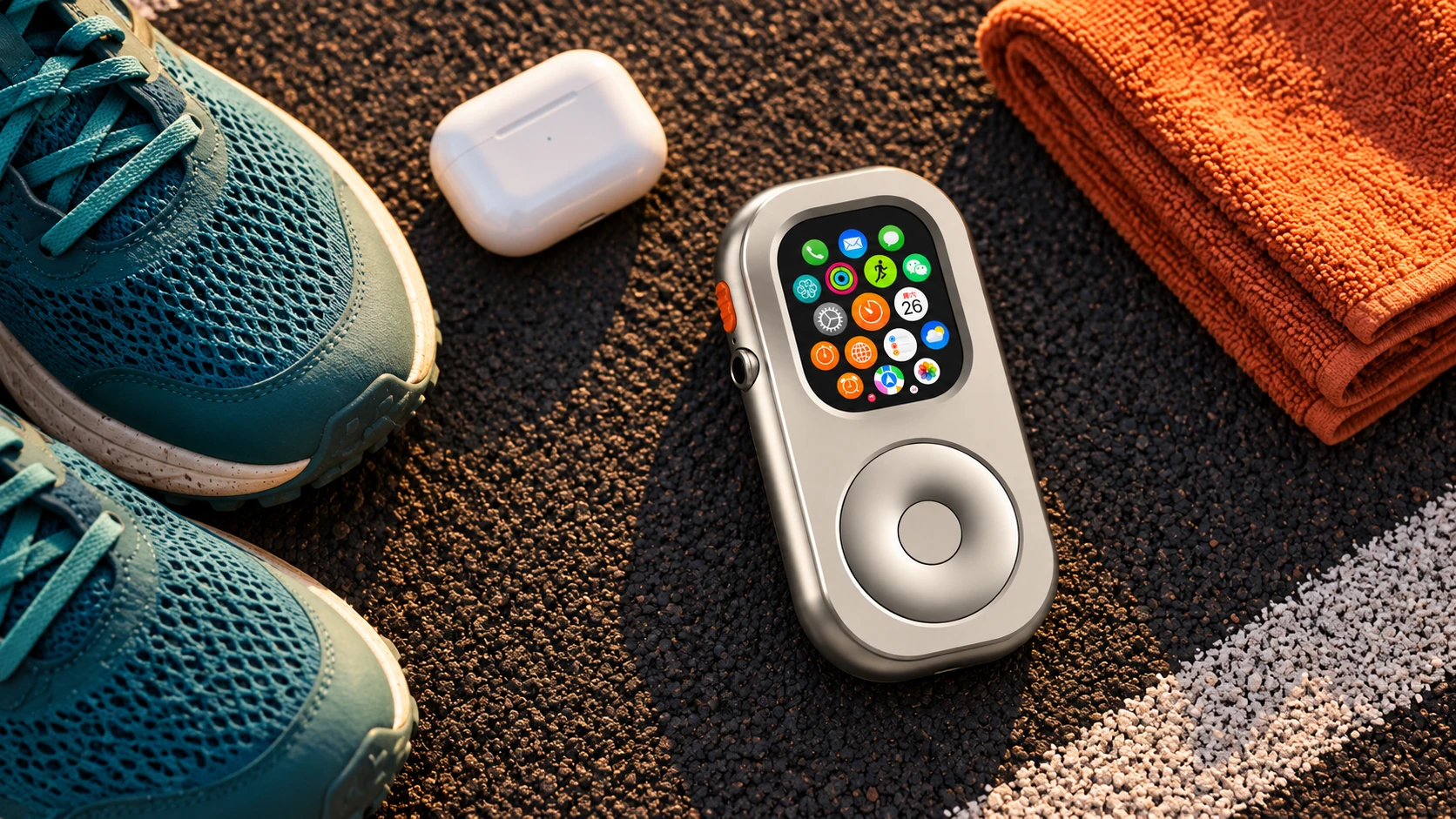
Wear it when tracking matters. Heart-rate measurement requires wrist contact; pocket carry is not equivalent for health and activity tracking. RePod can be a listening companion, but an illustration of a case beside running gear is not evidence of off-wrist workout performance.
Keep the phone when: the route is remote, conditions are uncertain, or you need dependable access to a particular service. Do not assume that a cellular label guarantees an emergency connection everywhere.
2. A Predictable Urban Commute
The useful part: a familiar journey where you have already tested the exact ticket, transit card, or payment method you intend to use. Downloaded audio can fill the waiting time without opening the phone.
Check the friction points: station entry, transfers, delays, and the return journey. Not every operator accepts the same Wallet payment or ticket format. A successful shop payment does not prove a transit gate will work.
Keep the phone when: your commute depends on a phone-only ticket, changing travel information, or work messages you cannot reliably handle on the Watch. A physical backup card may also be sensible.
3. A Short Sightseeing Walk During Travel
The useful part: a short loop from your accommodation, with a meeting place and return plan agreed in advance. Start with a familiar neighborhood rather than an airport connection or an unfamiliar all-day itinerary.
Check navigation before leaving: map availability depends on software, downloads, and connectivity. Open the route on the Watch with the phone out of range; do not assume that a map saved on the phone is also stored on the Watch.
Keep the phone when: you need a camera, translation, a ride-hailing app, booking changes, or documents that you have not tested on the smaller screen. Leaving it behind is optional, not a measure of how well you travel.
4. A Focus Block at Your Desk
The useful part: put the phone in another room while you work on one defined task. Keep a timer close by and decide which notifications, if any, belong in that work session.
Set the boundaries yourself: a RePod case does not enable Focus, silence notifications, or filter contacts automatically. Configure those settings separately. If someone needs to reach you, test the chosen communication route rather than assuming an alert will always get through.
Keep the phone available when: the task requires authentication, a work app, or an urgent contact channel that the Watch cannot reliably cover. A short break between focus blocks is a practical time to check it.

5. A Coffee Run Close to Home
The useful part: a familiar café, a short walk, and a simple order. Have your audio ready and test your payment setup before treating the Watch as your only payment option.
Remember the way back in: a Watch does not automatically replace apartment keys or a building access card. Keep the physical key unless your specific lock and Watch setup are supported and have been tested.
Keep a backup when: the café's payment acceptance is uncertain or you need a phone-only loyalty or collection app. A small outing is a good experiment precisely because you can keep the plan simple.

Start with one familiar outing. Keep the essentials you have tested, and leave room for a backup plan.
What a Handheld Case Adds—and What It Does Not
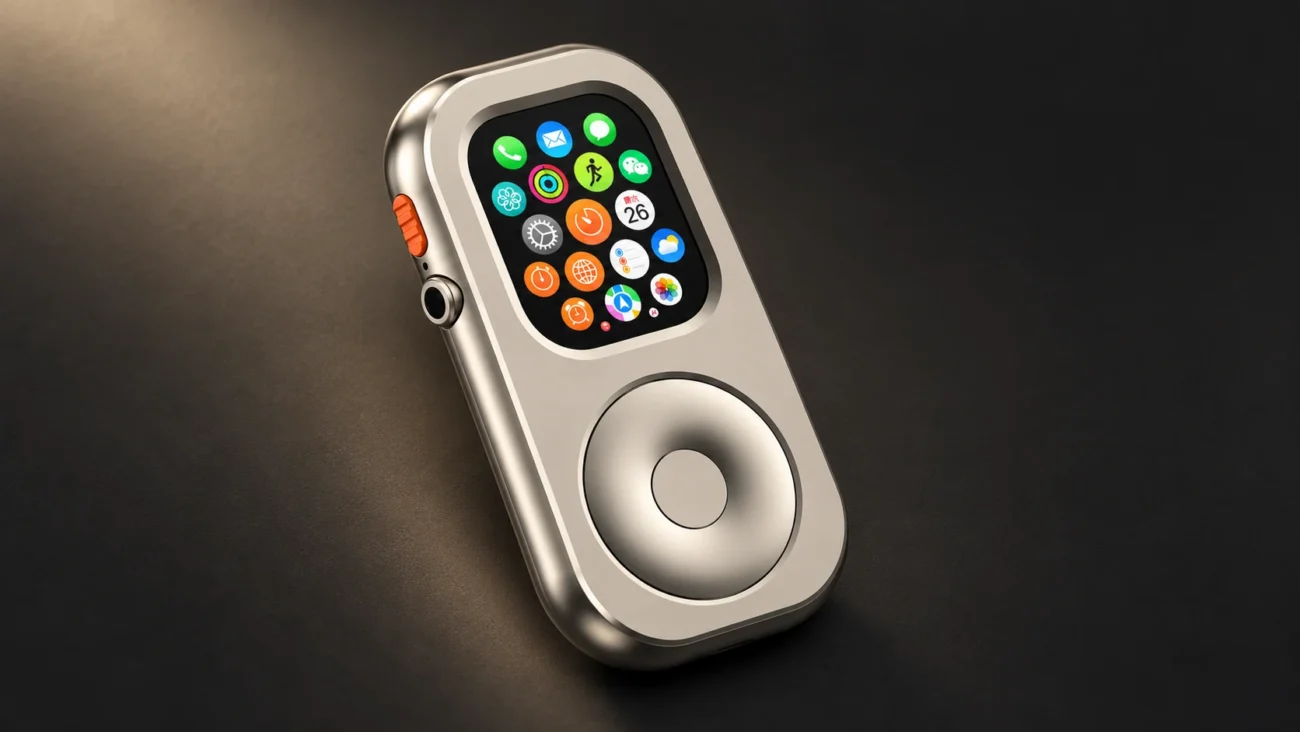
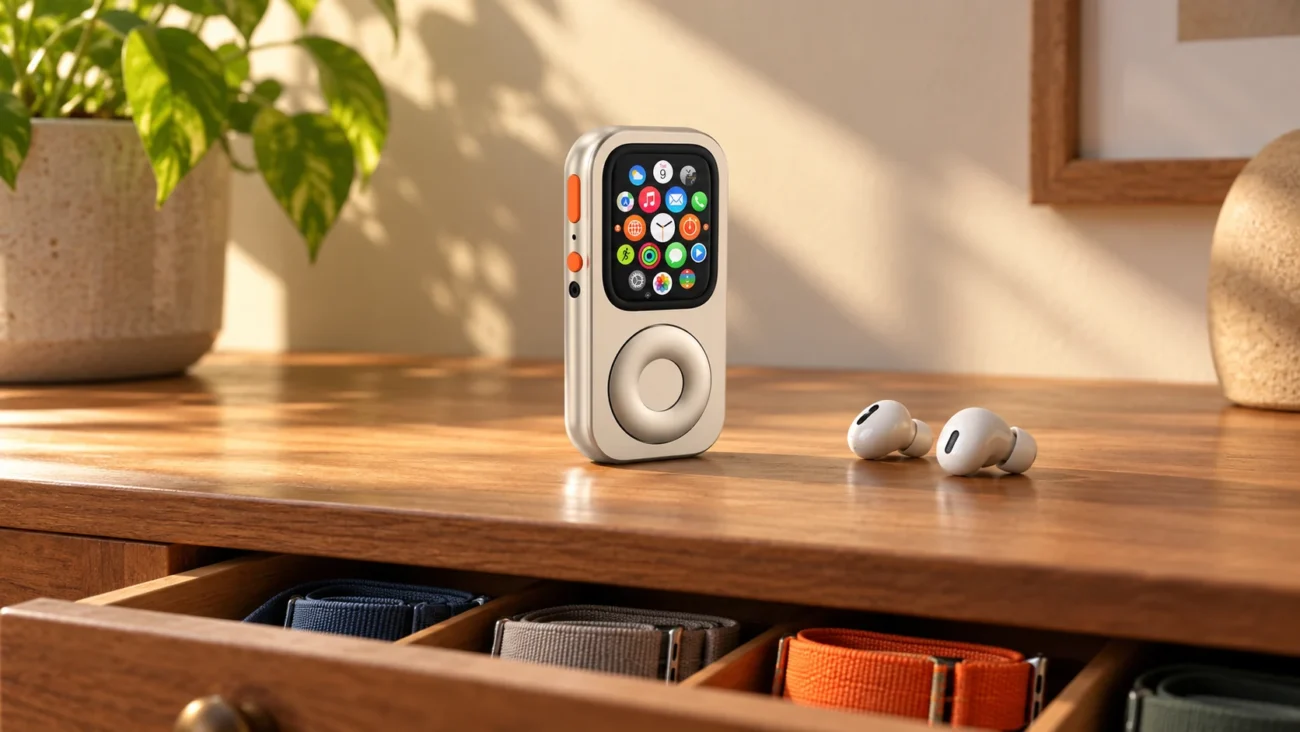
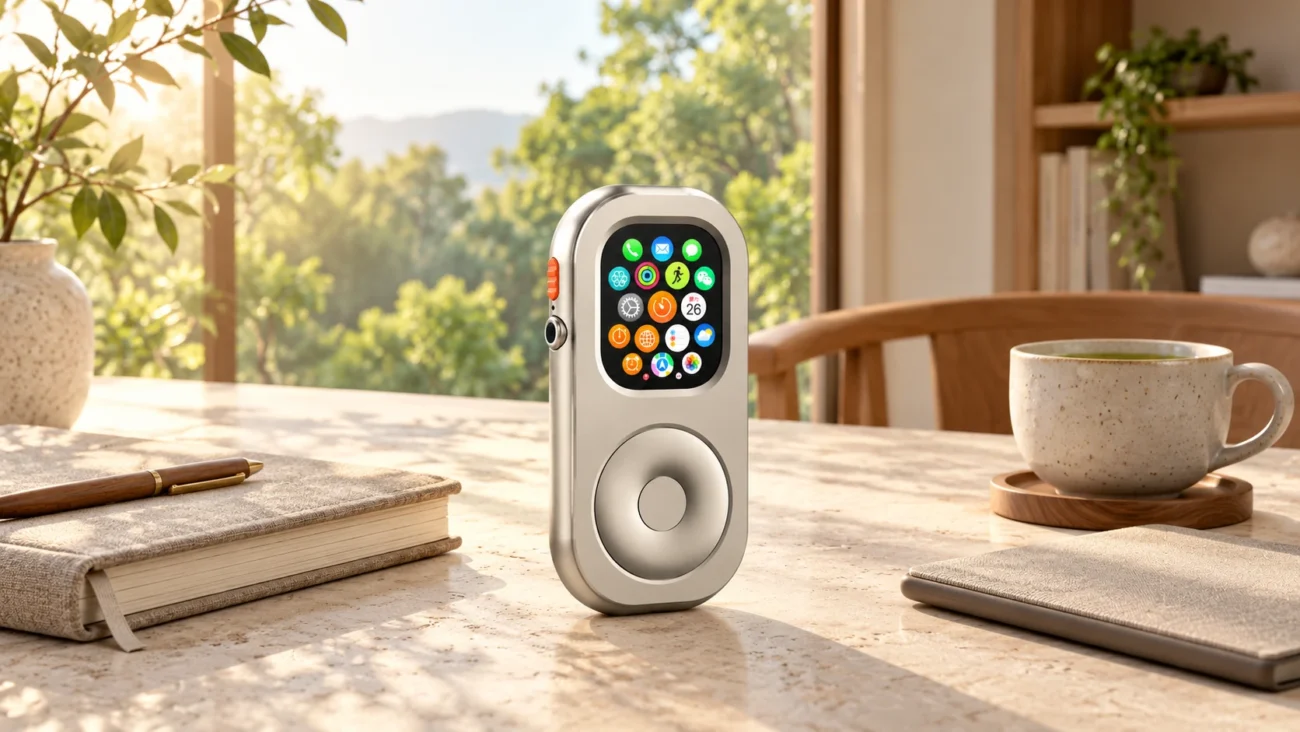
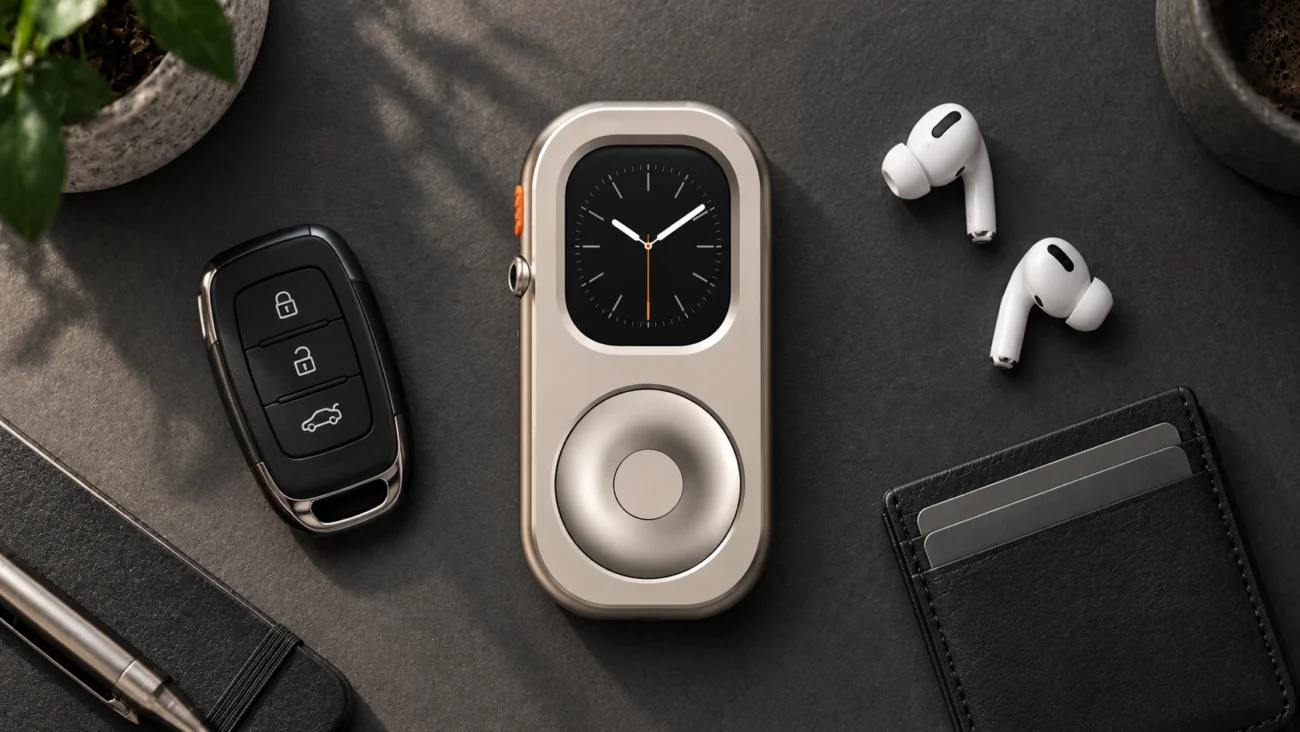
RePod changes how a compatible Apple Watch is held and carried. Its mechanical wheel provides scrolling; selection, confirmation, and back actions remain part of the Watch's native touch and system interaction. It does not add cellular service, apps, or automatic distraction blocking.
For desk listening or a short coffee trip, some people prefer a handheld object. For exercise that depends on wrist sensors, wearing the Watch remains the appropriate choice. Off-wrist use can also change locking and payment behavior; review Apple's lock and unlock guidance and test your own setup without weakening security for convenience.
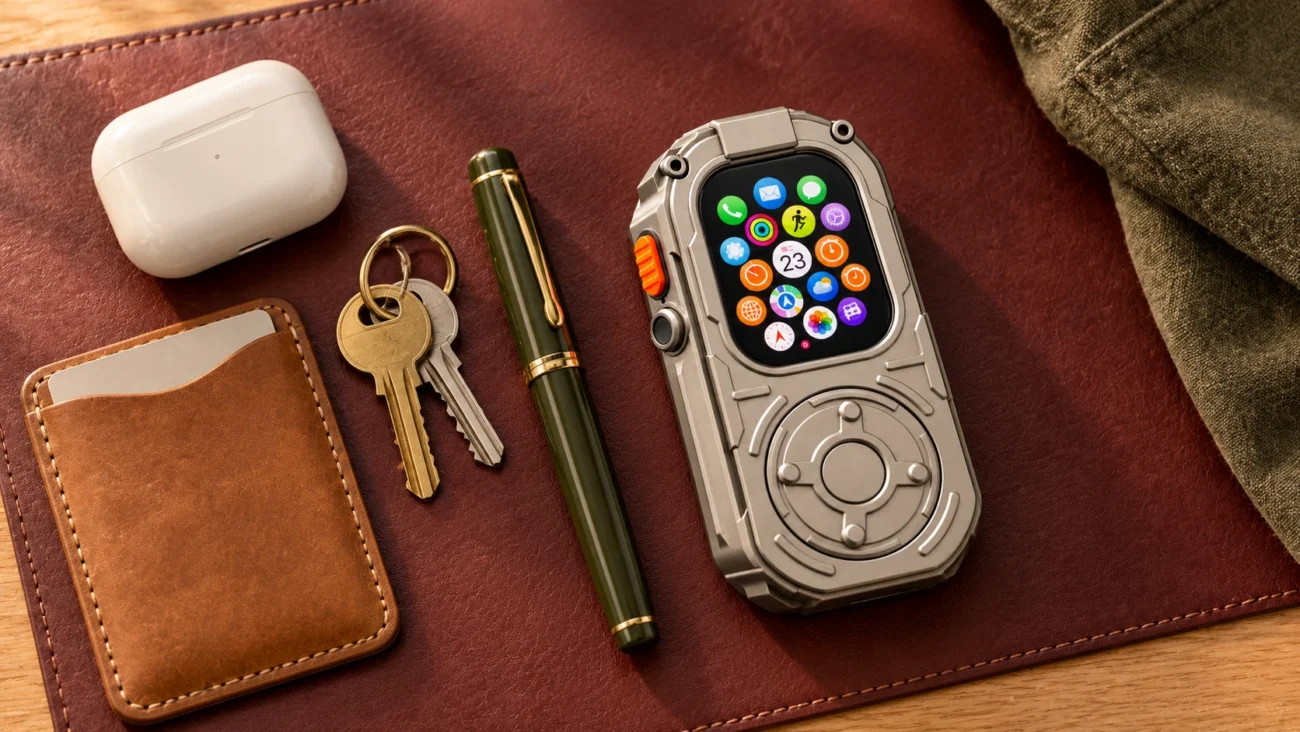
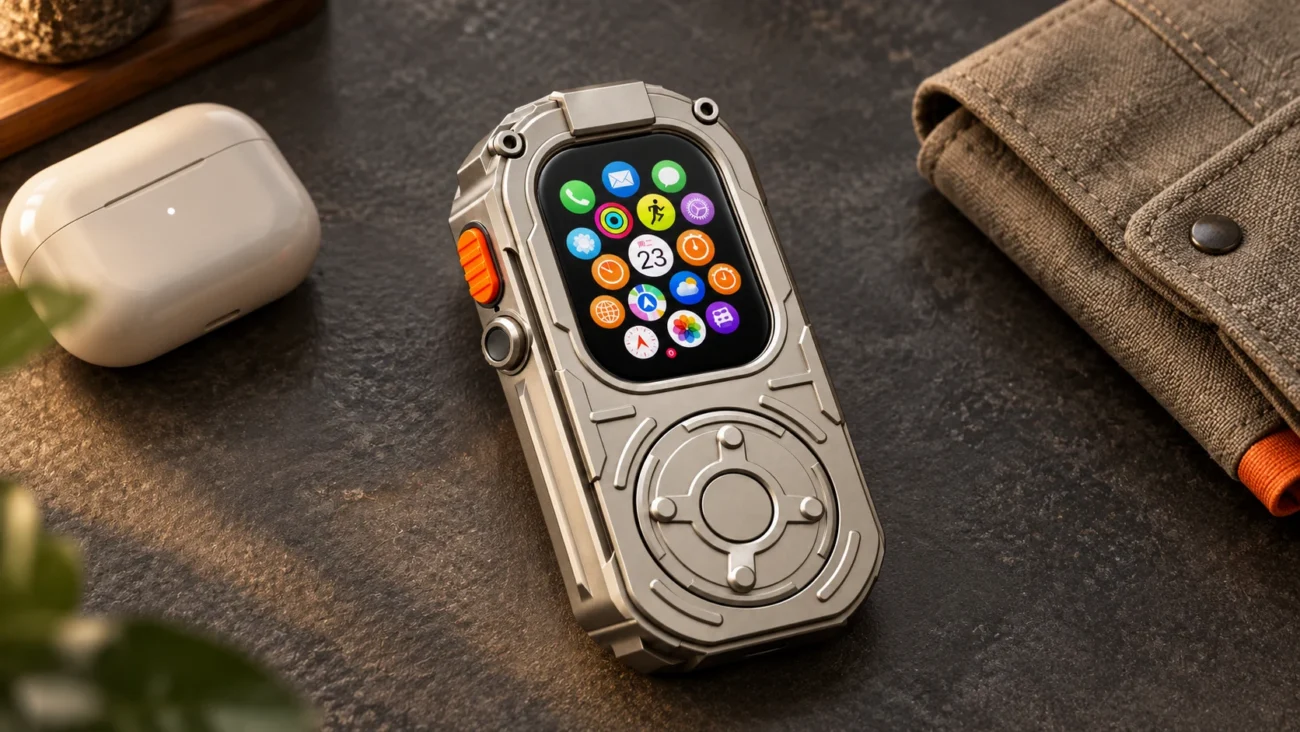
Material and carry weight matter, too. RePod Standard and Ultra use aluminum alloy. RePod Ultra EDC uses zinc alloy and has a heavier feel; it is not the option to promote as a lighter running loadout. None of these cases should be treated as a promise of impact protection or equivalent off-wrist sensing.
A Short Check Before You Leave
- Connection: distinguish a working cellular plan from Wi-Fi access and fully offline use. GPS-only does not mean “offline only”: a compatible Wi-Fi connection can also support online features. See Apple's guide to using the Watch away from an iPhone.
- Audio: play a downloaded track with the phone out of range. Downloading and streaming are different; app support and subscriptions may matter.
- Battery and access: check the Watch and earbuds, then test the specific route, payment, ticket, and key you intend to rely on.
- Fit: use the RePod size guide for your exact model. A case does not make an incompatible Watch fit.
For the fuller setup process, continue to How to Leave Your iPhone at Home With Apple Watch.
Frequently Asked Questions
Do I Need a Separate Phone Number for a Cellular Apple Watch?
For a Watch paired to your own iPhone under a supported cellular plan, the two normally share your number; a separate number shown by the carrier may be for billing. Family setups can work differently. Confirm plan eligibility and fees with your carrier using Apple's cellular setup guidance.
Can a GPS-Only Apple Watch Make a Shop Payment Without Wi-Fi?
Apple lists Apple Pay purchases among the functions available without an iPhone or network connection. You still need a supported card already set up, an appropriate terminal, and the Watch's required authorization. Off-wrist use may add unlocking steps, so test the exact setup rather than assuming a tap will always work.
Can I Reply to Messages by Voice?
Supported Watch messaging interfaces offer voice input, but availability depends on settings, software, language, and connectivity. SMS/MMS and some third-party notifications also depend on the paired iPhone remaining powered on and online, even when it is elsewhere. Test the service you actually use; “phone not nearby” is not always the same as “phone switched off.”
Choose the Outing Before You Choose the Gear
You can try all five ideas with an Apple Watch on your wrist. If handheld carry suits a particular moment, explore RePod as an optional way to carry a compatible Watch you already own. Apple Watch is not included.
A successful phone-free moment can be modest: finish a familiar run, make a coffee trip, or complete a focused work block with the tools you prepared. Keep the phone whenever it makes the day easier or more dependable.