



Stories

A gentler approach to using your phone less: keep the tools your day needs, try small changes, and choose a carry setup that fits your routine.
A digital detox can start with a familiar promise: use your phone less, install a screen-time blocker, or leave the device in a drawer for the weekend. Then a family message, a work authentication prompt, or a trip across town makes the plan harder to follow.
That does not mean you need a more dramatic rule. If you already own an Apple Watch, you may have another option for selected moments: keep the tools you need and make the smartphone less convenient to reach.
This guide focuses on a gentler routine, not a complete smartphone replacement. Start with one manageable situation, notice what works, and adjust without treating every phone check as a failure.
Why “No Phone” Can Be Hard
Some advice frames digital detox as a choice between total connection and total disconnection. That can overlook the tasks built into an ordinary day: bank authentication, transport bookings, family coordination, or an app you need for work.
A Watch will not necessarily handle those tasks. Before leaving your phone behind, write down the few things you must be able to do during that particular outing. If one requires the phone, bring it and change how you use it instead. A useful boundary should fit your responsibilities.
The Middle Path: Essentials Without the Extra Prompts
Your smartphone puts many activities on the same screen. Checking a transit time can lead to a headline, a notification, and then an unrelated feed. A more deliberate routine separates the task you came for from the invitations to keep browsing.
An Apple Watch can support brief interactions, but it is still a connected device. Moving it into a pocket case does not remove apps, filter notifications, or guarantee fewer checks. Decide what you want available and configure the software accordingly.
Keep the tools your next hour needs. Give the rest a place to wait.
For the device settings and limitations behind this approach, see our Apple Watch minimalist-phone setup guide. The steps below focus on where that setup might fit into daily life.
What to Keep: Music, Maps, Payments, and Messages
Make a short essentials list, then test each item before relying on it away from your phone.
- Music and audio: download supported playlists, podcasts, or audiobooks to the Watch and confirm playback with your headphones. Downloads and subscriptions vary by app.
- Navigation: check that your route and required Maps features work with the connectivity and software available to your Watch. Do not assume everything needed is cached.
- Payments: set up a supported card in Apple Pay and check merchant acceptance and authentication. Keep a backup for an unfamiliar route or essential purchase.
- Messages and calls: verify your model, carrier plan, network coverage, and actual message types. A downloaded playlist does not make communication services work offline.
Apple explains the distinction between connected and offline functions in its Watch-without-iPhone guide. For SMS/MMS on cellular Watch models, the paired iPhone must remain powered on and online, even when it is elsewhere; iMessage can work through the Watch's own Wi-Fi or cellular connection. See Apple's messaging requirements.
Five Situations to Try a Phone-Light Routine
1. A familiar walk or workout
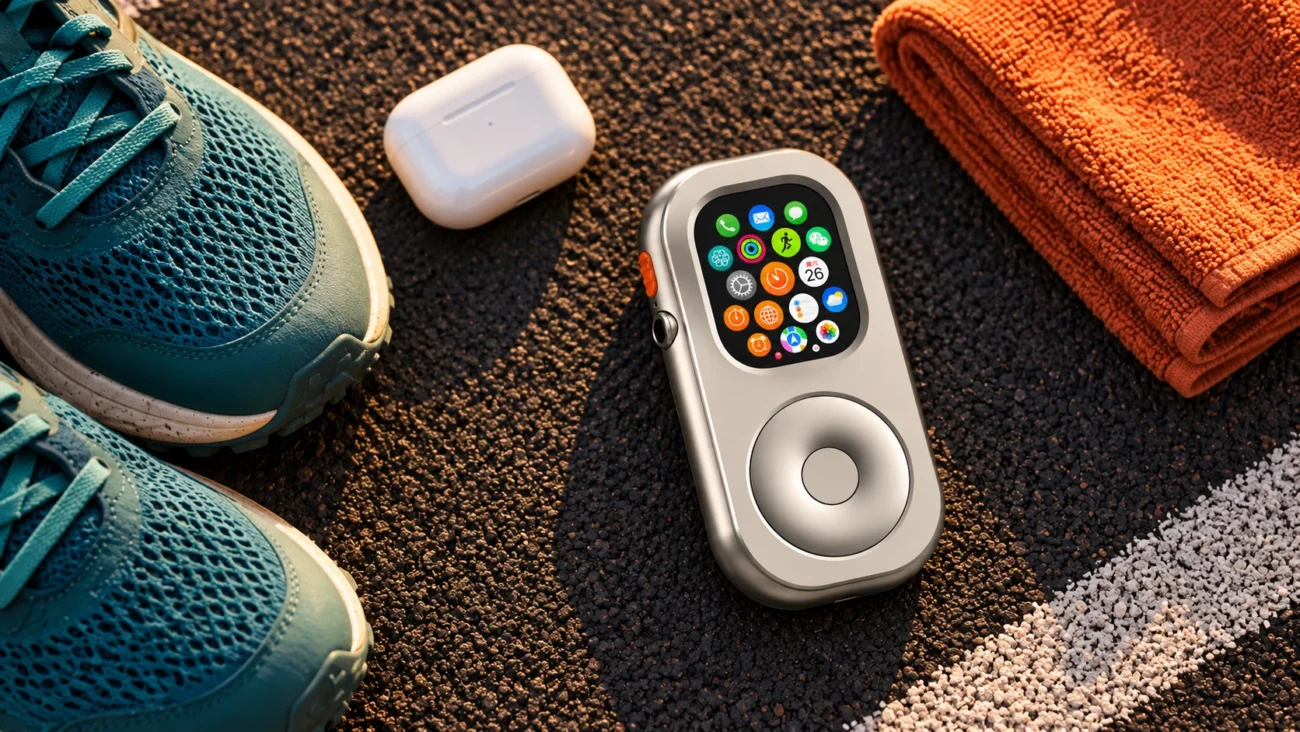
Start with a short route and audio you have already downloaded. Decide whether to wear the Watch or carry it: pocket use should not be treated as equivalent for wrist-based measurements or safety features. Take your phone whenever your route or needs make it the more reliable choice.
2. The weekend coffee run
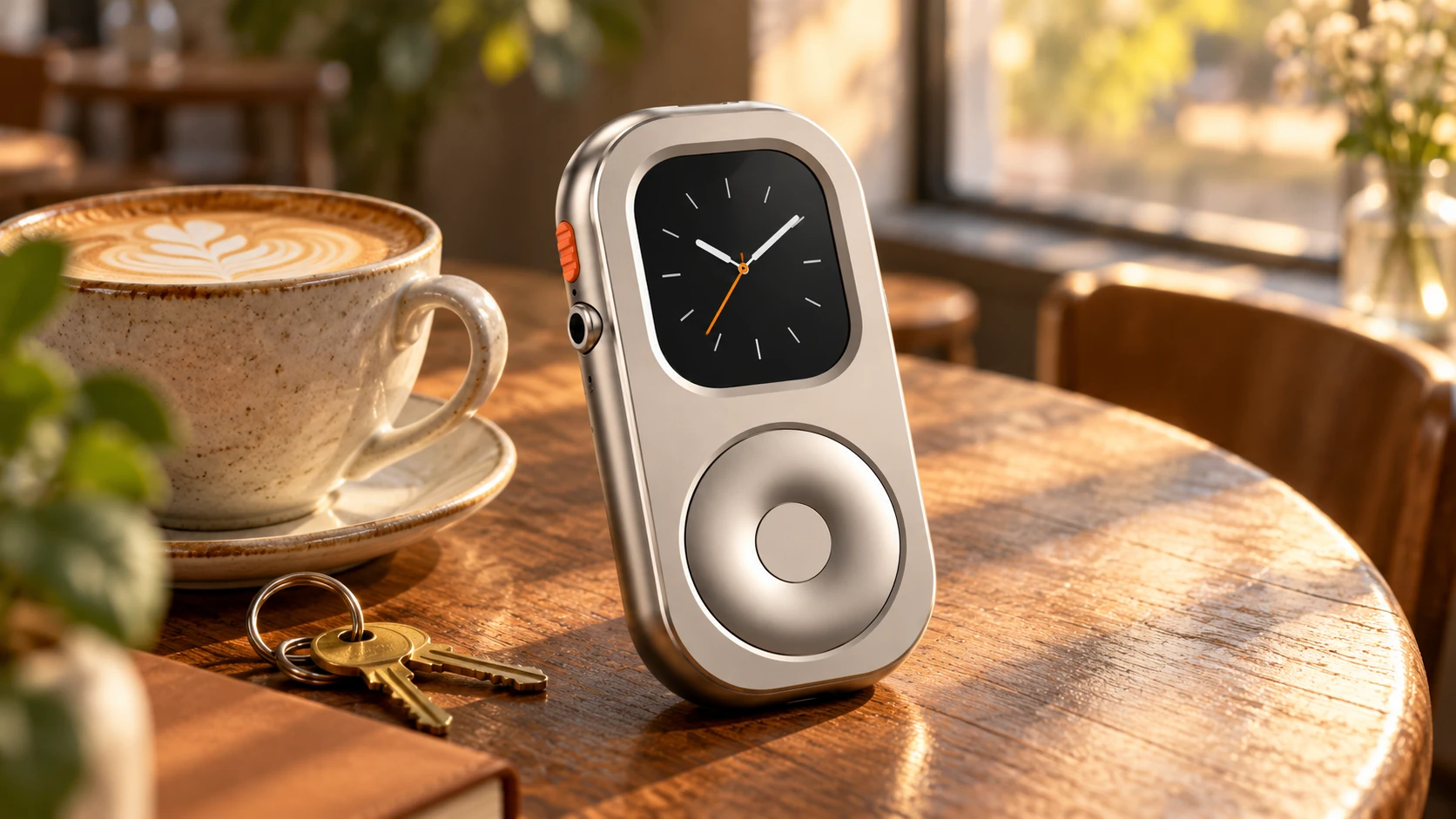
Try a familiar cafe with a payment method you have tested. A brief outing gives you room to notice whether you want to check a screen—or simply prefer having fewer things to carry. There is no need to turn a coffee break into a strict challenge.
3. Walking the dog
Choose a familiar route and keep your attention on your surroundings. If listening to audio, use a setup that still lets you stay aware of traffic and other people. You can also leave the headphones out and keep the Watch available only for a necessary check.

4. A focused work session
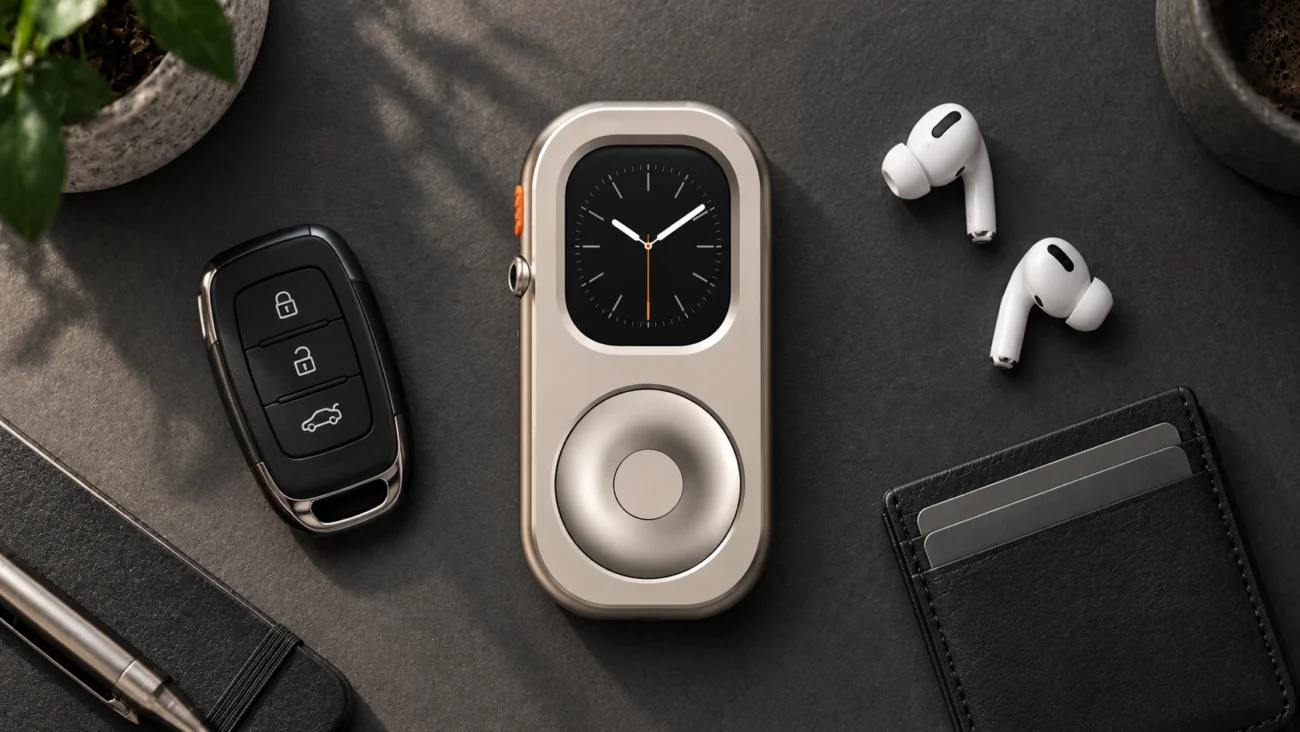
Place the phone somewhere less convenient, while keeping any required work tools available. Review Focus settings and test which contacts can reach you. A small device on the desk can still be distracting, so judge the setup by what you actually do rather than its appearance.
5. Dinner with family or friends
Agree on a simple boundary, such as keeping phones off the table. If you need to remain reachable, choose and test the relevant notifications first. No configuration guarantees that an urgent call will reach you under every battery, coverage, or network condition.
How to Start a Gentler Digital Detox
Step 1: Remove unnecessary prompts
Review notifications and complications on your Watch. Keep the information you need and remove what repeatedly pulls you away. A restrained watch face may feel calmer, but the practical choices—allowed apps, contacts, and alerts—matter more than its colors.
Step 2: Try one manageable interval
Choose a short walk, a coffee run, or a focused block at home. There is no requirement to begin with a full day. Check the battery, downloads, payments, and reachability you need before you start. If the outing requires a phone app, bring the phone and use a narrower boundary instead.
Step 3: Decide whether wrist or pocket carry fits
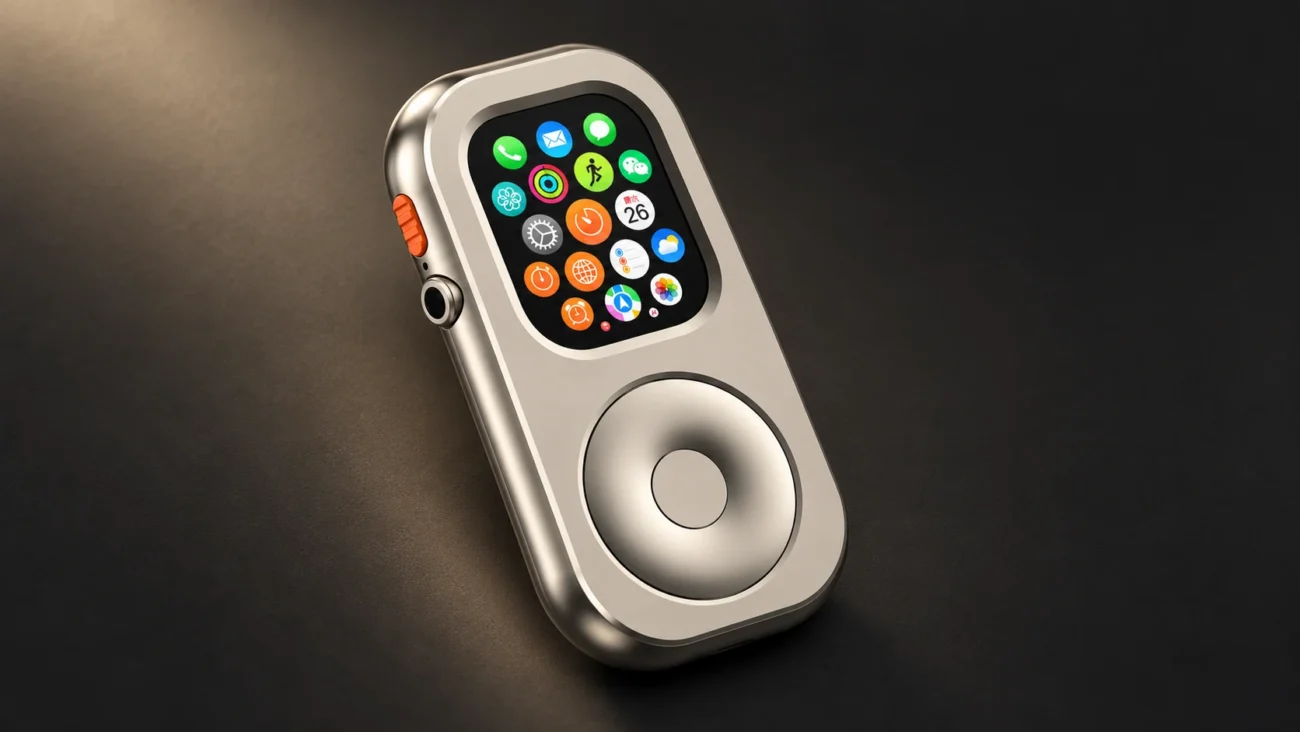
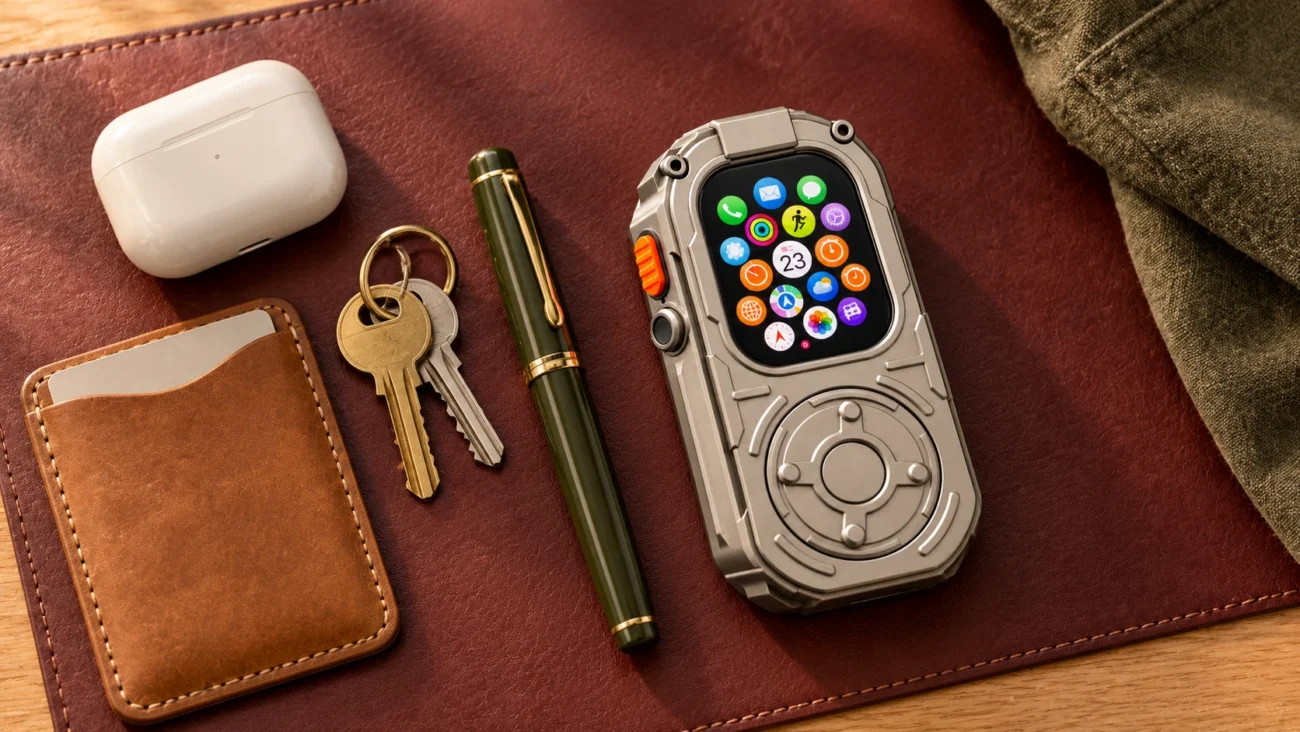
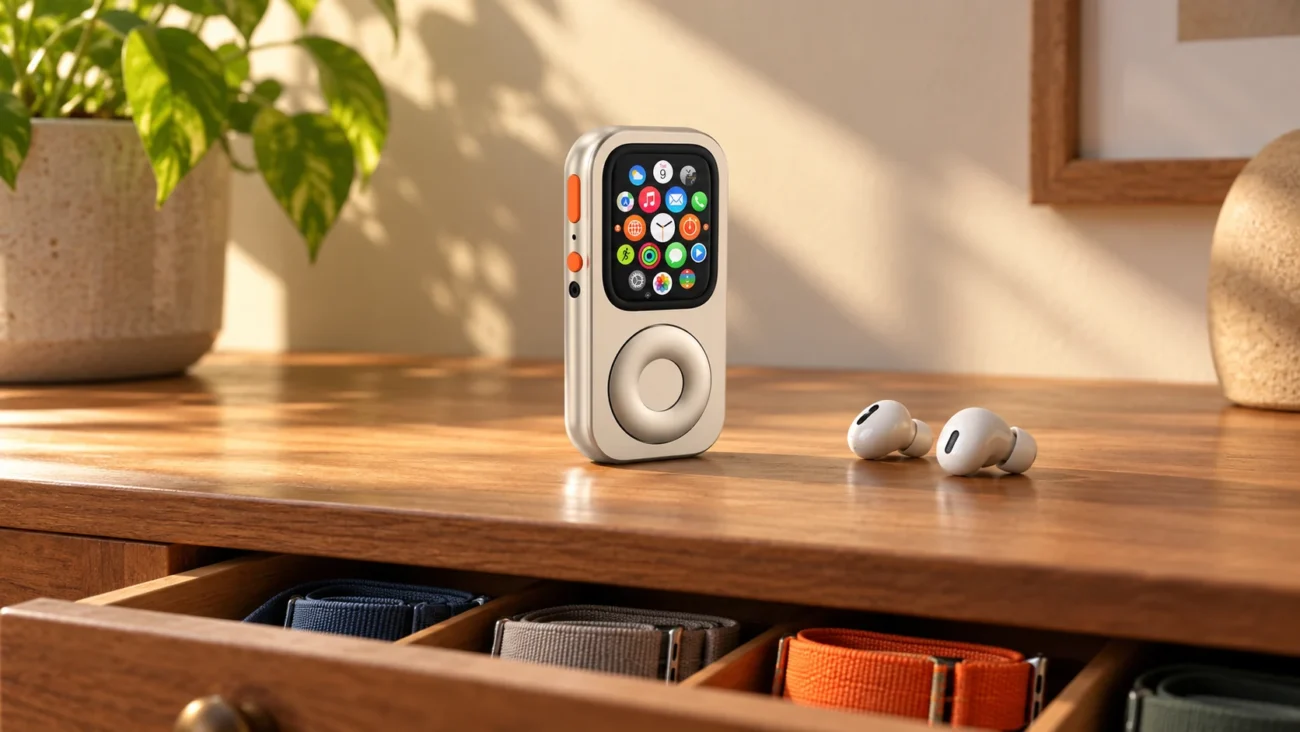
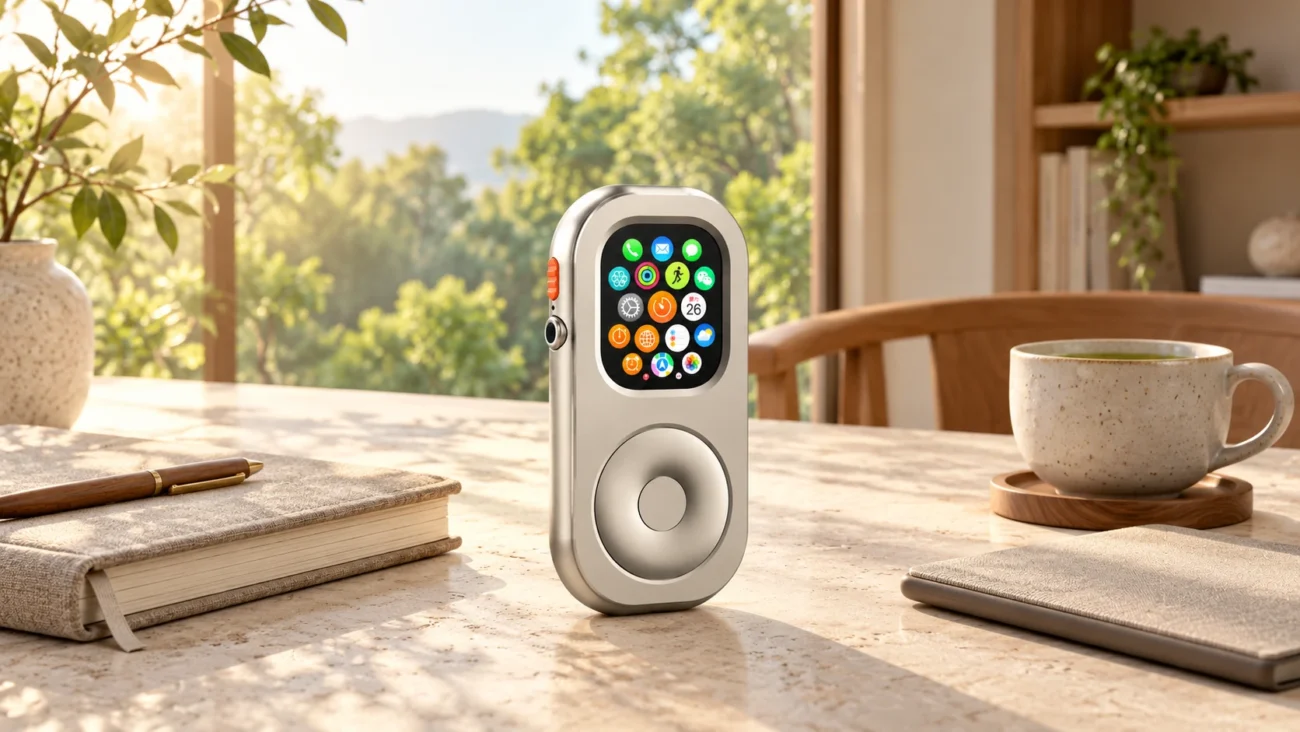
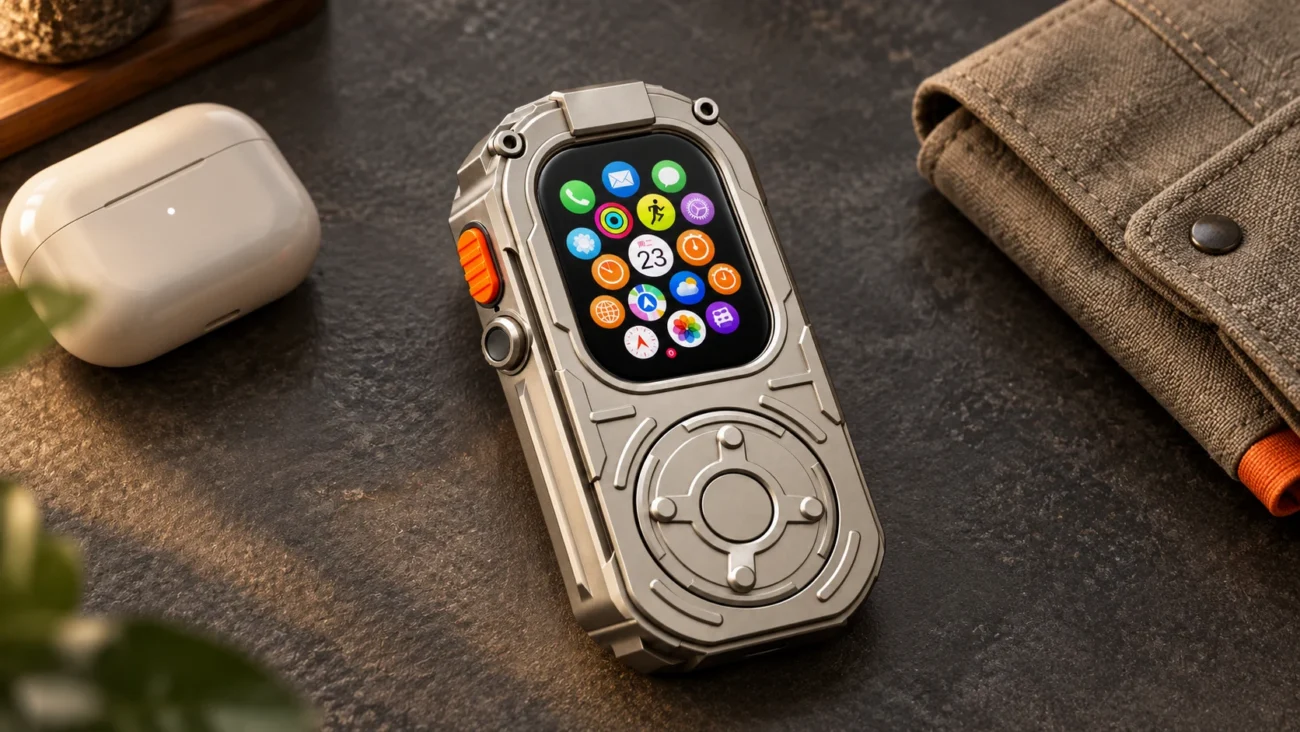
Some people like the convenience of a wrist display; others prefer taking a device out deliberately. A compatible RePod enclosure offers the second option, using a mechanical wheel for scrolling and the Watch touchscreen for selection. It does not change the Watch's software or add connectivity.
Off-wrist use brings trade-offs. A passcode-protected Watch normally locks when removed with wrist detection enabled. Disabling wrist detection changes automatic locking and several health and safety functions, including automatic Emergency SOS after a detected fall. Review Apple's wrist-detection guidance before changing the setting. You can try a phone-light routine without buying an enclosure or changing how you wear your Watch.
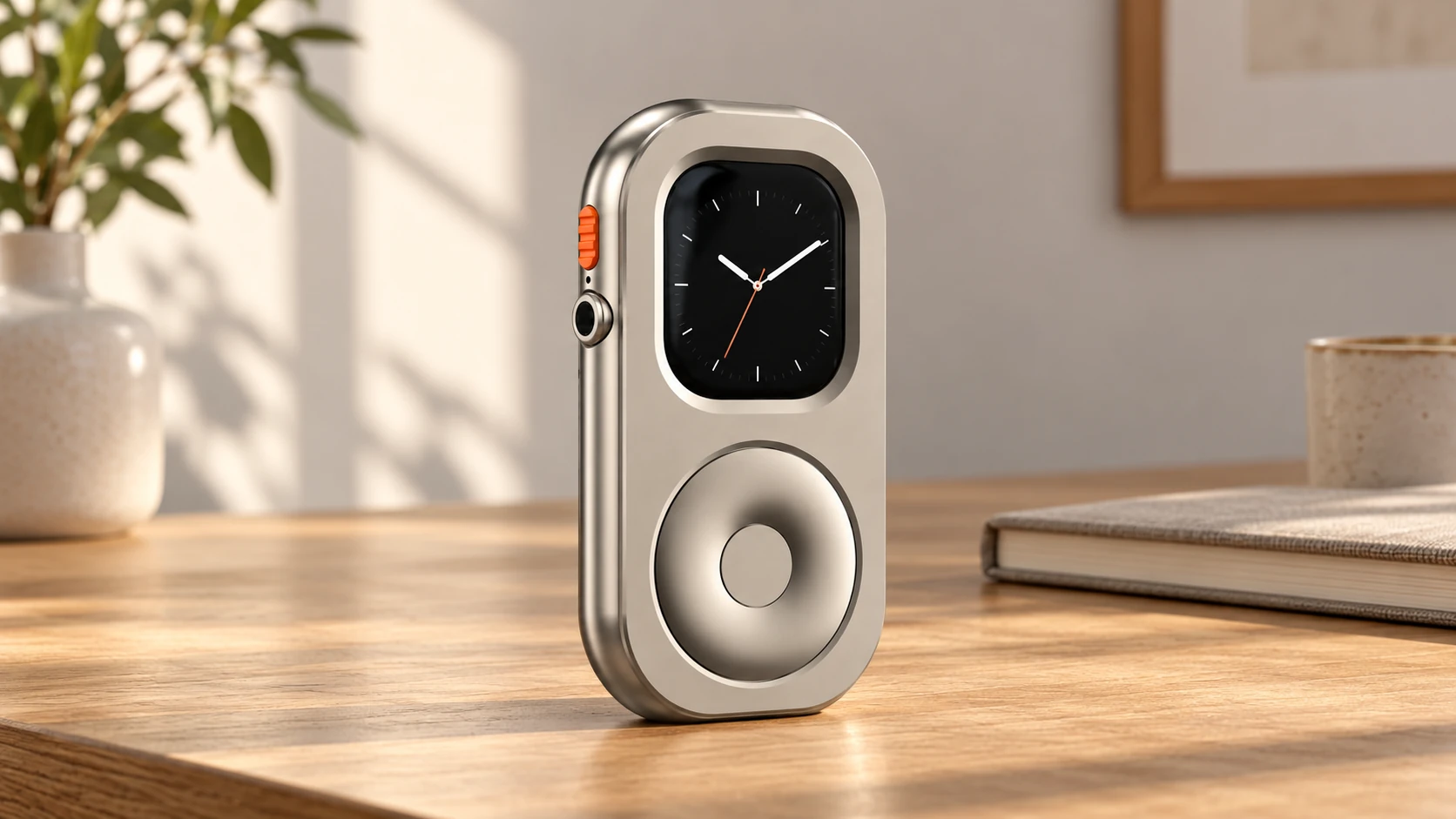
After a few attempts, ask a simple question: did this make the activity easier to enjoy or complete? Keep the boundary if it helps. If you spent the whole time working around missing tools, change the plan. A gentler routine allows that adjustment.
Frequently Asked Questions
Will using an Apple Watch this way cure smartphone addiction?
No device is a cure. A different carry setup may help you practise chosen boundaries, but it cannot guarantee a change in habits or remove the reasons you reach for your phone. Judge it as a practical tool, not a treatment.
Can I make calls without my iPhone nearby?
Supported cellular models can make calls with the appropriate plan and coverage. Wi-Fi calling may also be available with the right setup and carrier support. Test your own configuration before depending on it; offline audio alone does not provide calling.
Will pocket carry accurately track my fitness rings?
Do not assume pocket results match normal wrist use. Skin-contact measurements such as heart rate are affected, and wrist-detection settings change which Activity and health features are available. Wear the Watch as intended when those measurements are important to you.
A Tool, Not a Master
A thoughtful digital detox can be modest: one quieter coffee break, one walk with fewer checks, or one work session where the phone is easier to leave alone.
If pocket carry fits that routine, explore the RePod range and confirm your Watch's exact fit in the size guide. RePod is an optional enclosure; Apple Watch is not included. The goal is to choose when technology serves your day, with room to keep the tools you genuinely need.