



Stories

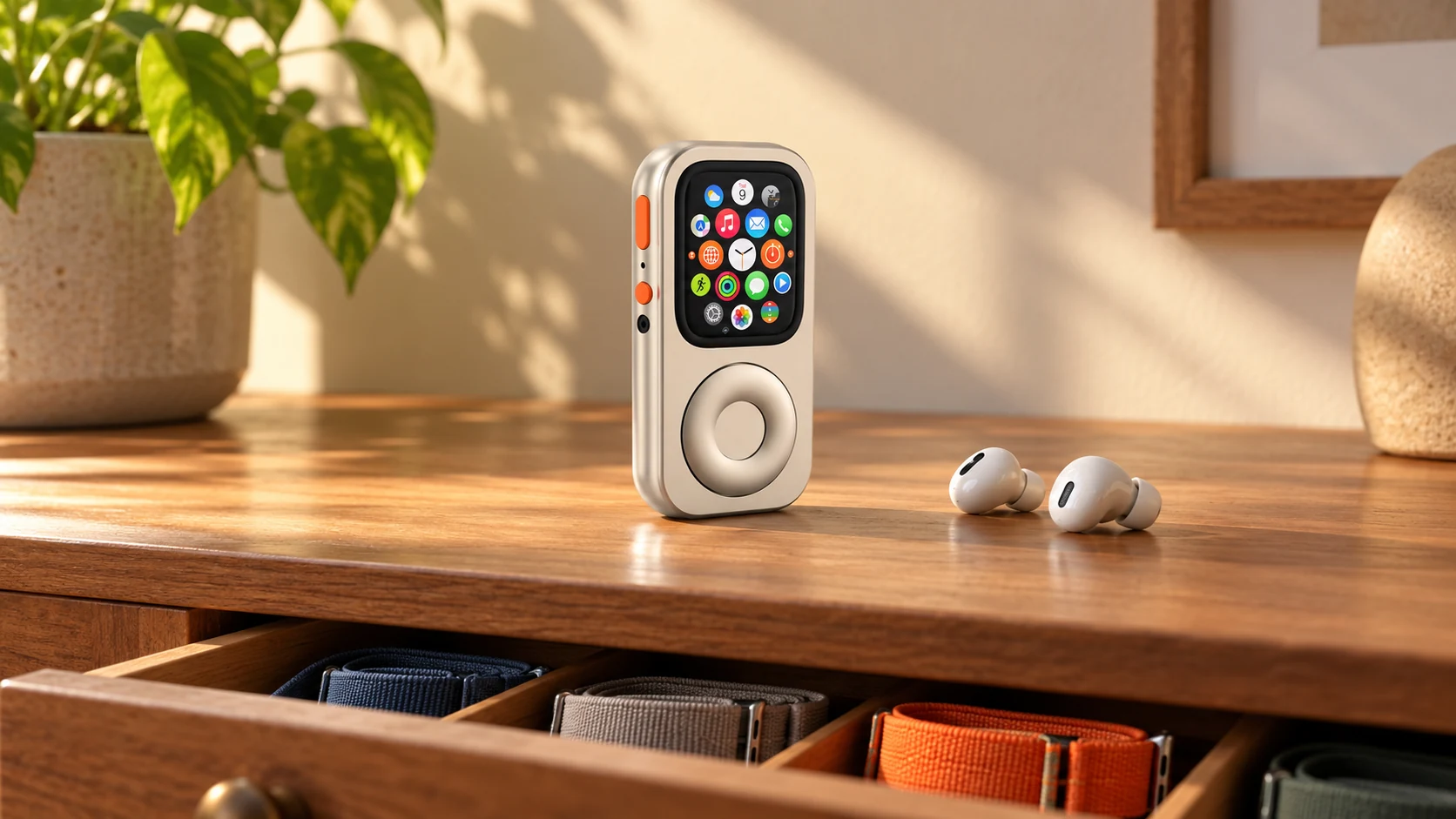
Check battery condition, pairing, app support and offline playback before turning an old Apple Watch into a dedicated music and utility device.
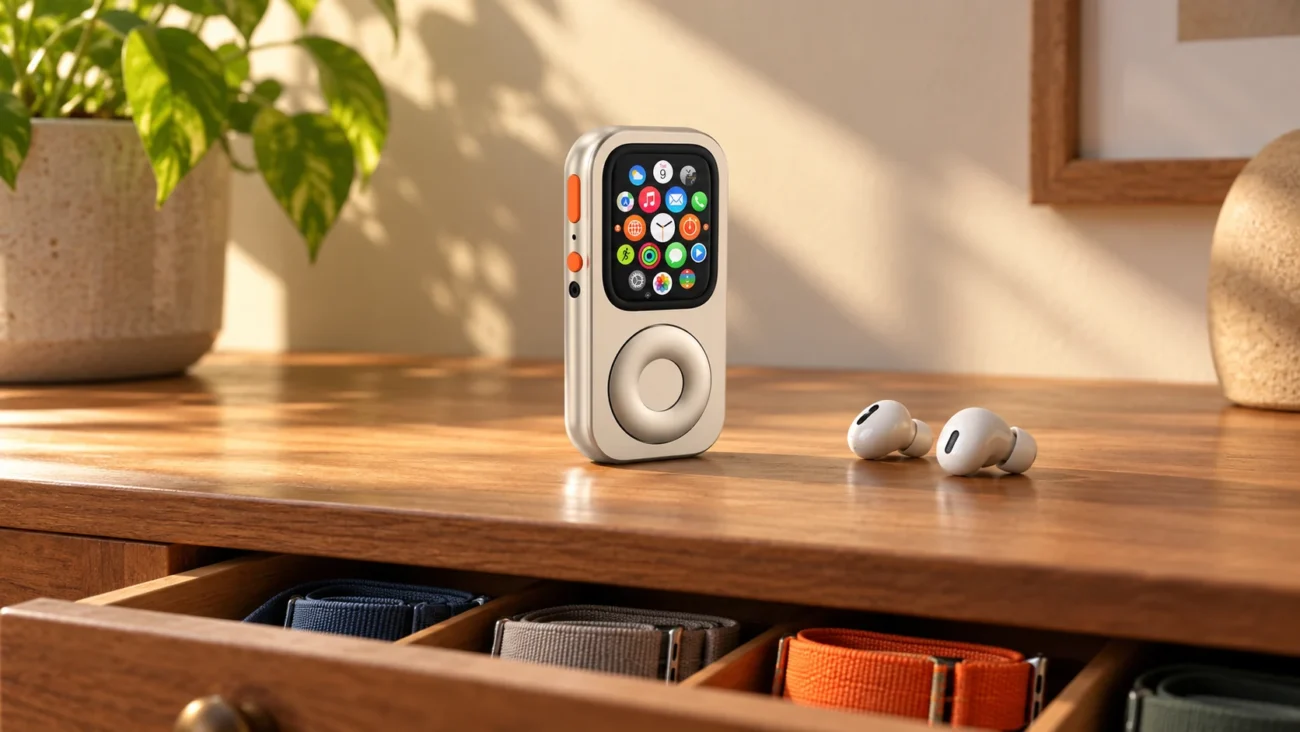
An older Apple Watch in a drawer may still have a useful role. It might become a bedside timer, a short-session music player, or a small companion for familiar errands. The important first step is checking what that particular device can still do—not assuming every retired Watch will make a dependable standalone player.
Our old-Watch music-player guide explores the idea. This checklist focuses on deciding whether your unit is ready and configuring it without unnecessary resets, purchases or promises about battery life.
The Drawer-Tech Dilemma
It is easy to keep an old device because it might be useful someday. Turning that possibility into a real role starts with a specific task. “Play one downloaded album while I make dinner” is a clearer test than “replace my phone.”
Trade-in values, app availability and repair costs vary. There is no universal dollar threshold that makes reuse the best choice. Compare the effort and cost with what you will actually use. Passing on a working device or using an appropriate recycling program can also be a reasonable outcome.
Before charging or using a long-stored Watch, inspect it for obvious damage. A damaged or swollen device should be assessed by a qualified service provider. Apple's Watch service information is a starting point; a new case is not a battery repair.
Battery Wear Is a Constraint, Not an Upgrade
Changing the job can change how a device is used. A short listening session is different from a full day of workouts, calls and navigation. That does not establish how long your old battery will last, and putting the Watch in a pocket does not restore its capacity.
Check battery information available on the device, charge it normally and run a realistic trial of the intended task. Note the starting charge, duration, remaining charge and any unexpected shutdown. Repeat before relying on it away from home. Avoid promising yourself “hours of use” based on a general claim about an old model.
If you need dependable all-day communication, an unreliable battery is a reason to keep another device available or consider service. It is not something an enclosure can compensate for.
Reuse succeeds when the device reliably does a job you value—not simply when it fits into a new shell.
Configure a Dedicated Audio and Utility Companion
1. Check pairing before erasing anything
Identify the exact Watch model and the iPhone you will use to manage it. Check supported software and app requirements. If the Watch is already paired to your account and works, a factory reset is not a prerequisite for trying a simpler routine.
Keep data you need before any future reset or ownership transfer. Do not treat Family Setup as a universal standalone mode: Apple Watch For Your Kids requirements include supported cellular models, an organizing iPhone and account arrangements, and feature availability differs. Ordinary personal pairing may be the suitable route for your own second Watch.
2. Choose a short list of useful apps
Start with one main task and perhaps a timer or calculator. Remove optional clutter only after you know what you need. Some apps may no longer support the software available on an older Watch; a newer enclosure will not change that.
Keep security settings intentional. Review the consequences of any change to Wrist Detection rather than switching it off as a generic battery-saving trick. Pocket use is not equivalent to wrist wear for health measurements and authentication behavior.
3. Verify offline media on the Watch
Use a music or podcast app that supports your device and account. Confirm the media is downloaded to the Watch, connect the headphones to it, and test playback without depending on a nearby phone or streaming connection. Apple's guide to using Watch without iPhone nearby distinguishes connected functions from offline ones.
An active cellular plan is not needed merely to play supported downloaded audio. Downloads can still require an account, subscription or periodic access depending on the service. “Offline” does not mean every app or every file will work indefinitely.
4. Test the full routine
Try the way you actually intend to carry, unlock and charge the device. Can you start the desired audio, adjust it and put the device away comfortably? Is the charging routine convenient enough that you will keep using it?
Write down a simple result: suitable for this task, needs service or setup work, or not worth repurposing. There is no need to turn a short experiment into a project you feel obliged to finish.
Choose an Enclosure Only After the Watch Passes
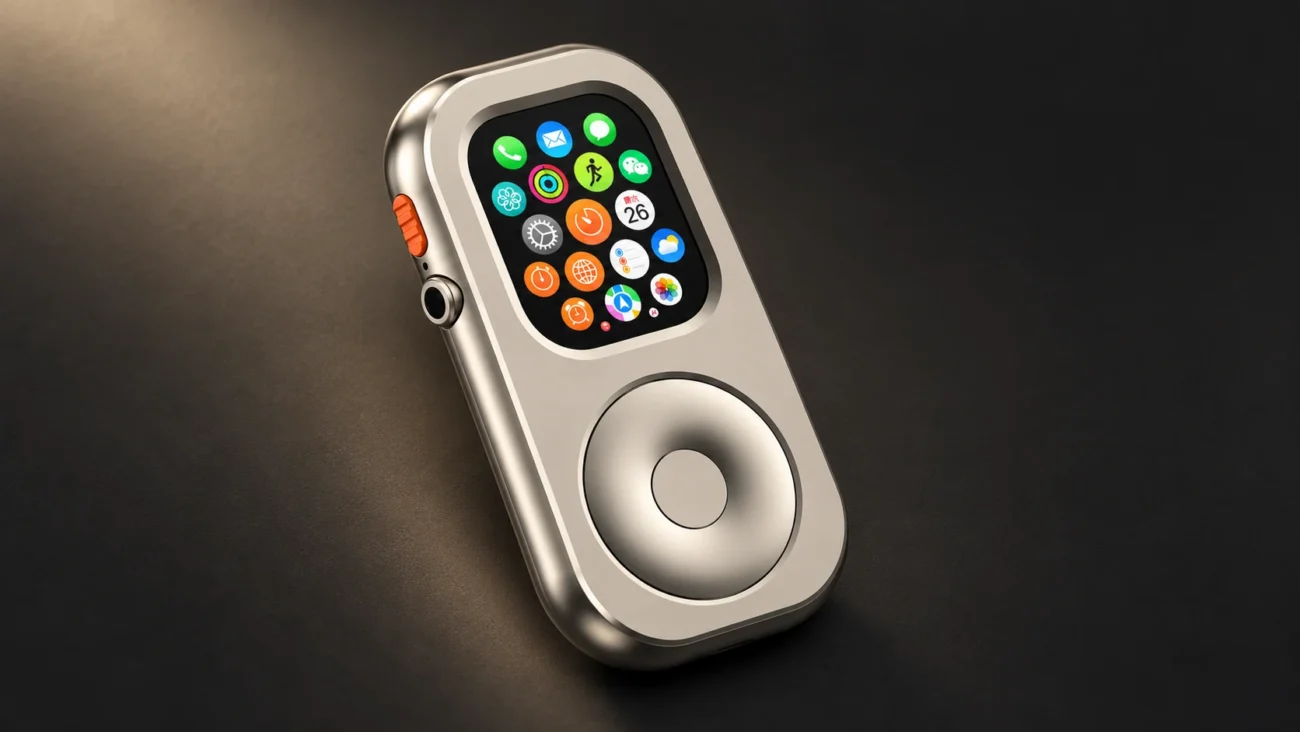
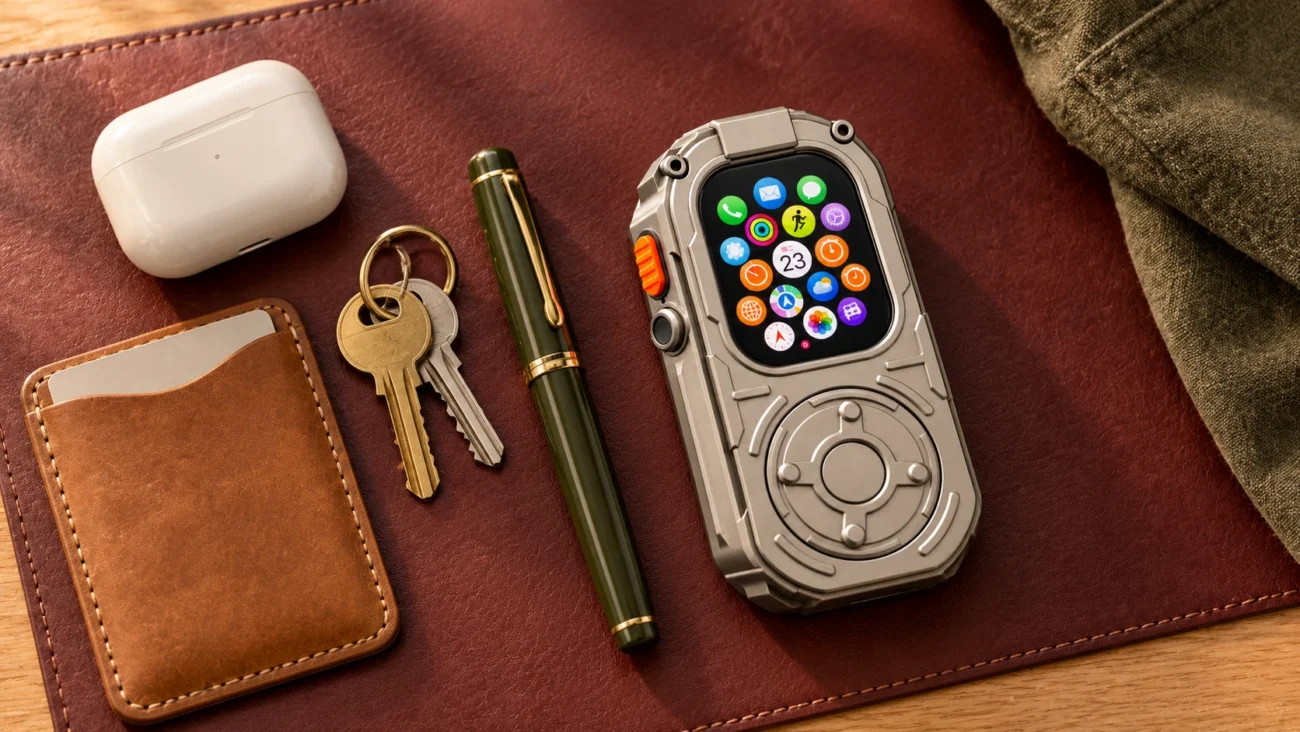
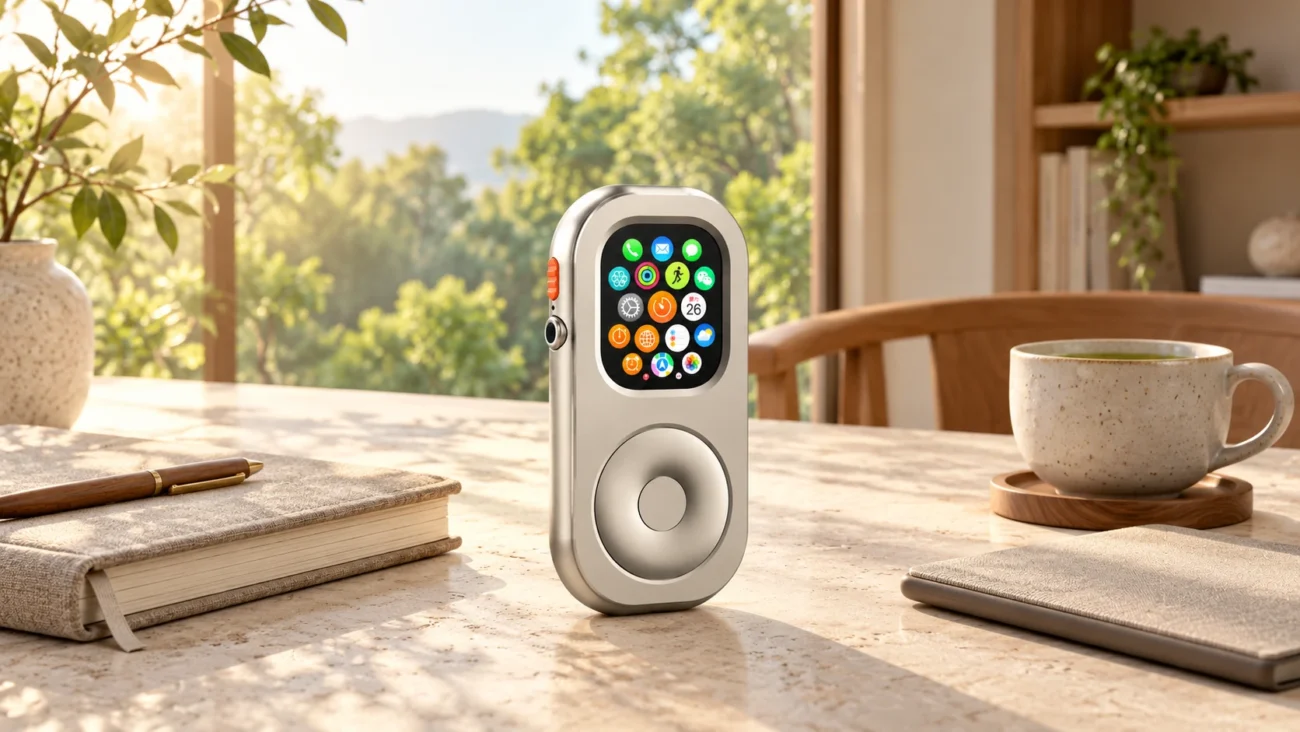
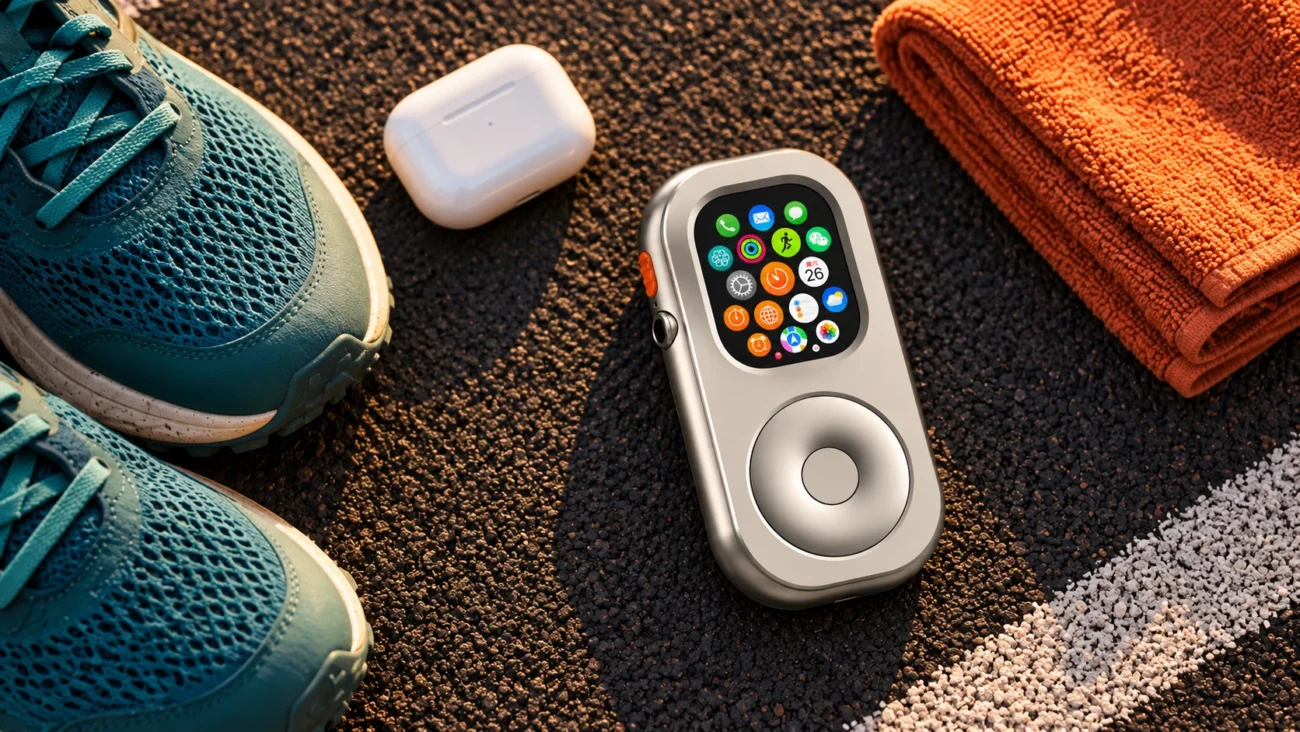
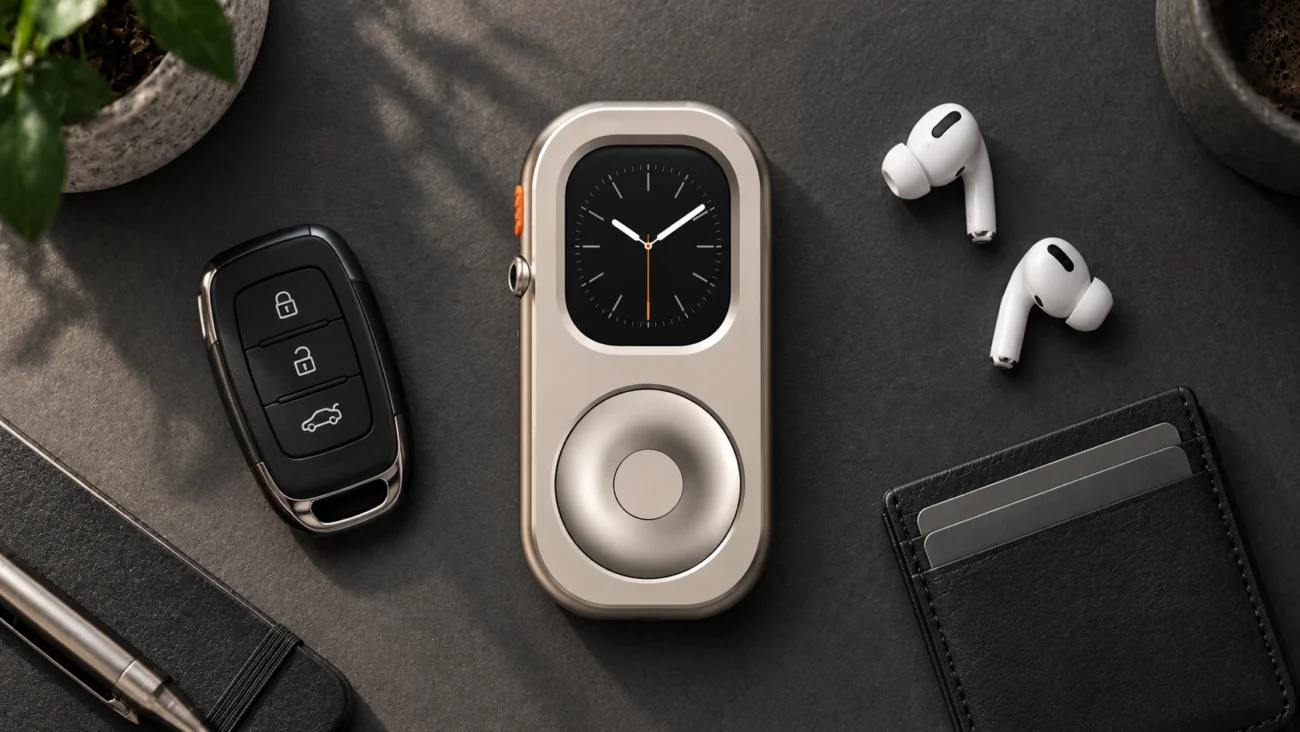
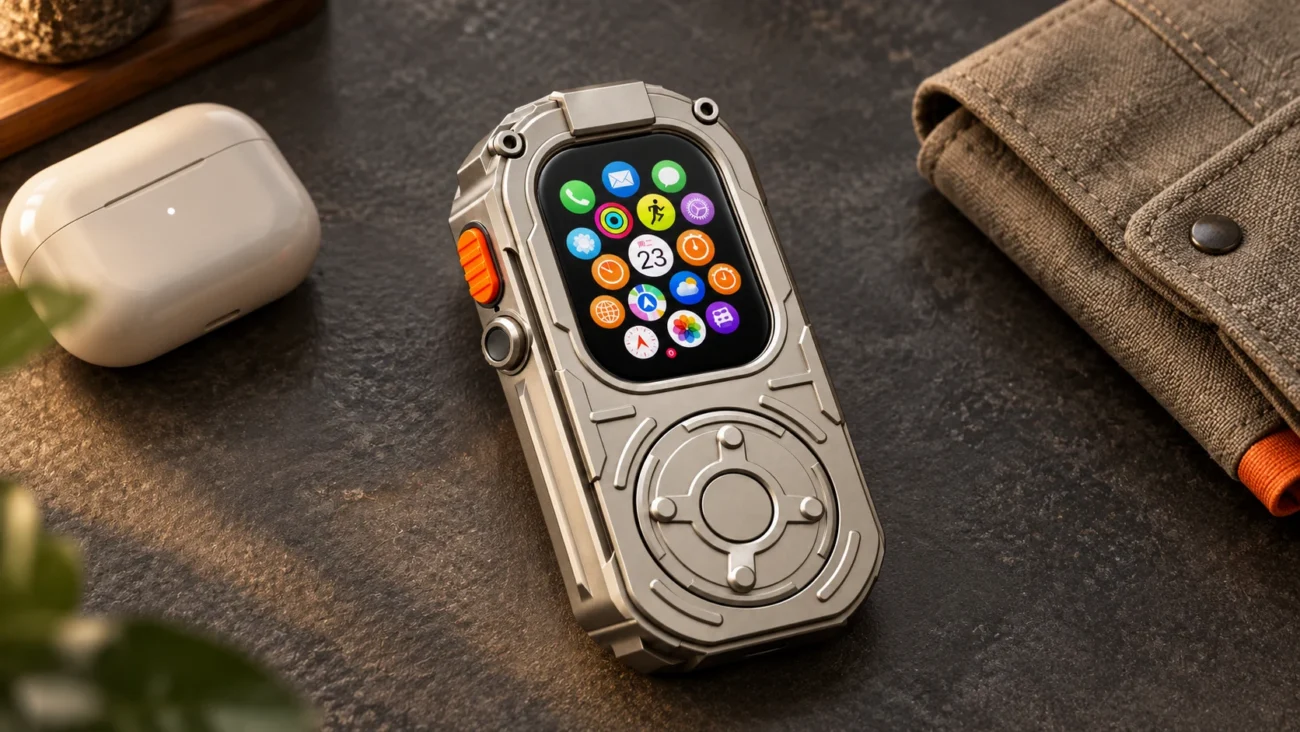
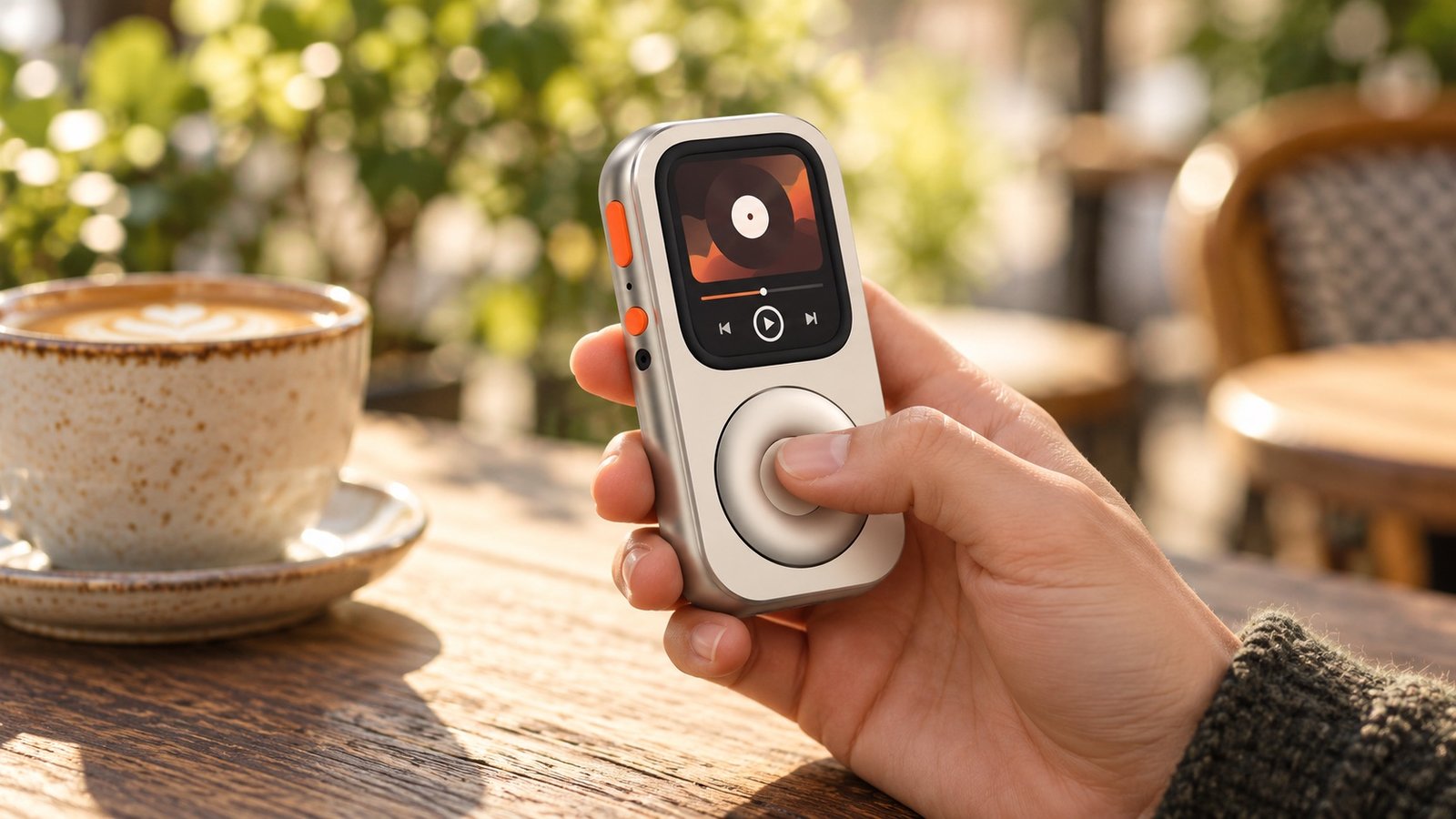
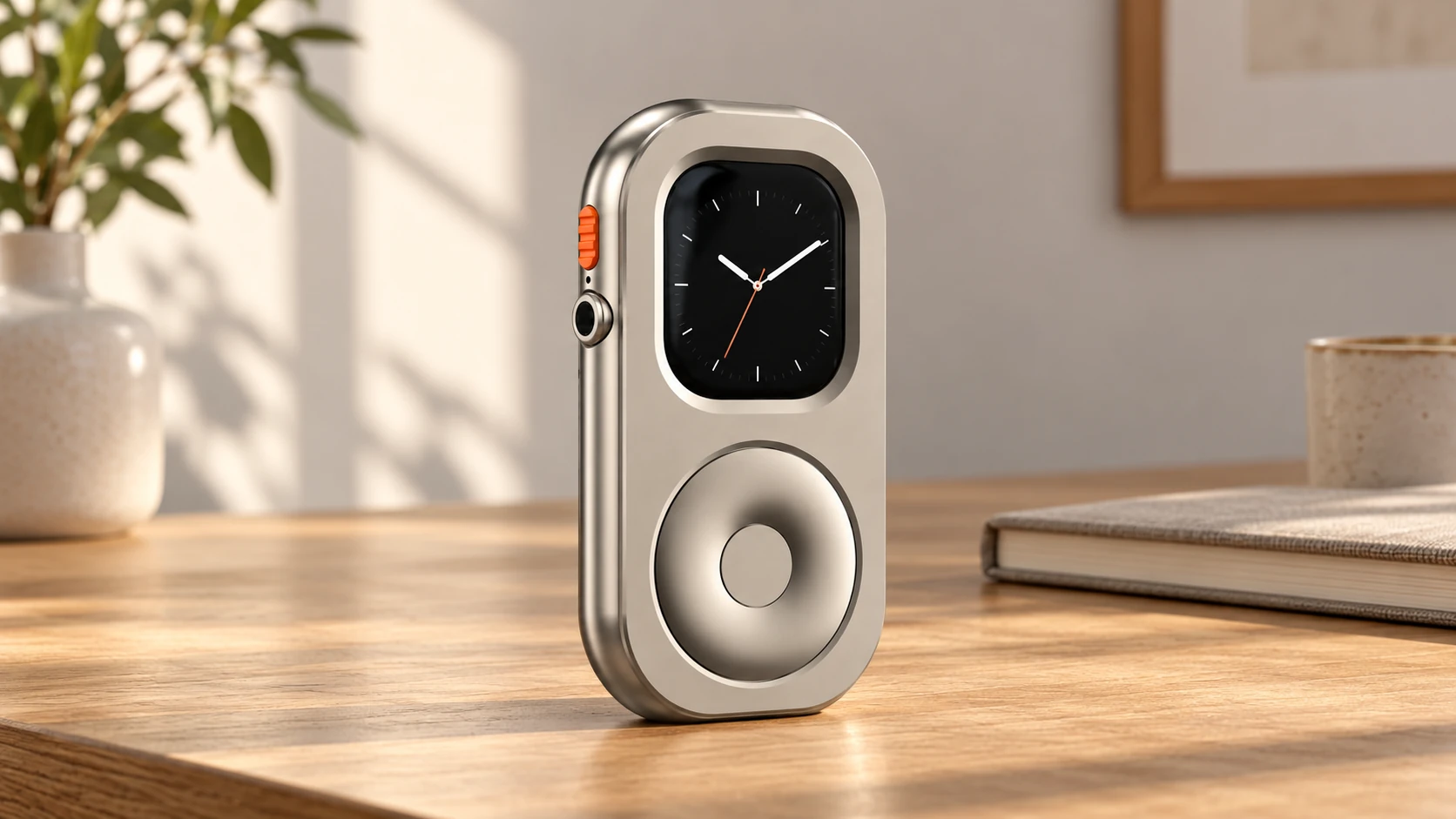
A compatible RePod case can give the Watch a handheld form and an external scrolling control. It does not transform a GPS-only Watch into a cellular model or bring unsupported software back into service.
RePod Standard/C and Ultra/U use aluminum-alloy housings; the EDC/P line uses zinc alloy. The model, size and carry style must match the actual Watch. Do not infer compatibility from a similar-looking image or an older “S-Series” name. Check the current Watch size guide and relevant listing before ordering.
Common Questions Before You Commit
Will my existing Bluetooth headphones work? Test the particular pair with your Watch and intended app. Familiar branding is not a substitute for checking connection, playback and controls.
Can this be my emergency phone? Treat that as a separate connectivity and reliability question. A dedicated offline player is not automatically a dependable emergency device.
Do I have to buy a case to reuse the Watch? No. Try the job on the Watch first. If a handheld shape would make that proven routine more useful, explore RePod as an optional next step.