



Stories


Before leaving your iPhone at home, check calls, downloaded audio, payments, navigation and a backup plan. Start with a short, familiar trip.
Leaving your phone behind can make a short trip feel simpler. It can also be inconvenient if the one thing you need—a ticket, a message, or a working route—is still on the kitchen table. The useful question is not whether you can manage without a smartphone in general. It is whether your actual setup covers this particular outing.
This checklist is for a first coffee run, familiar walk, or short errand. For the broader setup process, start with our guide to leaving your iPhone at home with Apple Watch. Here, the focus is the final check before you go.
Being Reachable Is Different From Being Distraction-Free
Reducing interruptions does not require becoming unreachable. Decide which people and functions matter during the time you will be out. A trip to a nearby cafe may need only a way to pay. Collecting a child or attending an appointment may require dependable calls, messages, identification, or a particular app.
A smaller device does not automatically make those requirements disappear. Nor does it automatically silence notifications. Review your settings and keep the phone when a missing function would create a real problem.
A successful phone-free trip is one that fits your needs—not one that proves you can tolerate the most inconvenience.
The Standalone Checklist: Audio, Navigation, and Payments
1. Check your connection and reachability
Apple Watch can use available Wi-Fi or, on supported cellular models with suitable service, cellular connectivity away from iPhone. Some messaging and notification functions still depend on the paired iPhone being powered on and online. Review Apple's explanation of use without a nearby iPhone, then test the calls and messages you actually need.
Make an ordinary test call to someone who is expecting it while away from your phone's Bluetooth range. Check incoming communication too. A successful test at home is useful evidence for that location, not a guarantee of coverage everywhere.
2. Confirm that audio is genuinely downloaded
Open the intended playlist or podcast on the Watch and check the app's download status. Pair your headphones with the Watch itself. Do not assume that a title visible in a library is stored locally, or that a download on iPhone is also on the Watch.
Try playback under the conditions you plan to use. Download availability can depend on the app, account and subscription. Make this check before a workout, when there is time to resolve it.
3. Keep a payment fallback
Supported cards added to Apple Pay can work without the Watch having an active internet connection at the payment moment. Acceptance, authentication and individual transit systems still matter. Carry a backup card or appropriate alternative until you know the venue and your setup.
If you carry the Watch off your wrist, understand its passcode and Wrist Detection behavior. Do not disable security simply to make a checkout demonstration look effortless.
4. Separate location from directions
A GPS position is not the same as having the maps, route information and network access required for a particular journey. Open your planned route in advance and verify what is available on your Watch and software version. Bring your phone if the trip depends on information you have not tested.
Also check tickets, entry codes, ride-booking apps and return travel. A working music player cannot substitute for an unavailable train ticket.
Handling Emergencies Away From Your Desk
Do not treat a cellular badge as a universal emergency guarantee. Emergency features depend on the particular Watch, region, connection and service conditions. Read Apple's Emergency SOS guidance for your device; do not place a test call to emergency services.
If reliable contact is essential, or you are going somewhere unfamiliar or remote, keep an appropriate communication backup. A casual phone-free experiment should not become a test of emergency coverage.
Develop the Habit in Three Small Steps
First, try a familiar short errand. Choose a nearby destination with a straightforward way home. Take keys and a payment fallback. Notice what you actually missed instead of judging the trip by an idealized version of digital minimalism.
Next, try a familiar walk or workout. Prepare audio first. If you need wrist-based health measurements, wear the Watch as intended; a pocket case is not equivalent to skin contact.
Then, consider an evening out. Check reservations, tickets, transport and communication with anyone depending on you. Take the phone when those requirements make it the sensible tool. Our five phone-free scenarios offers examples of when that trade-off can work.
Make Pocket Carry a Separate Decision
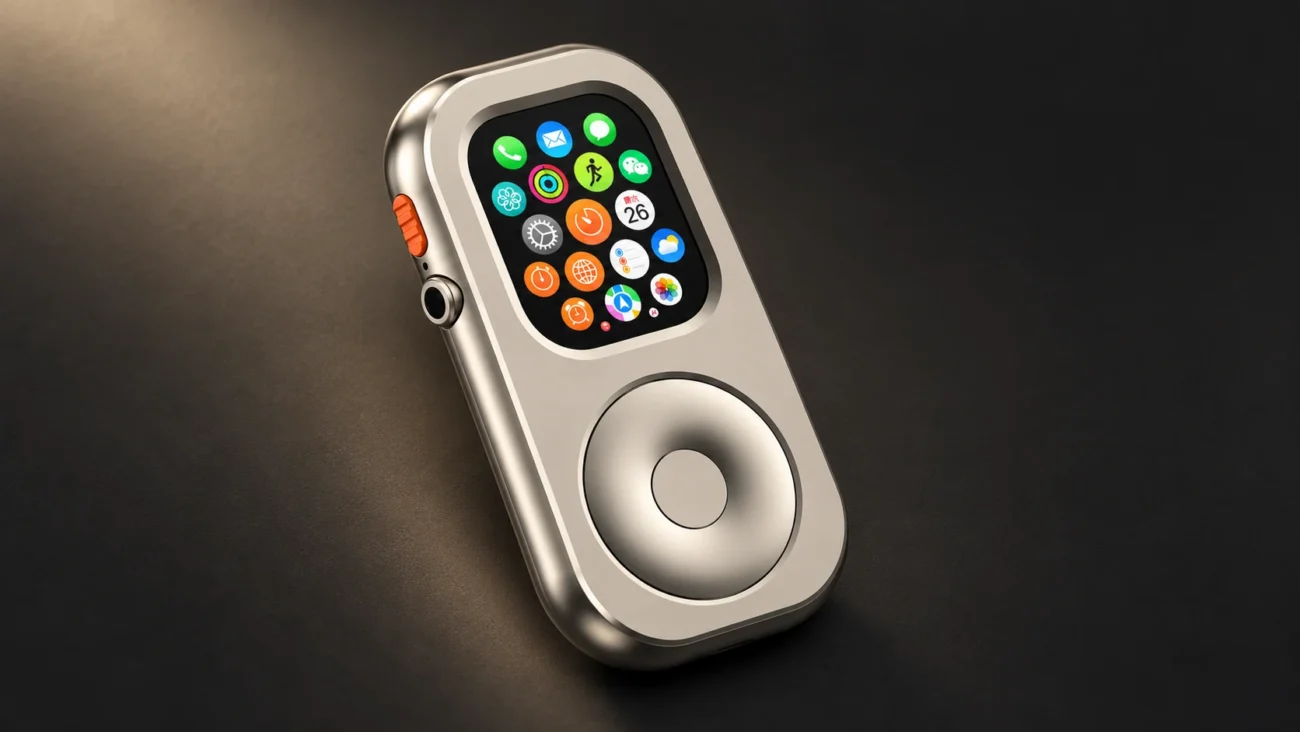
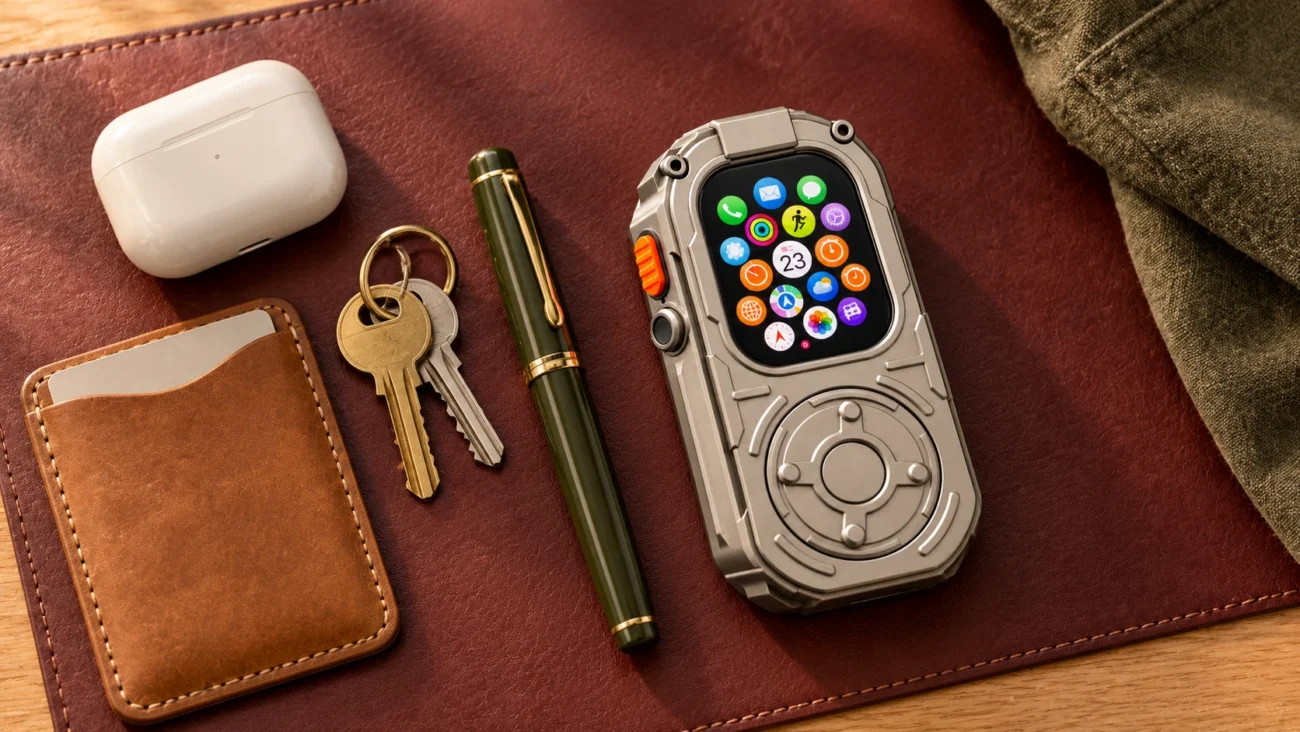
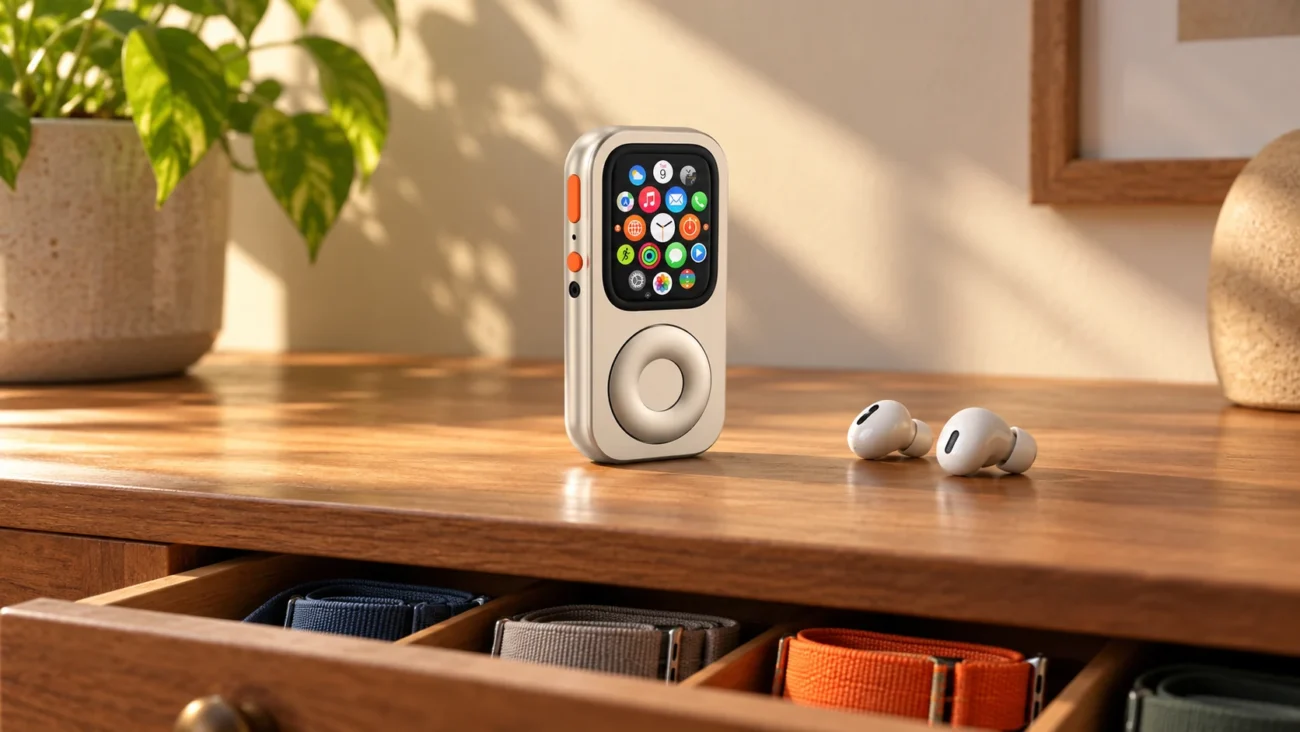
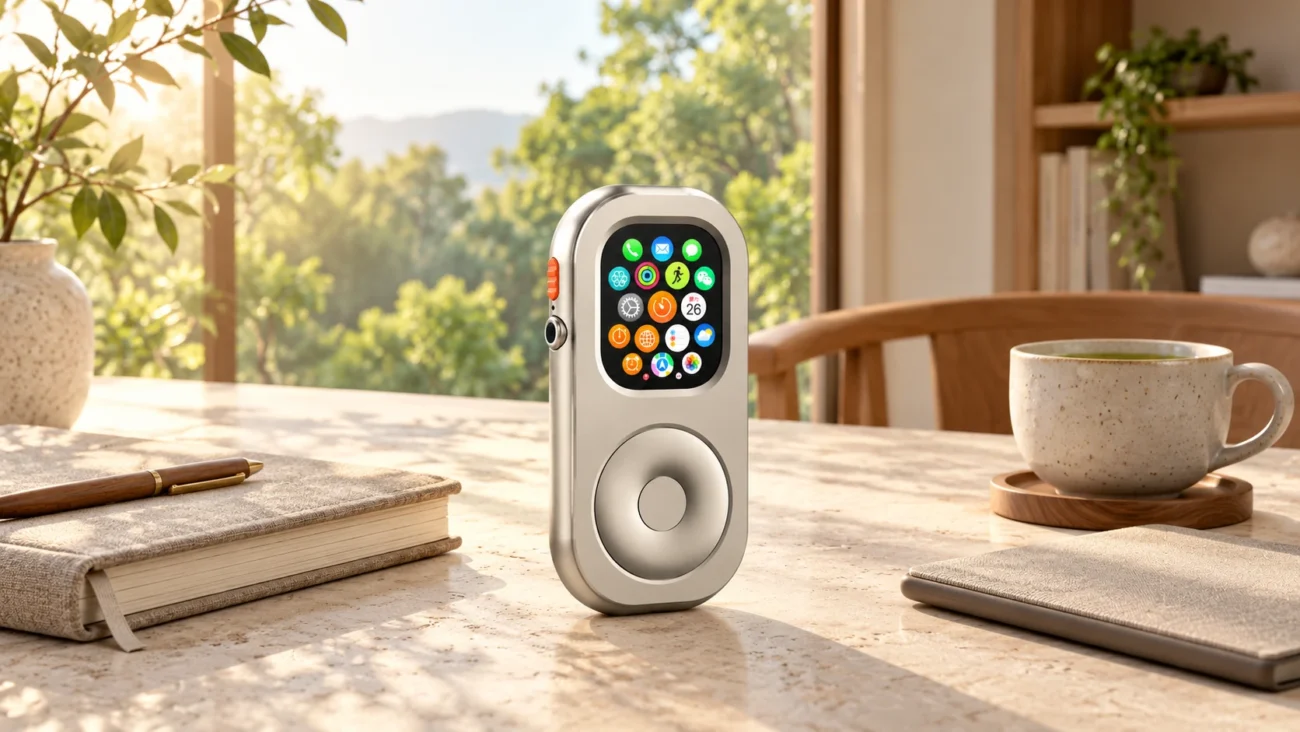
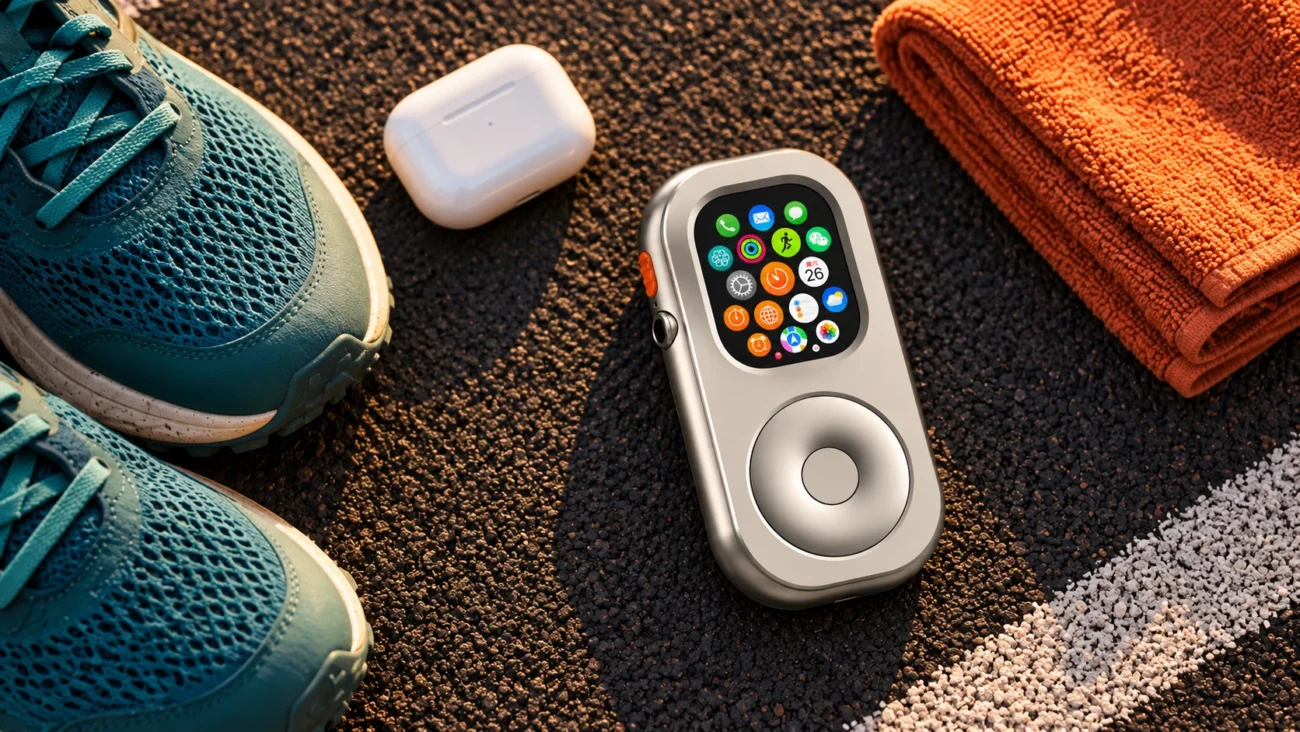
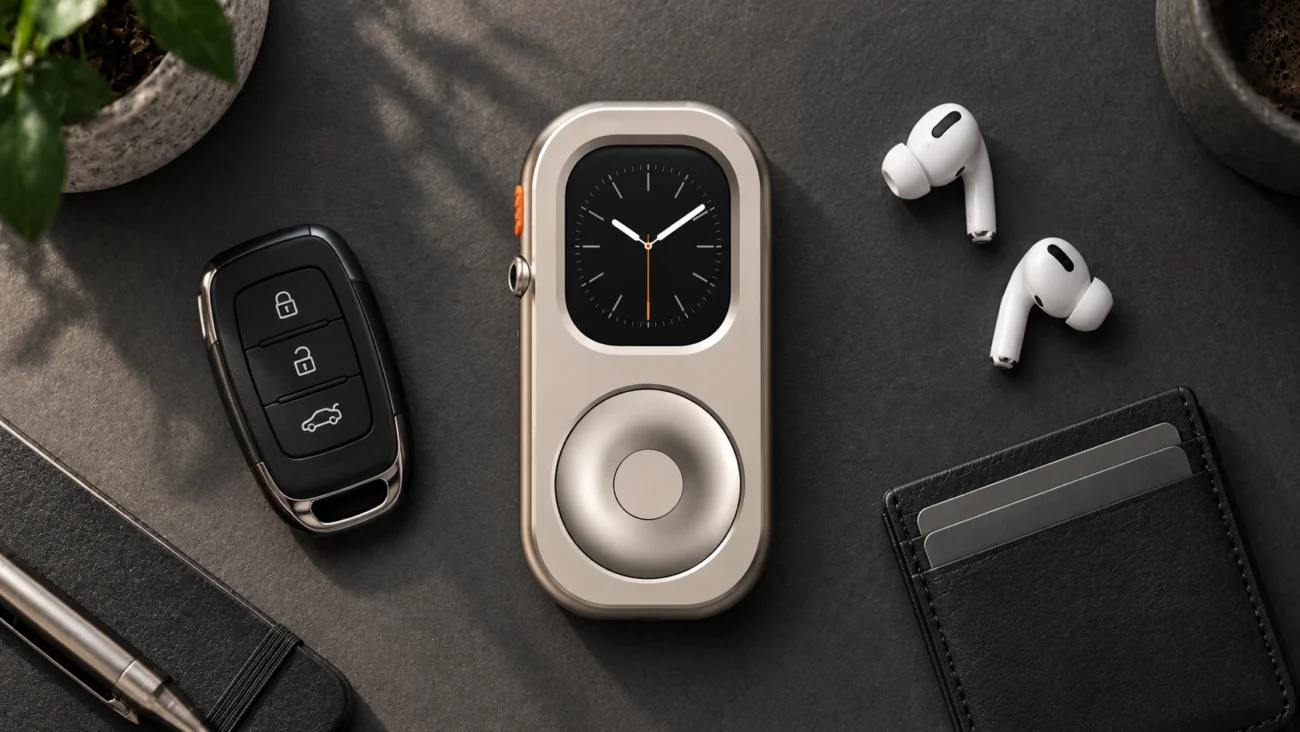
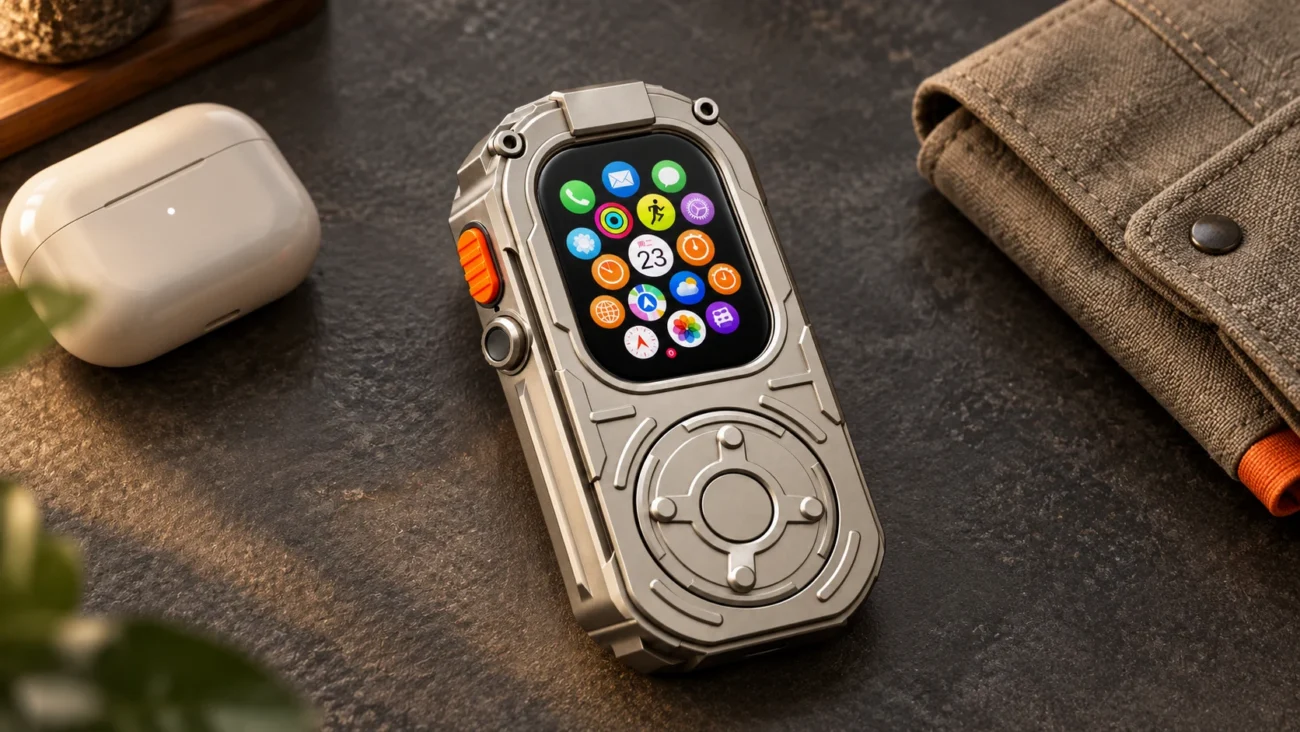
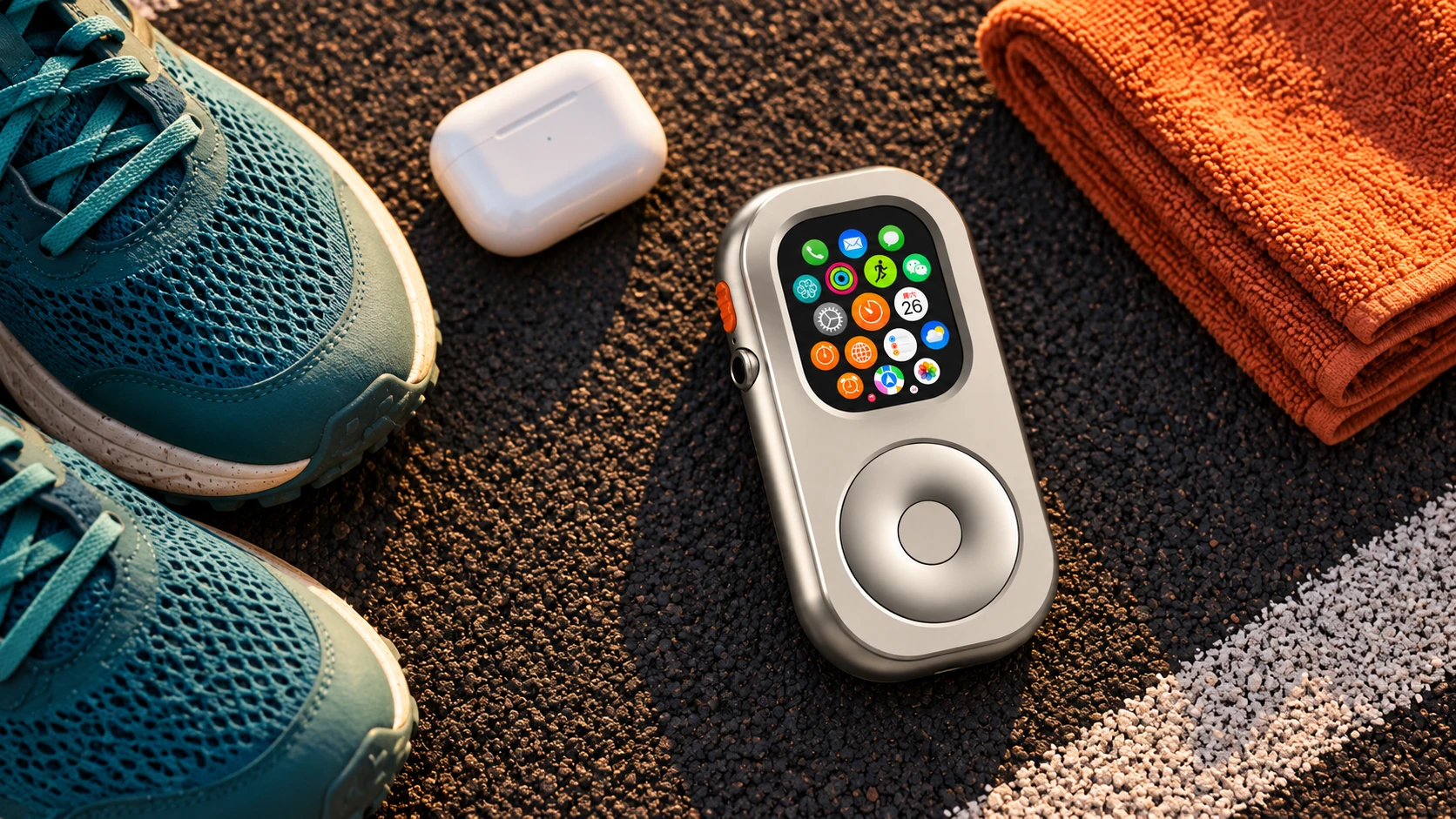
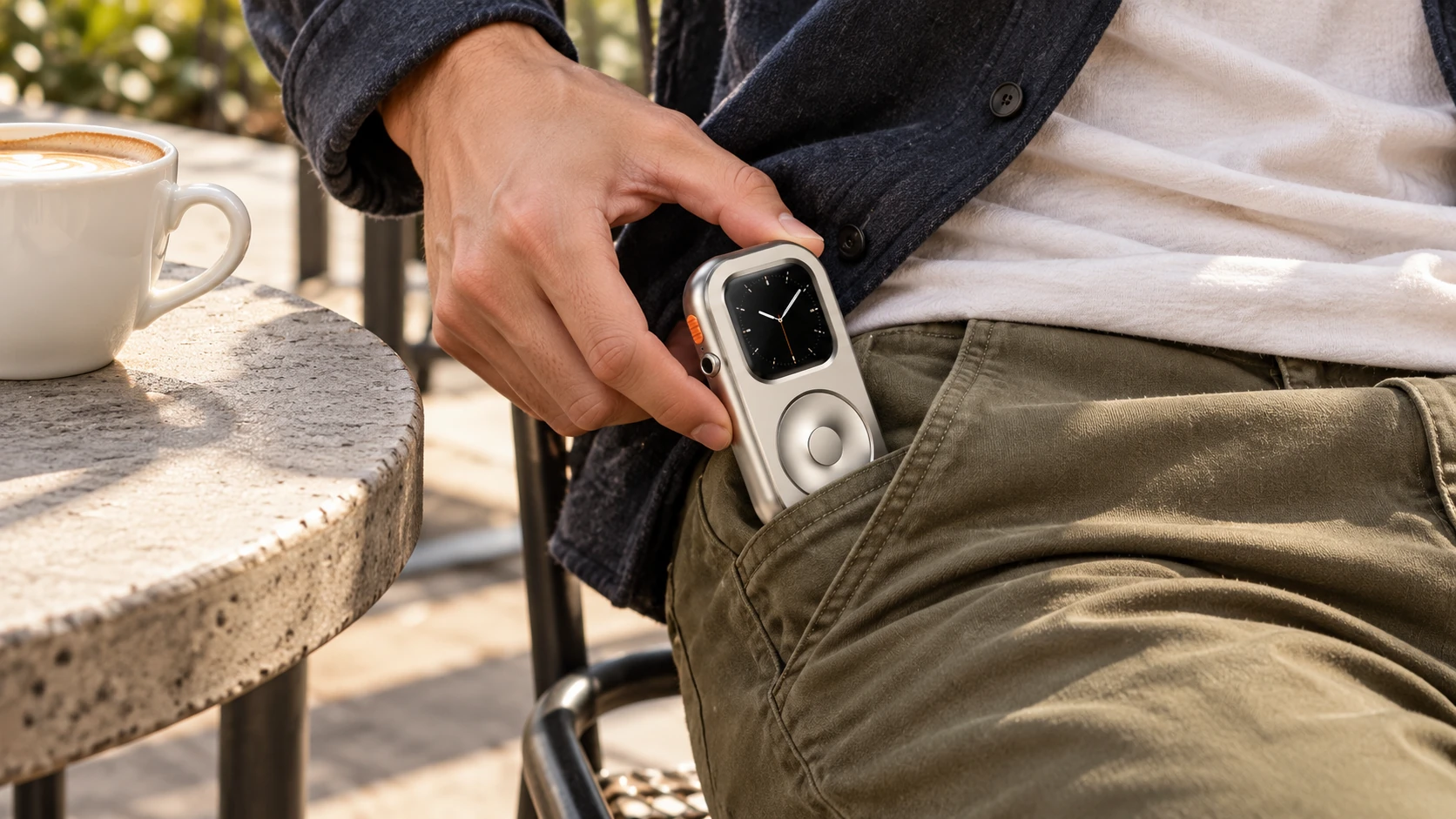
A handheld RePod case changes the way you hold and carry a compatible Apple Watch. Its wheel supports scrolling; confirmation and other actions still use the Watch's relevant controls. It does not add cellular hardware, repair battery wear, or block distracting apps.
Try the departure checklist with the Watch you already own before buying an enclosure. If handheld carry suits your routine, check the model and size guide and compare RePod options. Choose the case after you know the job it needs to do.