


Stories

How many times have you set out for a quick morning run, a dog walk, or a coffee run, only to feel the heavy bulk of your iPhone bouncing in your pocket? Or worse, you unlock your phone to check the time and get instantly pulled into a 45-minute social media vortex?
The desire to step outside without a bulky smartphone is stronger than ever. But complete disconnection feels risky—you still need emergency contact, contactless payments, and music. The ultimate solution isn’t buying a secondary feature phone; it’s learning how to leave your iPhone at home using your Apple Watch.
Why Leaving Your iPhone at Home Changes Your Mindset
When you leave your primary phone at home, you aren’t shutting down communication—you are filtering out low-value noise. An Apple Watch with Cellular capability maintains a baseline safety net while removing the dopamine-inducing distractions of full-sized smartphone screens.
- Zero Habitual Scrolling: You can’t impulsively check news feeds, TikTok videos, or web browsers while waiting in line.
- Uninterrupted Physical Freedom: No pocket drag, heavy pant sagging, or fears of dropping a $1,200 glass rectangle during workouts.
- Intentional Accessibility: You remain reachable via phone calls, VIP SMS, and emergency alerts without ambient notification stress.
Real-World Scenarios for Phone-Free Outings
Transitioning to a phone-free routine becomes effortless when you target specific daily activities where a smartphone is redundant:
1. Phone-Free Running & Gym Workouts
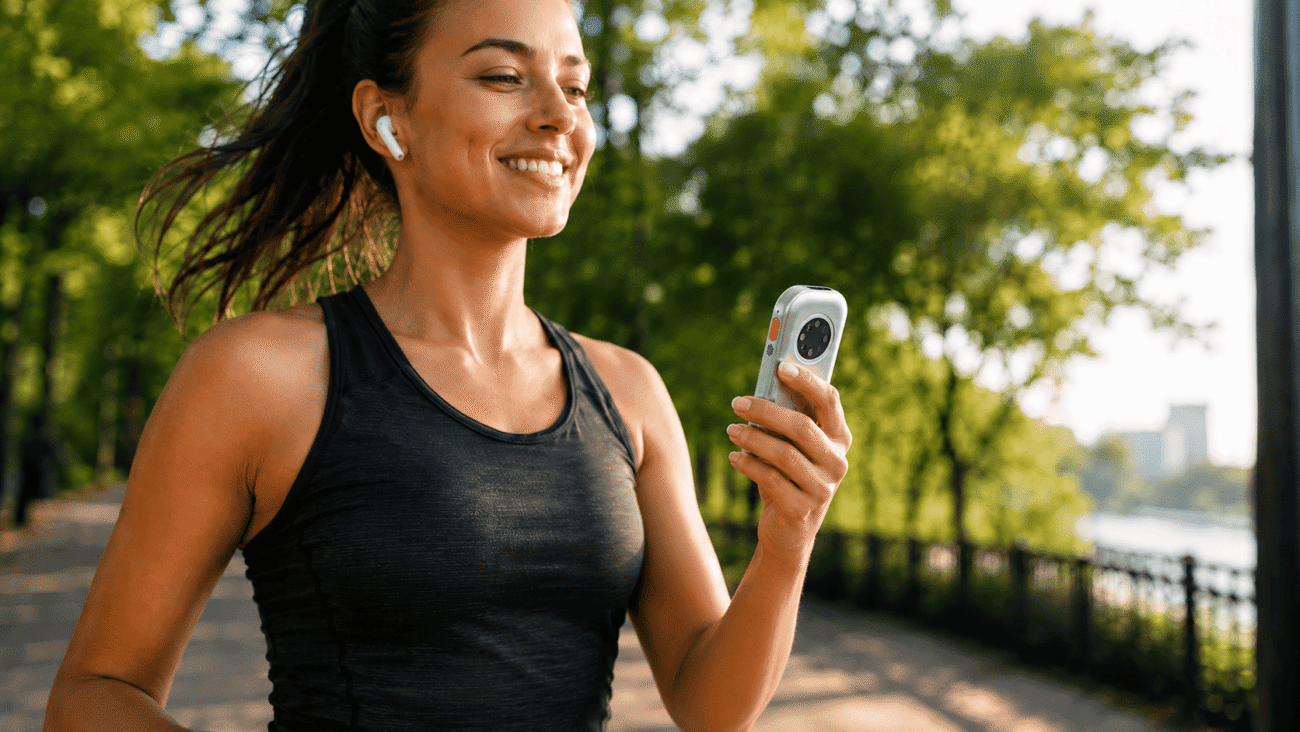
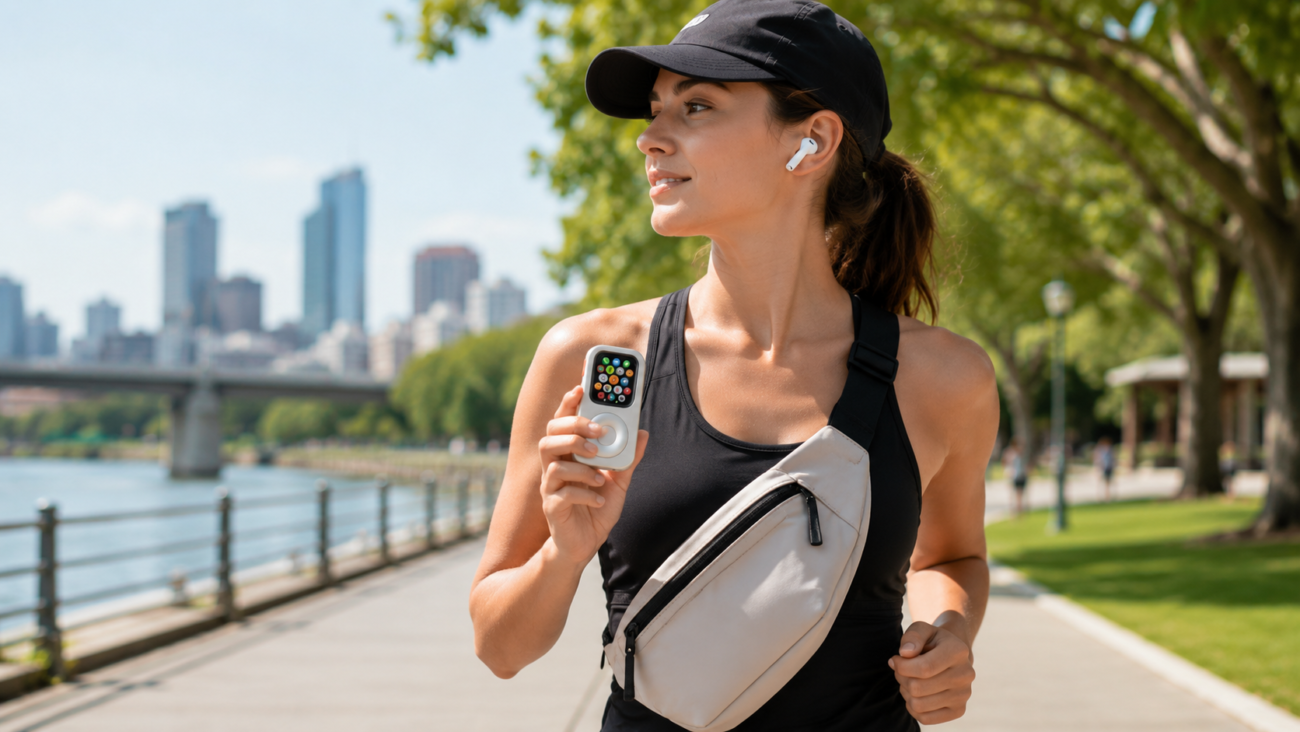
Runners and gym-goers waste energy holding large iPhones or wearing restrictive armbands. With an Apple Watch, you get GPS tracking, heart-rate metrics, and offline music playback directly to your AirPods—completely wireless and weight-free.
2. Morning Coffee Runs & Quick Errands
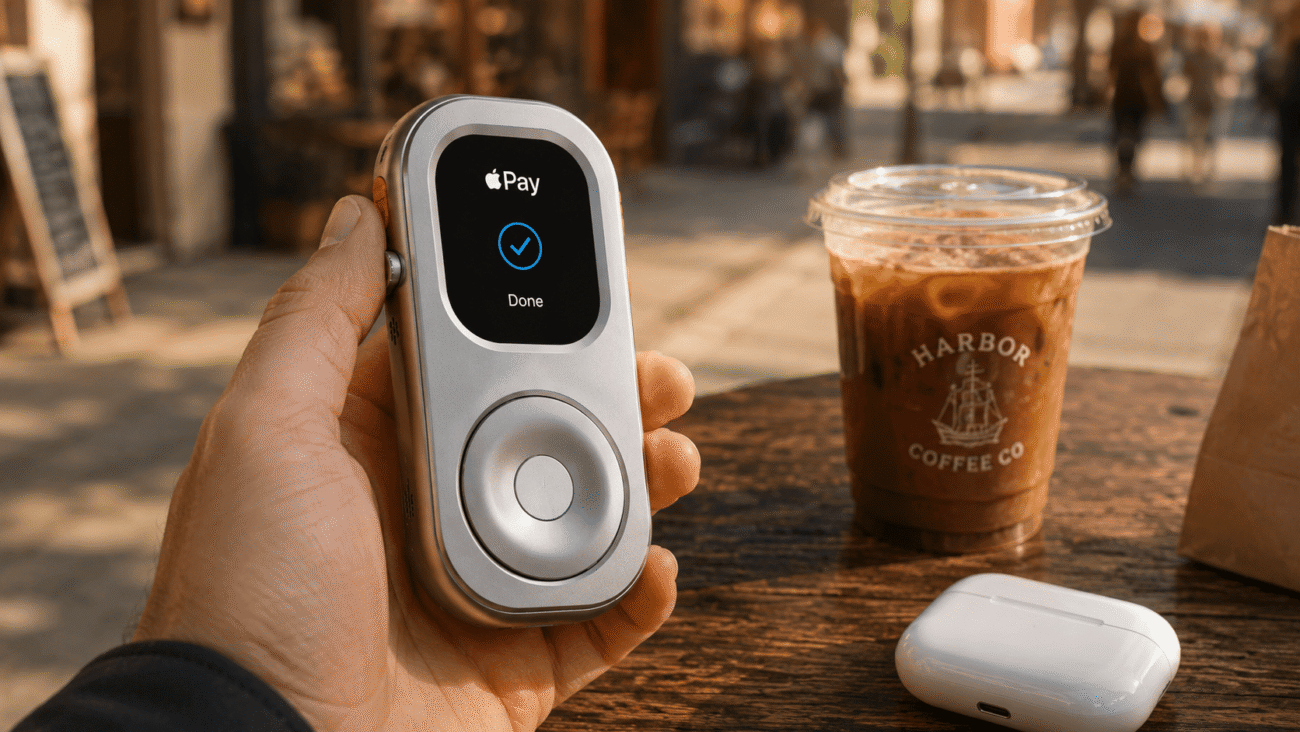
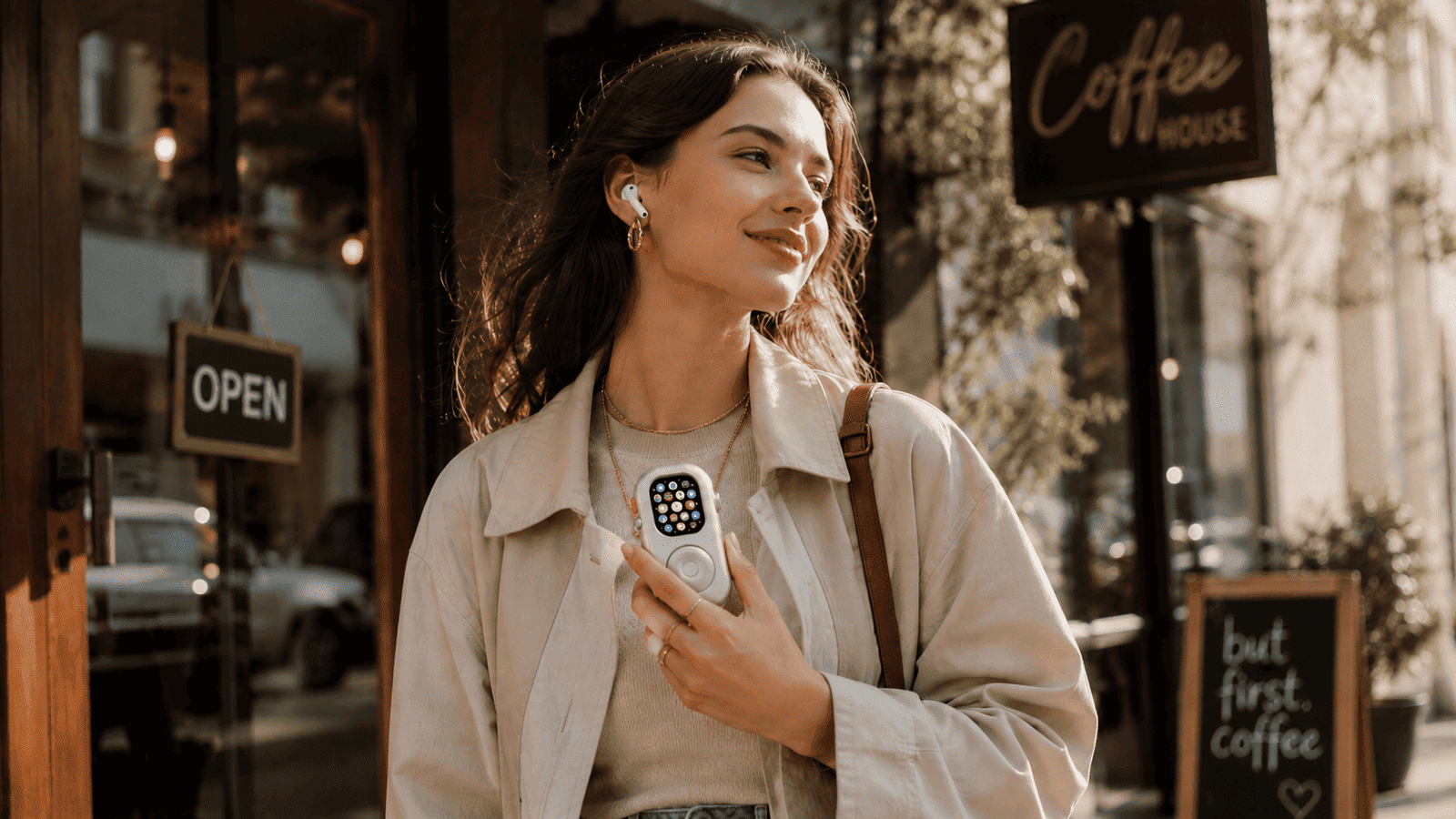
Leaving your iPhone behind doesn’t mean leaving your wallet or GPS navigation behind. Double-click to pay via Apple Pay at the counter, and use turn-by-turn haptic direction prompts via Apple Maps if you’re exploring a new neighborhood.
3. Weekend Focus Hours & Walks
Reclaim your attention span during weekend walks or family dinners. Leave the iPhone charging at home and keep a quiet connection for direct phone calls only.
For a deep dive into the psychological benefits of converting wrist wearables into pocket gear, read our comprehensive manifesto on using Apple Watch as a minimalist phone.
The Pre-Flight Setup Before You Step Out
To ensure a seamless phone-free outing without technical hiccups, follow this 3-step pre-flight routine:
- Verify Cellular & Offline Sync: Ensure your cellular connection shows green status or download your favorite Spotify/Apple Music playlists locally to watch storage.
- Pair Wireless Earbuds: Connect your Bluetooth headphones directly to the Apple Watch unit before walking out the door.
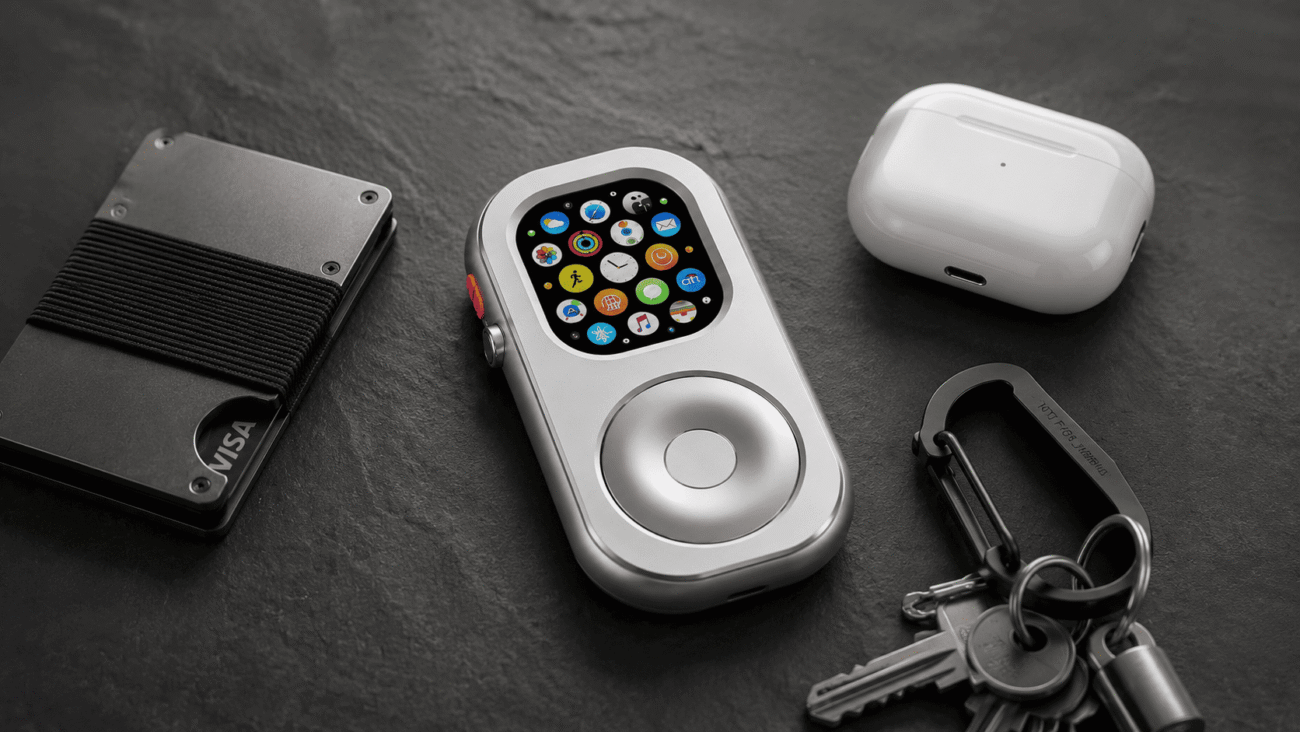
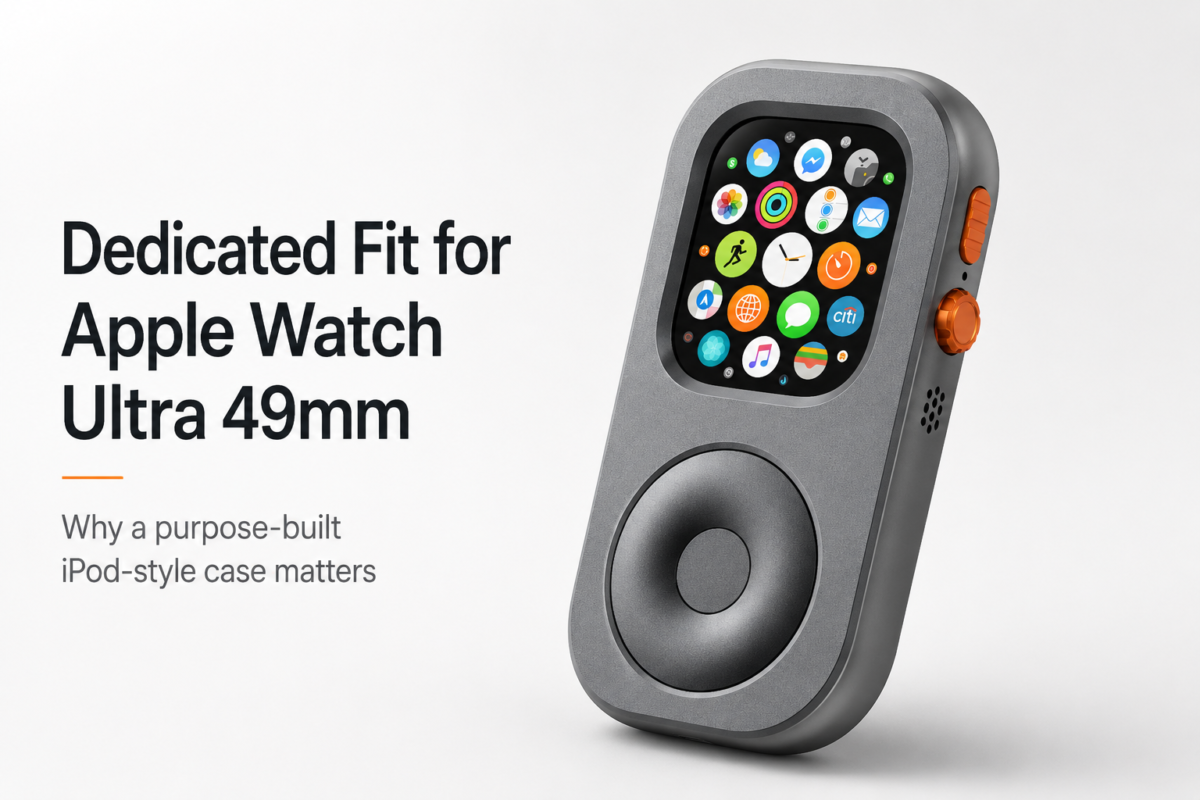
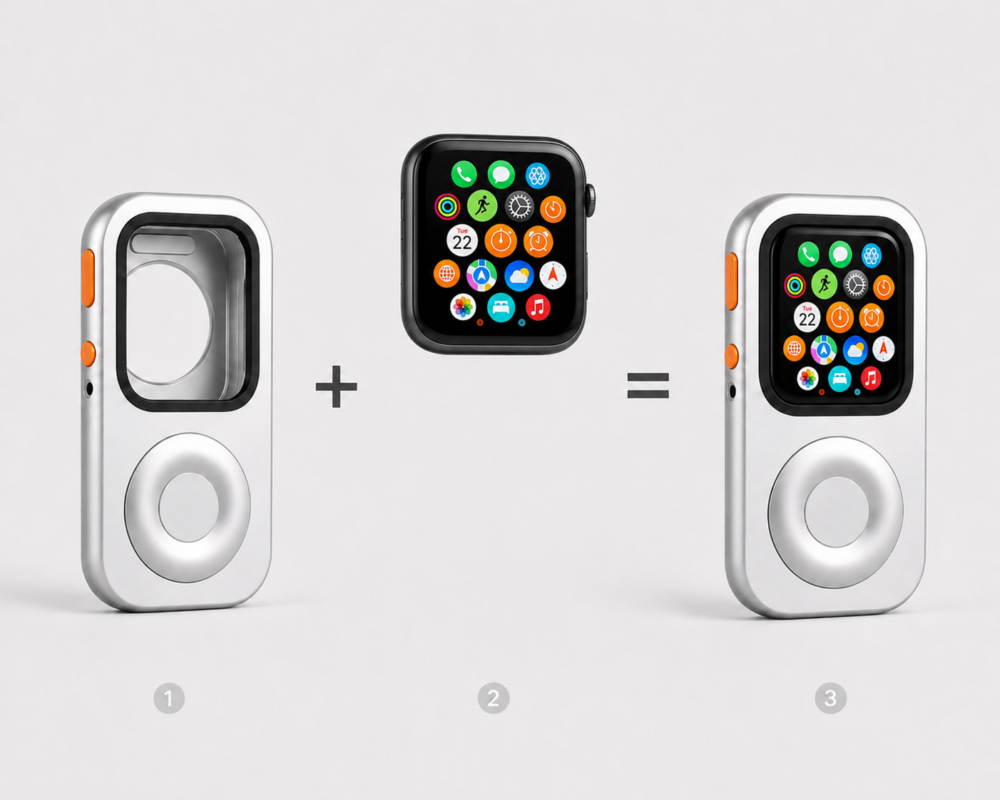
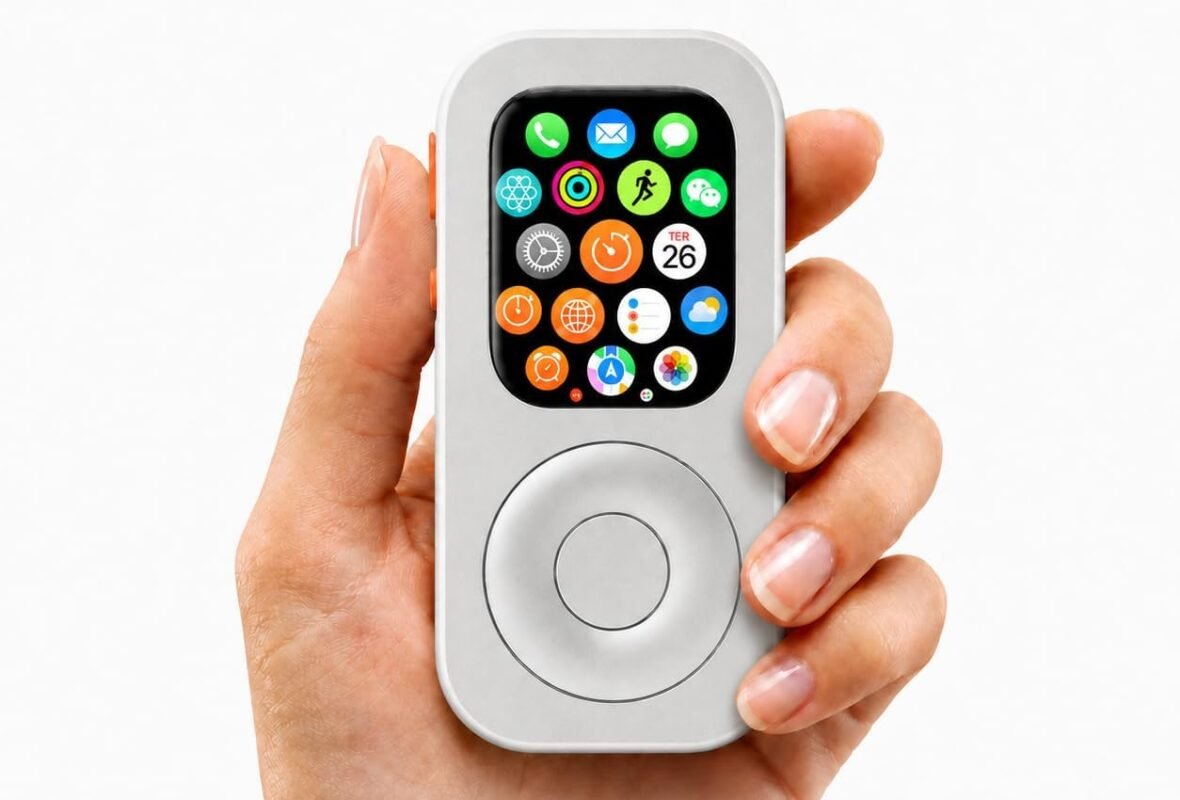
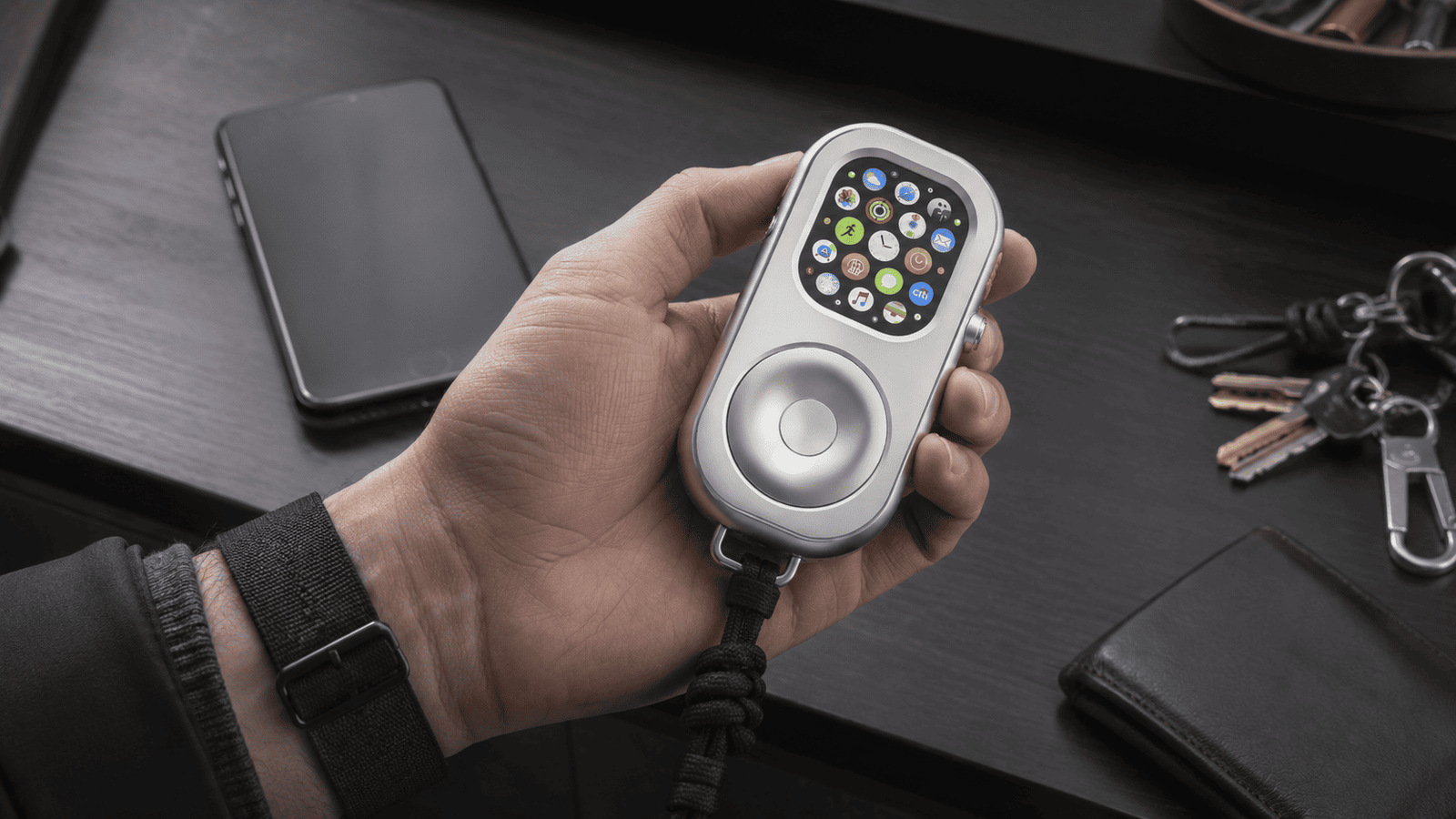
- Encase in RePod Tactical Armor: Pop your smartwatch module out of traditional straps and lock it securely inside a RePod Ultra Standard metal case. Attach a tactical neck lanyard or drop it in your coin pocket as an intentional EDC pocket pod.
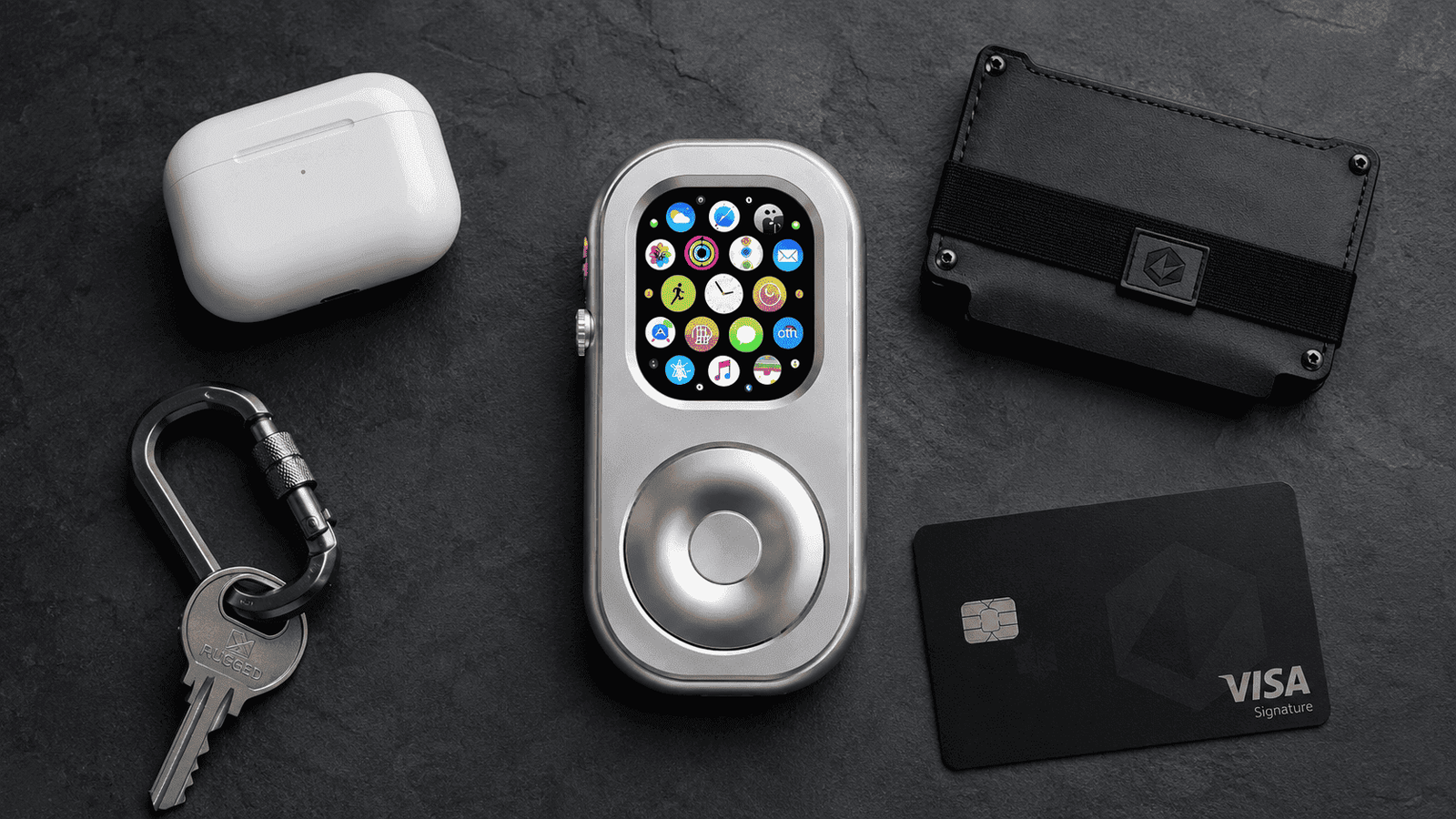
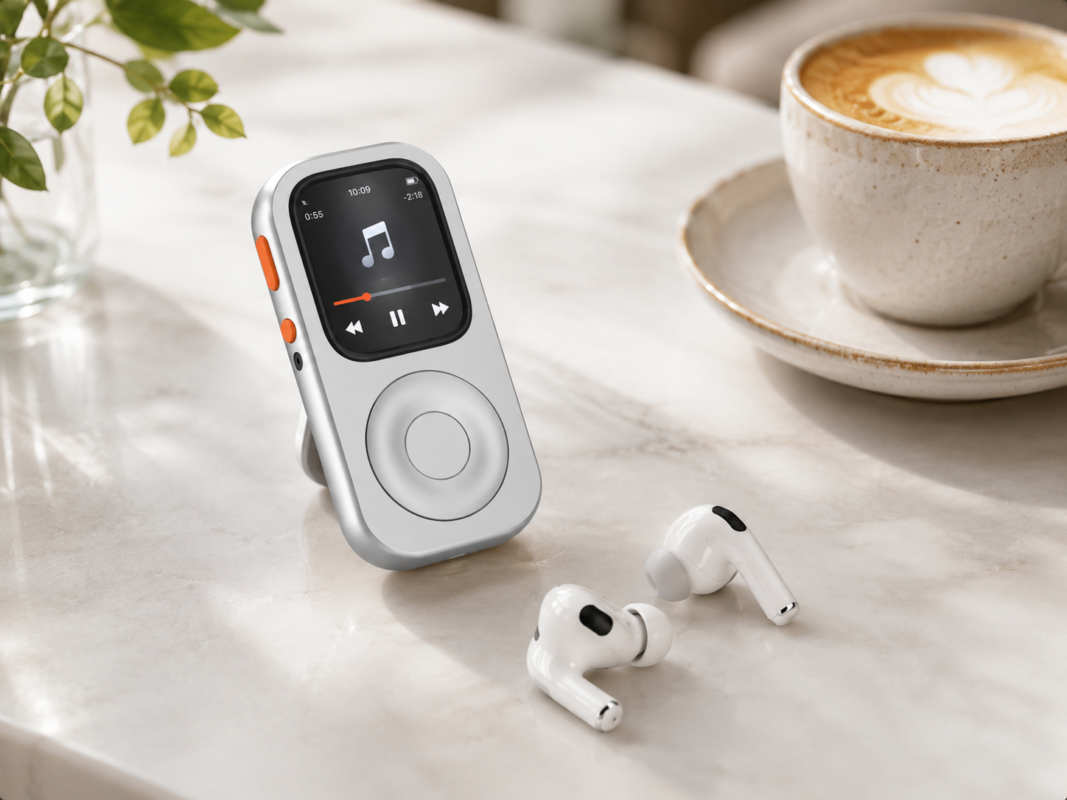
Got an older watch collecting dust in a drawer? Learn how you can upcycle an old Apple Watch into a dedicated retro music pod and give functional hardware a second life!
Ready to Step Out Without Your iPhone?
Upgrade your Apple Watch Ultra into a heavy-duty, tactile pocket pod with the RePod Ultra Standard Edition.
Shop RePod U for Apple Watch UltraLeave iPhone at Home With Apple Watch FAQ
Can I leave my iPhone at home and use Apple Watch?
Yes, but the experience depends on your Apple Watch model, cellular setup, apps, and downloaded content. Cellular models work better for calls and data away from your iPhone.
What should I set up before leaving my iPhone at home?
Check battery, cellular or Wi-Fi needs, downloaded music, Apple Pay cards, emergency contacts, maps, workout apps, and notification settings before going phone-free.
Why use RePod when leaving the iPhone at home?
RePod makes Apple Watch easier to carry as a pocketable iPod-style device, helping users keep essentials without falling back into full smartphone habits.