



Stories

Using an Apple Watch as a minimalist phone alternative is a practical balance: keep useful tools, reduce unnecessary prompts, and understand the limits before leaving your iPhone behind.
The Friction with Traditional Feature Phones
The desire to disconnect from a smartphone is easy to understand. The practical reality can be harder. Moving to a basic voice-and-SMS phone may feel like an all-or-nothing choice when your daily routine also involves navigation, contactless payments, and work authentication.
Capabilities vary between feature phones, but the specific apps you rely on may be missing. Before switching, list the tasks you actually need: getting home, answering a family member, paying for groceries, or approving a work login. A quieter device is only useful if it fits those needs.
Using an Apple Watch as a minimalist phone alternative offers a different balance. It can support shorter, more deliberate interactions while you keep your iPhone for setup and tasks that still need it. Think of it as an option for selected outings, not an automatic replacement for every smartphone function.
Why the Apple Watch Architecture Fits Slow Tech Better Than You Think
The Watch's small display lends itself to brief checks: a timer, a message, or a playback control. That does not make it distraction-free. News, notifications, and other apps can still compete for attention. The difference comes from what you choose to enable.
Apple distinguishes connected use from offline use. With an appropriate Wi-Fi or cellular connection, supported communication and navigation features can work away from your iPhone. Without any connection, downloaded audio, clocks, and previously configured Apple Pay can still be useful. Downloads do not provide connectivity. See Apple's guide to using Apple Watch without your iPhone.
The practical question is therefore: which essentials do you want to keep, and under what conditions will they work? For a longer outing, use our leave-your-iPhone-at-home checklist before relying on the Watch alone.
Start with one short, familiar outing. Keep the functions you need, then see whether the smaller screen actually changes your habits.
How to Configure watchOS for More Intentional Everyday Carry
The goal is a useful tool with fewer invitations to check it. There is no universal zero-distraction setting, but a few deliberate choices can help.
- Review notifications. In the Watch app on your iPhone, turn off unnecessary news, social, and promotional alerts. Use Focus settings to choose allowed people and apps, and check the result on the Watch rather than assuming every notification follows the same rules.
- Choose a restrained face. Try a simple face such as Numerals Duo, or a compatible Modular face with only the complications you use. A neutral palette is an aesthetic choice; removing unnecessary information matters more than the color.
- Download audio before leaving. Save supported music, podcasts, or audiobooks to the Watch, confirm the download has completed, and test playback with your headphones. Available downloads depend on the app and subscription.
- Rehearse your actual errands. Test a call, the message type you use, and your payment setup while your iPhone is out of range. Keep a backup plan for low battery, weak coverage, or a task that still needs a phone app.
Moving the Interface from Wrist to Pocket
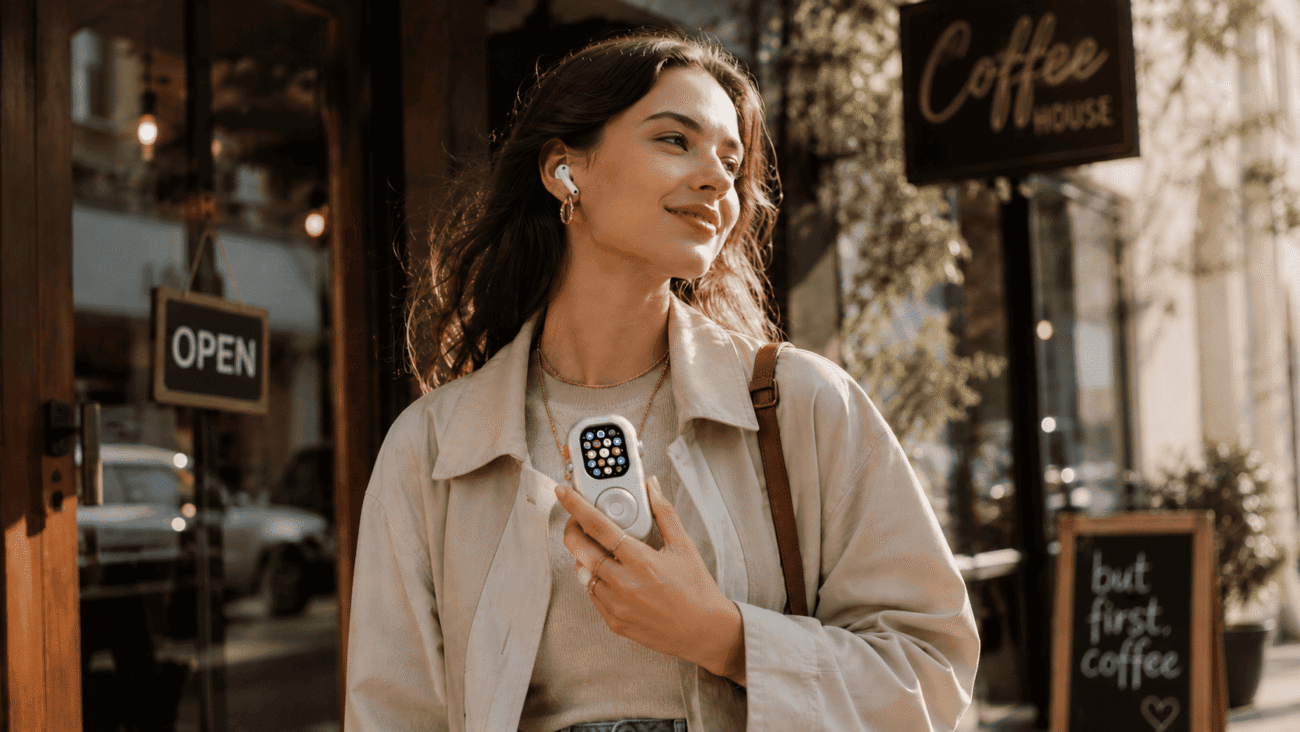
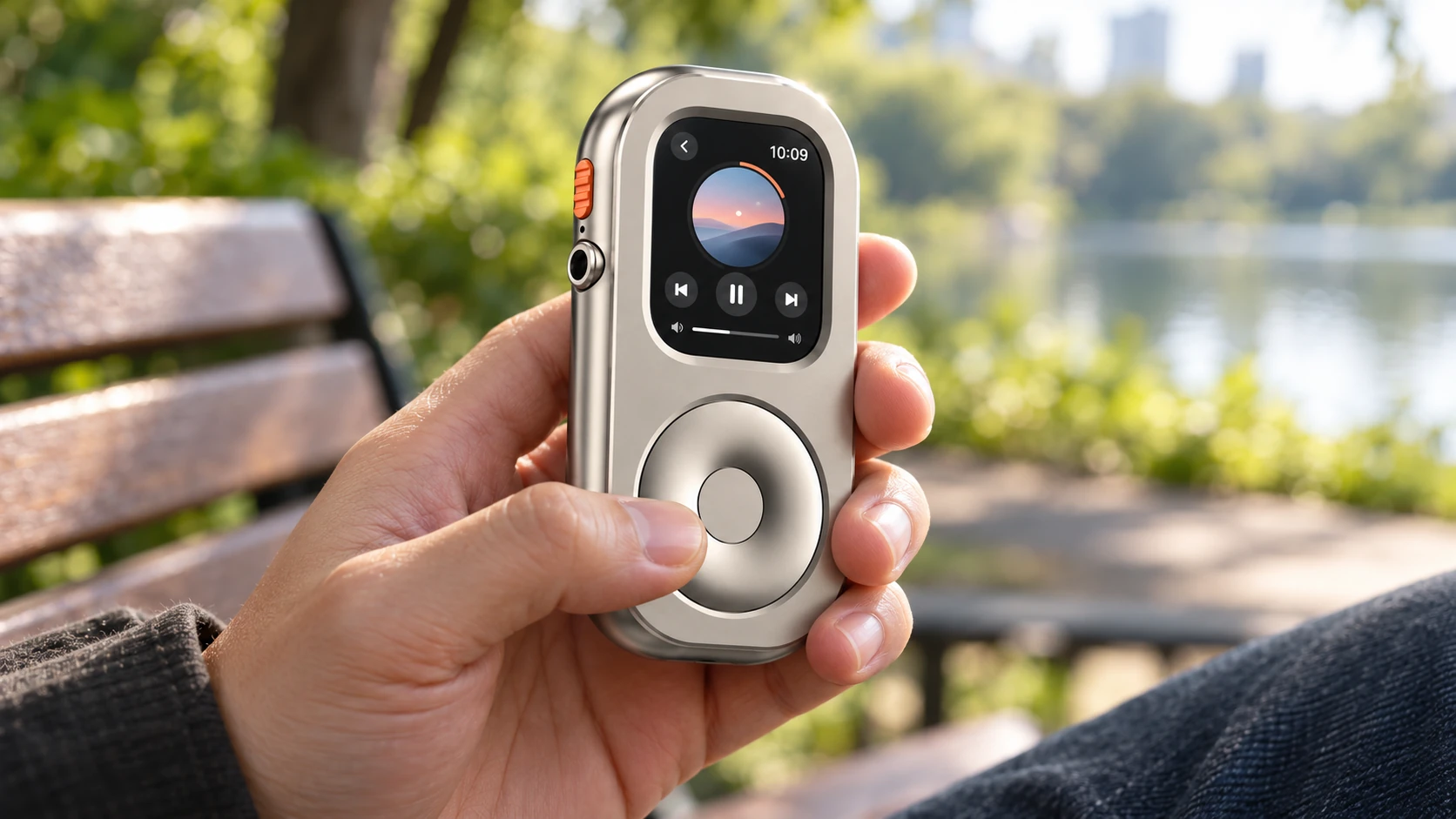
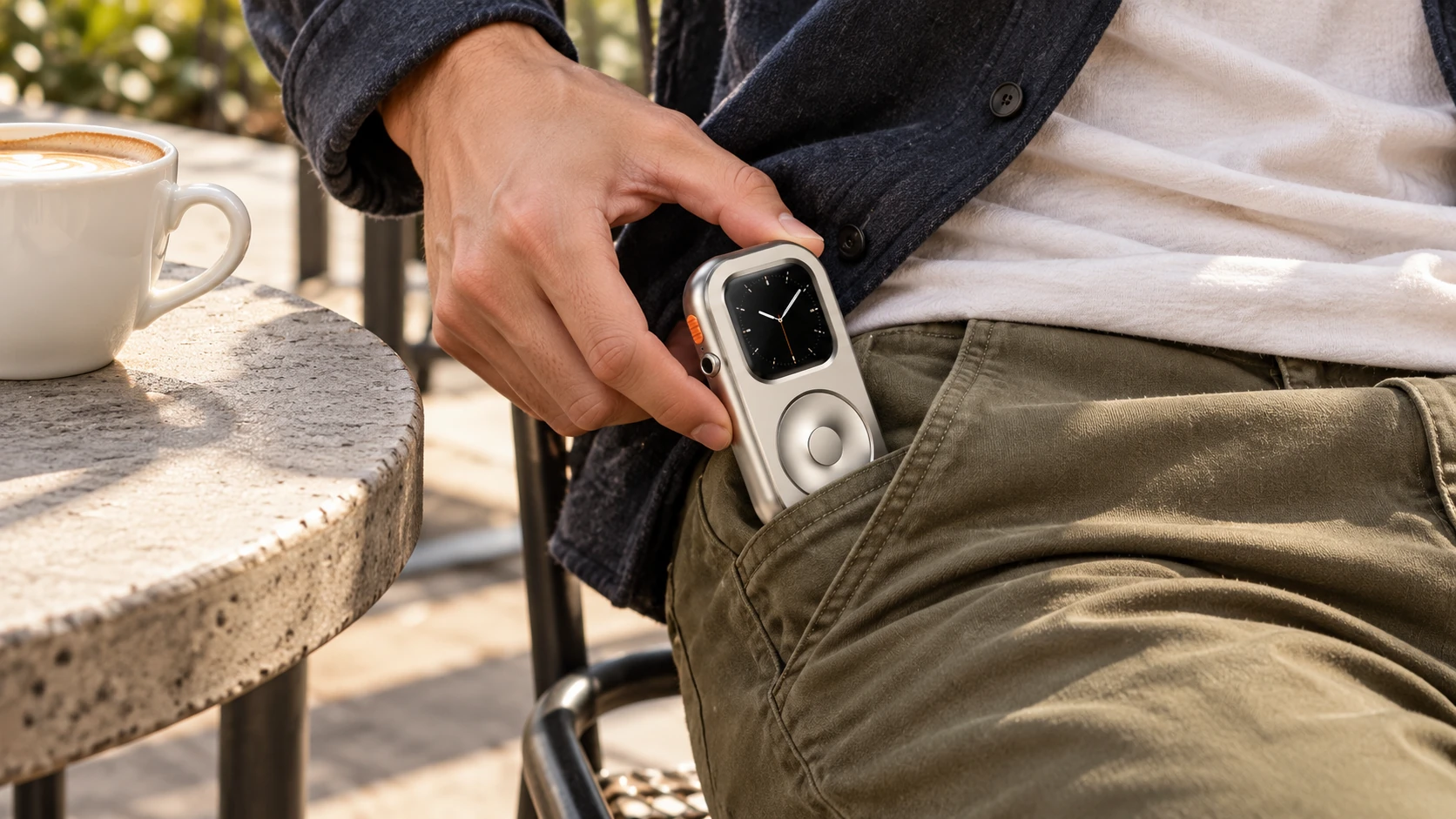
Wrist notifications can be convenient, but they can also make a device feel constantly present. For someone who prefers to take a tool out only when needed, pocket carry offers a different physical routine. It is a personal preference, not a guarantee of better focus.
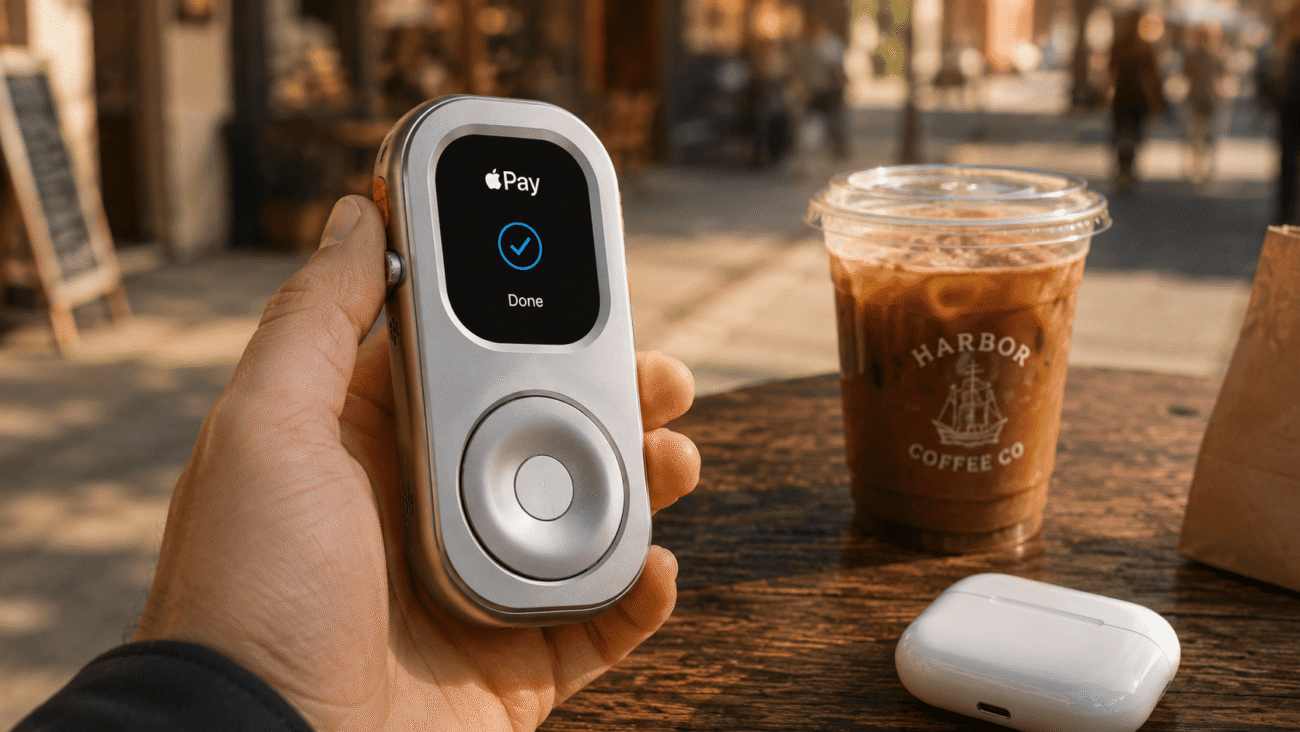
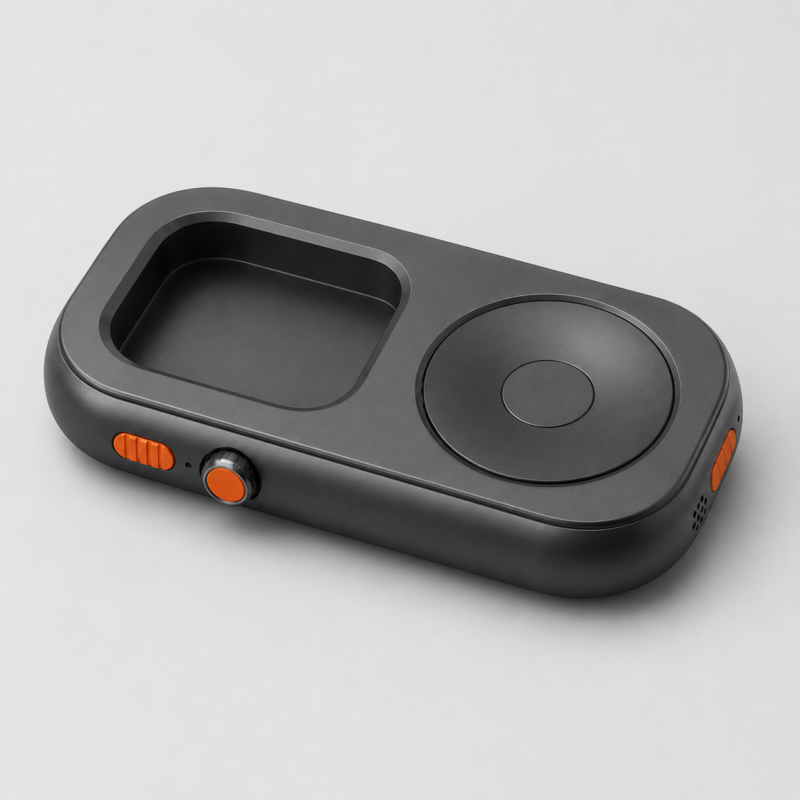
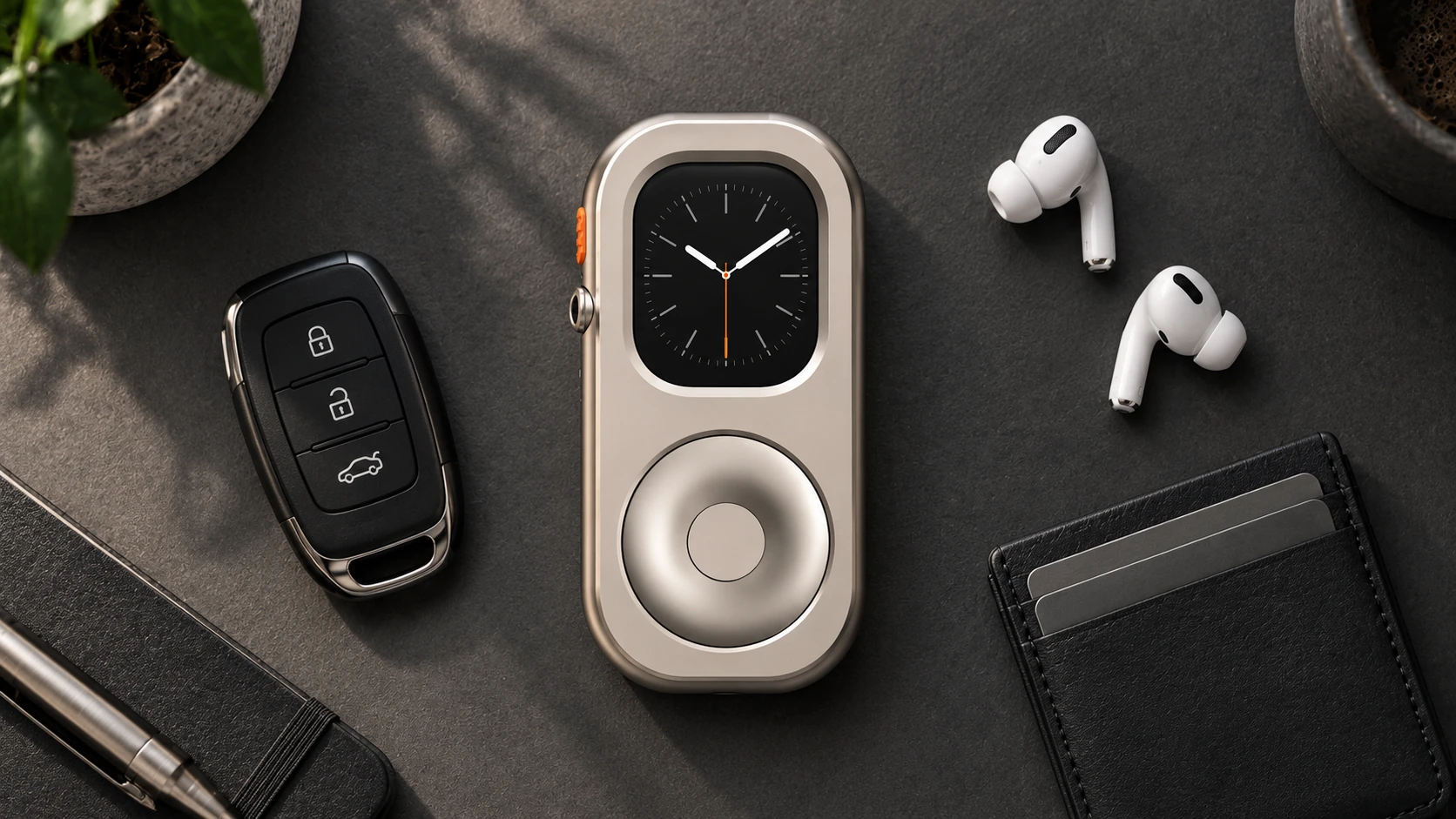
A RePod enclosure changes how you hold and carry a compatible Apple Watch. The RePod Ultra shown here is designed around the 49mm Apple Watch Ultra family. Its mechanical wheel provides scrolling; selection still happens on the Watch touchscreen. The Watch supplies the apps, audio, and connectivity. The enclosure does not add a cellular modem or turn an incompatible Watch into a cellular model.
Off-wrist use has trade-offs. With wrist detection enabled, a passcode-protected Watch locks when removed. Turning wrist detection off changes security behavior and disables several health and safety functions, including automatic Emergency SOS after a detected fall. Apple Pay then asks for your passcode when you authorize a payment. Review Apple's wrist-detection guidance before changing that setting. Pocket carry is not a substitute for wearing the Watch when you need wrist-based tracking.
If this carry style appeals to you, check the Apple Watch size guide and explore the current RePod range. You do not need a RePod to use the Watch away from an iPhone; it is an optional way to carry and interact with hardware you already have.
Frequently Asked Questions
Can an Apple Watch handle everyday errands without an iPhone nearby?
For some routines, yes—but check each task. Calls need a supported connection and setup; cellular use requires a compatible model, supported carrier, and suitable plan. Offline audio does not enable calls or messages.
For SMS/MMS on cellular Watch models, Apple says the paired iPhone must remain powered on and connected to Wi-Fi or cellular, even when it is elsewhere. iMessage can work when the Watch itself has Wi-Fi or cellular connectivity. See Apple's messaging requirements.
Does Apple Pay work without an active cellular data signal?
Previously configured Apple Pay can be used without the Watch having a live internet connection. You still need a supported card and accepting merchant, and normal authentication requirements apply. Set it up and test it before relying on it for an outing.
Is pocket carry right for everyone?
No. If you need continuous wrist-based measurements, frequent app-based work tasks, or more typing and screen space, wearing the Watch or carrying your iPhone may be the better fit. The aim is a practical balance: keep the tools that serve your day, and make everything else easier to put aside.
Apple Watch Minimalist Phone FAQ
Can Apple Watch work as a minimalist phone?
Apple Watch can work as a minimalist phone alternative for lighter use cases such as calls, messages, music, Apple Pay, Siri, workouts, maps, and notifications, especially when configured carefully.
Do I need a cellular Apple Watch?
A cellular Apple Watch supports more phone-free functions when your iPhone is not nearby. GPS-only models can still be useful for downloaded music, workouts, Apple Pay, and focus routines.
Why use RePod with an Apple Watch minimalist phone setup?
RePod changes Apple Watch into a pocketable iPod-style device, which can make a minimalist phone setup feel more intentional and less like another wrist notification screen.