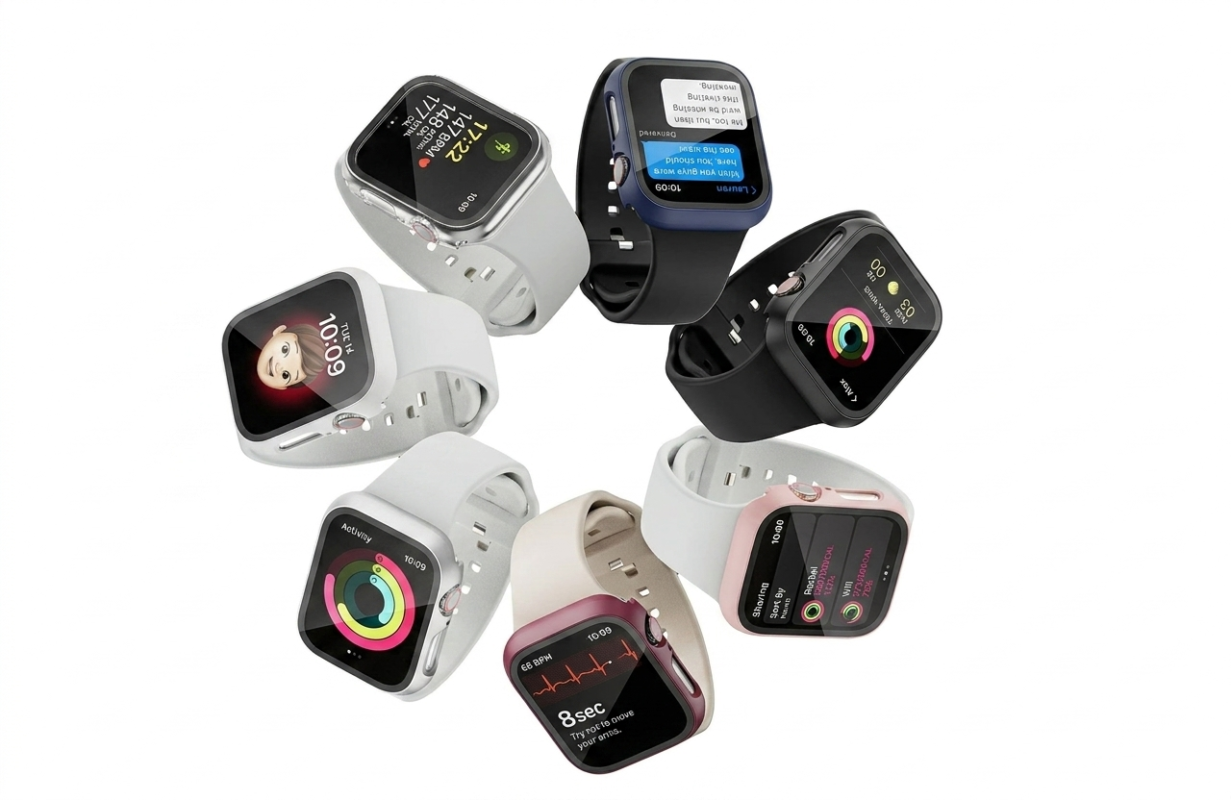
Maybe the battery does not feel as fresh as it used to. Maybe the screen feels small compared with your newer watch. Maybe you upgraded to an Apple Watch Ultra, a newer Series model, or simply stopped wearing the old one.
But it still works.
That is the awkward part.
It feels too useful to throw away, too personal to forget, and sometimes not valuable enough to sell for a price that feels fair. So it ends up in the drawer — not broken, not useless, just quietly retired.
Most old Apple Watches are not dead. They are just socially retired.
Here are nine practical ways to reuse an old Apple Watch, from turning it into an iPod-style music device to using it as a workout watch, sleep tracker, smart home remote, or minimalist phone.
Quick Answer: Best Uses for an Old Apple Watch
The best things to do with an old Apple Watch are:
Turn it into an iPod-style music device.
Use it as a minimalist phone.
Make it a workout-only watch.
Use it for sleep tracking.
Turn it into a desk timer.
Use it as a smart home remote.
Keep it as a travel backup.
Give it to a family member.
Sell, trade, or recycle it.
The best choice depends on why you stopped using it. If it still works well, reusing it may feel better than selling it for less than it is worth.
1. Turn It Into an iPod-Style Music Device
The most interesting way to reuse an old Apple Watch is to stop treating it like an old watch.
Treat it like a small music device.
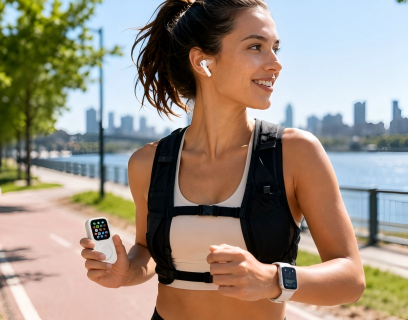
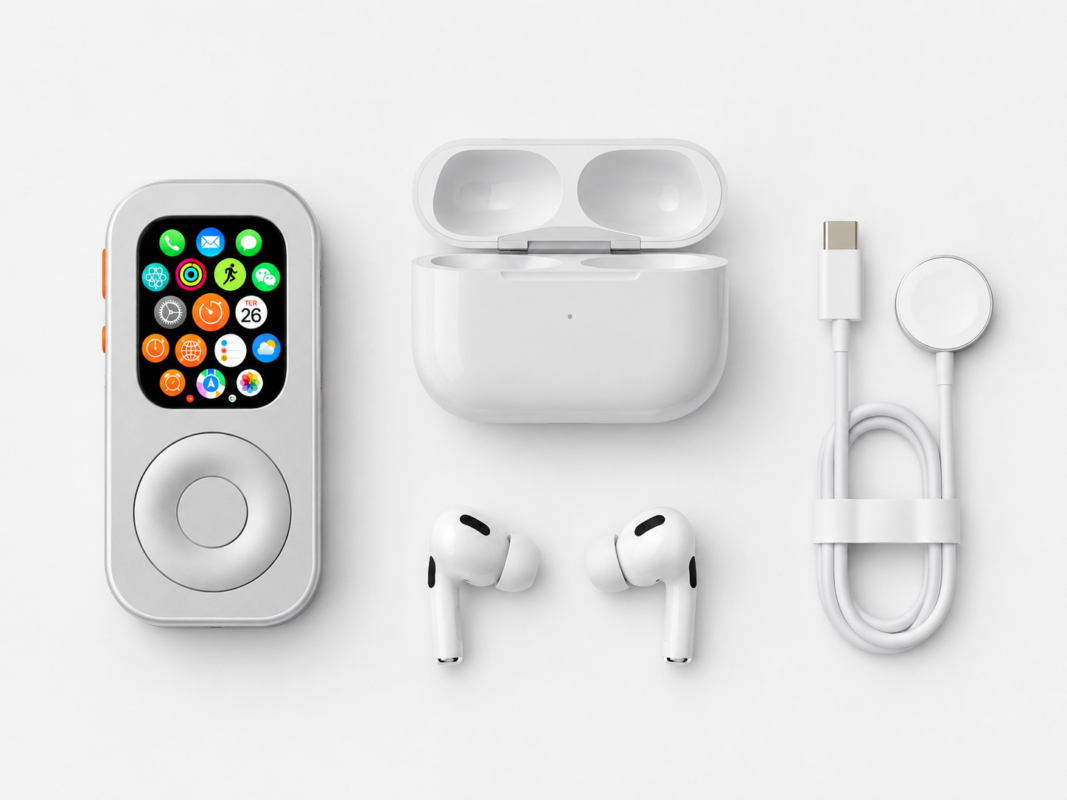
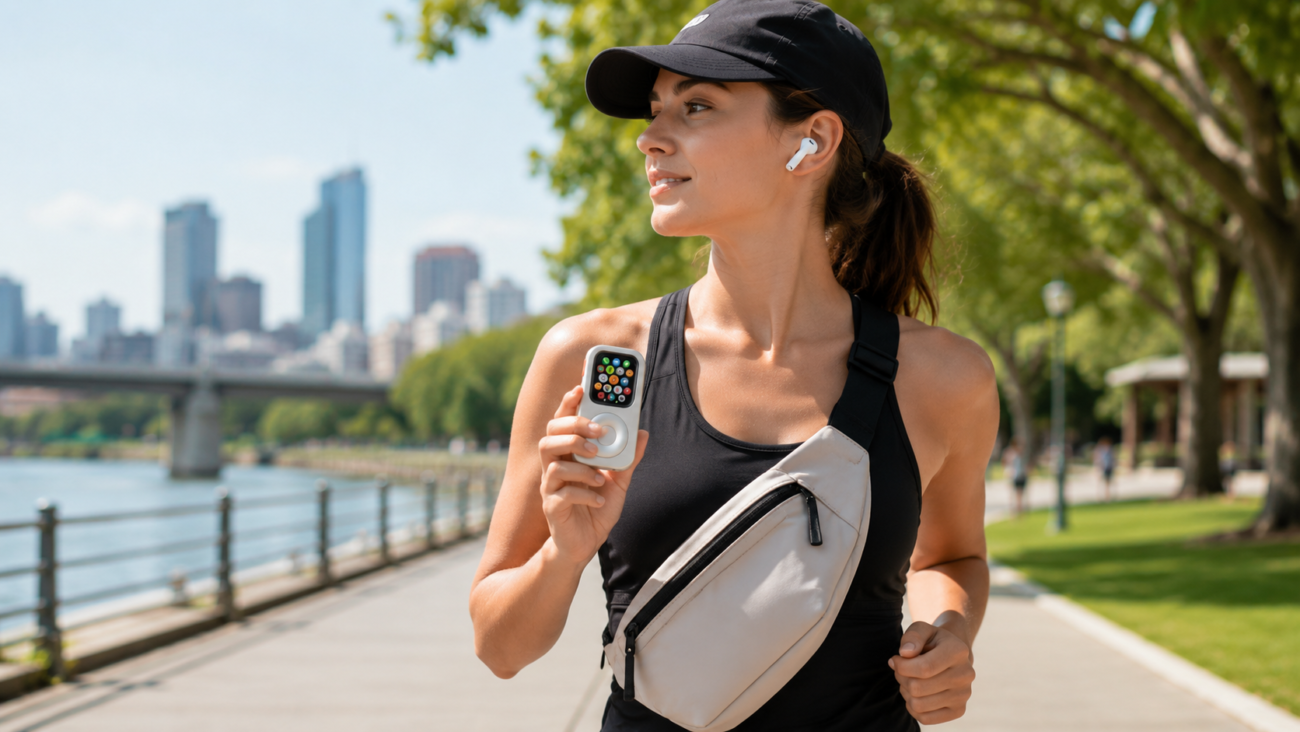
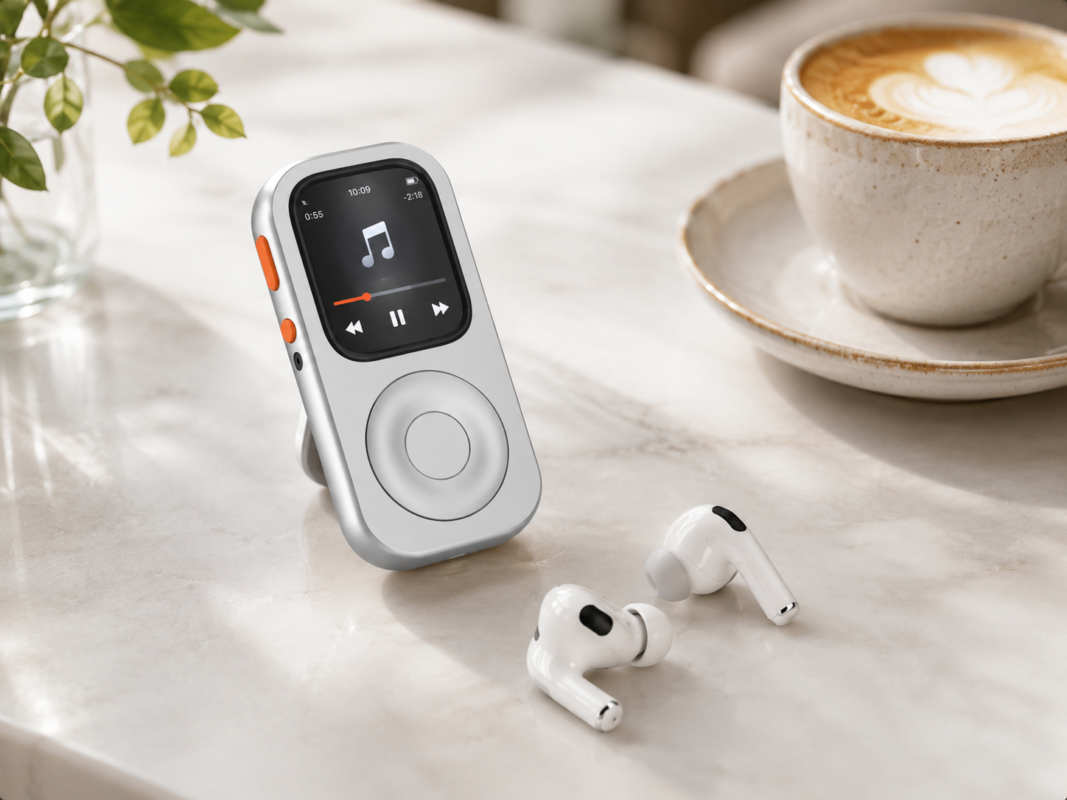
Your Apple Watch can already play music, podcasts, and audiobooks. Pair it with AirPods or Bluetooth headphones, and it becomes a compact audio device for walks, workouts, commuting, coffee runs, or quiet focus time.
That is where JustRePod fits.
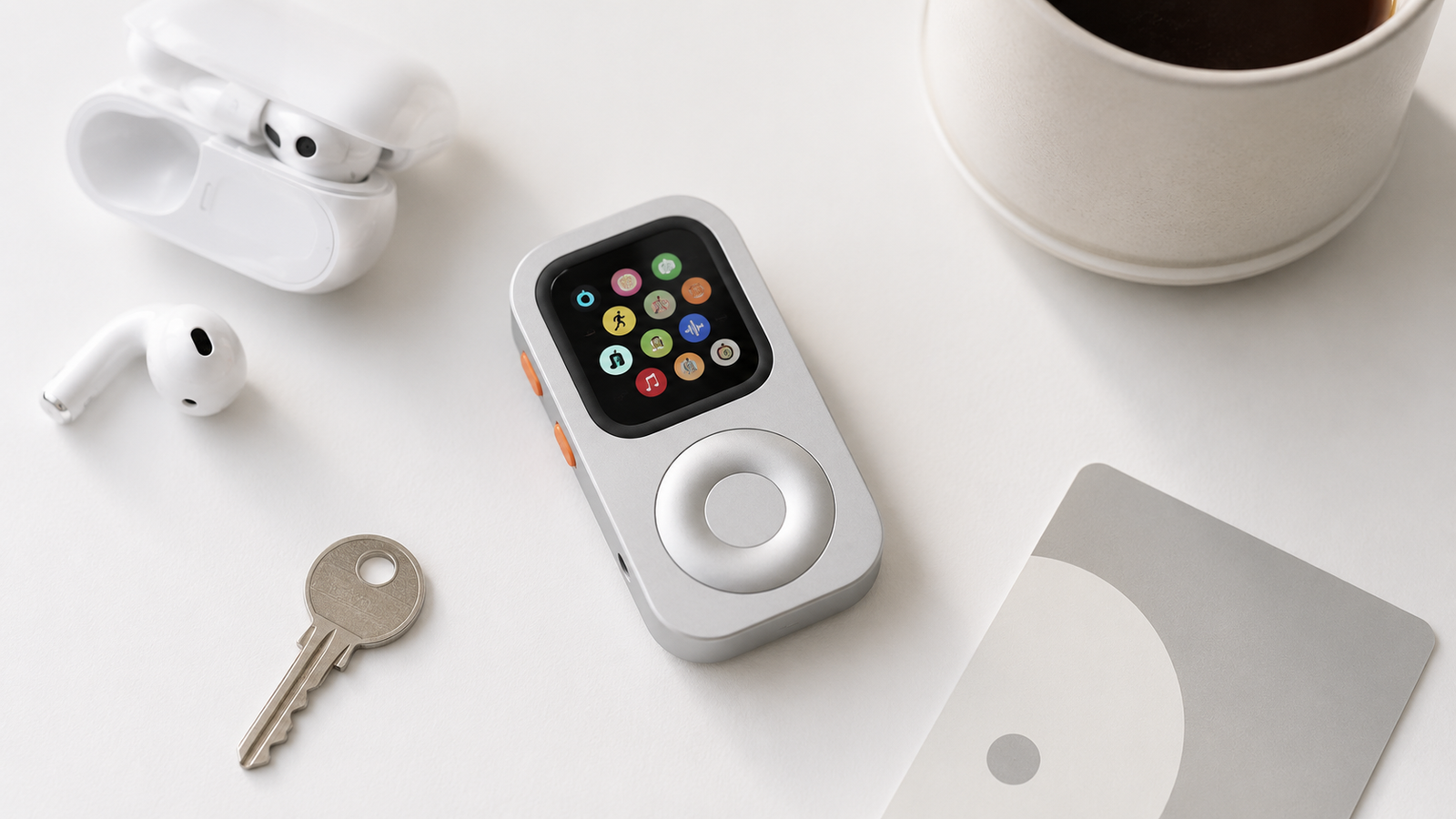
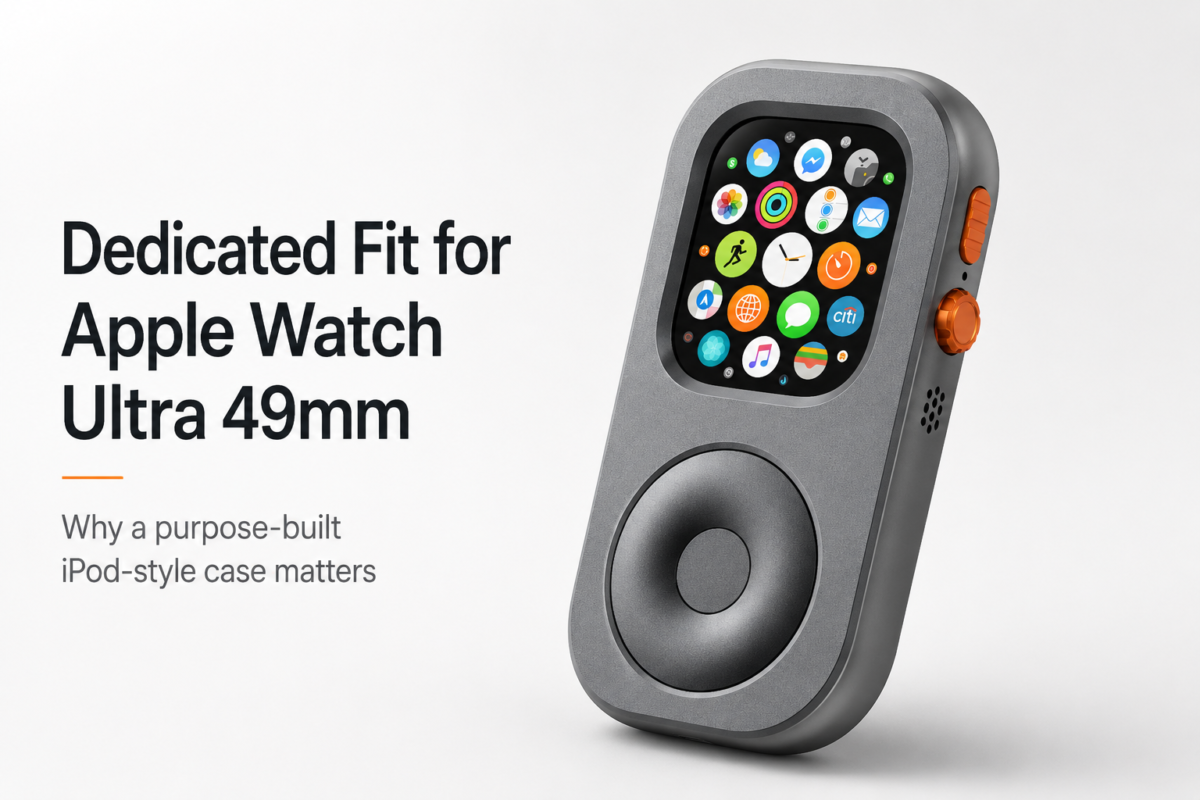
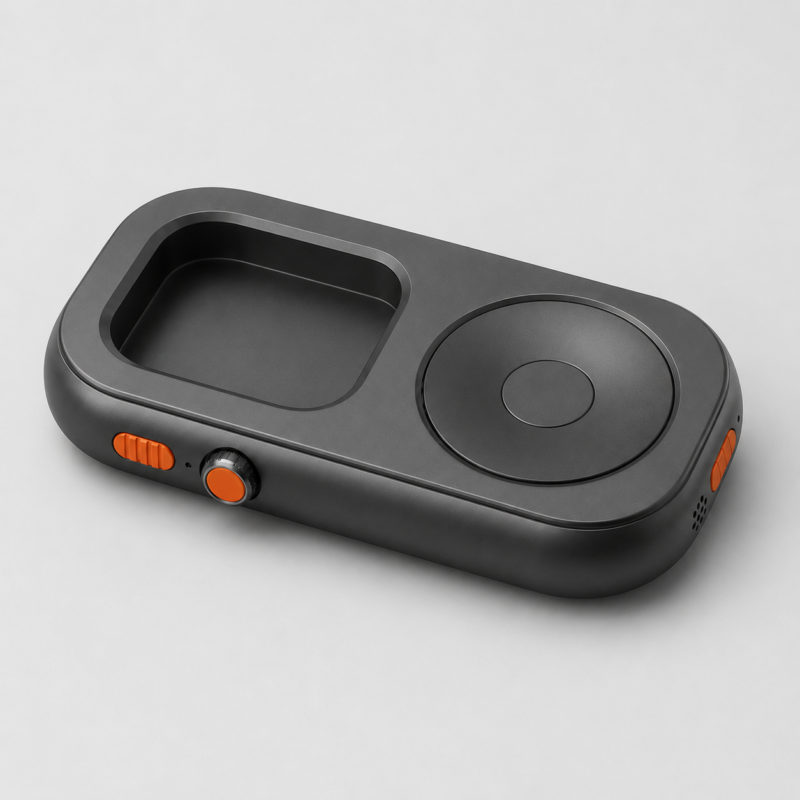
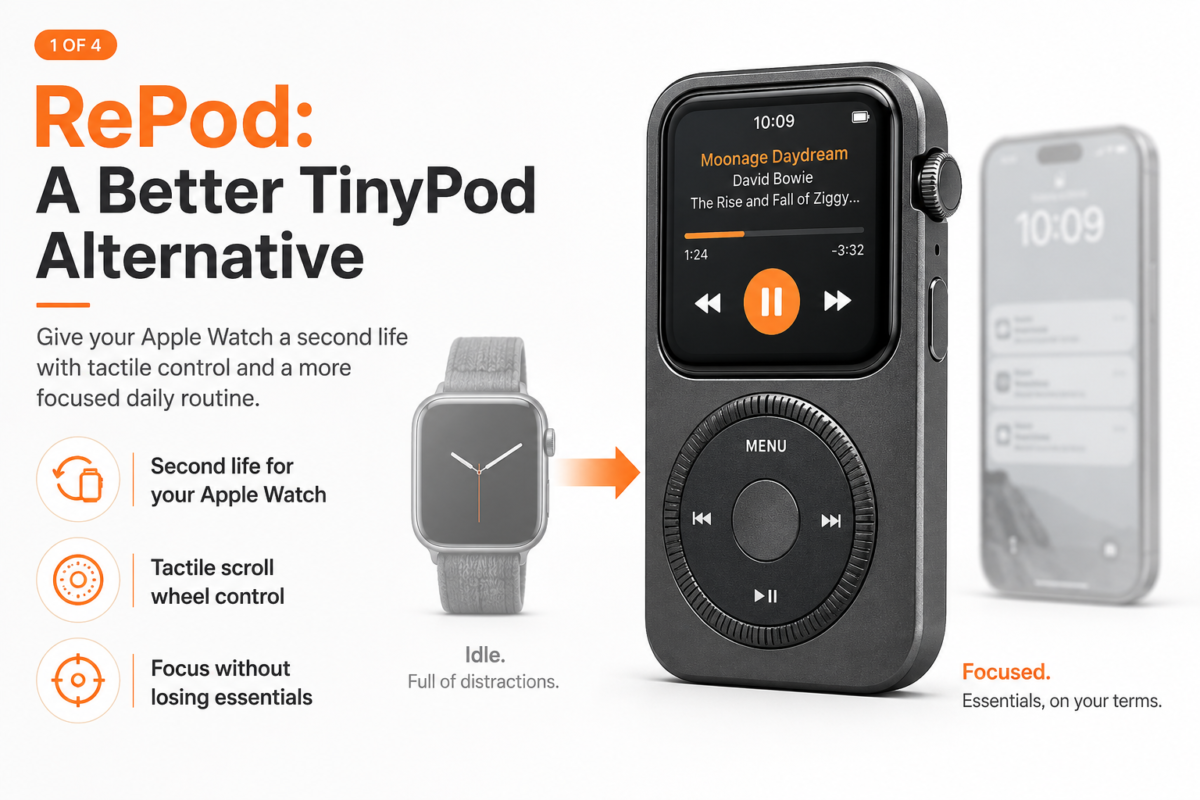
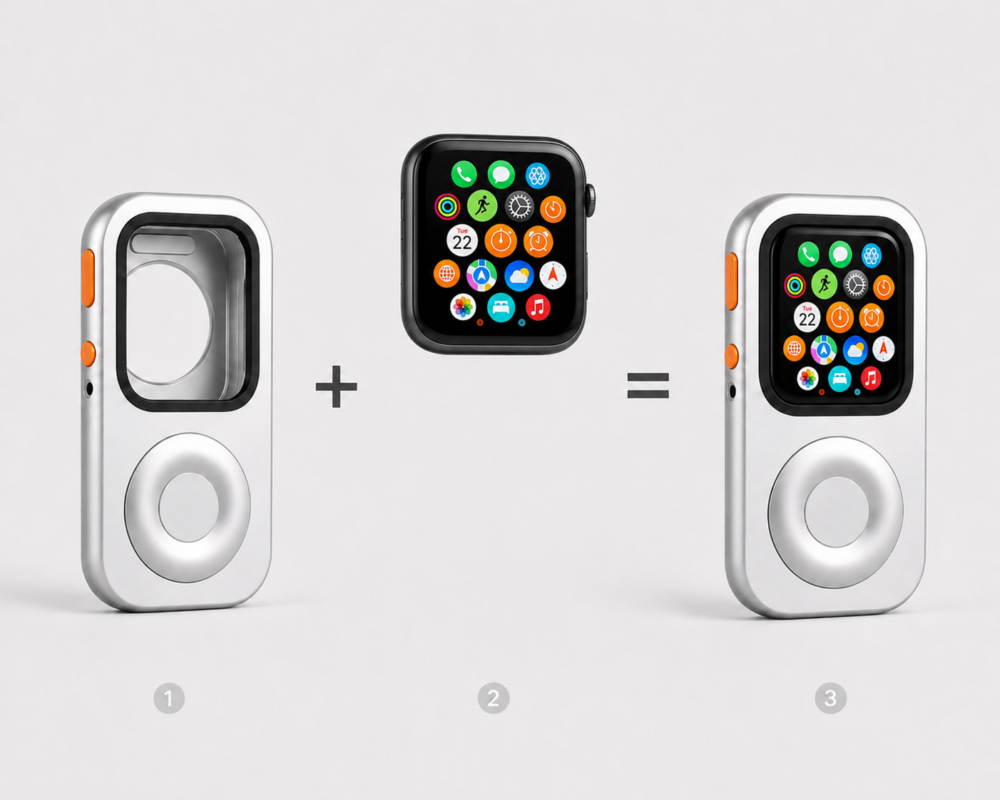
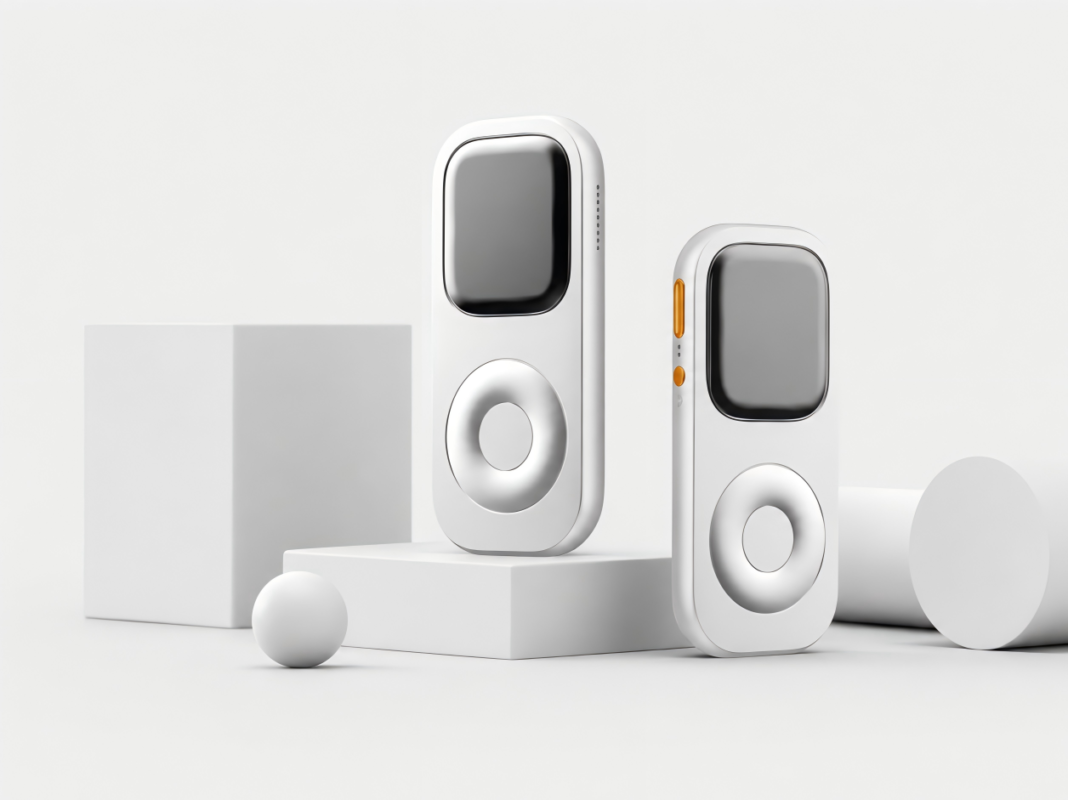
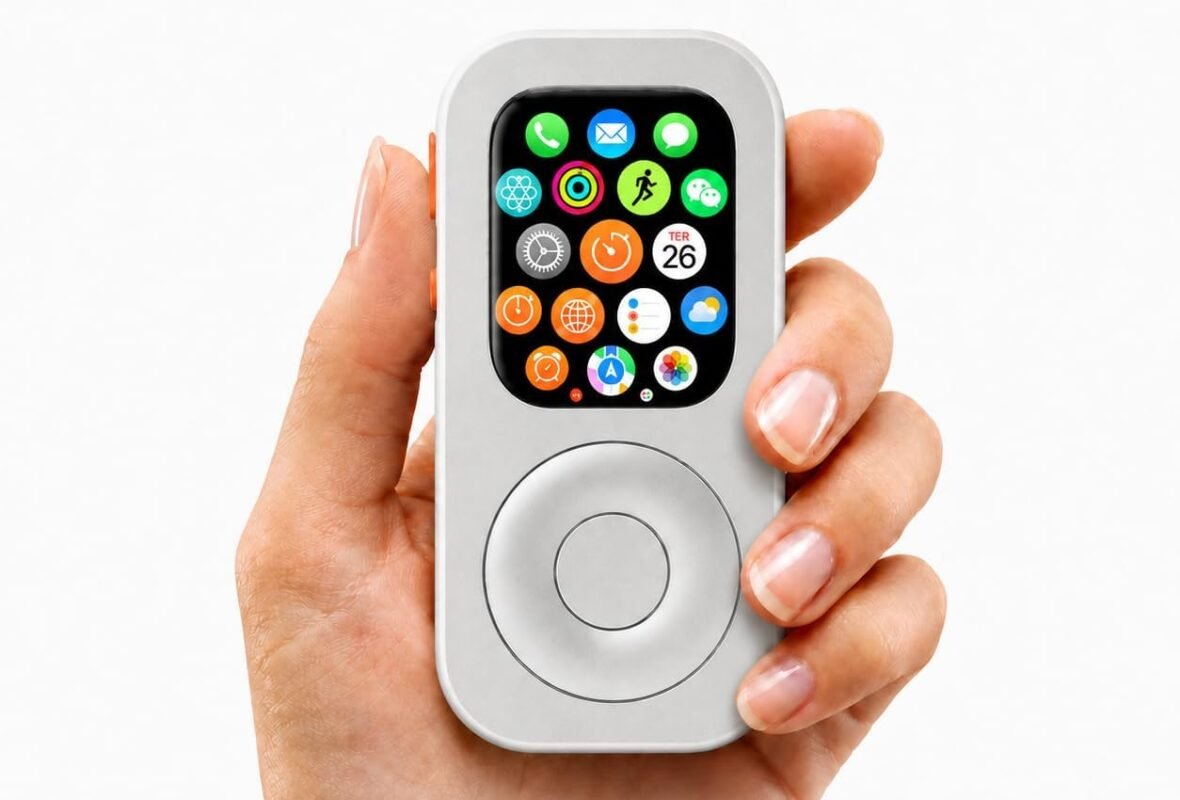
JustRePod gives your Apple Watch a new form: an iPod-inspired case with a tactile scroll wheel. Instead of wearing the watch on your wrist, you can carry it like a small dedicated device. The result feels closer to a modern iPod-style setup — but with Apple Watch features still inside.
It is not a new phone. It is not a replacement Apple Watch. It is not trying to rebuild the past exactly.
It simply gives your old Apple Watch a reason to be used again.
With this setup, your old Apple Watch can become a focused music device for:
Apple Music
Podcasts
Spotify
Audiobooks
AirPods
Short walks
Gym sessions
Phone-free errands
Weekend mornings without your iPhone
The best part is that it keeps the useful parts of the Apple ecosystem. Depending on your Apple Watch model and setup, you can still use Apple Pay, Siri, calls, messages, reminders, maps, timers, and shortcuts.
If your old Apple Watch still works, this may be the most fun way to bring it back.
A cellular Apple Watch can already do many of the things people want from a minimalist phone.
It can handle calls. It can send short messages. It can play music. It can use Apple Pay. It can run Siri, maps, timers, and reminders.
What it does not do well is the thing many people are trying to escape anyway: endless scrolling.
That makes an old Apple Watch surprisingly useful as a smaller, quieter, less tempting phone alternative.
No, it will not replace your iPhone completely. That is not the point.
It is better for small windows of time when you want to leave your iPhone behind without disappearing from the world completely. Think of a walk, a run, a grocery trip, a gym session, a coffee run, or a focused afternoon when you want fewer distractions.
An old Apple Watch can become your “good enough” connection device.
It lets you keep:
Calls from real people
Short messages
Music and podcasts
Apple Pay
Siri
Timers
Maps
Emergency access
And it leaves behind most of the things that make a phone hard to put down.
That is the real value.
A minimalist phone should not feel like punishment. It should feel like a quieter version of your normal life.
If your newer Apple Watch is your daily watch, make the old one your workout watch.
This is one of the simplest reuse ideas because it does not require much imagination. Your old Apple Watch already knows how to track movement, workouts, heart rate, steps, calories, and time.
Use it for:
Running
Cycling
Gym sessions
Long walks
Hiking
Stretching
Indoor workouts
Dirty or sweaty activities
This is especially useful if you do not want to risk your newest Apple Watch during rougher workouts. It also helps if you want to keep your main watch charged for the rest of the day.
Pair the old watch with AirPods, download a playlist, and you can work out without carrying your iPhone.
That alone may be enough reason to keep it.
Your phone is useful until it starts bouncing in your pocket, dragging down your shorts, or pulling your attention back to messages you did not need mid-run.
An old Apple Watch can give you the parts you actually need during exercise: music, workout tracking, timers, and sometimes Apple Pay for a drink after.
Another easy way to reuse an old Apple Watch is to make it your sleep watch.
Many people have one problem with Apple Watch sleep tracking: charging.
If you wear your main Apple Watch all day, it often needs to charge at night. But if you charge it at night, you cannot wear it for sleep tracking.
An old Apple Watch solves that.
Wear your newer Apple Watch during the day. Charge it at night. Use the old Apple Watch for sleep tracking, alarms, and bedtime reminders.
It does not need to be the fastest model. It does not need to look new. It just needs to be comfortable enough to wear while sleeping and functional enough to track the basics.
This is a practical use if:
You care about sleep data
Your old watch still has decent battery life
You already wear a newer Apple Watch during the day
You want silent wrist alarms
You want to avoid keeping your phone next to your bed
It may not be exciting, but it is useful. Useful is underrated.
5. Turn It Into a Desk Timer
An old Apple Watch can become a very good desk timer.
Use it for focus blocks, cooking, stretching, meeting reminders, Pomodoro sessions, writing sprints, reading time, or simple alarms.
The advantage is that it is less distracting than your phone.
When you pick up your phone to set a timer, you may accidentally check messages, open social media, read the news, answer something, and forget why you picked it up in the first place.
An old Apple Watch does not pull you in the same way.
Keep it on your desk, on a stand, or inside a dedicated setup. Use Siri to start timers. Use alarms for breaks. Use reminders for small tasks.
It can become a tiny focus tool.
Not every device needs to entertain you. Some devices are better when they quietly do one job.
6. Use It as a Smart Home Remote
If you use smart home devices, an old Apple Watch can become a small remote for your home.
Depending on your setup, you may be able to use it for:
Lights
Scenes
Smart plugs
Door locks
Garage doors
Thermostats
Shortcuts
Basic home controls
This is not glamorous. That is fine.
A good remote is not supposed to be glamorous. It is supposed to be there when you need it.
An old Apple Watch can sit near your desk, bed, kitchen, or entryway and handle simple commands. Tap a scene. Trigger a shortcut. Turn something off. Set a timer. Ask Siri.
This works best if you already use Apple’s ecosystem and have compatible apps or HomeKit devices.
The exact features depend on your smart home setup, but the idea is simple: an old Apple Watch can still be a useful control surface.
7. Keep It as a Travel Backup
Travel is one of the few times when backup devices actually make sense.
An old Apple Watch can become a backup alarm, music device, Apple Pay tool, transit helper, timer, or quick way to stay reachable when your main setup is packed away, charging, or low on battery.
Use it for:
Hotel alarms
Travel timers
Airport walking music
Transit payments
Backup Apple Pay
Quick reminders
Maps and directions
Time zone checks
This is not something everyone needs. But if you travel often, having an old Apple Watch as a secondary device can be surprisingly convenient.
It is small. It is familiar. It already works with your Apple account. And if it gets scratched during travel, you may care less than you would with your newest watch.
A device does not have to be new to be useful.
8. Give It to a Family Member
If the watch is still in good condition, giving it to a family member may be better than leaving it unused.
Some people do not need the newest Apple Watch. They may only want basic features: time, steps, timers, calls, notifications, workouts, or Apple Pay.
Before giving it away, make sure you:
Unpair it correctly
Erase your personal data
Remove it from your Apple ID if needed
Check battery health
Clean it properly
Include a charger
Explain what it can and cannot do
Do not assume someone wants your old device just because it still works.
But if a family member actually wants an Apple Watch, this can be a good second life for it.
9. Sell, Trade, or Recycle It
Sometimes the best use for an old Apple Watch is to let it go.
If the battery is poor, the screen is damaged, or you simply do not need another device, selling, trading, or recycling it may be the right answer.
But there is a catch.
Many old Apple Watches do not have high trade-in value. The watch may still feel useful to you, but the resale price may feel too low to make selling it satisfying.
That is where reuse starts to make sense.
If the trade-in value feels insulting, reusing it may feel better than selling it.
Still, be honest. If your old Apple Watch is damaged, barely holds a charge, or no longer fits your life, selling or recycling is better than pretending you will use it someday.
The goal is not to keep every old device forever.
The goal is to stop wasting devices that still have a clear job to do.
Which Old Apple Watch Idea Is Best for You?
Here is a simple way to decide.
Your situation
Best idea
You want music without your phone
Turn it into an iPod-style device
You want fewer phone distractions
Use it as a minimalist phone
You exercise often
Make it a workout-only watch
You already wear a newer Apple Watch
Use the old one for sleep tracking
You work at a desk
Turn it into a desk timer
You use smart home devices
Use it as a smart home remote
You travel often
Keep it as a backup
Someone in your family wants one
Give it away
It is damaged or unused
Sell, trade, or recycle it
Your old Apple Watch does not need to become your main watch again.
It just needs a better job.
FAQ
Is an old Apple Watch still useful?
Yes, if the battery, screen, and core functions still work. An old Apple Watch can still be useful for music, workouts, sleep tracking, Apple Pay, timers, smart home control, travel, and phone-free routines.
What is the best thing to do with an old Apple Watch?
The best option depends on your needs. If you want a practical and fun reuse idea, turning it into an iPod-style device with JustRePod is one of the most interesting ways to give it a second life.
Can I use an old Apple Watch without an iPhone?
Some Apple Watch features work best with an iPhone during setup and syncing. A cellular Apple Watch can do more independently, including calls, messages, music streaming, and Apple Pay, depending on your plan, carrier, region, and setup.
Can an old Apple Watch play music?
Yes. Depending on the model and app, Apple Watch can play downloaded music, podcasts, or stream audio with cellular. Pair it with AirPods or Bluetooth headphones for the best experience.
Can I use an old Apple Watch for Apple Pay?
Yes, if the Apple Watch model supports Apple Pay and it is set up correctly with your account and cards.
Should I sell or reuse my old Apple Watch?
If the trade-in or resale value is high, selling may make sense. If the value is low but the watch still works, reusing it for music, workouts, sleep tracking, travel, or a JustRePod setup may be more satisfying.
Does JustRePod include an Apple Watch?
No. JustRePod is a functional case for Apple Watch. Apple Watch is not included.
Give Your Old Apple Watch a Second Life
Your old Apple Watch may not need to be replaced, sold, or forgotten.
It may still have music, calls, Apple Pay, Siri, timers, reminders, workouts, and everyday usefulness left inside it.
Maybe it does not need to be your main watch anymore.
Maybe it needs a new form.
JustRePod turns your Apple Watch into a focused, iPod-inspired device for music, calls, Apple Pay, Siri, and lighter phone-free moments. It gives the watch you already own a new reason to leave the drawer.
Looking for a TinyPod alternative? Compare RePod and TinyPod-style Apple Watch iPod cases for music, Apple Pay, phone-free carry, and old Apple Watch reuse.
Wondering what to do with an old Apple Watch? Reuse it for music, Apple Pay, workouts, phone-free moments, or turn it into an iPod-style device with RePod.
RePod is not just a regular Apple Watch protective case. Learn how this iPod-style conversion shell turns Apple Watch into a handheld phone-free device.