


Stories

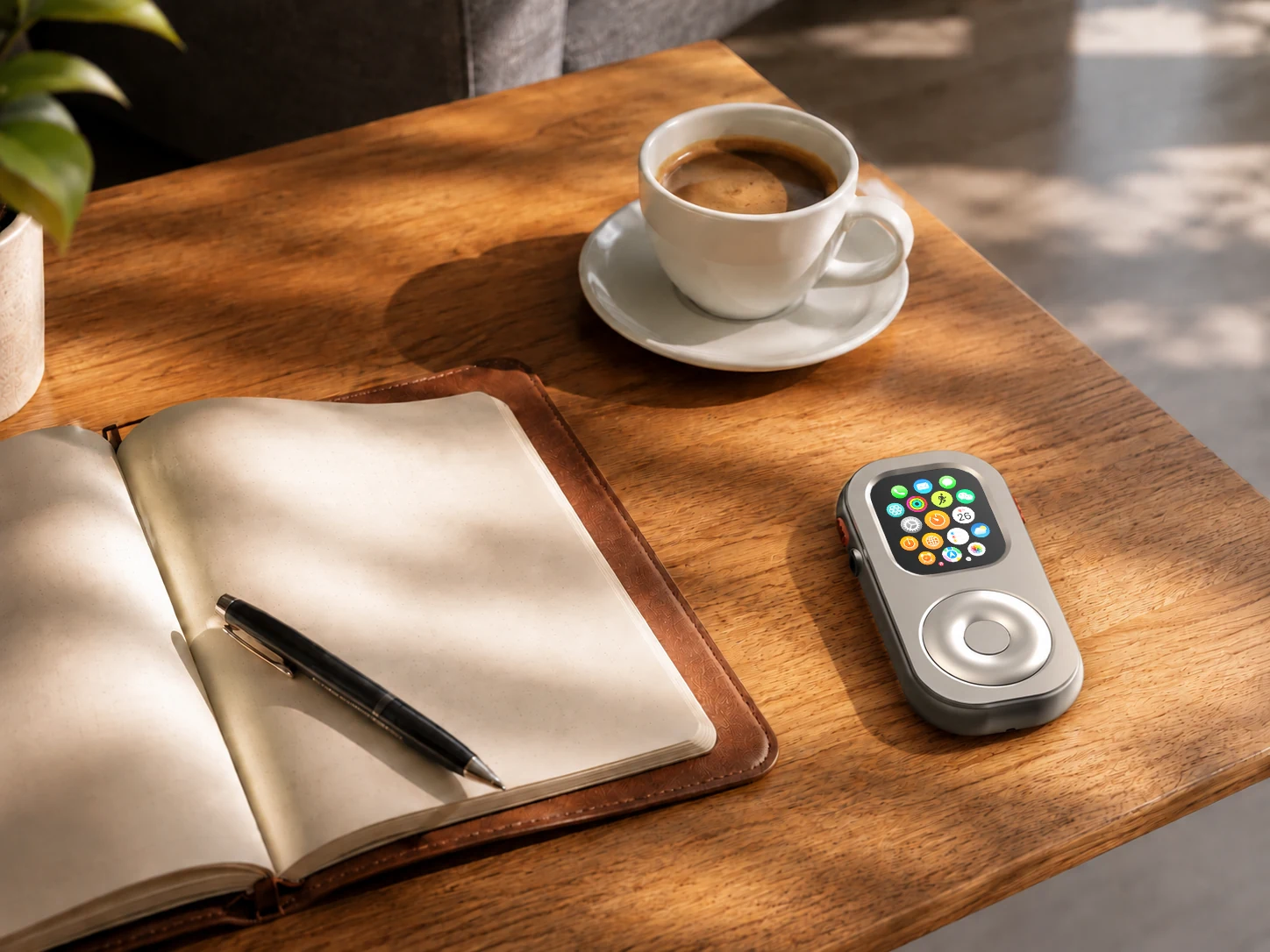
Digital minimalism is often framed as deleting apps or turning every notification off. A more useful definition is to decide what deserves your attention, then choose tools and habits that help you keep that boundary. For some Apple Watch owners, that can mean leaving the iPhone in a bag or at home during a short, planned part of the day while keeping a few useful functions close.
That is a phone-light routine, not a promise to disconnect completely. Your needs, watch model, settings, network access, and local services all matter. RePod Ultra fits into this idea by changing how a compatible Apple Watch is carried and handled. It does not turn the watch into a phone, add software capabilities, or guarantee that every task can be done without an iPhone.
Digital minimalism is a choice about attention
A phone is useful because many tools live in one place. The same convenience can make it easy to move from a calendar check to a message thread, then into a feed or browser without choosing to do so. The problem is not that every app is bad. It is that the device makes many possible next actions available at once.
Digital minimalism starts with a smaller question: what do you actually need for this moment? That might be directions and a way to reach someone on the way to a café. It might be workout tracking and a timer during a run. At home, you may want to be reachable for an important call without carrying a screen that invites constant checking. The answer changes with the day.
The practical goal is not to make technology disappear. It is to reduce unnecessary access and friction. A person might keep social apps off the home screen, set a focus mode, leave the phone in another room for dinner, or take a walk with only the tools needed for safety and coordination. A small, deliberate boundary is easier to maintain than a dramatic rule that does not fit real life.
Can Apple Watch support a phone-light routine?
Sometimes. Apple Watch can do useful things when the paired iPhone is not nearby, but what works depends on the model, connection, setup, and feature. Apple explains that a watch can use known Wi-Fi networks when the iPhone is away, and cellular models with an active plan can use cellular service. Some functions also work without a live network, while other apps may need a connection or the paired iPhone.
For example, a downloaded playlist, a workout, a timer, or Apple Pay may be available in circumstances where a message or call is not. Phone-free calls and messages are conditional: they can depend on a cellular plan or Wi-Fi calling setup, carrier support, region, account, watch settings, and the kind of message. Third-party app behavior varies too. Apple’s current guidance lists what may be available away from iPhone and describes exceptions; check it before relying on a particular function: use Apple Watch without your iPhone nearby.
It helps to make a short “leave-behind” checklist before you go: Is the route familiar? Do you need to receive a particular message? Is your watch charged? Does the task depend on a network? Will someone need to reach you urgently? If the answer to any of these is uncertain, take the phone or choose a smaller experiment. Digital minimalism is not a test of willpower, and safety should not depend on an assumption about connectivity.
Why the physical form matters
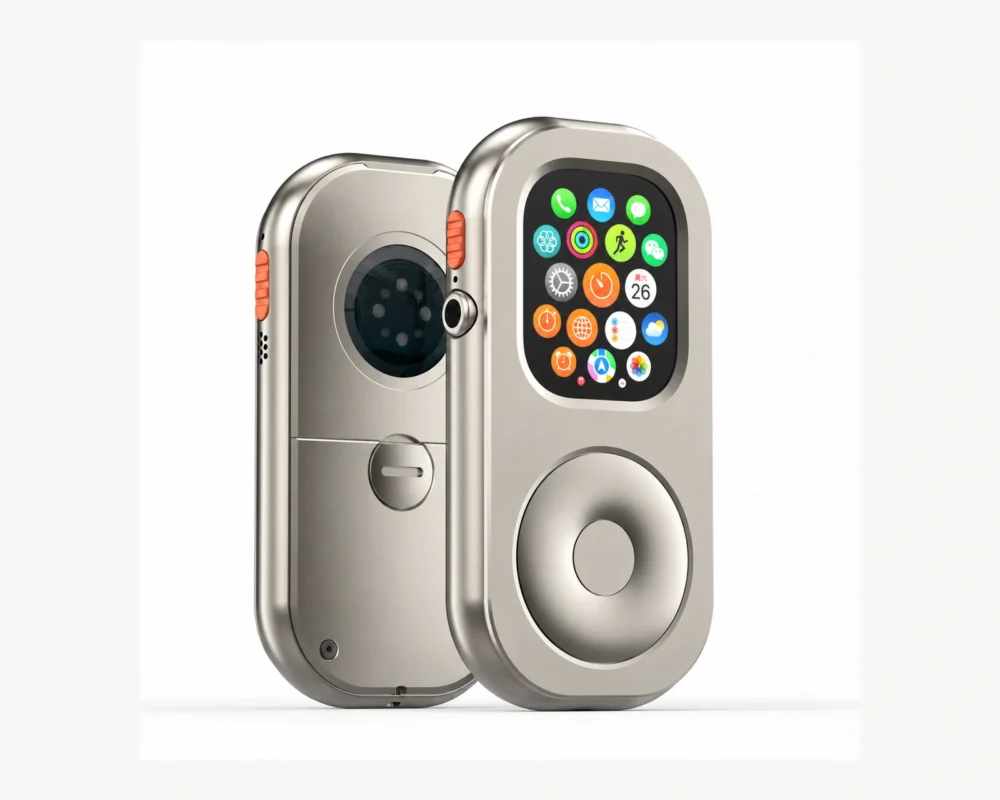
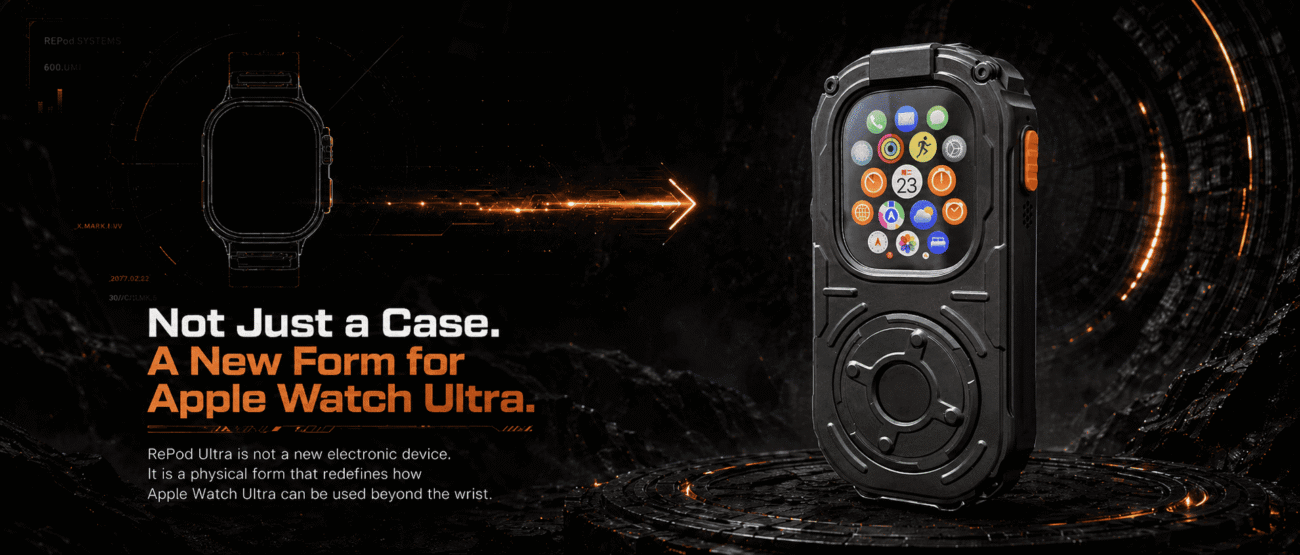
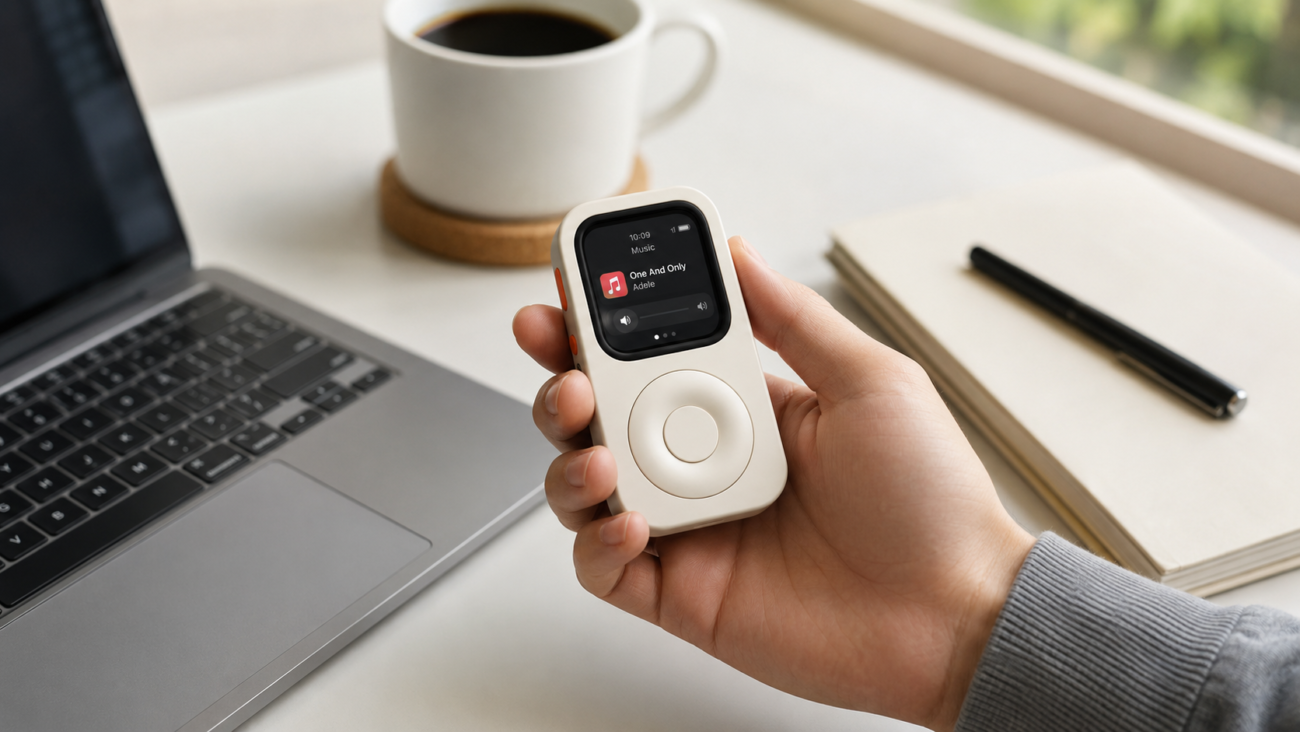
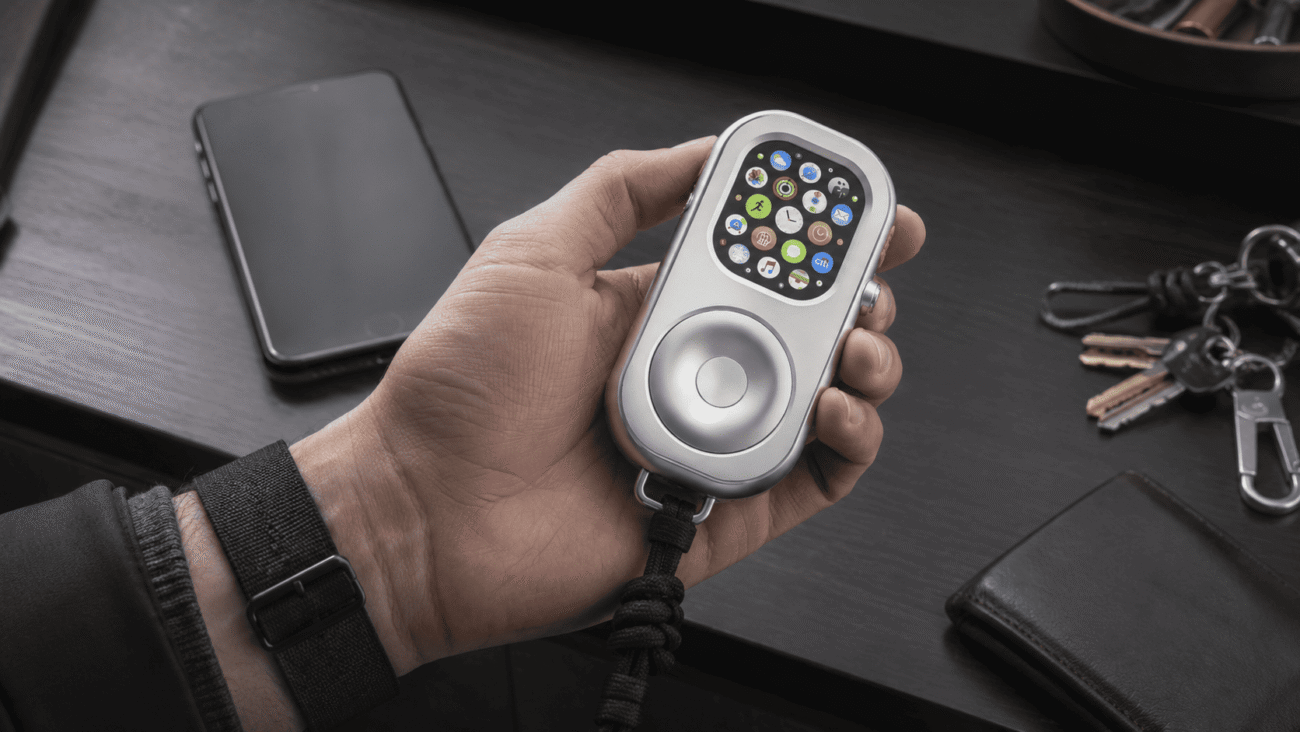
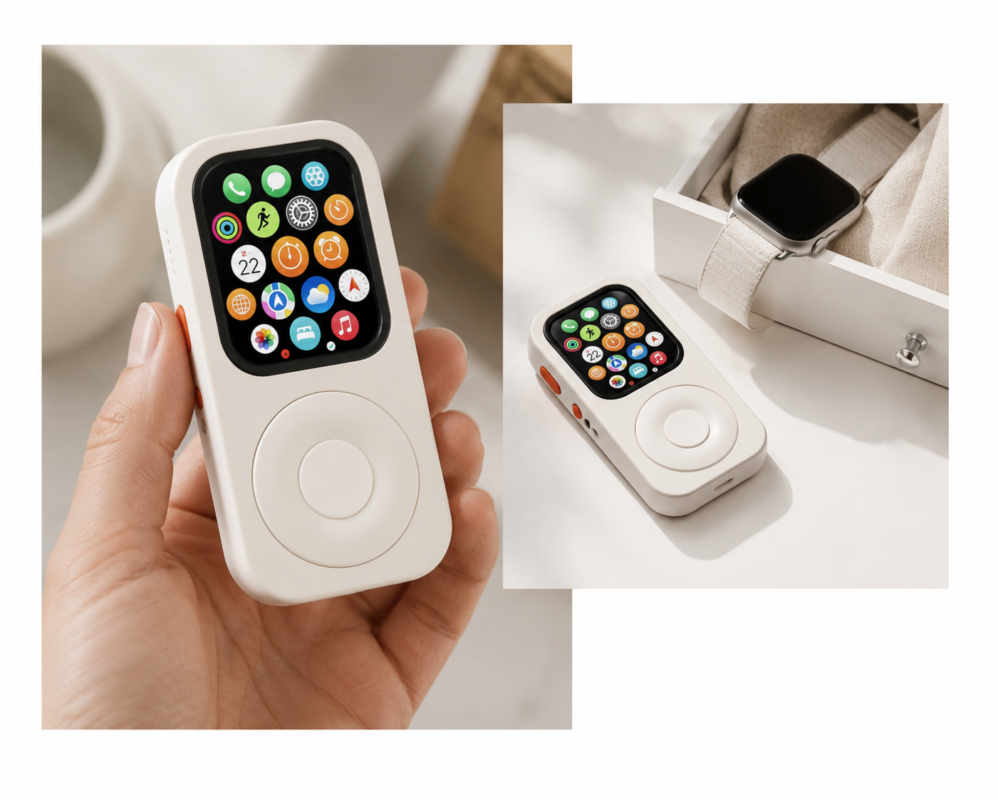
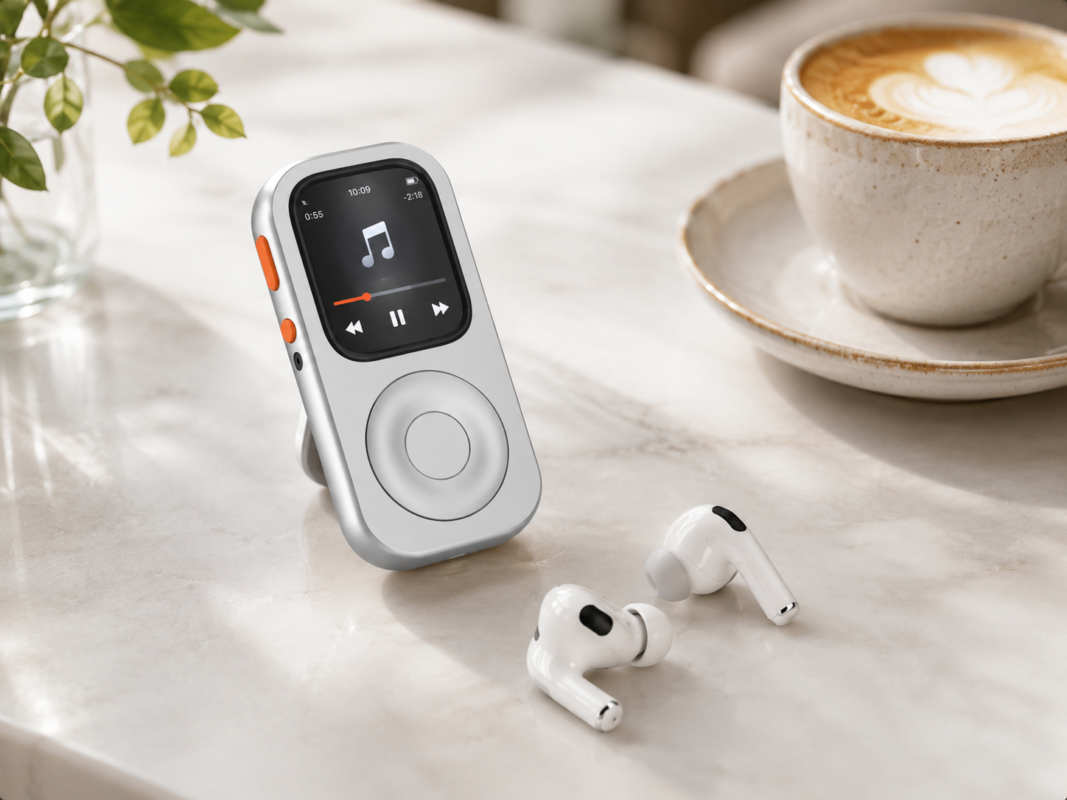
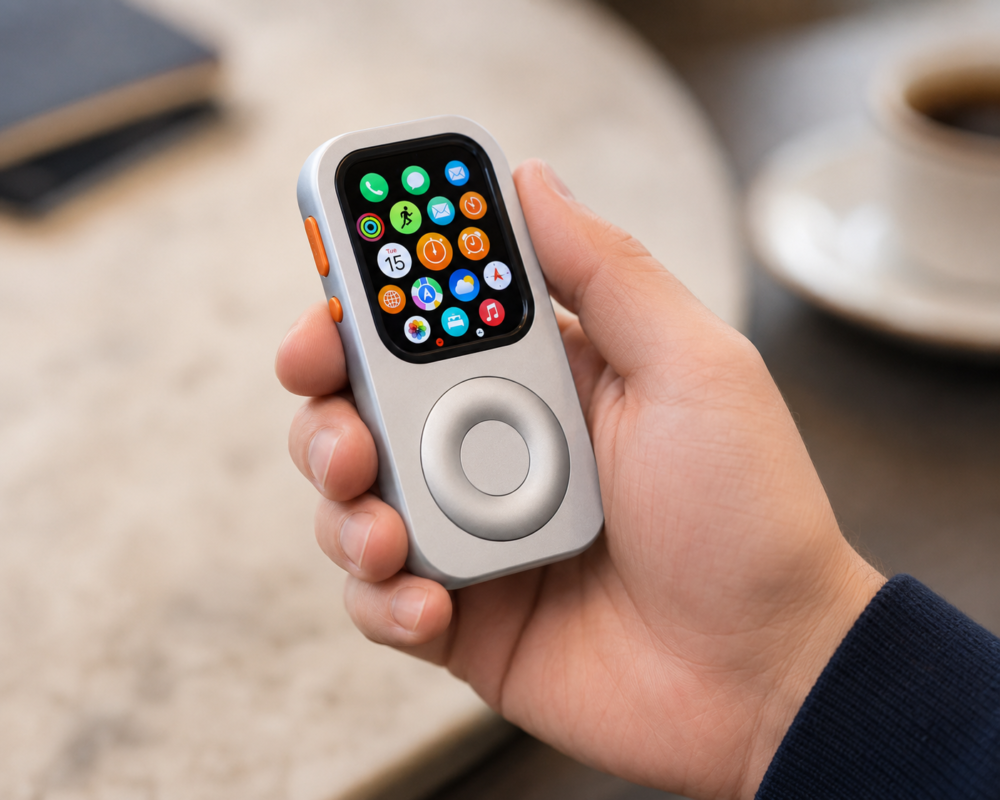
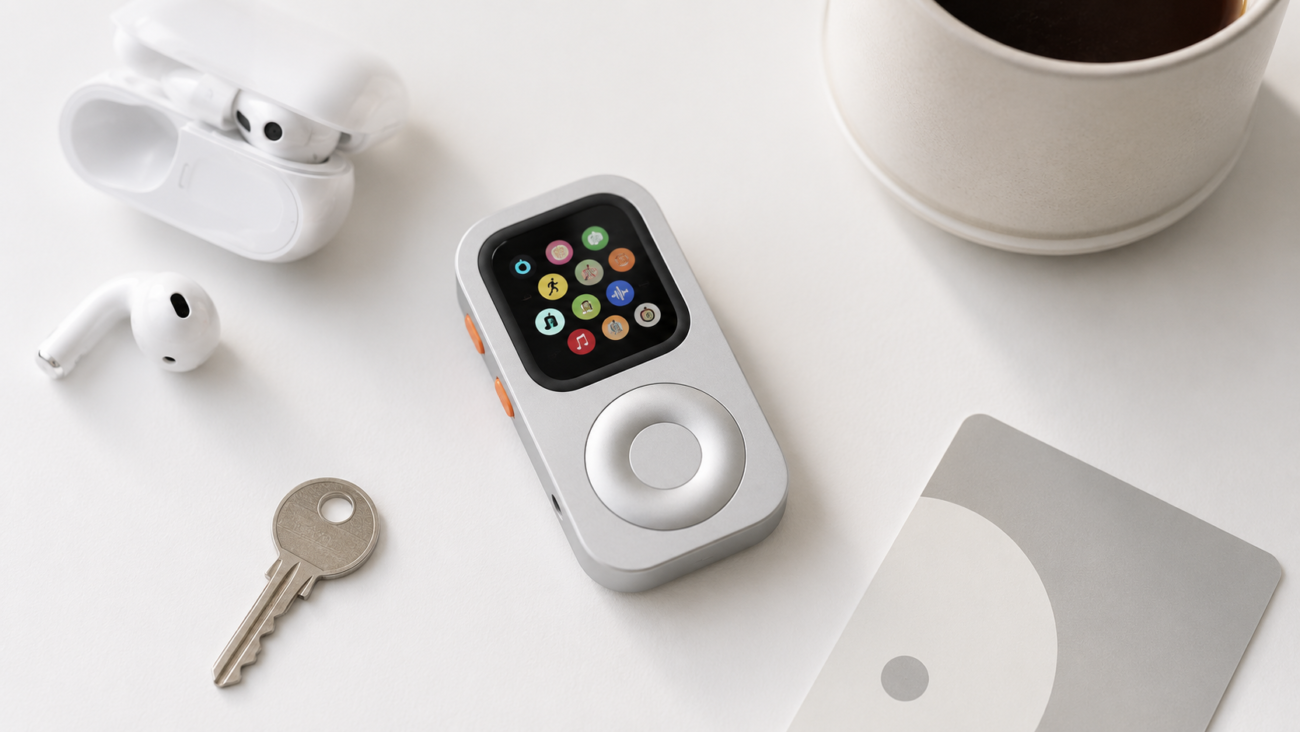
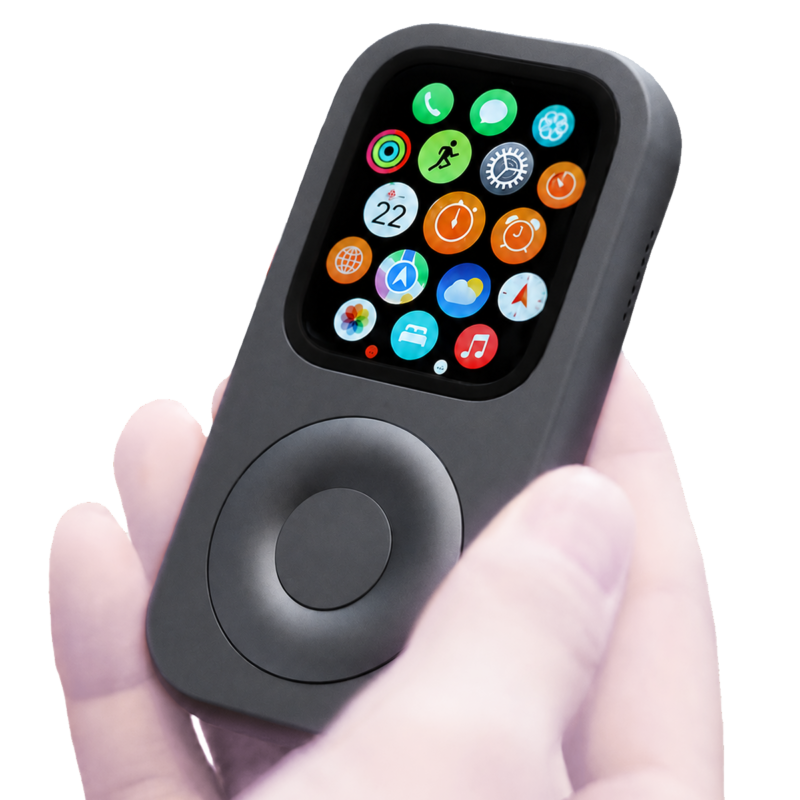
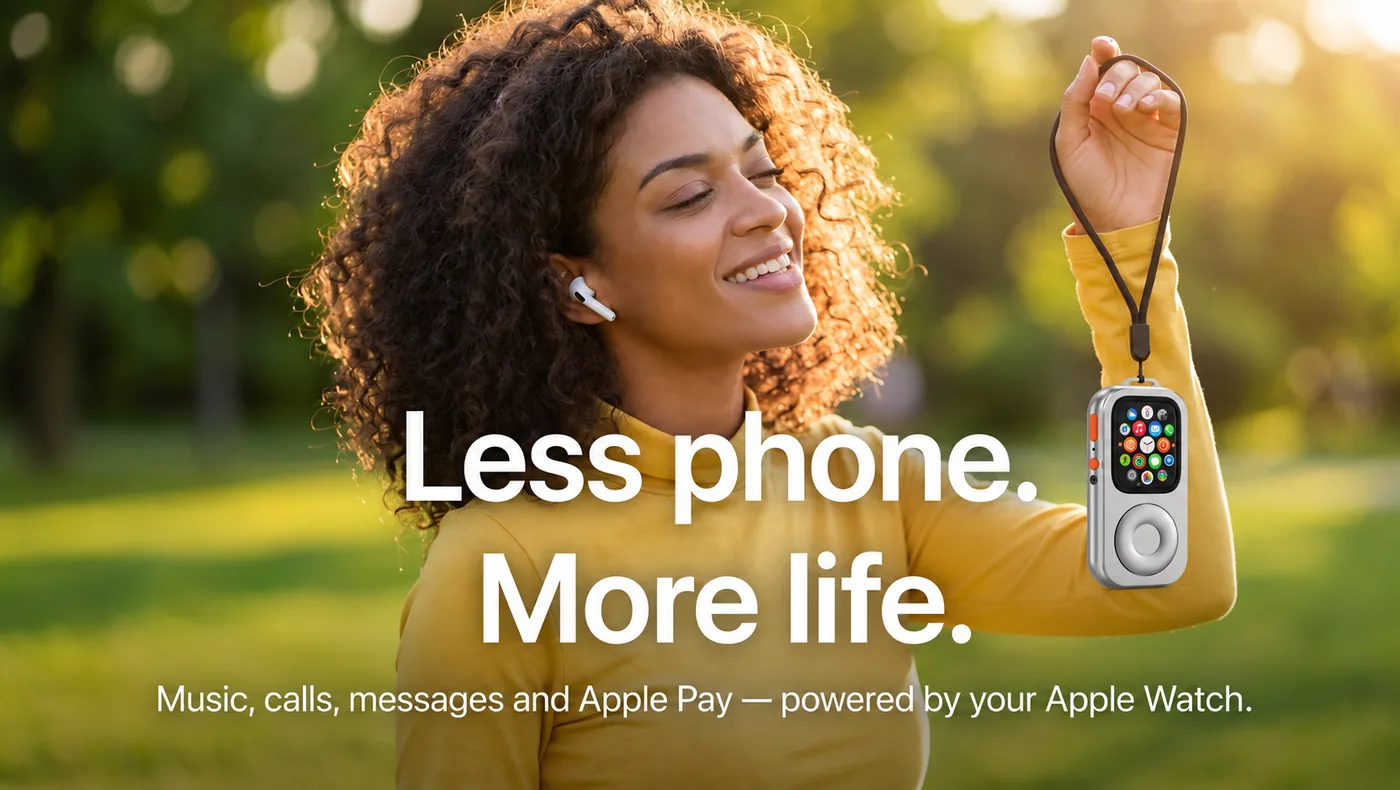
Even when the watch has the functions you need, it is designed to be worn on the wrist. RePod Ultra gives a compatible Apple Watch a handheld form. That changes where the screen sits, how you hold it, and how you interact with it while walking, waiting, or taking a short break. The intended idea is a focused handheld companion: keep selected essentials within reach and make it easier to carry less in moments where a full phone feels like more device than the task requires.
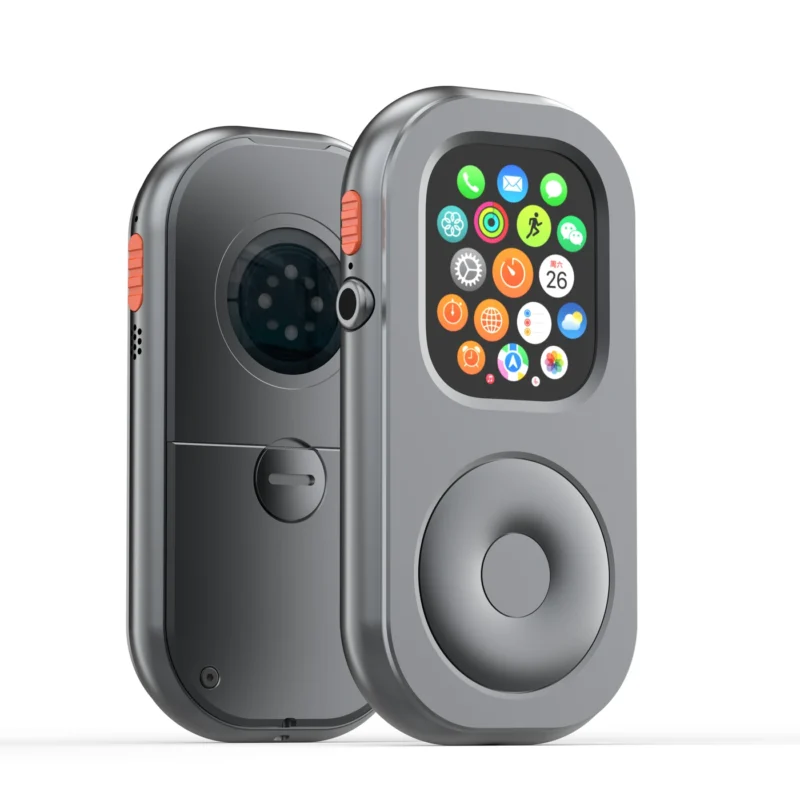
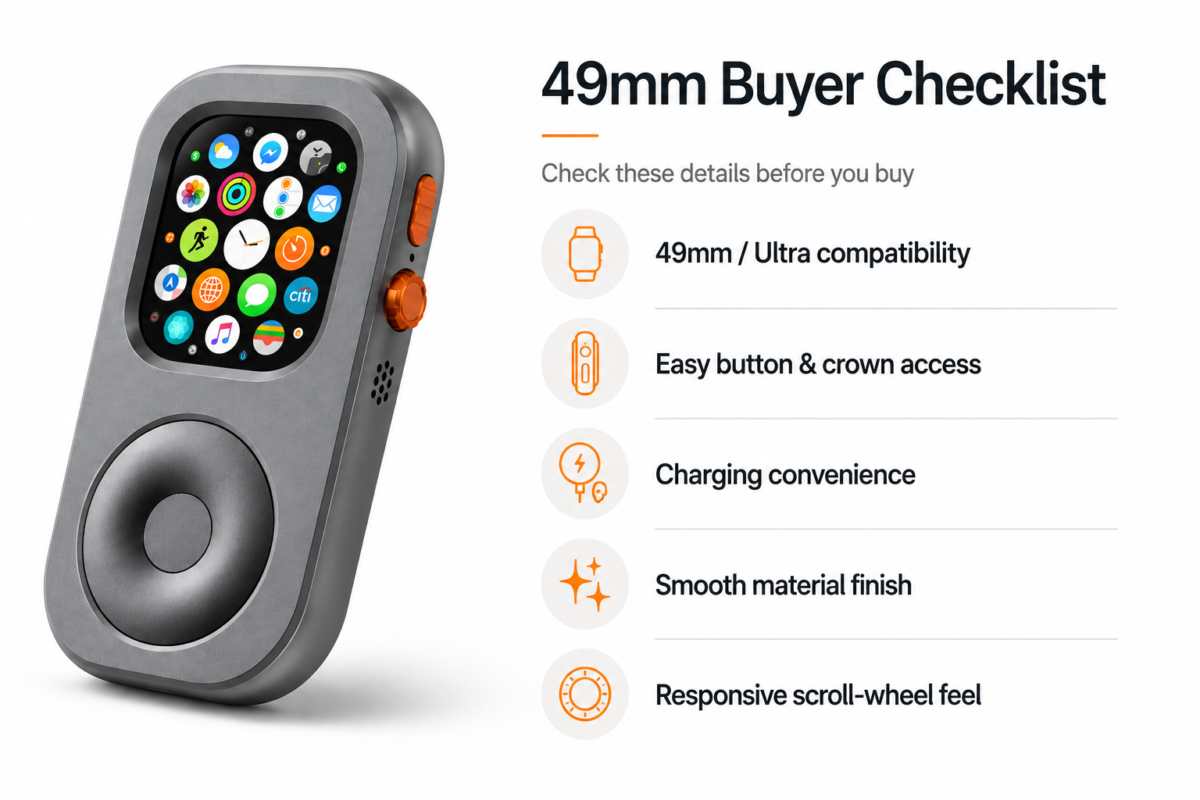
This is a change in physical experience, not a change in the watch’s operating system. RePod does not add cellular service, Siri, Apple Pay, Maps, Music, phone calls, messages, or apps. Those are Apple Watch capabilities, when supported by the watch, watchOS, service, region, network, and configuration. The Apple Watch itself is not included. Check the specific product page and your watch model before choosing a case; the approved RePod Ultra fit is for supported 49 mm Apple Watch Ultra models listed by the brand.
A phone-light choice also has limits. A larger screen is often better for composing a long message, comparing several routes, reading detailed information, or using an app that is not watch-optimized. Some tasks require the paired iPhone, a network, or more comfortable input. If you need those things, using your phone is sensible. Minimalism means matching the device to the moment, not treating one device as morally better than another.
A tactile interaction, with a clear boundary
The mechanical wheel adds a physical way to scroll supported watch interfaces. It can make browsing feel more deliberate and tactile than touching a small display for every movement. The wheel is for scrolling only. Selection, confirmation, and back navigation remain part of Apple Watch’s native touch and system interactions; the wheel does not perform those actions on its own.
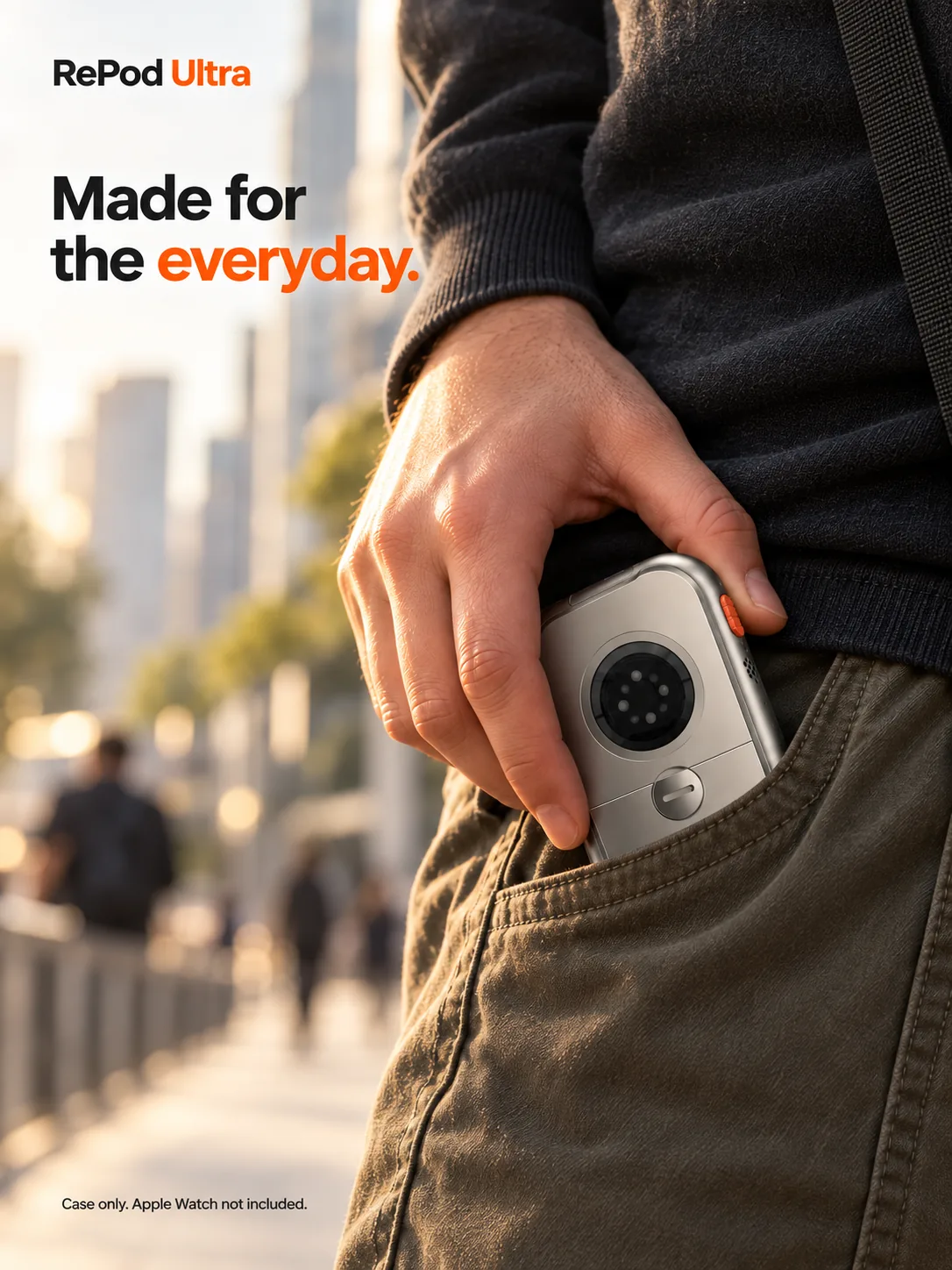
That distinction matters because the accessory should be understood for what it does: it changes the enclosure, carry style, and feel of interaction. It does not unlock hidden Apple Watch features or remove the need to learn the watch’s own controls. If your digital-minimalism goal is fewer interruptions, you will still need to make choices in watch settings and in the apps you keep available.
Try it in small, real situations
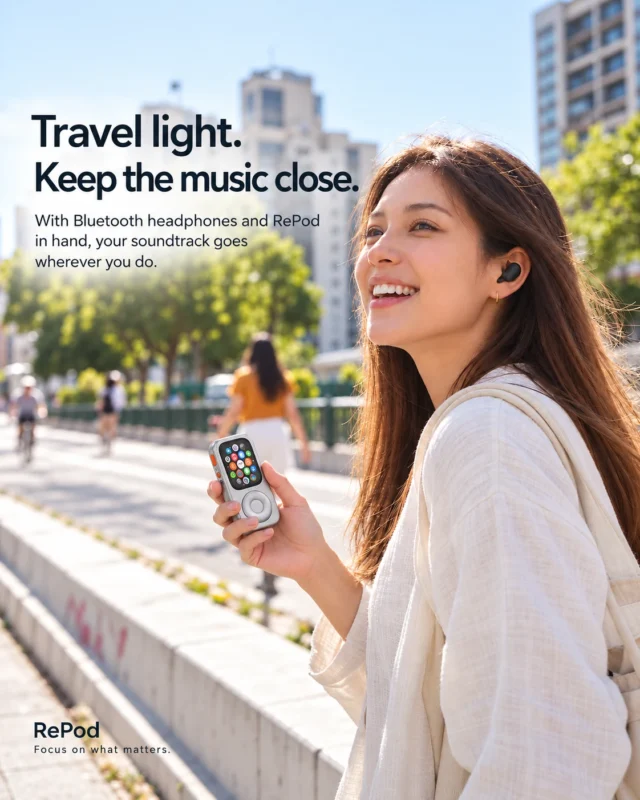
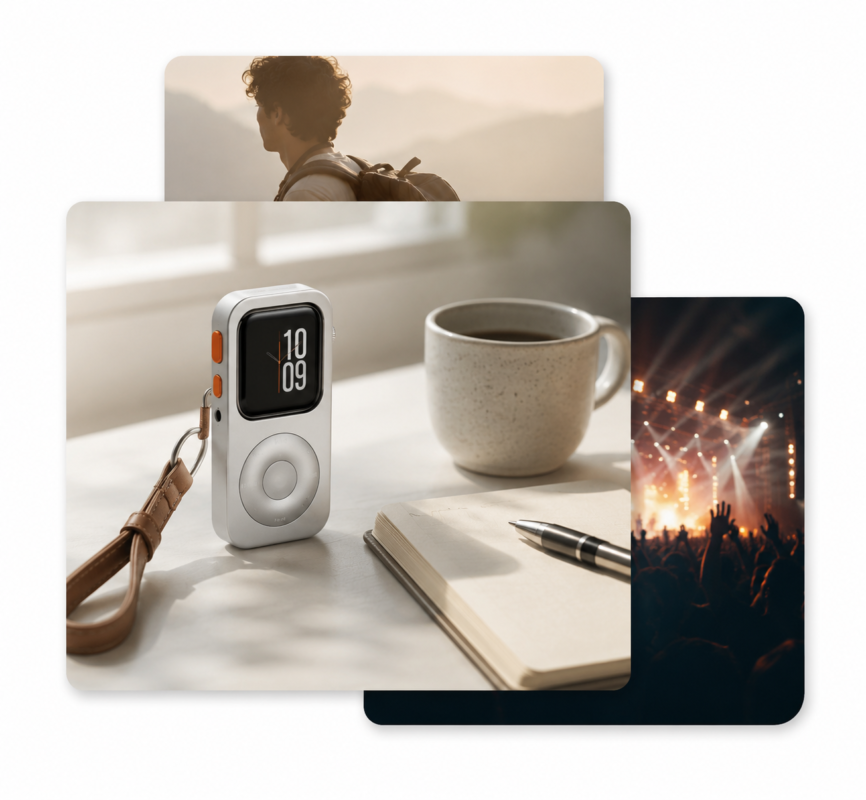
A short coffee stop. Decide whether you need a phone at all, or only a timer, payment option, and a way to check the time. Download anything you want to listen to in advance, and confirm how payment or communication works for your setup. A quick outing is a low-stakes place to see whether a smaller carry setup feels useful.
A walk or easy run. A watch can support activity tracking and other prepared functions. Before leaving, check the route, battery, weather, and whether you expect to need live directions or contact. If your safety plan depends on cellular service, confirm coverage and plan status rather than assuming a case provides it.
A focused block at home or work. Keep the phone outside the room and decide which notifications should reach the watch. The point is not to move every phone interruption to your wrist. Silence or filter alerts that do not serve the task. A handheld form may suit a planned check-in, but a quiet watch setup is what protects the focus block.
Travel or an unfamiliar area. This is where the phone may be more important. Tickets, maps, translation, long messages, and backup information can be easier to manage on the iPhone. A useful boundary could be leaving the phone in a pocket instead of in your hand, or setting a few intentional check-in times, rather than leaving it behind entirely.
These examples are prompts, not guarantees. Your own routine depends on the watch you own and the services you use. A practical trial can be as simple as one familiar walk: tell someone your plan if appropriate, bring the phone if you might need it, and note which functions you actually used. The next decision can then be based on experience rather than an idealized promise of being phone-free.
A realistic definition of “less phone”
“Less phone” does not have to mean “no phone.” It can mean fewer unplanned checks, less time spent holding the phone while moving between places, or more moments when you are present with the people around you. It can also mean recognizing when a phone is the right tool and using it without guilt.
The most effective setup is usually a combination of small decisions: trim notifications, keep only useful watch complications, download media before leaving, set expectations with friends or colleagues, and choose outings that match your connectivity needs. RePod Ultra can support the physical side of that routine for someone who already owns a compatible Apple Watch and wants to carry it in a handheld form. The habit still comes from the user.
If you are exploring what an Apple Watch can do away from its paired phone, start with our guide to using Apple Watch without an iPhone nearby. When you are ready to consider the handheld format, see the RePod Ultra product page for current product and compatibility information.
Frequently asked questions
Is RePod Ultra a standalone device?
No. RePod Ultra is a physical case and handheld accessory for a compatible Apple Watch. The watch provides the operating system and its supported functions; the Apple Watch is not included.
Can Apple Watch work without an iPhone nearby?
Some functions can. Availability depends on the watch model, feature, settings, and whether the watch has a suitable Wi-Fi or cellular connection. Offline functions may also remain available. Check Apple’s guidance and your setup before relying on a specific task.
Does RePod Ultra add cellular connectivity?
No. It does not add cellular service or independent phone functions. Any connection away from iPhone comes from the Apple Watch configuration and the supporting network or service.
What does the mechanical wheel control?
The mechanical wheel provides scrolling on supported interfaces. It does not independently select, confirm, or go back; those actions use Apple Watch’s native controls.
Digital minimalism works best when it makes an ordinary day feel more intentional. Start with one moment, keep the essentials you genuinely need, and let the rest wait. For some Apple Watch Ultra owners, a handheld RePod Ultra can be one way to make that choice more tangible—while the watch, its connection, and the situation determine what remains available.