


Stories

An Apple Watch without phone setup works best when you treat the watch as a small essentials device, not a full iPhone replacement. The goal is simple: keep music, payments, workouts, calls when available, and quick tools, while leaving the bigger distraction screen behind.
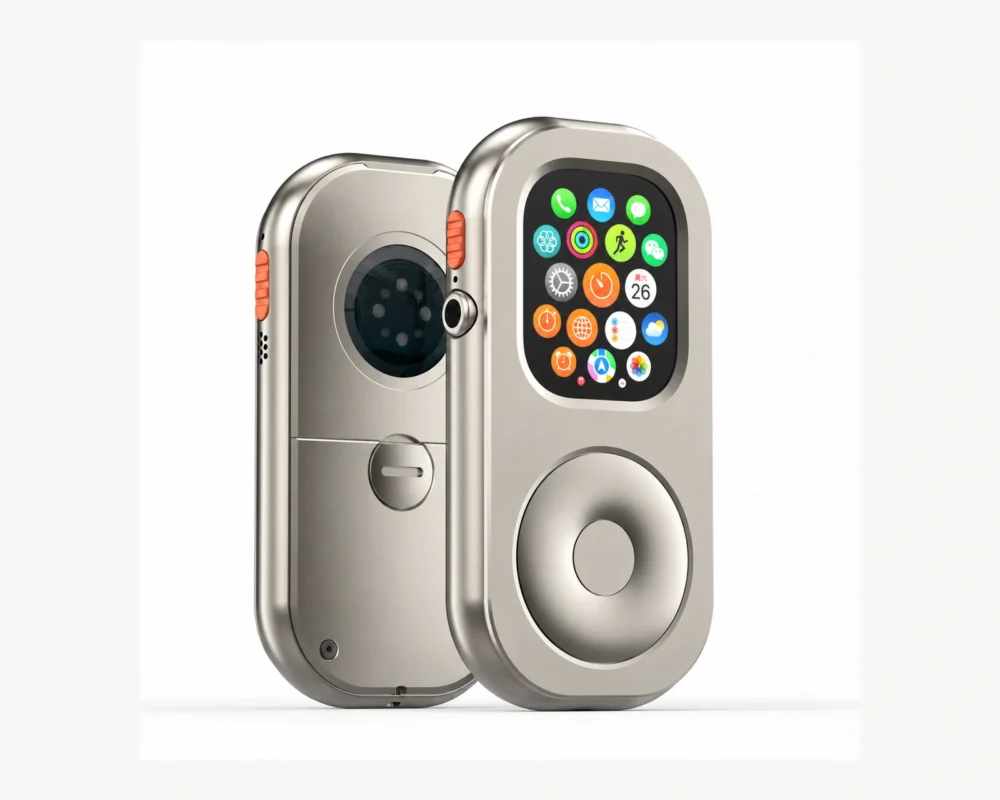
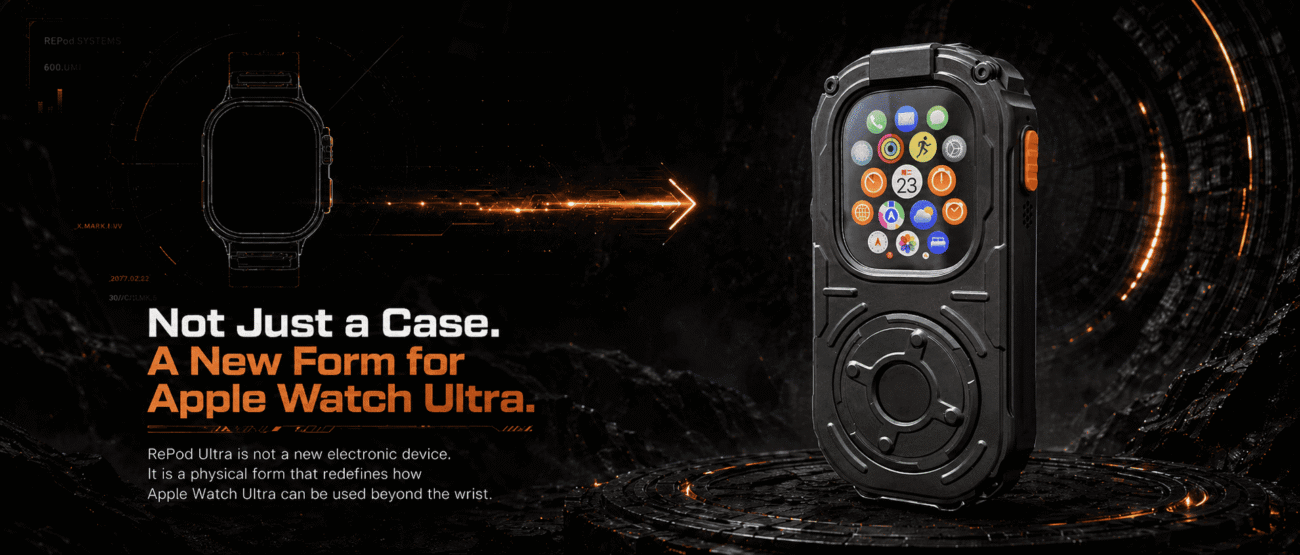
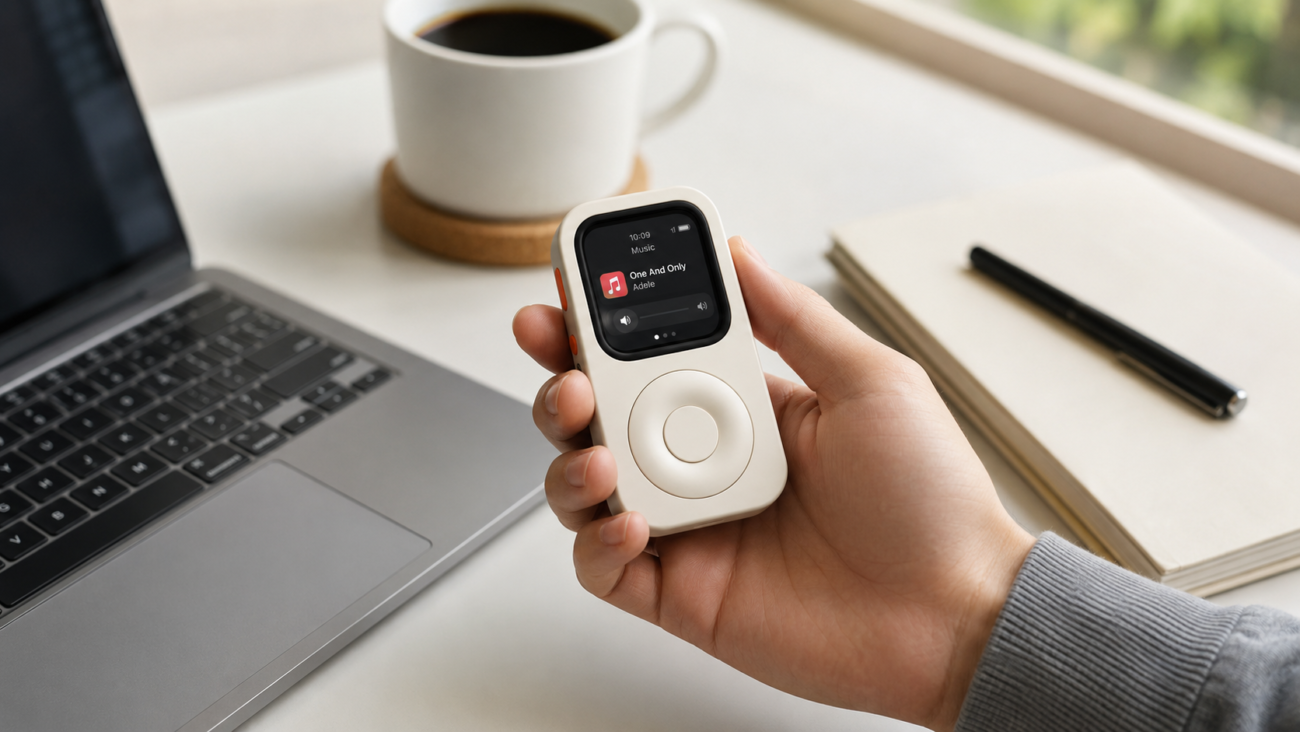
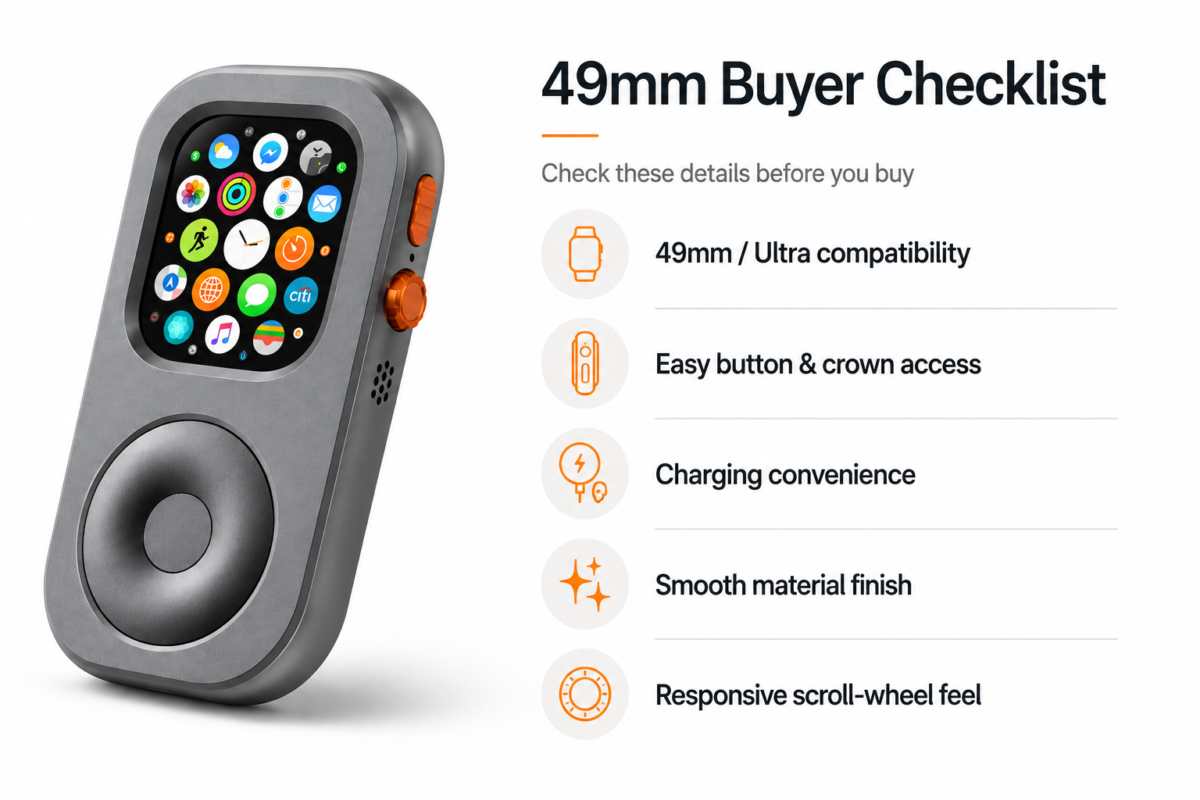
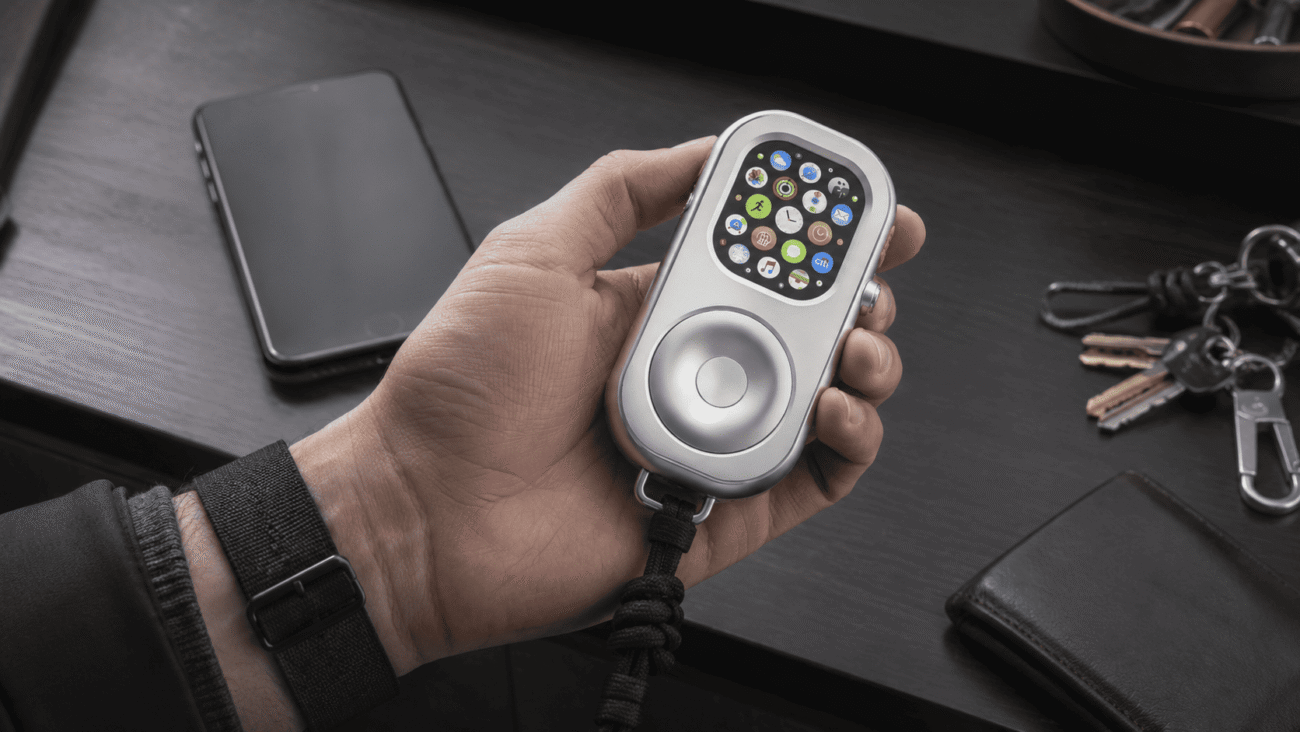
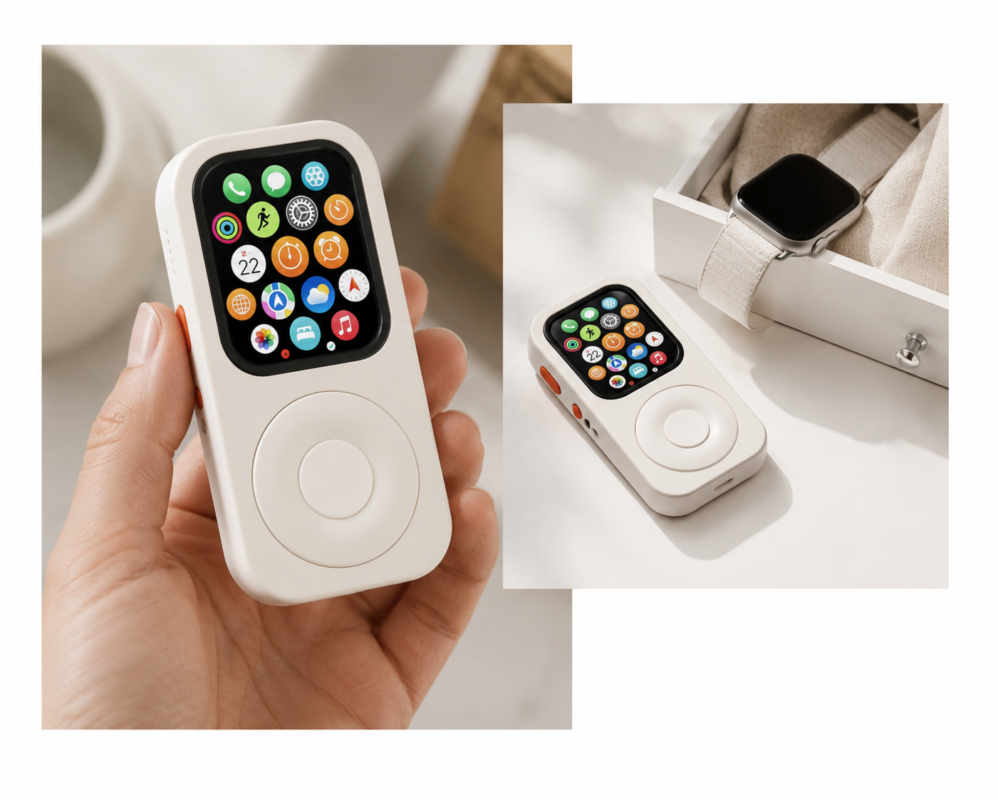
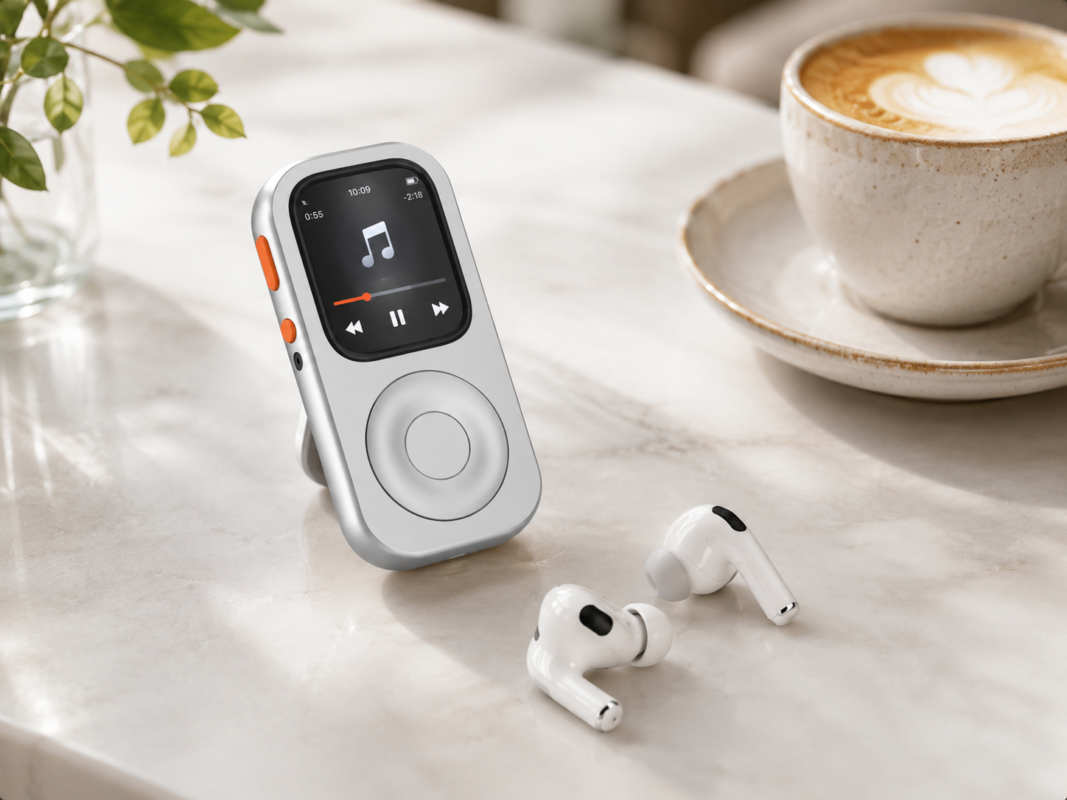
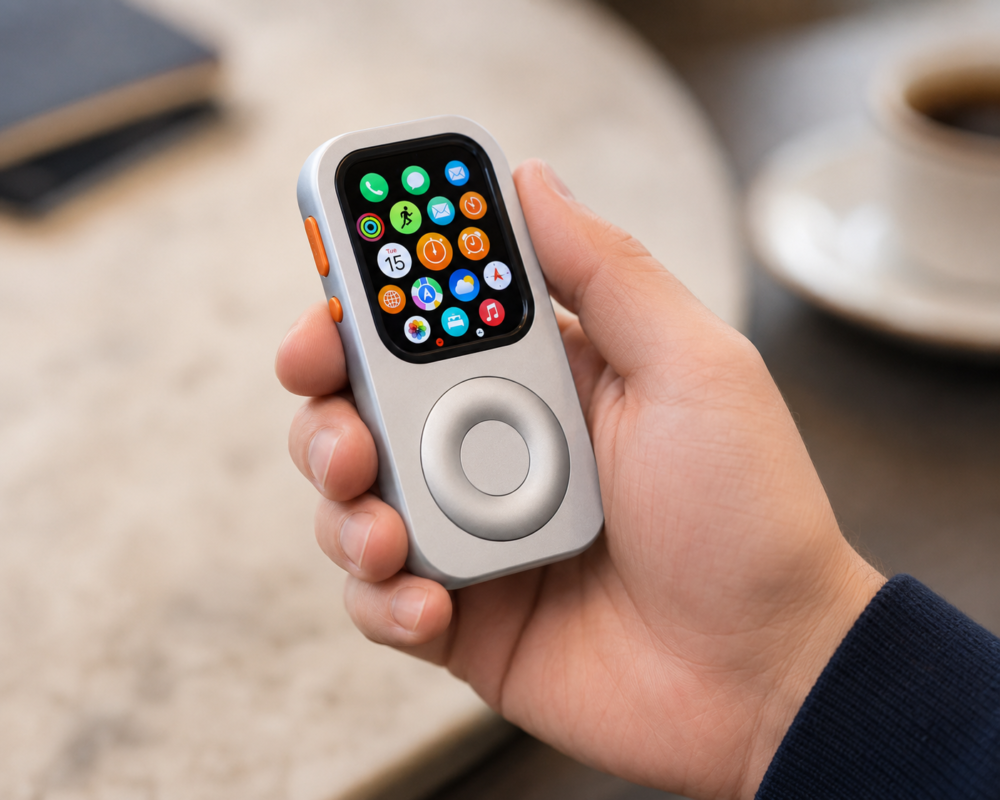
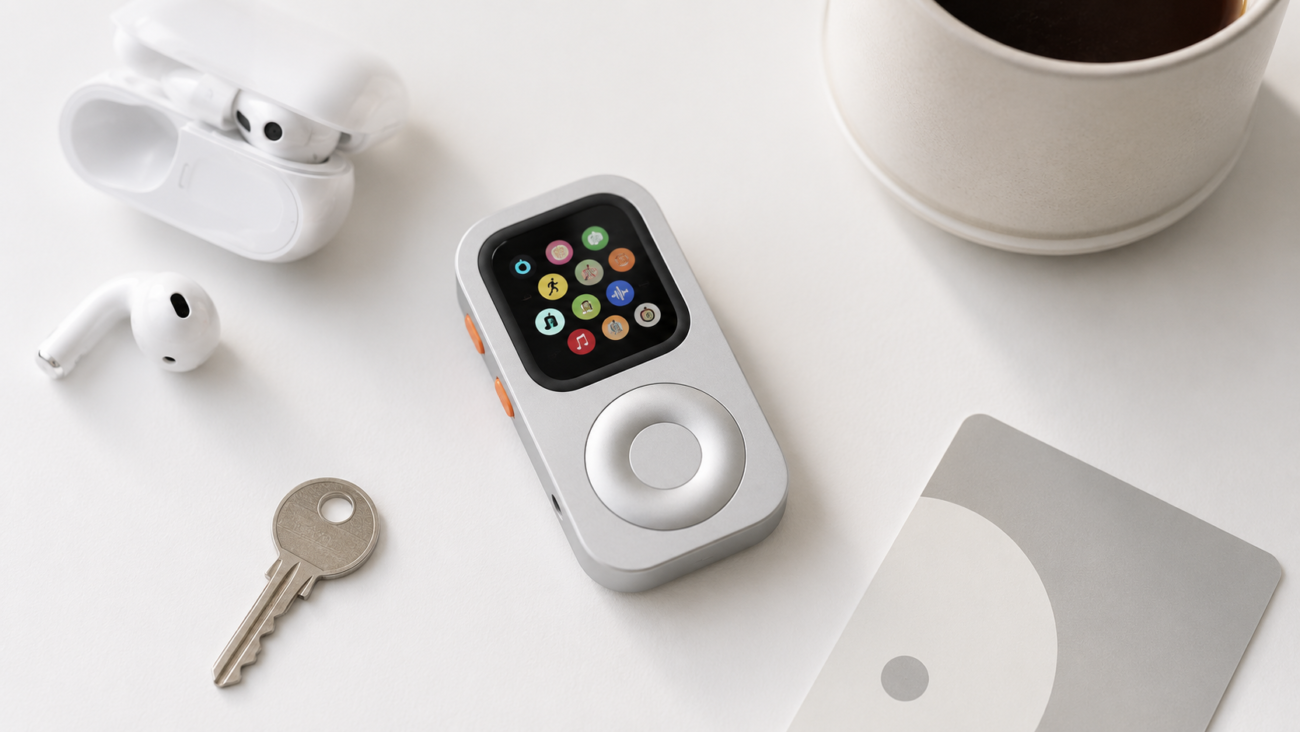
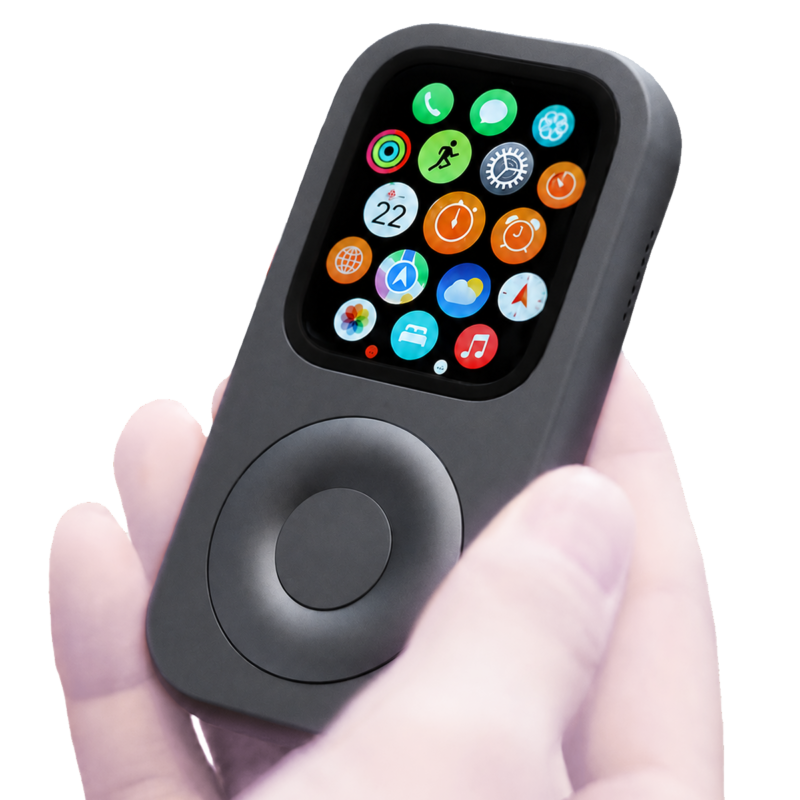
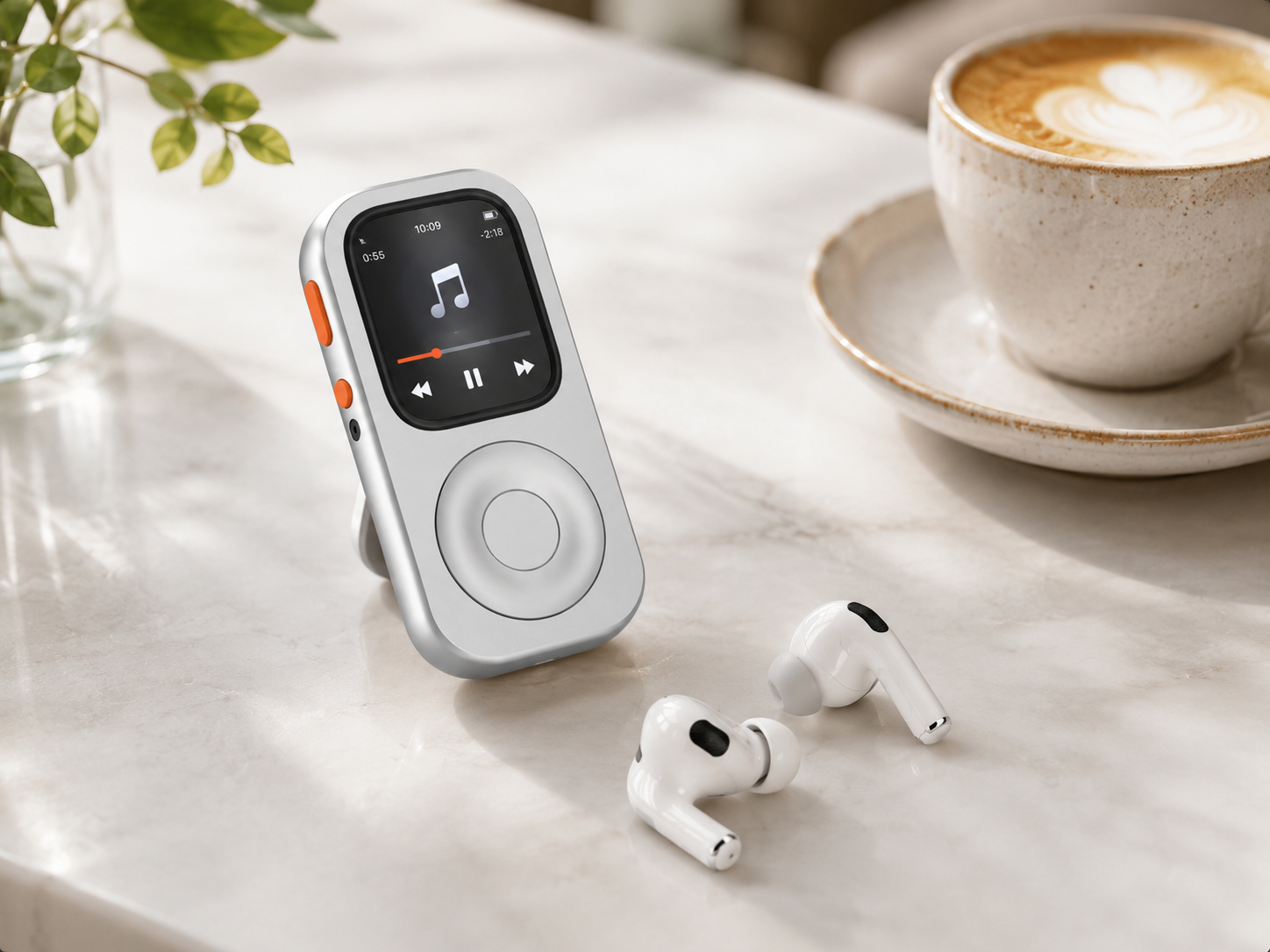
RePod fits this idea by turning a compatible Apple Watch into an iPod-style handheld case. You still use the real Apple Watch hardware and watchOS features, but the form changes from wrist wearable to pocketable phone-free carry.
Best uses for Apple Watch without a phone
The strongest phone-free Apple Watch routines are specific. Instead of asking the watch to replace every iPhone app, use it for the jobs it is already good at.
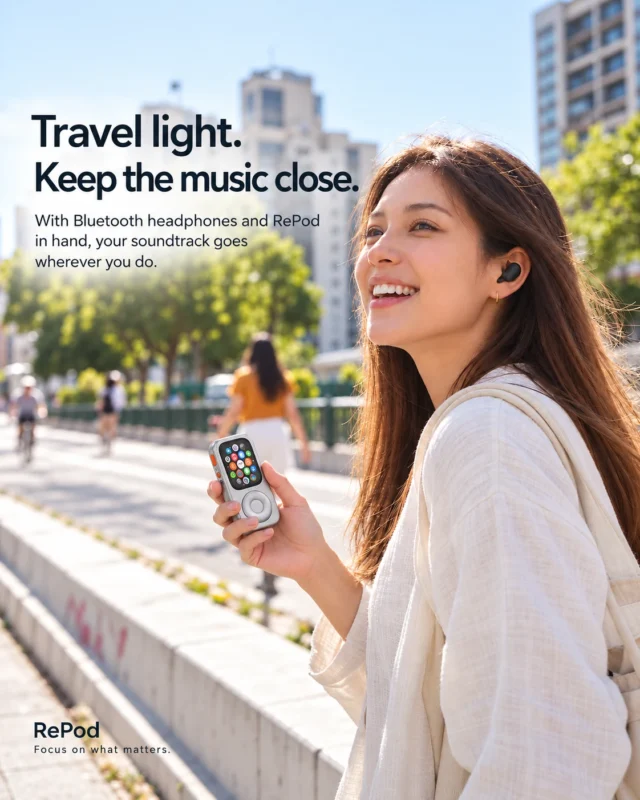
- Music and podcasts: download audio to the watch or stream when you have cellular or Wi-Fi.
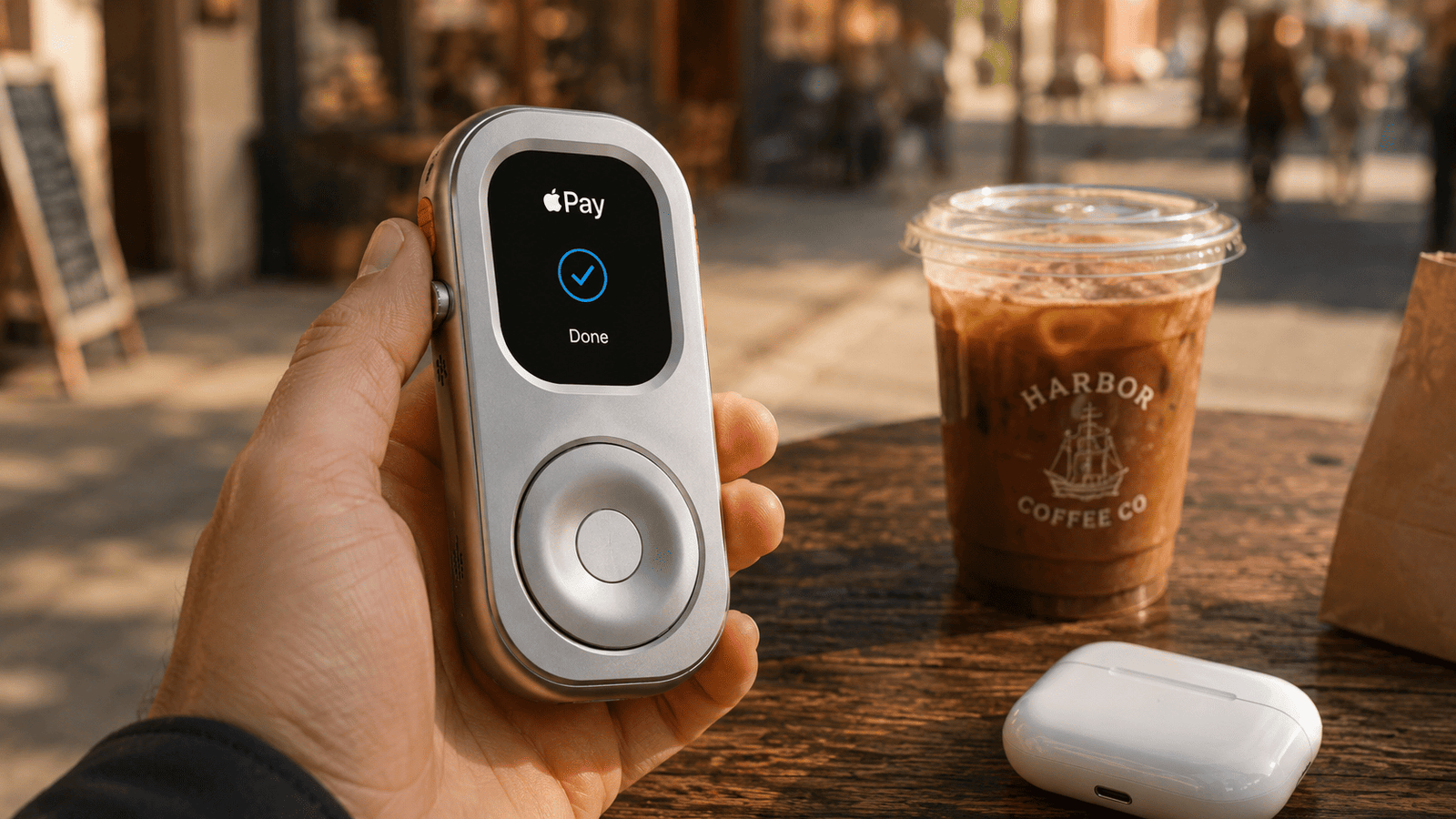
- Quick payments: use Apple Pay after cards are set up.
- Workouts: track running, walking, cycling, gym sessions, and activity.
- Short communication: use calls, messages, and Siri when your connection supports it.
- Everyday tools: timers, alarms, reminders, maps, calendar, voice memos, and weather.
- Digital detox: reduce browsing, feeds, and app loops while keeping practical essentials.
Cellular vs GPS-only Apple Watch
A cellular Apple Watch is the closest thing to a tiny phone-free device because it can connect away from your iPhone with a supported plan. That can help with calls, messages, Siri, maps, and streaming. It also uses more battery when cellular is active for long periods, so a realistic setup still benefits from downloaded audio and fewer notifications.
A GPS-only Apple Watch is more limited away from iPhone and Wi-Fi, but it is not useless. With preparation, it can still handle downloaded music, workouts, Apple Pay store purchases, timers, alarms, voice memos, and other offline functions. For many users, that is enough for running, walks, errands, coffee runs, gym sessions, and short focus blocks.
How to build a phone-free Apple Watch kit
- Pick the Apple Watch you already own and confirm the case size printed on the back.
- Decide whether you need cellular. If yes, confirm carrier support before depending on it.
- Download music, podcasts, or audiobooks for offline use.
- Pair AirPods or Bluetooth headphones directly with Apple Watch.
- Set up Apple Pay and test it before leaving the iPhone behind.
- Choose a simple watch face with only essential complications.
- Turn off nonessential notifications so the watch supports focus instead of interrupting it.
- Use RePod if you want a handheld iPod-style shell instead of a wrist-only experience.
Where RePod makes the setup better
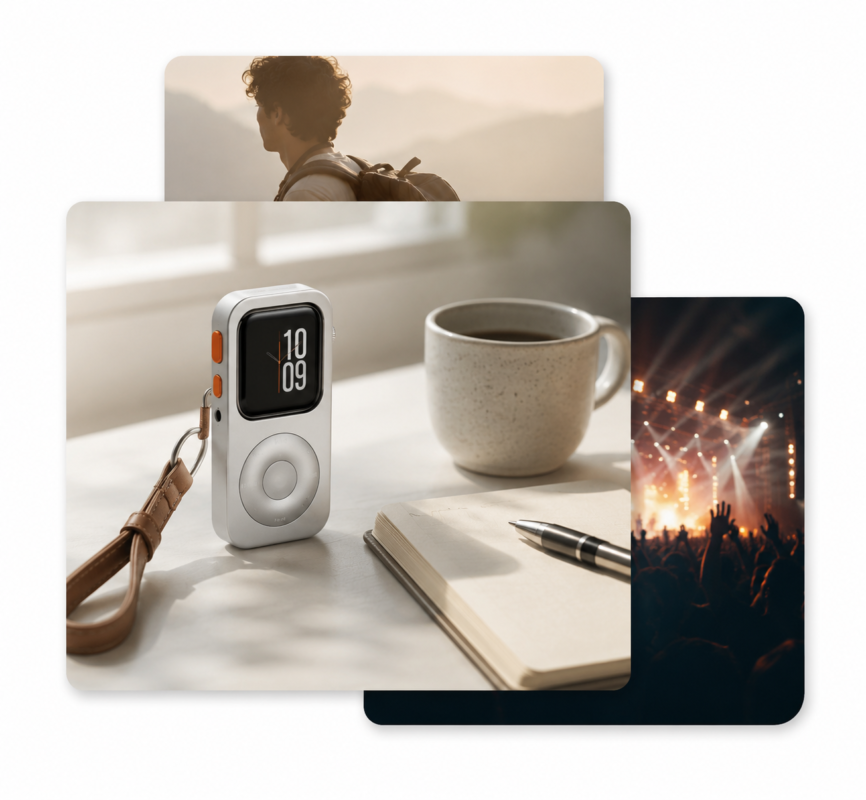
The Apple Watch can already act as a compact essentials device. RePod gives that setup a clearer physical shape. It is especially useful if you want to carry the watch for music, Apple Pay, calls, Siri, and workouts without wearing it on your wrist all day.
Think of RePod as a conversion shell. It does not add electronics, and it does not include an Apple Watch. It changes how you carry the Apple Watch you already own, making a phone-free routine feel more deliberate and easier to repeat.
Recommended routes by use case
- For running: start with downloaded music, AirPods, Workout, Apple Pay, and emergency contact settings. Read the phone-free running Apple Watch guide.
- For daily carry: build around Music, Wallet, Messages, Timer, Maps, and RePod. Read the phone-free EDC setup guide.
- For digital detox: keep only essential notifications and use Apple Watch as a minimalist phone-like device. Read the Apple Watch minimalist phone setup.
- For buying RePod: compare the iPod case for Apple Watch guide and the Apple Watch handheld case guide.
Apple Watch without phone FAQ
Can Apple Watch replace my phone?
It can replace some phone moments, not every phone job. Apple Watch works best for short communication, music, payments, workouts, reminders, and quick tools. It is not a full replacement for long typing, browsing, camera use, or every app.
Can GPS Apple Watch work without a phone?
Yes, but mostly for offline functions when away from iPhone and Wi-Fi. Download audio, set up Apple Pay, pair headphones, and prepare the apps you need before you leave.
Is Apple Watch Cellular worth it for phone-free use?
It is worth considering if you want calls, messages, maps, Siri, and streaming away from iPhone and Wi-Fi. Check carrier support, monthly cost, battery expectations, and coverage first.
What does RePod add to an Apple Watch without phone setup?
RePod adds a handheld iPod-style carry form. It does not replace watchOS or include the Apple Watch. It helps the Apple Watch feel like a compact pocket device for phone-free music, payments, calls, and everyday essentials.
Continue the phone-free Apple Watch cluster
- Use Apple Watch without iPhone
- Apple Watch music without phone
- Leave iPhone at home with Apple Watch
- Phone-free EDC setup
- Apple Watch iPod case guide
- Shop RePod Apple Watch iPod Case
Official Apple setup references
### Excerpt
How to use Apple Watch without a phone for music, Apple Pay, calls, workouts, errands, and a RePod iPod-style phone-free carry setup.