


Stories

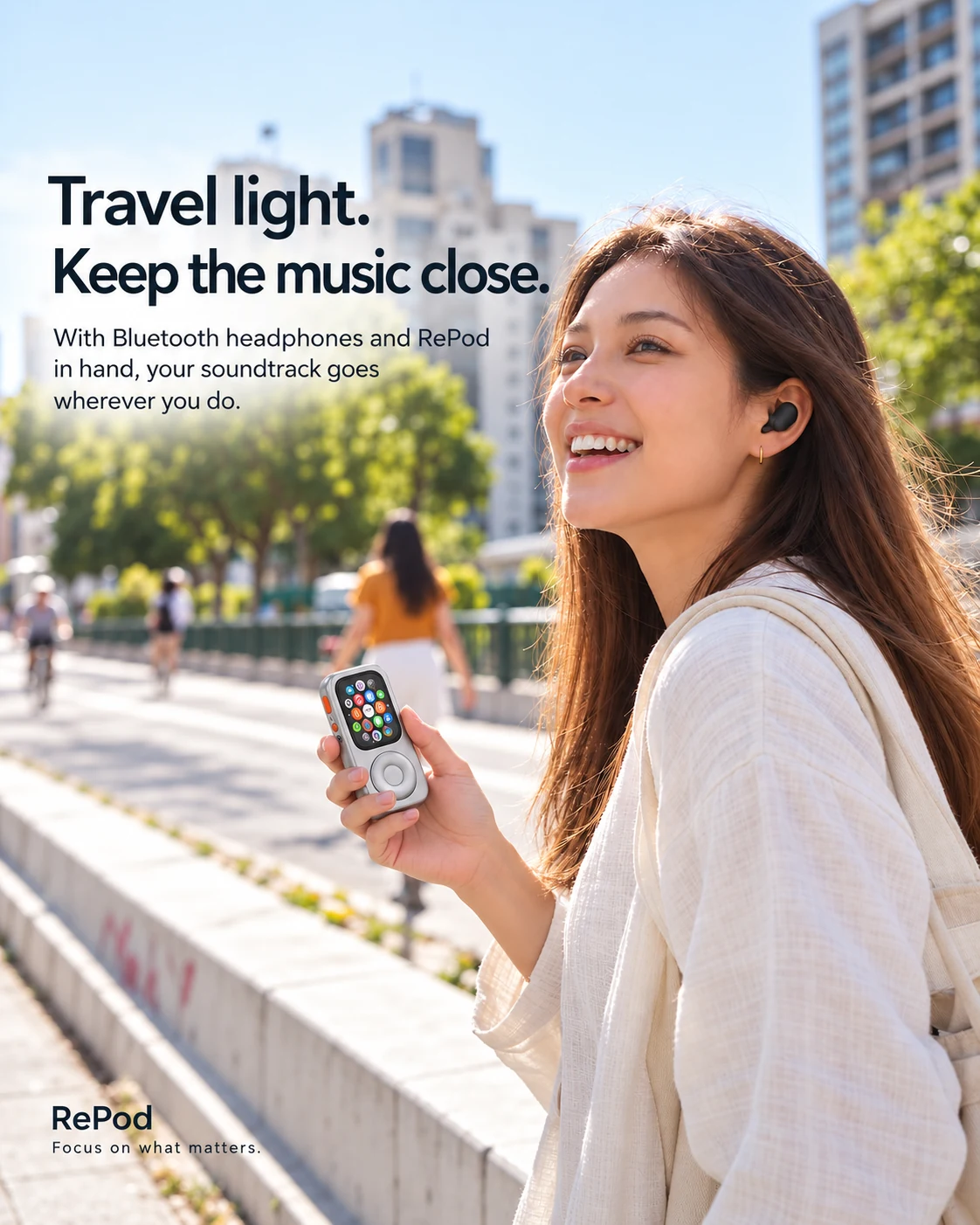
The appeal of a wheel, a smaller screen, and a familiar watch—with the practical limits that matter before you change how you carry it.
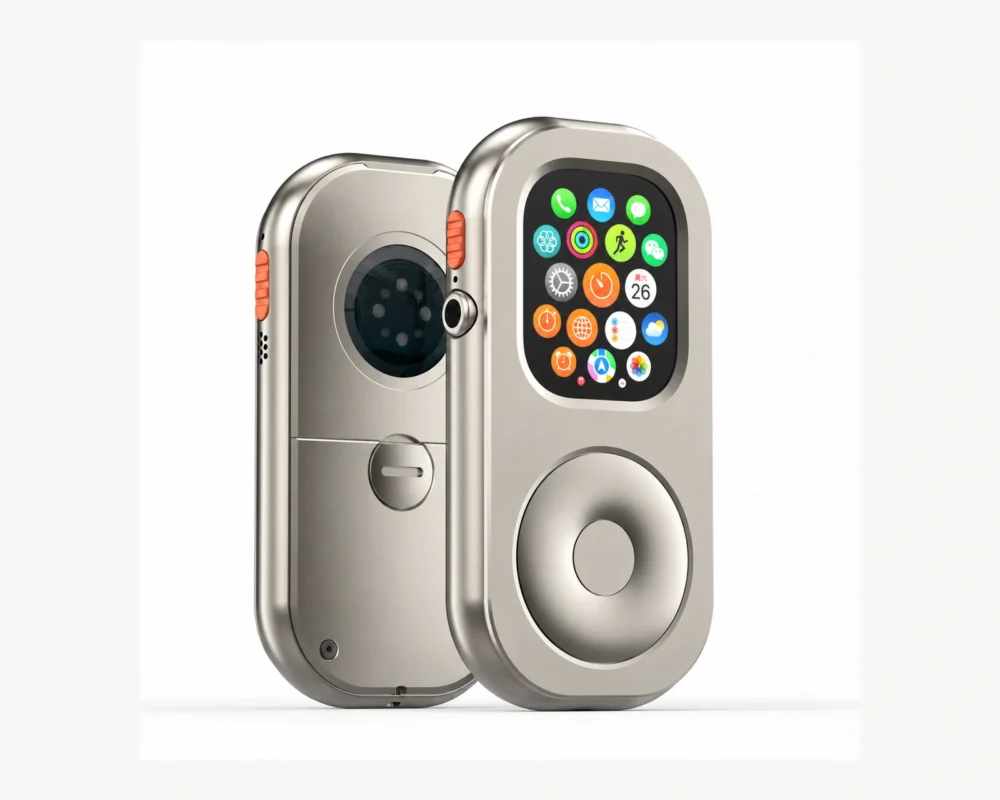
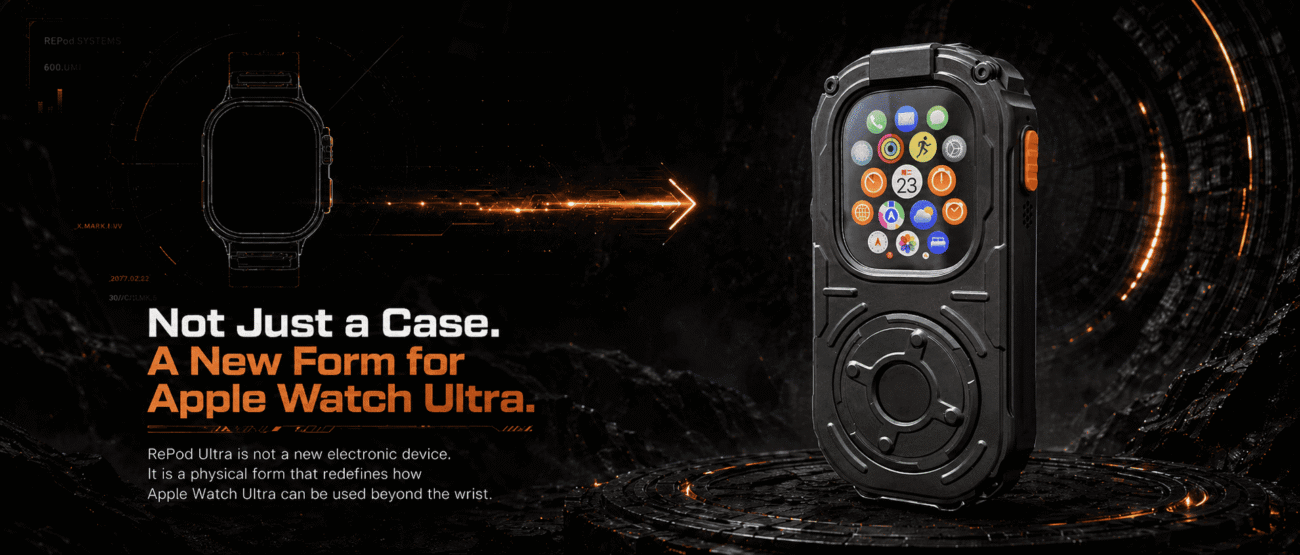
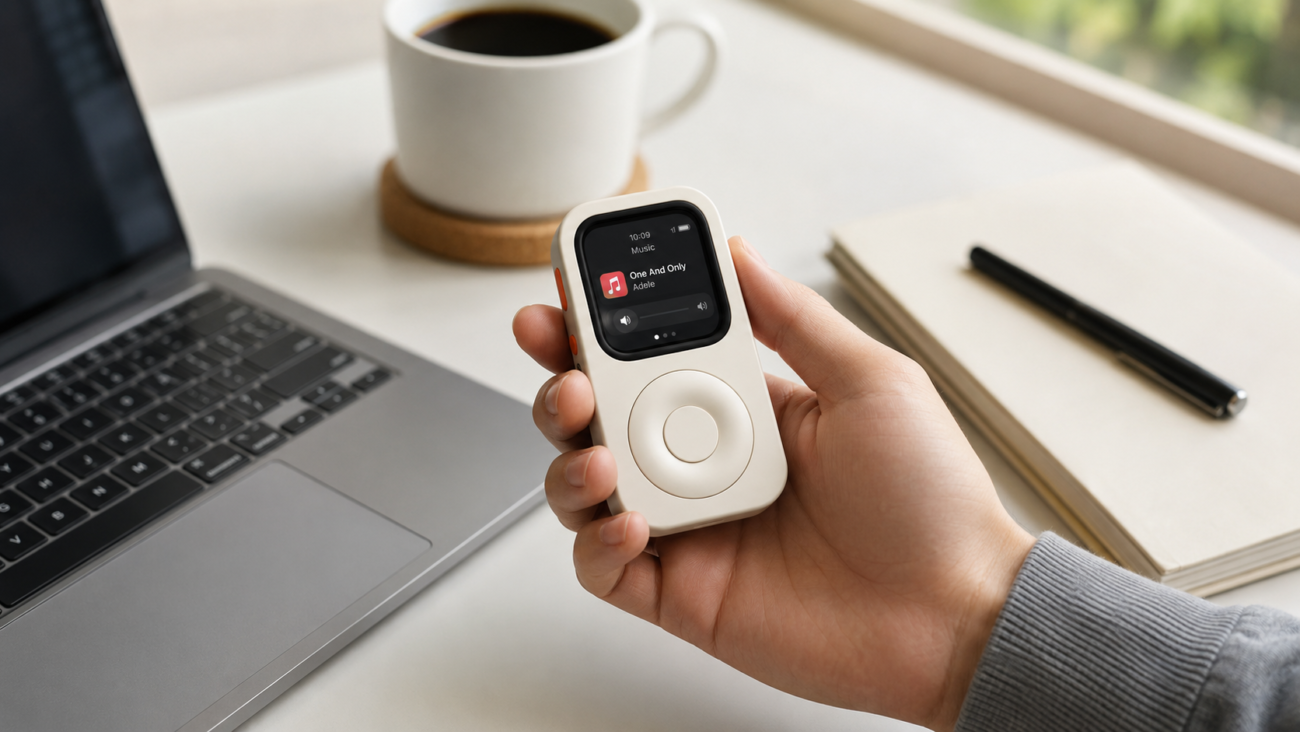
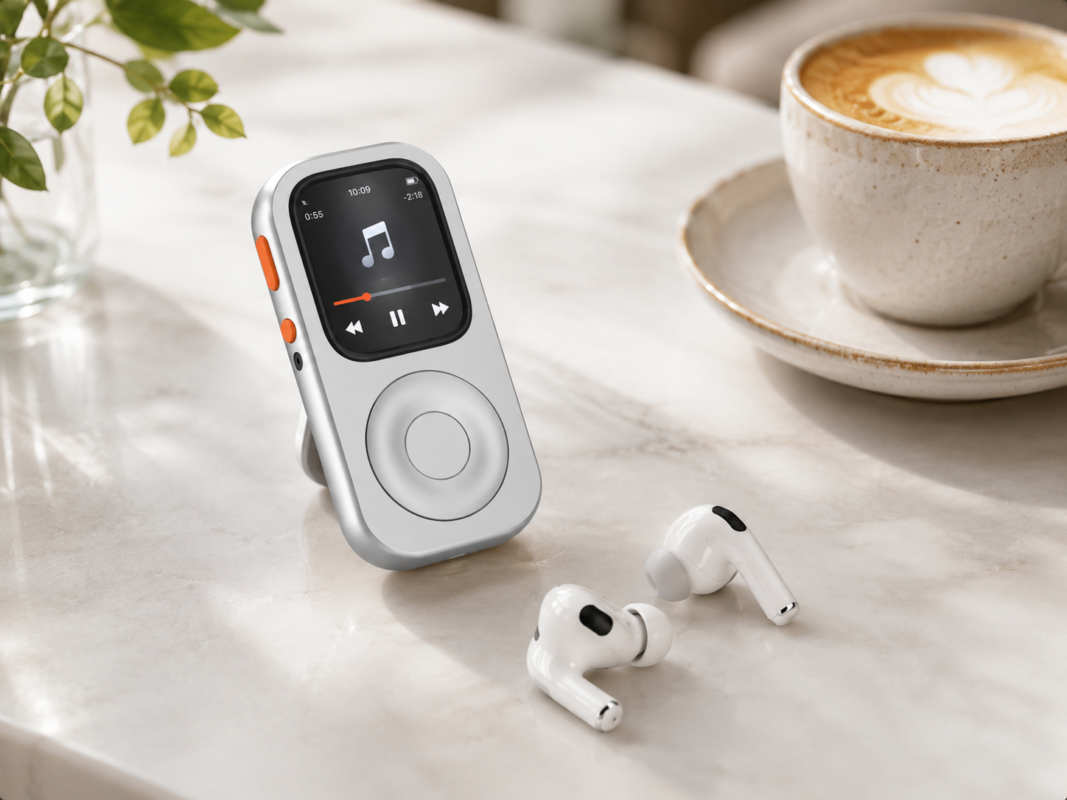
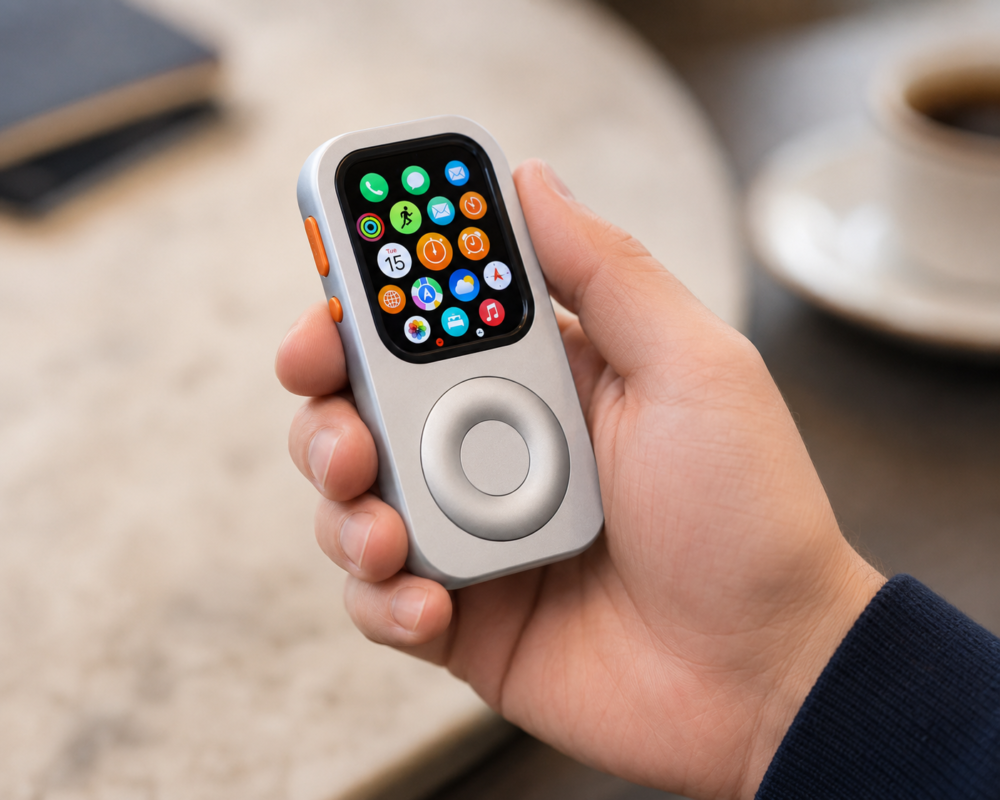
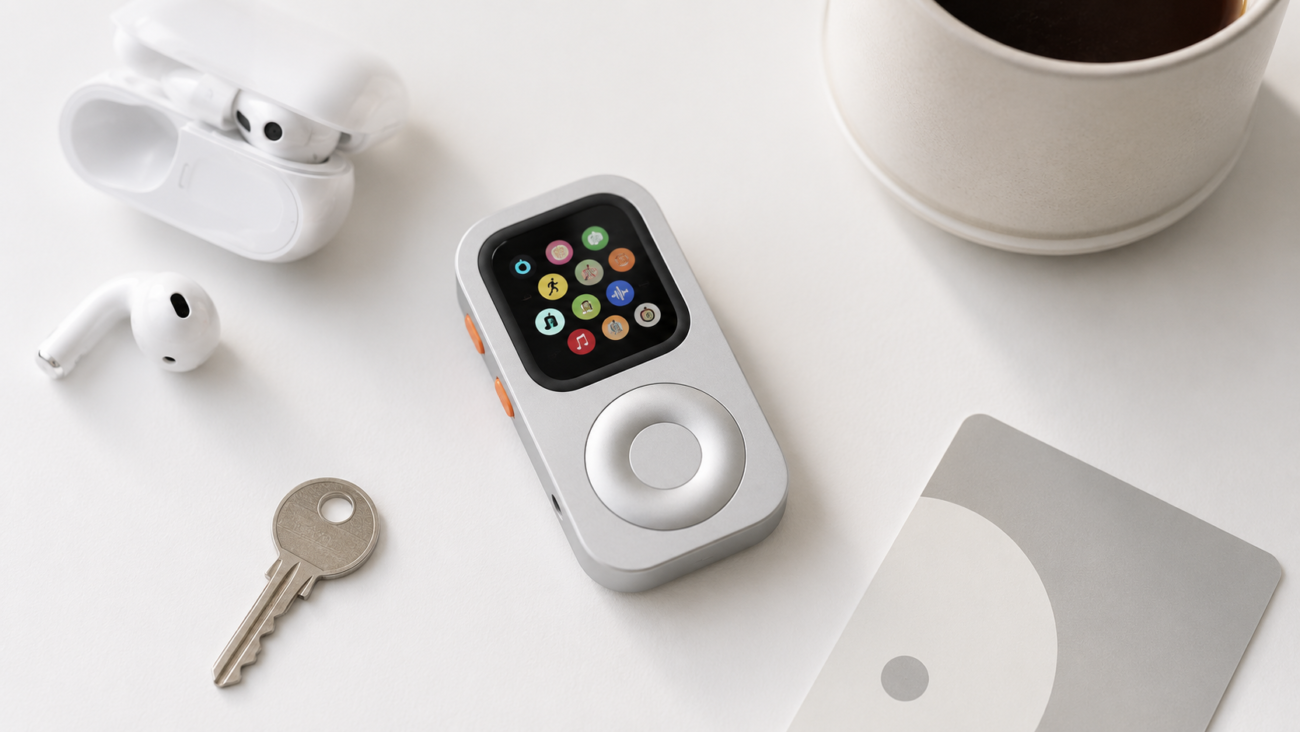
An old Apple Watch can still have a useful role even when you no longer want to wear it. For someone looking for less time with a full-size phone, a small device for music and a few familiar tasks has an obvious appeal. RePod explores that idea through an iPod-inspired handheld case and a mechanical scroll wheel.
But calling it a “dumbphone” needs a little care. Your Apple Watch remains an Apple Watch, with its existing software, battery, and connection requirements. RePod changes the way you hold and operate it. Whether that makes your routine simpler depends on what you ask it to do.
The mechanical appeal: bringing back the wheel
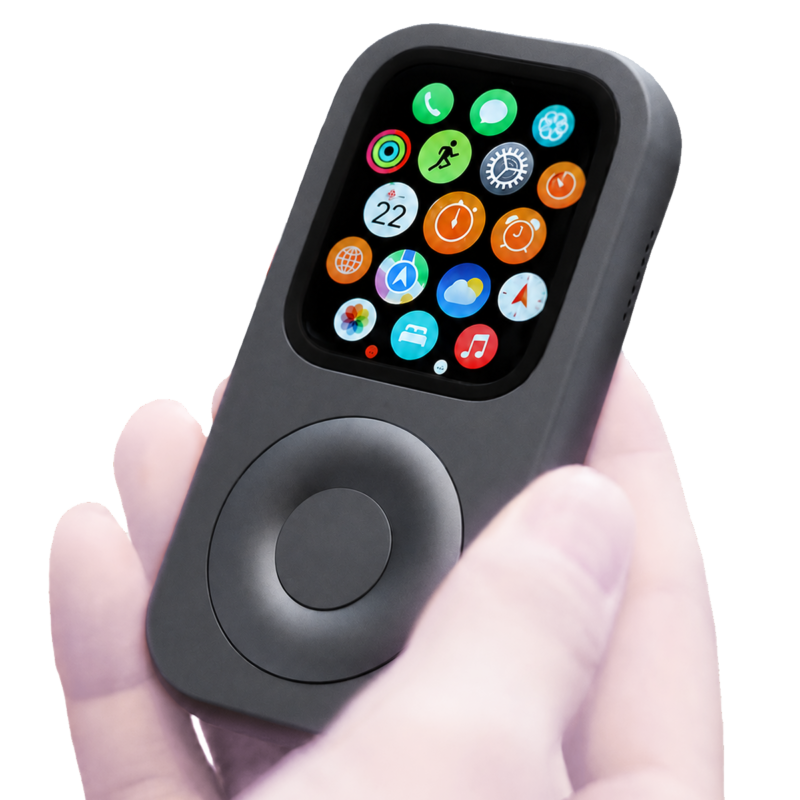
The original iPod made browsing a music library feel physical. RePod takes inspiration from that interaction: its mechanical wheel operates the compatible Apple Watch's Digital Crown, while the touchscreen remains available for selection. It is a different way to navigate the watch you already own.
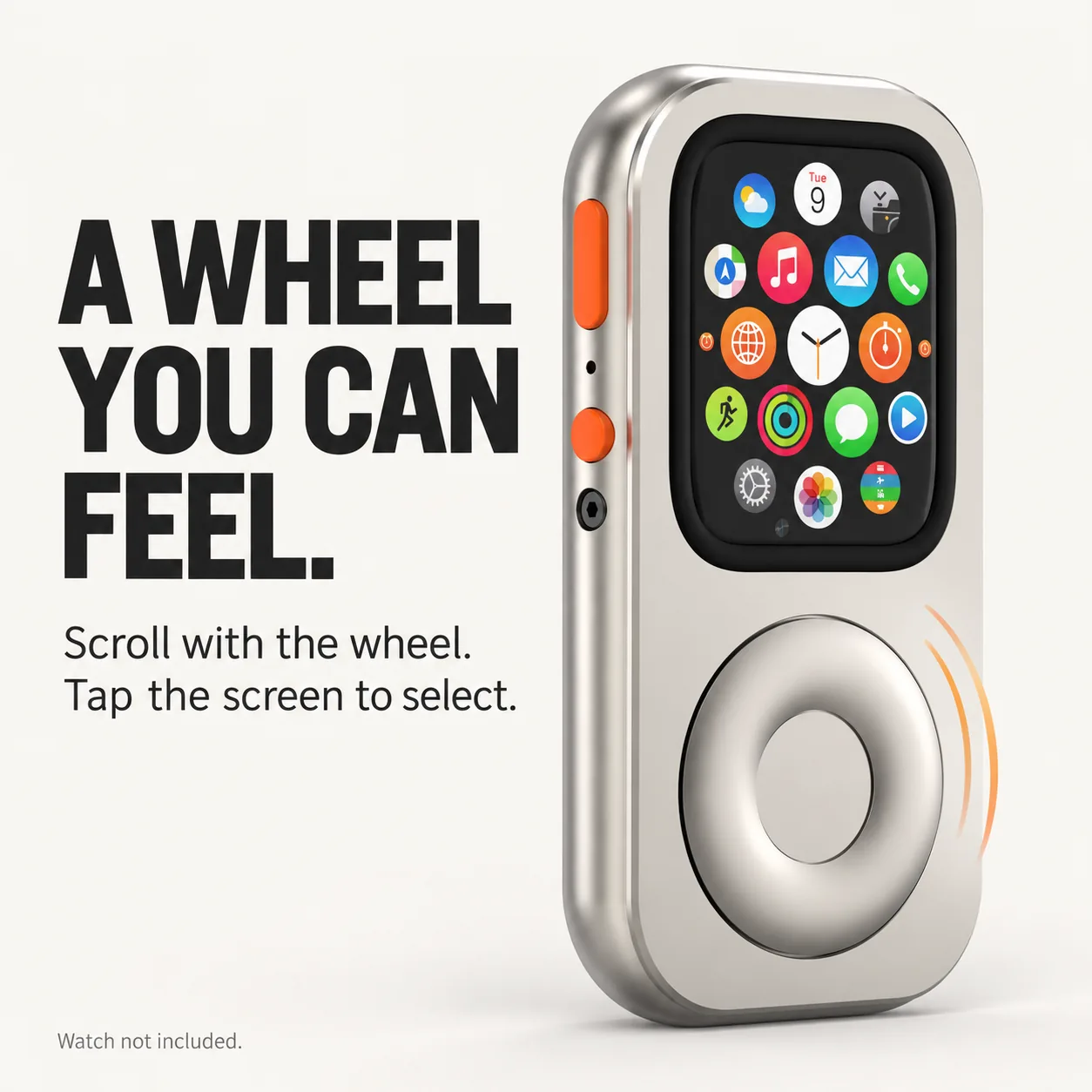
There is no need to describe an unverified pulley or gear arrangement to explain the benefit. The useful distinction is between turning a larger physical control and swiping a small display. How that feels depends on the fitted watch, the app, and your preferences; it is worth learning the controls before relying on them outside.
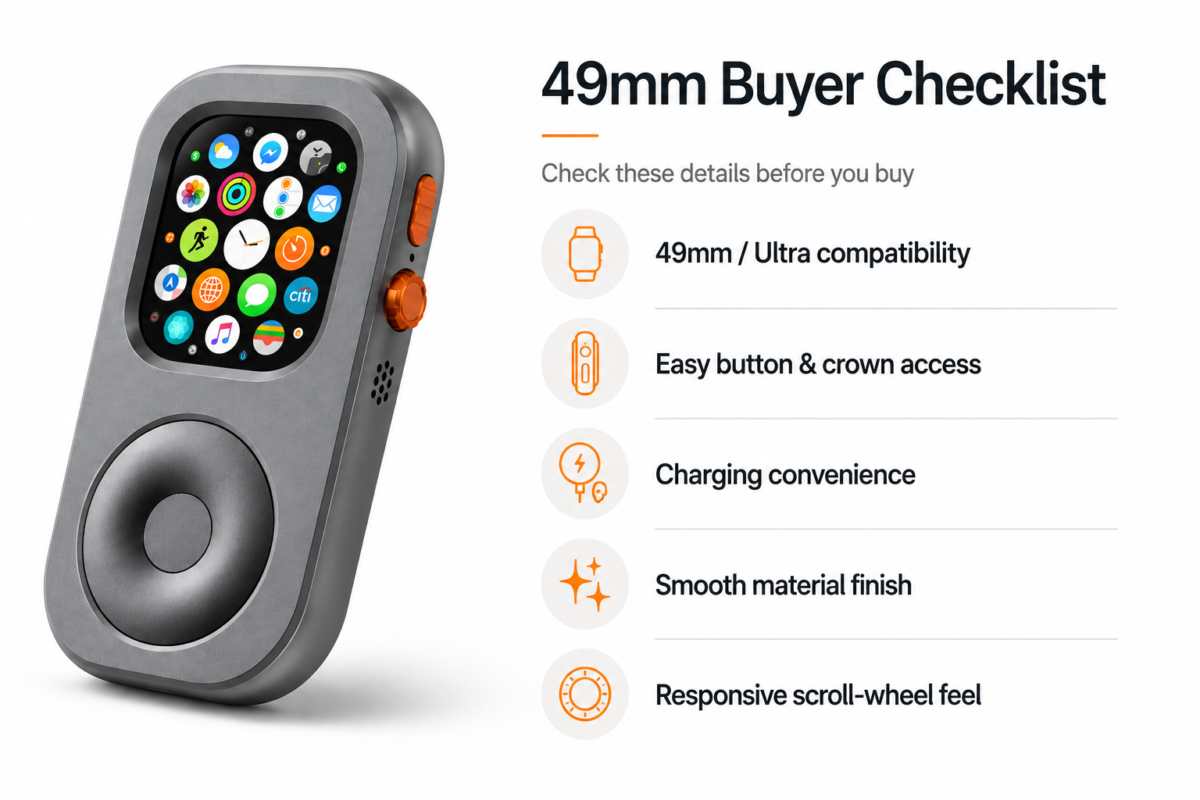
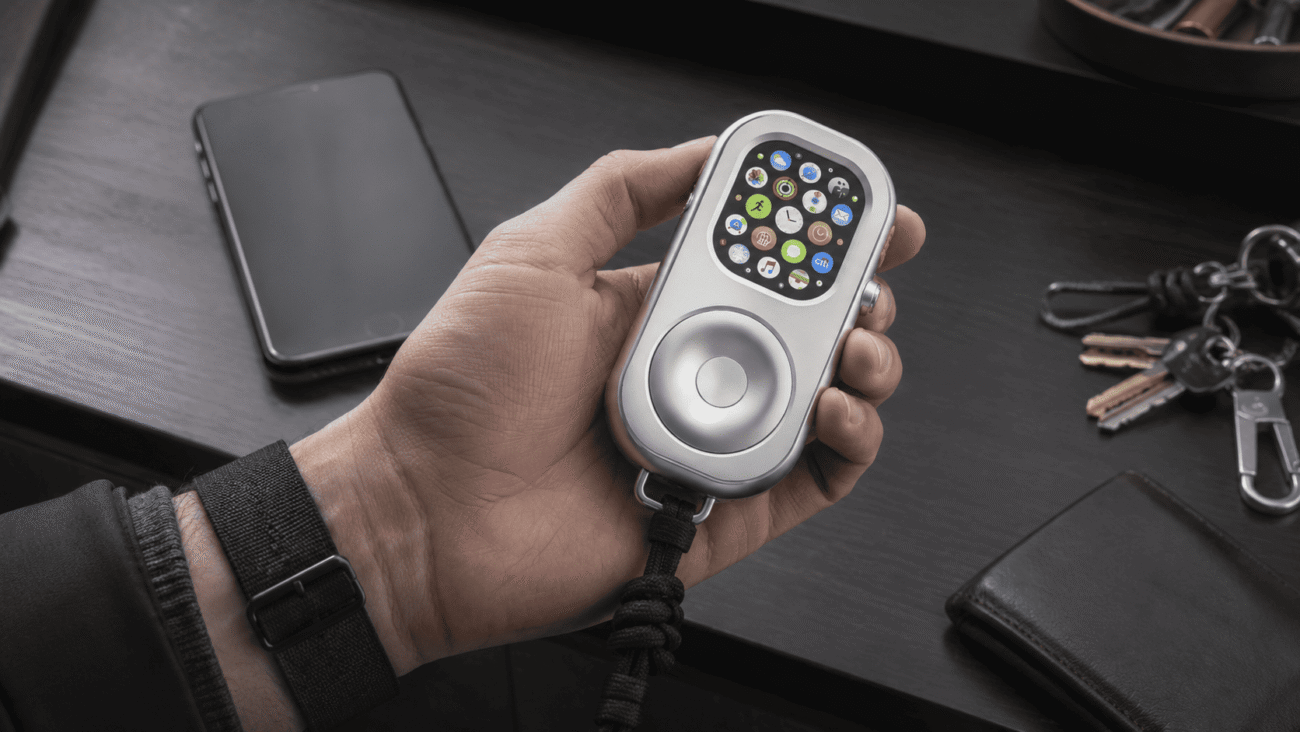
Material also needs precise language. RePod C and RePod U use aluminum alloy; RePod P uses zinc alloy. A finish described as titanium color does not mean the shell is made from titanium. The case is a physical accessory, and Apple Watch is not included.
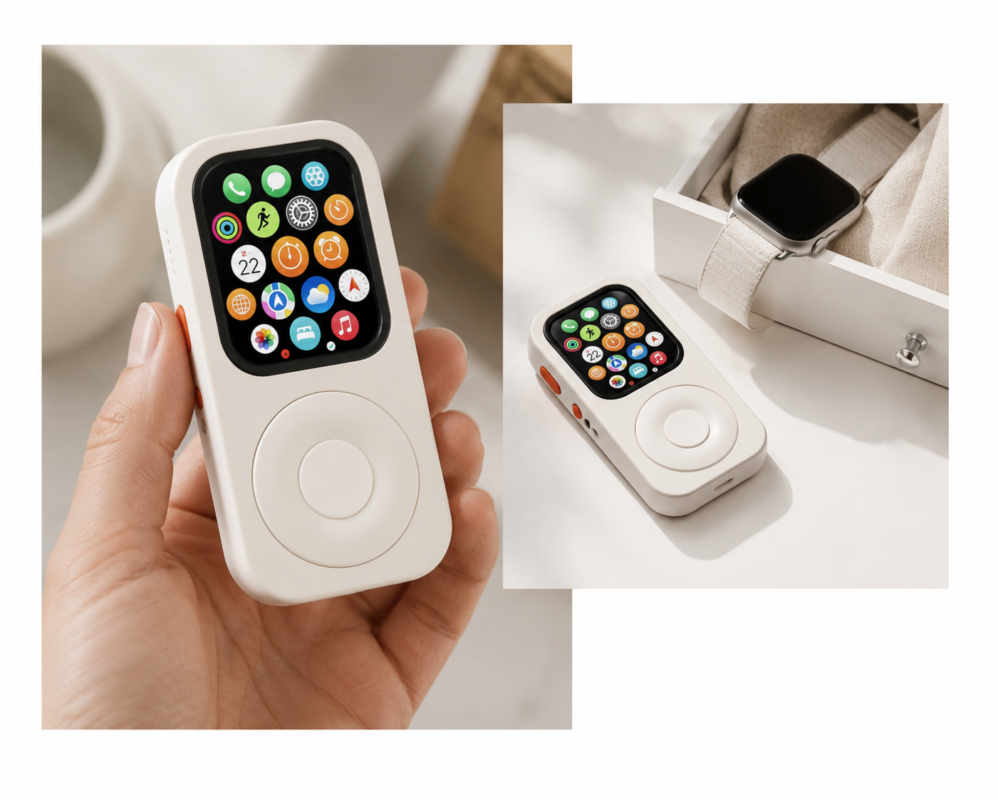
A second life for a working watch
The most practical starting point is a watch you can still unlock, charge, and use reliably. A device that no longer fits your wrist routine might suit a short listening session or a familiar outing instead. You can try that smaller role before buying an accessory.
Prepare an album or podcast episode on the watch, connect your headphones, and check playback. Downloads and streaming are different: audio stored locally can work offline, while streaming requires an appropriate connection and supported app or subscription. Older watchOS versions may have different app support.
Reusing a functioning device is a reasonable aim, but it is not evidence of a measured environmental saving. Nor does putting a watch in a case restore battery health. Battery life still depends on condition, display use, audio, connectivity, and settings. Try the actual routine and charge accordingly; do not assume handheld use delivers a particular number of extra hours.
If you are still deciding whether to keep the watch, our old Apple Watch reuse guide covers the broader options, including giving it to someone else.
The phone-away-from-phone routine
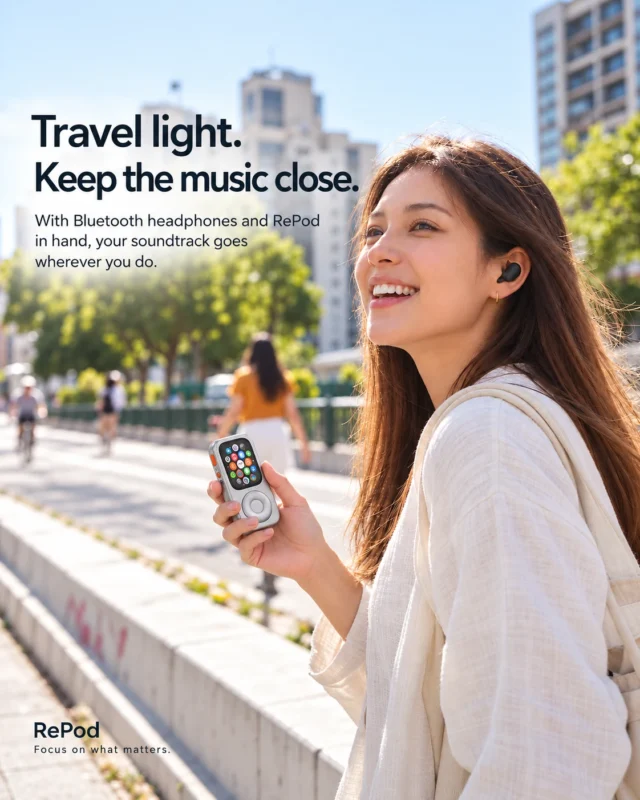
Picture a familiar walk with a prepared playlist, or a short errand where you want fewer reasons to open a large screen. A compatible watch can support parts of that routine, but the connection plan matters more than the case.
Apple's guide to using Apple Watch away from iPhone separates offline functions from Wi-Fi and cellular uses. Calls and messages need the relevant connection and setup. Receiving SMS, MMS, and certain third-party notifications on a cellular watch also requires the paired iPhone to remain powered on and online, even if it is elsewhere.
RePod does not add a cellular modem or a mobile plan. It does not remove distracting apps or block notifications automatically. A smaller screen and different carrying habit may suit you, but they are not a guaranteed digital detox or a replacement for every phone task. Keep another communication option available when reliable contact matters.
For the detailed capability checklist, read what works on Apple Watch without an iPhone nearby.
Start with one prepared playlist and one familiar outing. Decide what you need the watch to do, then verify those tasks before leaving your phone behind.
Set up the experience without overlooking the trade-offs
Treat Wrist Detection as a deliberate choice
Off-wrist use can cause locking when Wrist Detection is enabled. Disabling it changes more than convenience, so it should not be presented as a universal first step.
Apple's Wrist Detection guidance explains that turning it off removes automatic locking and unlocking, disables heart-rate tracking and several other measurements, and prevents Fall Detection from automatically starting Emergency SOS. Apple Pay requires entering your passcode to authorize a payment. Available effects can vary with the model and software, so read the warnings shown on your watch.
Keep a passcode and understand manual locking if you choose this setup. Handheld use should not be treated as equivalent to wearing the watch for wrist-dependent health features. If those features are a priority, keeping the watch on your wrist may be the better choice.
Try List View if it suits the wheel
A vertical app list can be a useful alternative to the app grid when navigating with a wheel. Try both views and keep the one you find easier. This changes presentation, not the capabilities of the installed apps, and it does not turn watchOS into the original iPod interface.
Follow the case's fitting instructions
Match the exact watch model and case size to the chosen RePod variant. Use the supported mounting orientation and do not force the wheel or reverse the installation based on an online “hack.” Different products should not be assumed to use the same fitting arrangement.
Before going out, check the controls, lock behavior, headphone connection, and the particular tasks you want to use. Keep the first trial short enough to identify any setup issue while your phone is still available.
Choose the form that fits your watch
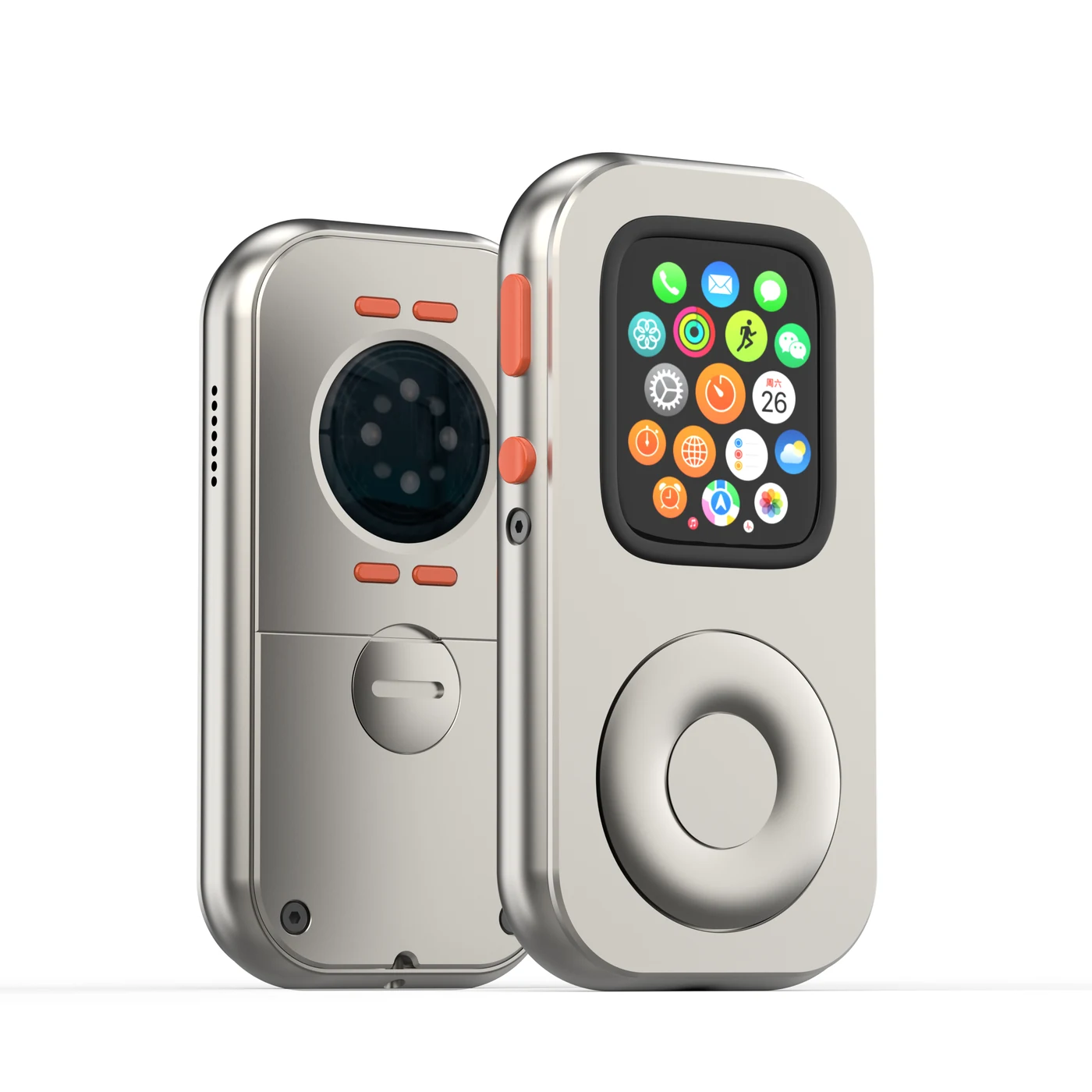
RePod C is the starting point for compatible standard Apple Watch models. RePod U and RePod P serve compatible Ultra watches, with different material and design directions. Model generation matters alongside the size marking; do not choose a shell from the millimeter number alone.
Use the RePod fit guide and current product compatibility details before ordering. For a closer look at the two main directions, see our RePod C versus RePod Ultra comparison. Prices and availability belong on the current product page rather than in a permanent technical promise.
The verdict: a different relationship with a familiar device
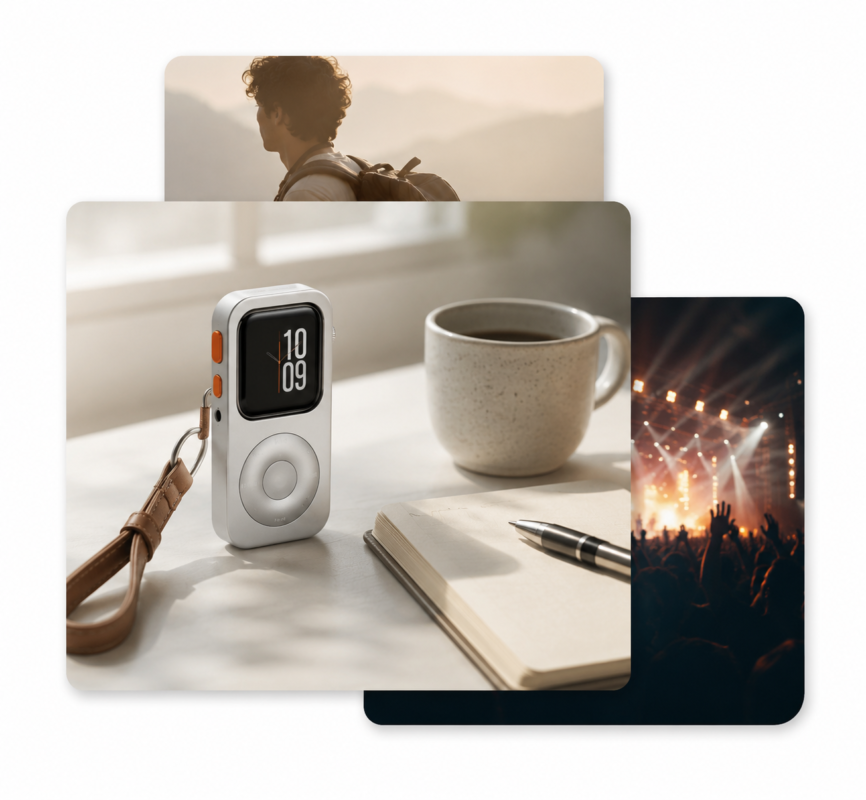
RePod makes the most sense when you already have a working, compatible Apple Watch and want a tactile handheld form for a specific routine. You may enjoy picking it up to choose music, then putting it away again. That is a personal preference you can build around a useful device.
It will be a poor fit if you need a repaired battery, new software support, guaranteed standalone connectivity, or the full experience of a phone. It is also unnecessary if your existing wrist-worn setup already does everything you want.
Give the watch a small job first. If you enjoy that routine and want a different way to carry it, explore the RePod range with your watch model in hand. A second life works best when it is one you will actually use.