


Stories


Related posts
Is the RePod Apple Watch Case the Future of Digital Minimalism?

See how RePod’s handheld design and scrolling wheel can fit digital minimalism, with practical use cases, Apple Watch limits and a clear fit checklist.
From Smartwatch to Dumbphone: A Second Life for Apple Watch with RePod
Explore RePod’s mechanical wheel, handheld Apple Watch use, and the connection, battery, and Wrist Detection trade-offs to check before going phone-light.
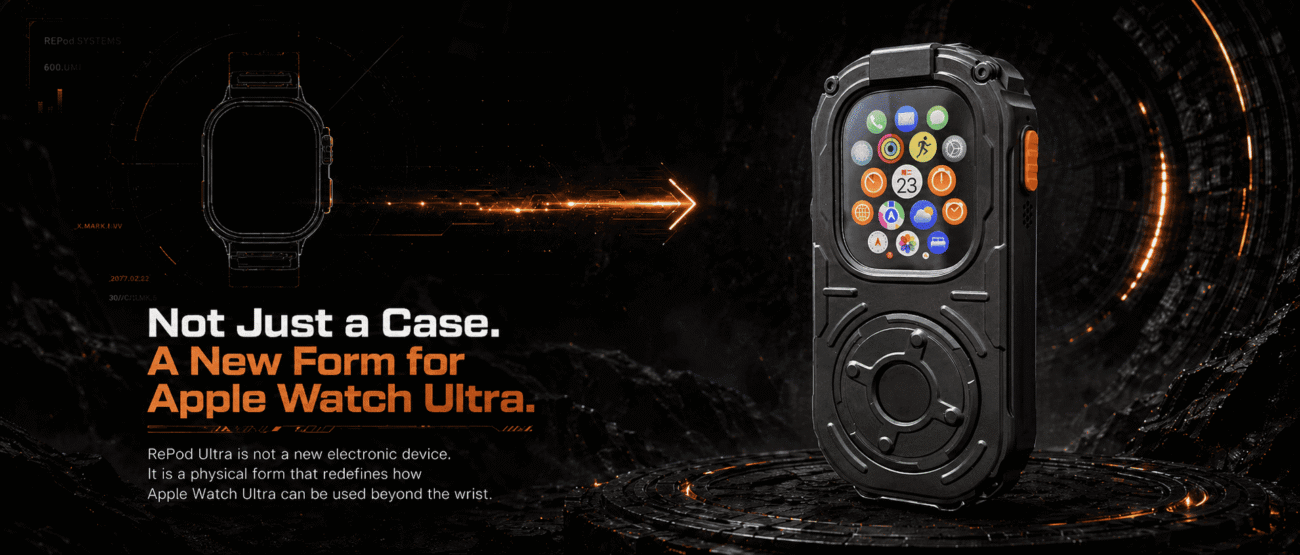
RePod Ultra Apple Watch Ultra iPod-Style Conversion Case
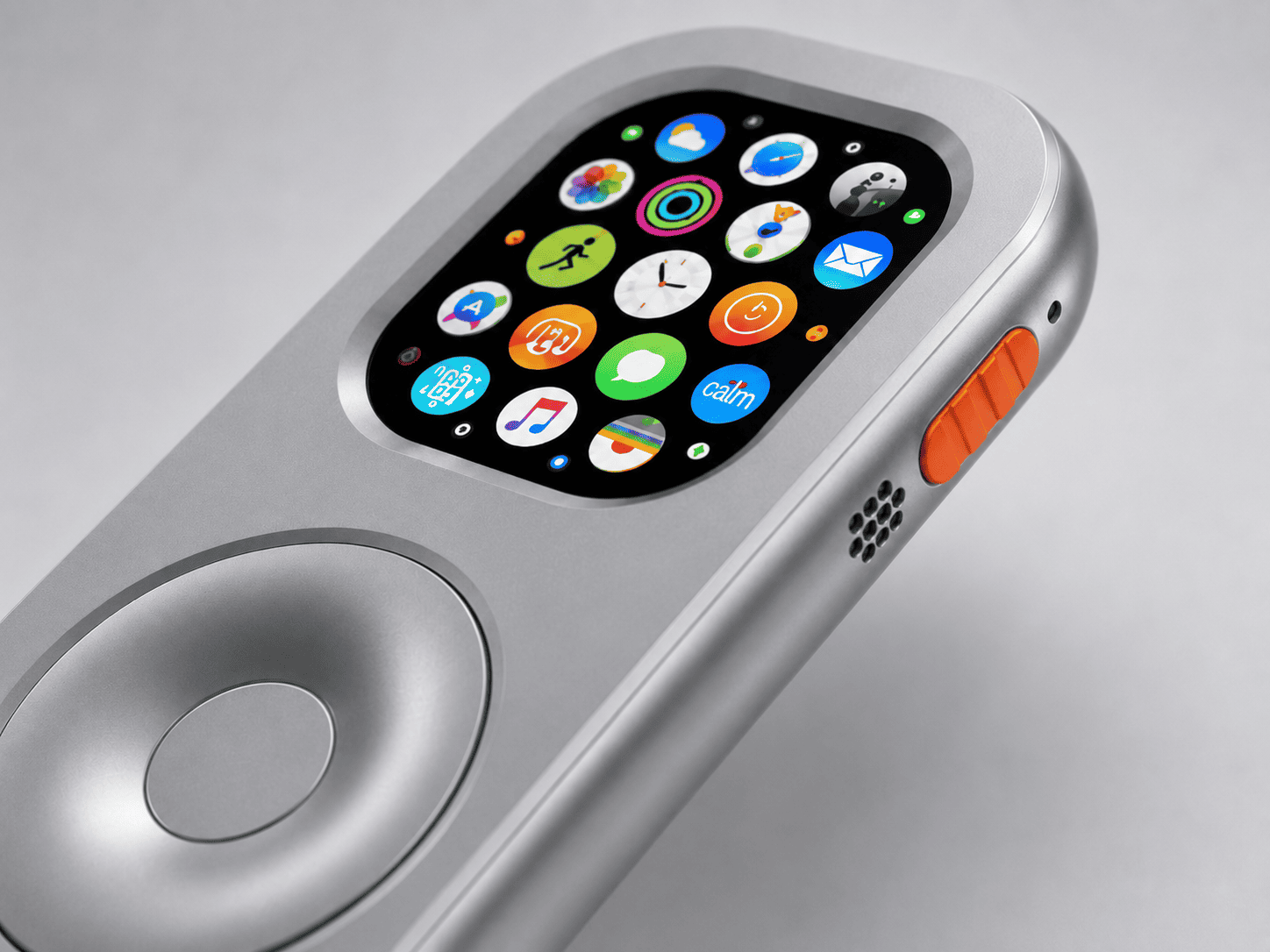
RePod Ultra is not a regular Apple Watch Ultra protective case. It is an iPod-style conversion case that takes your Apple Watch Ultra off your wrist and into your hand. Inspired by classic iPod interaction, cyberpunk hardware, and mechanica
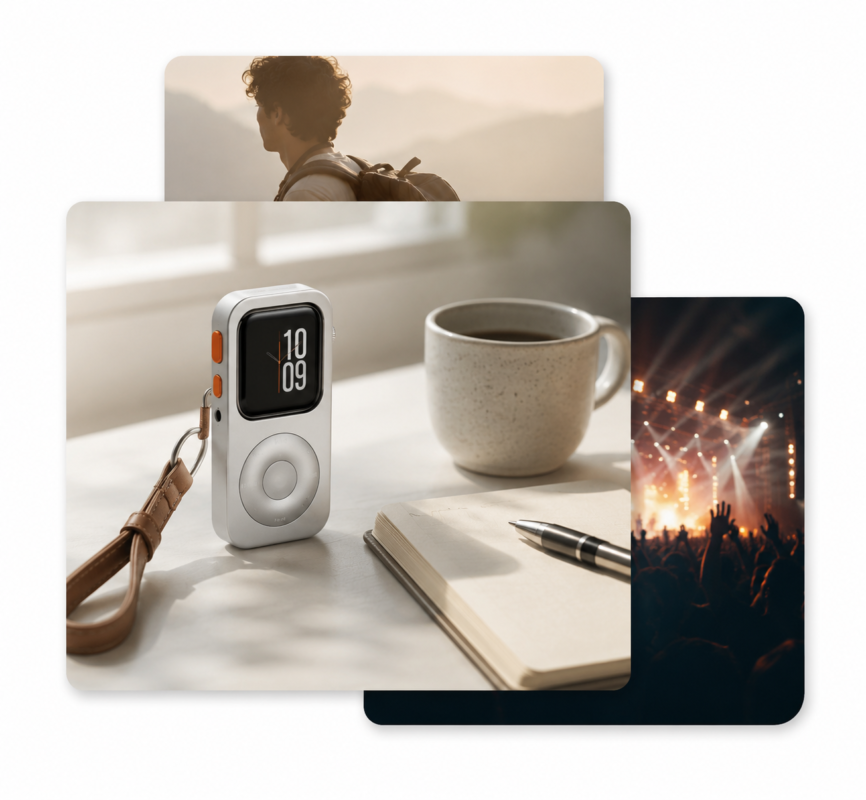
What to Do With an Old Apple Watch: 7 Useful Ideas
Have an old Apple Watch you no longer wear? Explore practical ways to reuse it for music, workouts, Apple Pay, focused routines, or a pocket-sized iPod-style setup.
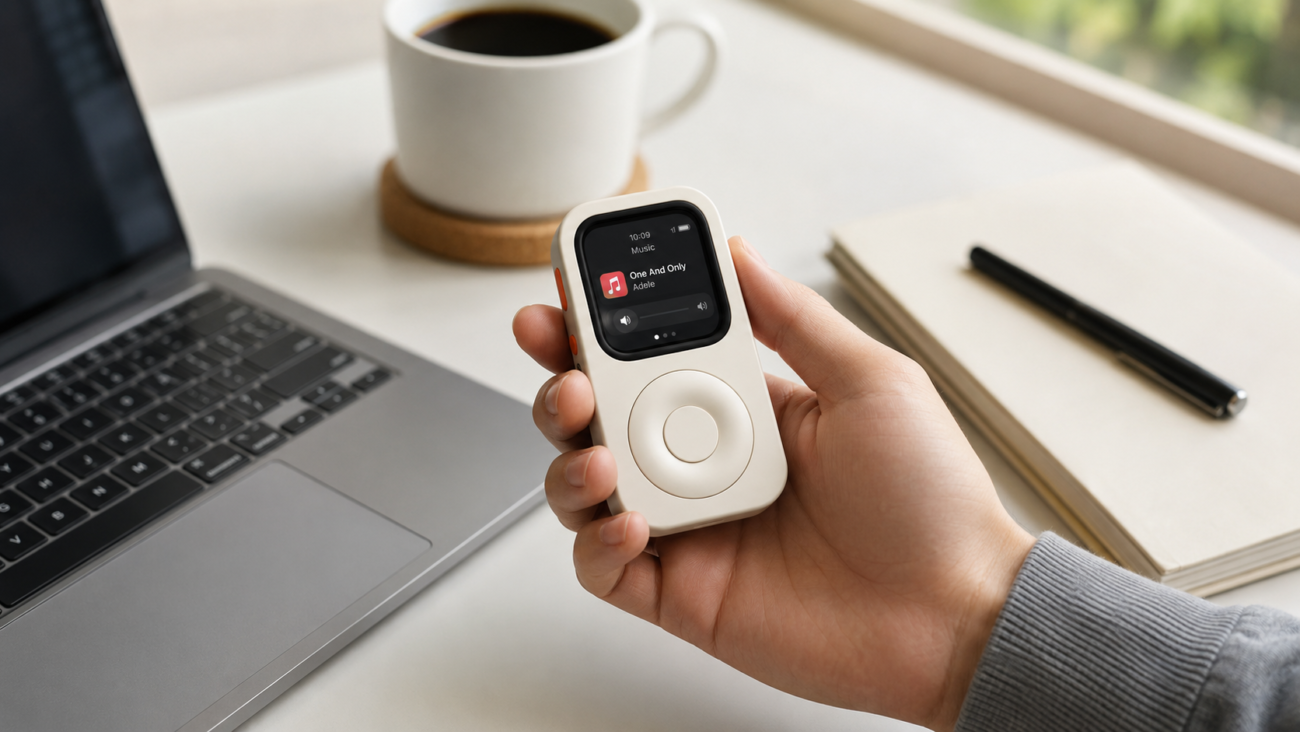
How to Turn Your Apple Watch Into an iPod
You probably did not buy an Apple Watch so it could sit in a drawer. But that is where many perfectly good Apple Watches end up. Not broken. Not useless. Just no longer exciting. Can You Really Turn an Apple Watch Into an iPod? Yes — but no
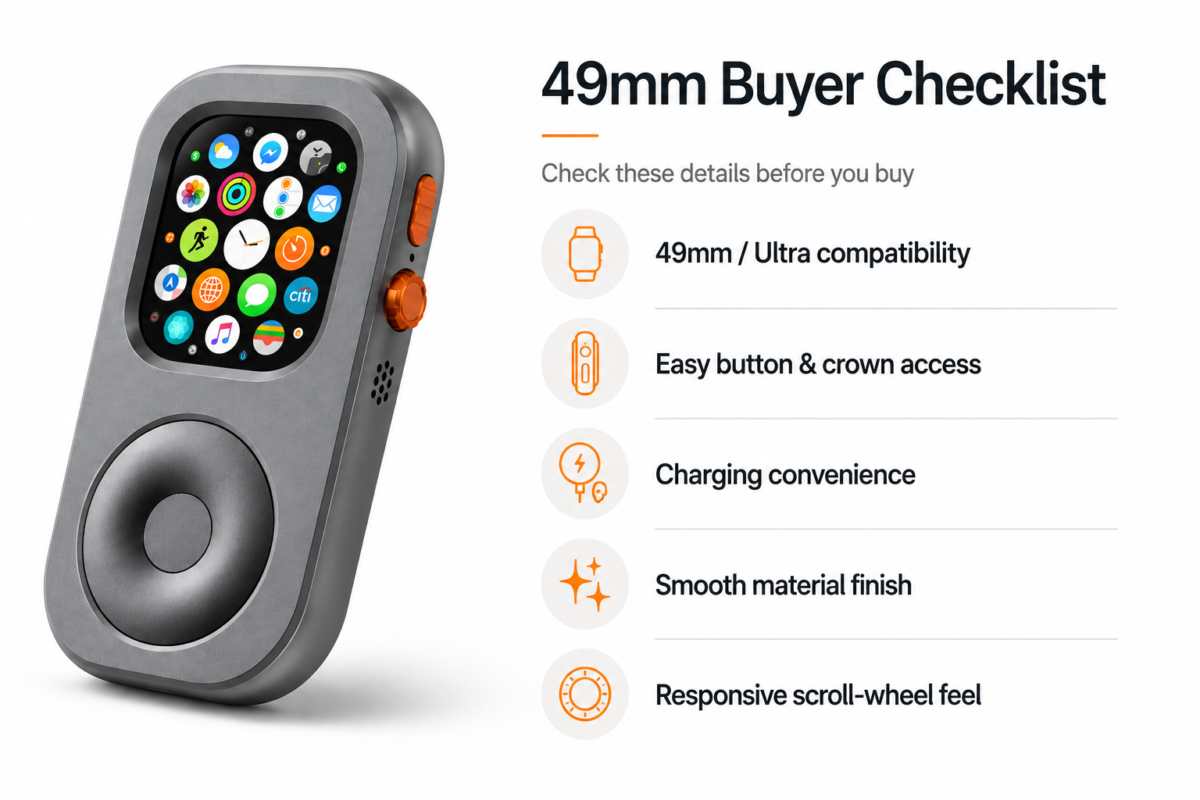
Apple Watch Ultra 49mm iPod Case Guide
Apple Watch Ultra is already the most “standalone” Apple Watch. Apple Watch Ultra is already the most “standalone” Apple Watch. It has the largest Apple Watch body, a rugged titanium case, strong battery positioning, cellular-first personal
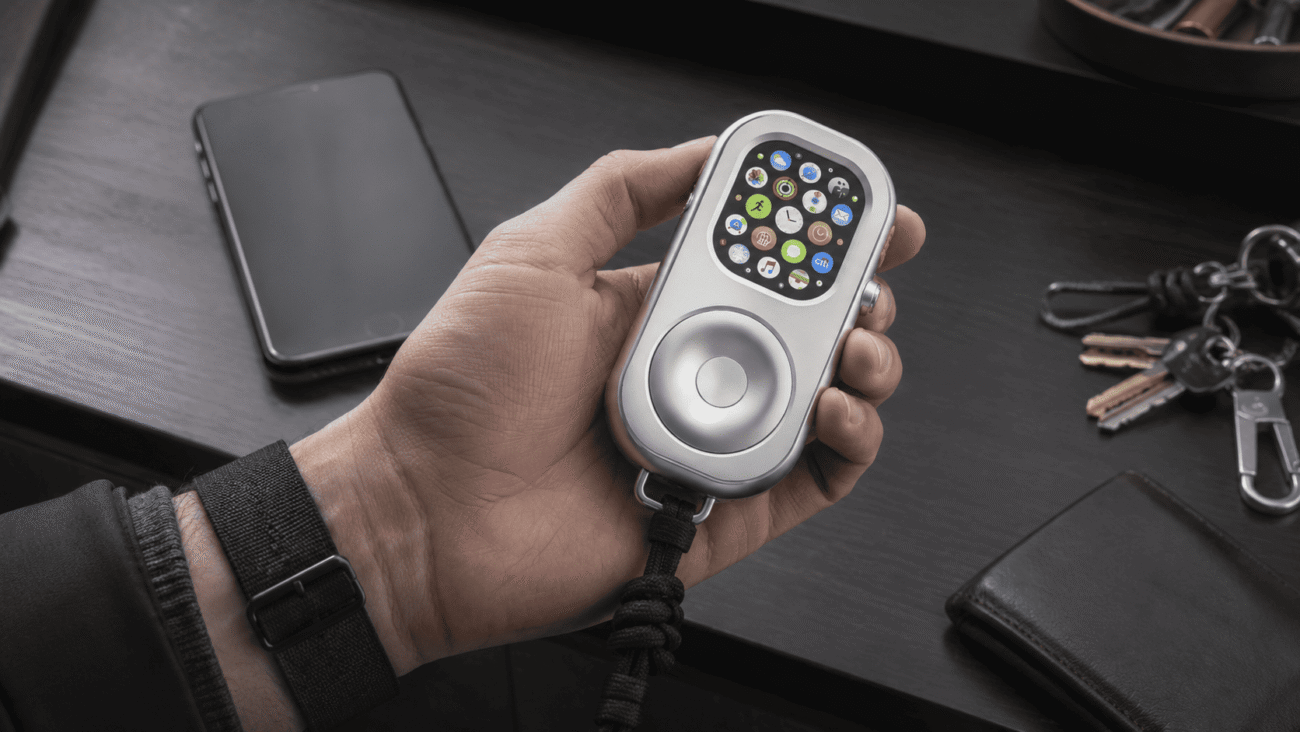
Use Apple Watch Without iPhone: What Works and What to Set Up
A practical guide to using Apple Watch without your iPhone nearby, including cellular, Wi-Fi, downloaded music, Apple Pay, AirPods, and a RePod phone-free setup.
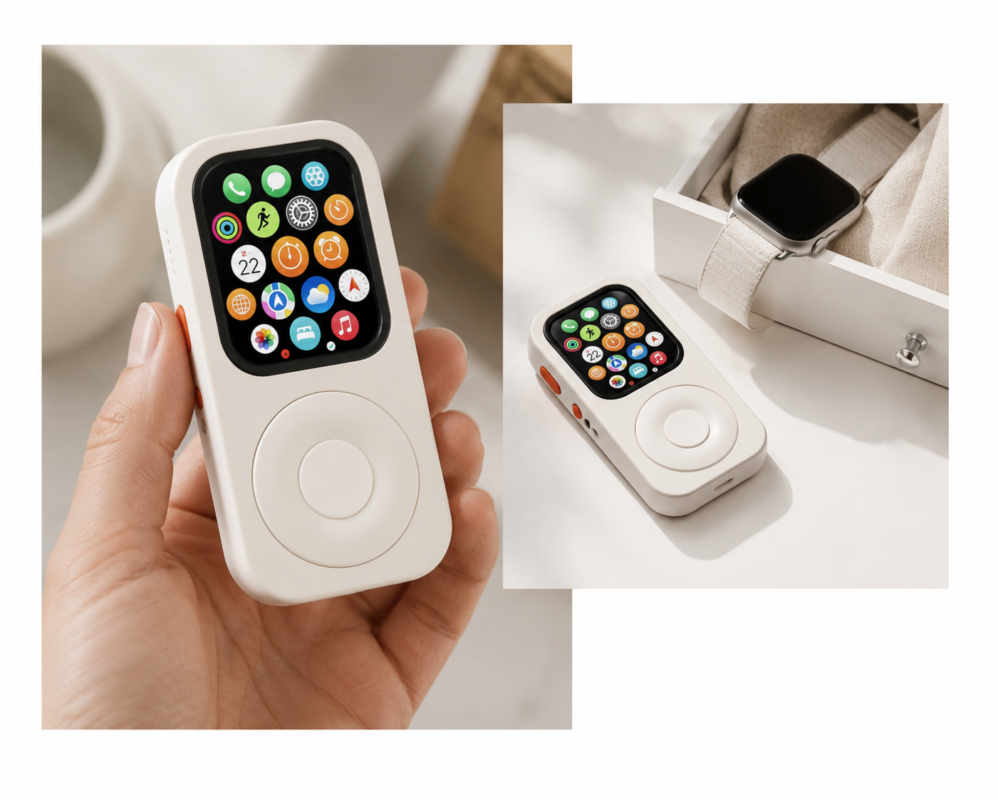
Apple Watch iPod Converter: Turn Your Apple Watch Into an iPod-Style Device
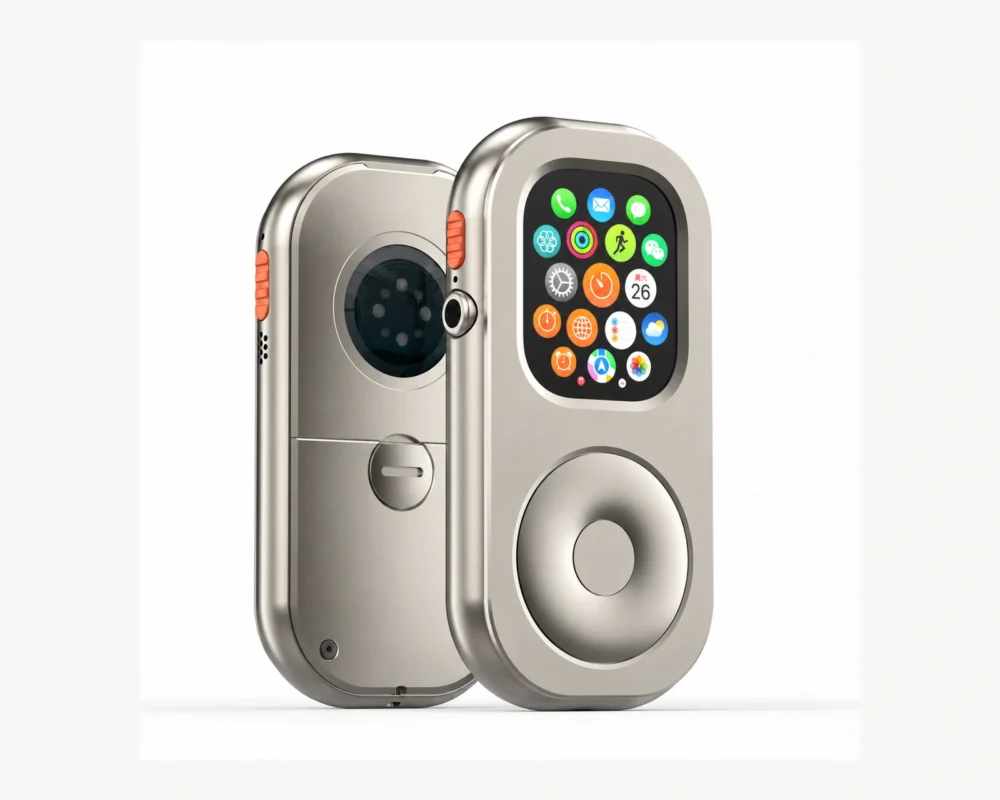
An Apple Watch iPod converter is a simple idea with a very specific purpose: it turns your own Apple Watch into a pocketable iPod-style device for lighter, phone-free moments. Instead of wearing the watch on your wrist, you place a compatible Apple Watch into
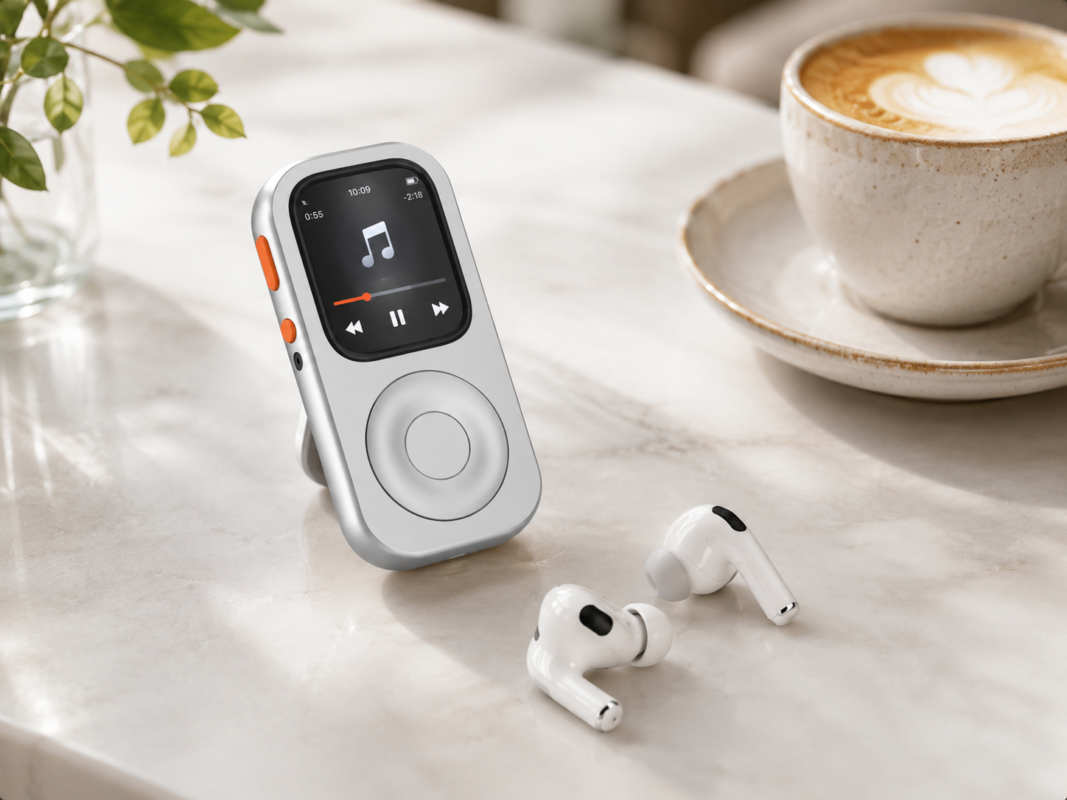
Apple Watch Without Phone: Phone-Free Setup for Music, Pay and Calls
How to use Apple Watch without a phone for music, Apple Pay, calls, workouts, errands, and a RePod iPod-style phone-free carry setup.
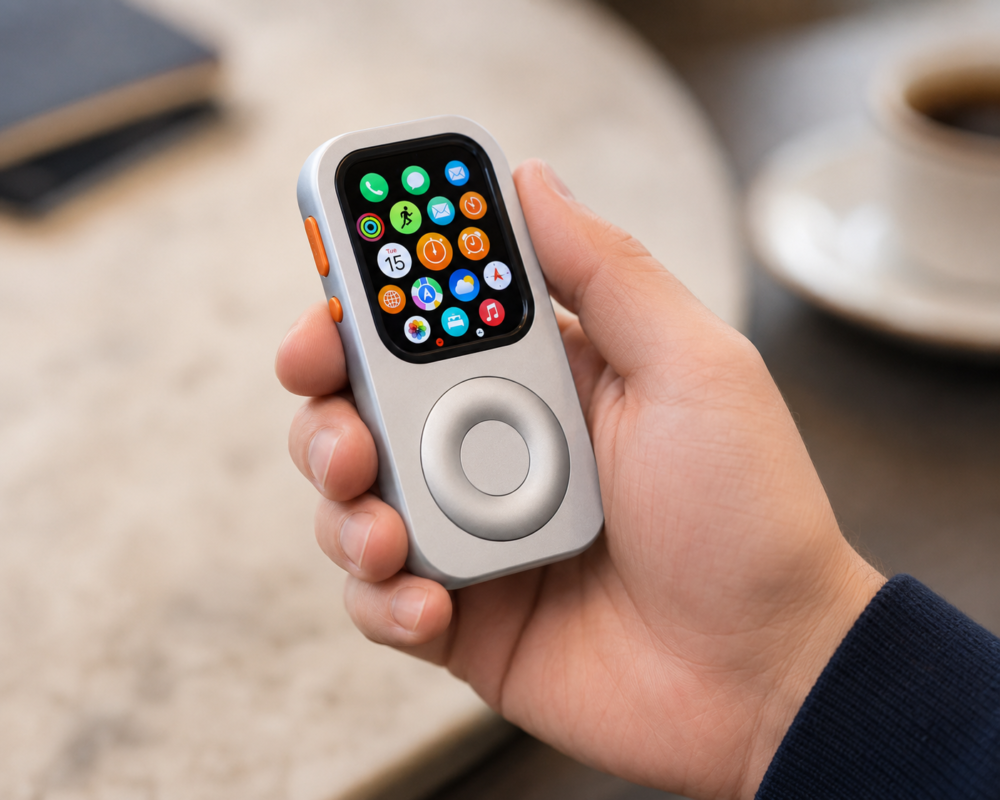
Apple Watch Handheld Case for Music, Apple Pay and Phone-Free Carry
Learn why an Apple Watch handheld case is useful for phone-free music, Apple Pay, calls, Siri, and everyday carry, and how RePod changes the watch from wrist-worn to pocketable.
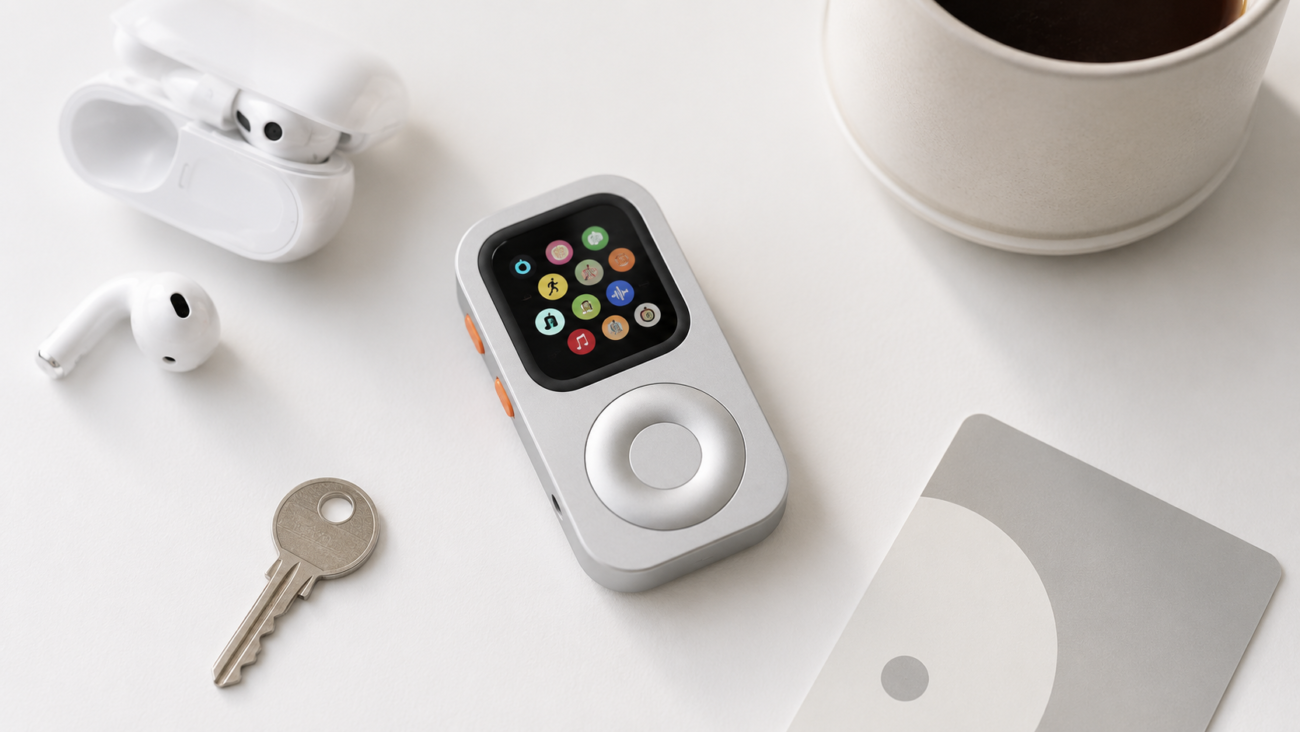
Turn Old Apple Watch Into iPod: Reuse It as a Pocket Music Device
A practical guide to turning an old Apple Watch into an iPod-style pocket device with RePod, AirPods, downloaded music, Apple Pay, workouts, and phone-free routines.
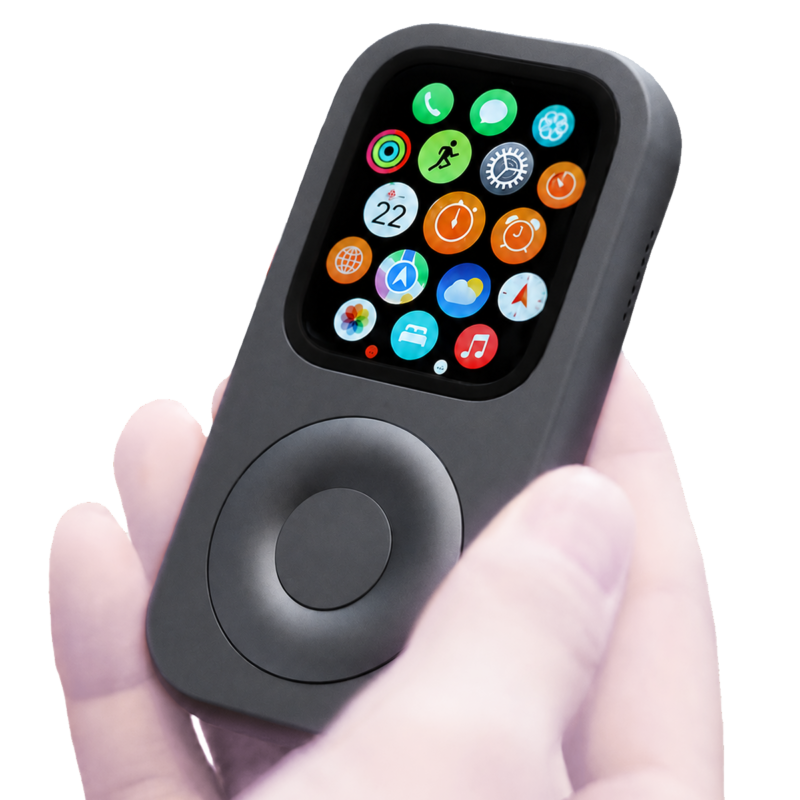
iPod Case for Apple Watch: Turn Your Watch Into a Pocket Device
A practical guide to choosing an iPod case for Apple Watch, with RePod options for phone-free music, Apple Pay, calls, Siri, and everyday carry.