



Stories

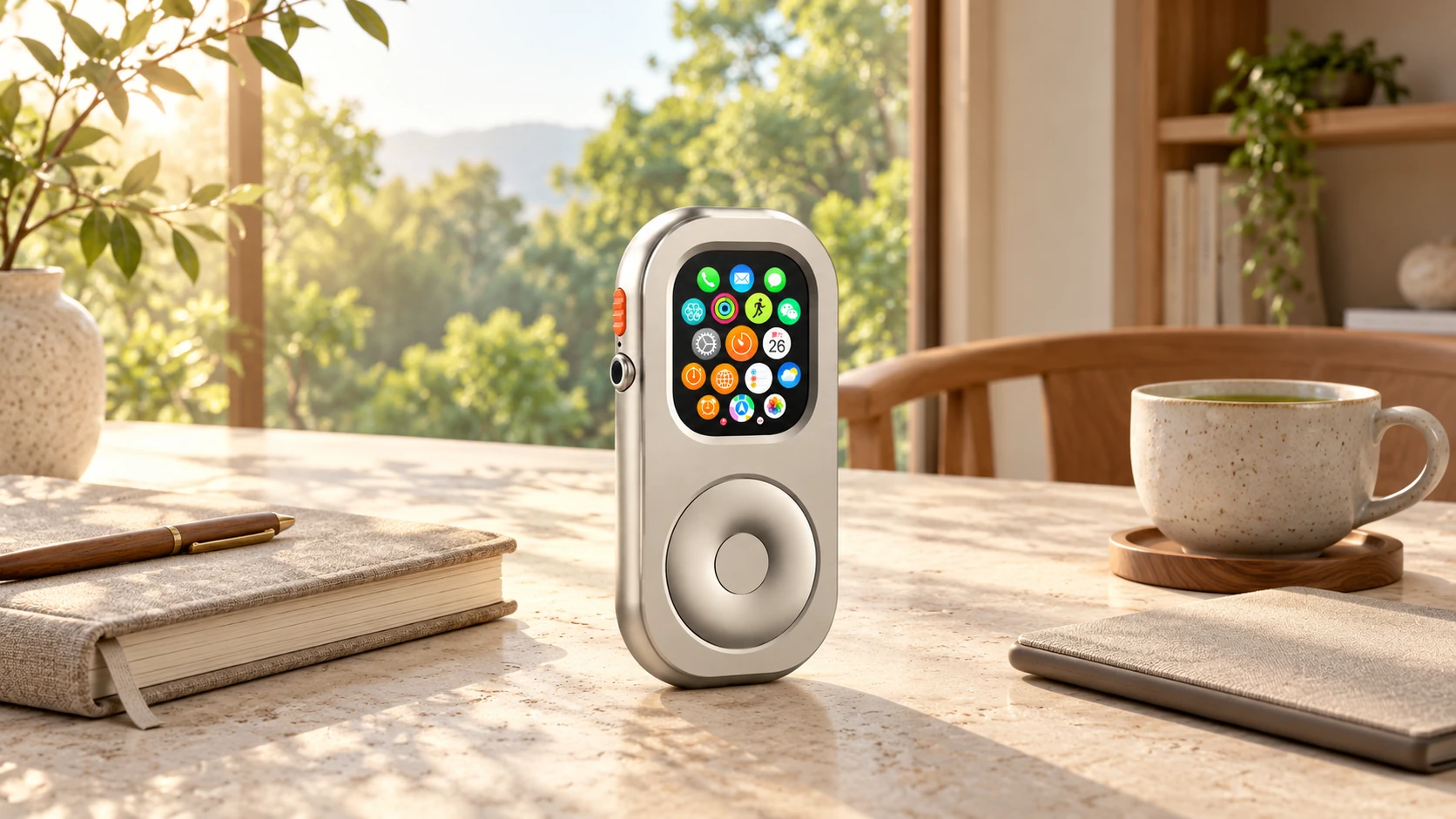
Before adding another device, ask what job it will do, how it handles interruptions, and whether something you already own could serve you just as well.
Every few months, consumer technology promises a smoother interaction: a faster display, another recommendation, one less step between wanting something and getting it. Convenience is useful. But it is worth asking a different question before adding another device: will this help me finish a task, or give me more reasons to keep checking it?
That question is a useful starting point for slow tech. This article turns the idea into a practical way to choose devices, including the option to keep and reconfigure what you already own.
What Is Slow Tech?
Here, slow tech means an intentional approach to choosing and using technology: give a tool a clear purpose, decide when it deserves attention, and make it easy to put away when the task is finished. It does not require rejecting modern apps or returning to obsolete equipment.
There is a related, but not identical, design tradition called calm technology. In their 1995 paper Designing Calm Technology, Mark Weiser and John Seely Brown explored how information can move between the center and the periphery of our attention. Their idea is broader than simply making devices silent or single-purpose.
For a buying decision, the practical lesson is to look beyond a quiet-looking exterior. A beautifully minimal device can still interrupt you. A multifunction device may work well when its settings and your routine give it a narrower role.
Having a Device Versus Being Directed by One
Imagine opening your phone to check the weather and noticing an unread message, a headline, and a suggested video. You may choose to follow one of those prompts and forget the original task. That experience does not mean every screen or app is designed the same way; it does suggest that defaults deserve attention.
Before buying a replacement, try changing the current setup. Remove an unnecessary alert, move an app away from the first screen, or decide when to check a service. A different case, display, or input method cannot make those choices for you.
The aim is useful control over your routine, not a promise of zero distraction. Our gentler digital detox guide offers a way to start with small changes rather than an all-or-nothing reset.
A Tool, Not a Master: Five Questions Before You Buy
Use these questions on a device you already own first. They are an editorial decision aid, not a scientific score or certification.
1. Can You Name Its Main Job?
Describe the task without listing specifications: reading a chapter, listening to a downloaded album, setting a kitchen timer, or handling a short outing's essential communication. If the answer is simply “help me focus,” make it more concrete before shopping.
Try it: complete that task once using your existing equipment. Note exactly where the setup gets in the way.
2. Can You Control When It Interrupts?
Look for notification controls that fit your needs. Consider whether alerts are optional, whether you can choose important contacts, and whether the settings are easy to understand. A small screen or a metal body does not tell you how the software behaves.
Try it: configure one quiet work session, then check that a genuinely important contact still has a route to you if needed. Do not assume a quiet mode guarantees availability.
3. Is There an Obvious Point at Which You Are Finished?
A chapter, a playlist, or a defined timer session can give an activity a planned end. A physical control may feel satisfying to use, but it does not automatically stop an app from presenting more content.
Try it: choose the endpoint before you begin. After reaching it, ask whether putting the device away feels straightforward or whether the interface invites another unrelated task.
4. Are Its Dependencies Acceptable?
Think about charging, subscriptions, accounts, downloads, network coverage, and the other device it may need. A dedicated tool can simplify one task while adding another charger or service to manage.
Try it: use the intended setup in the conditions that matter to you. For an Apple Watch away from the phone, check Apple's connection and offline-use guidance, then test the specific apps you plan to rely on. Capabilities vary by model, software, services, and connection.
5. Can Something You Already Own Do the Job?
Slow tech does not require a new purchase. An existing reader, notebook, timer, or Watch may be enough. A new accessory is worthwhile only if it solves a problem you can identify—such as preferring a handheld form for a particular routine.
Try it: compare the unchanged setup, a settings-only change, and the proposed purchase. Include price, carry weight, charging, and the effort of maintaining it. Choosing not to buy is a valid outcome.
Choose the task first. Judge the device by how well it serves that task—and how easily you can put it away afterward.
The Tactile Wheel: A Different Interface, Not a Focus Guarantee
A physical wheel gives your thumb a different motion from swiping a touchscreen. Some people enjoy that tactile quality and find it a useful reminder to act deliberately. Others prefer touch. Neither preference proves a universal effect on concentration or screen use.
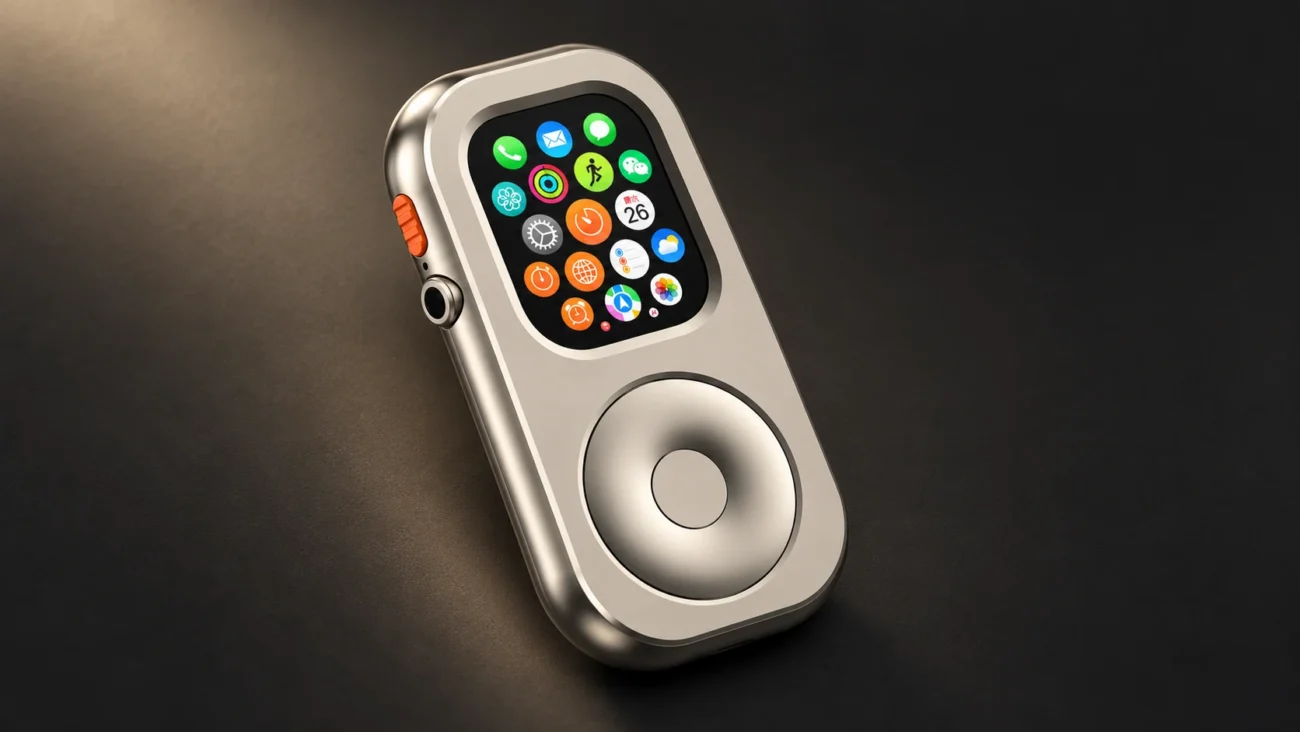
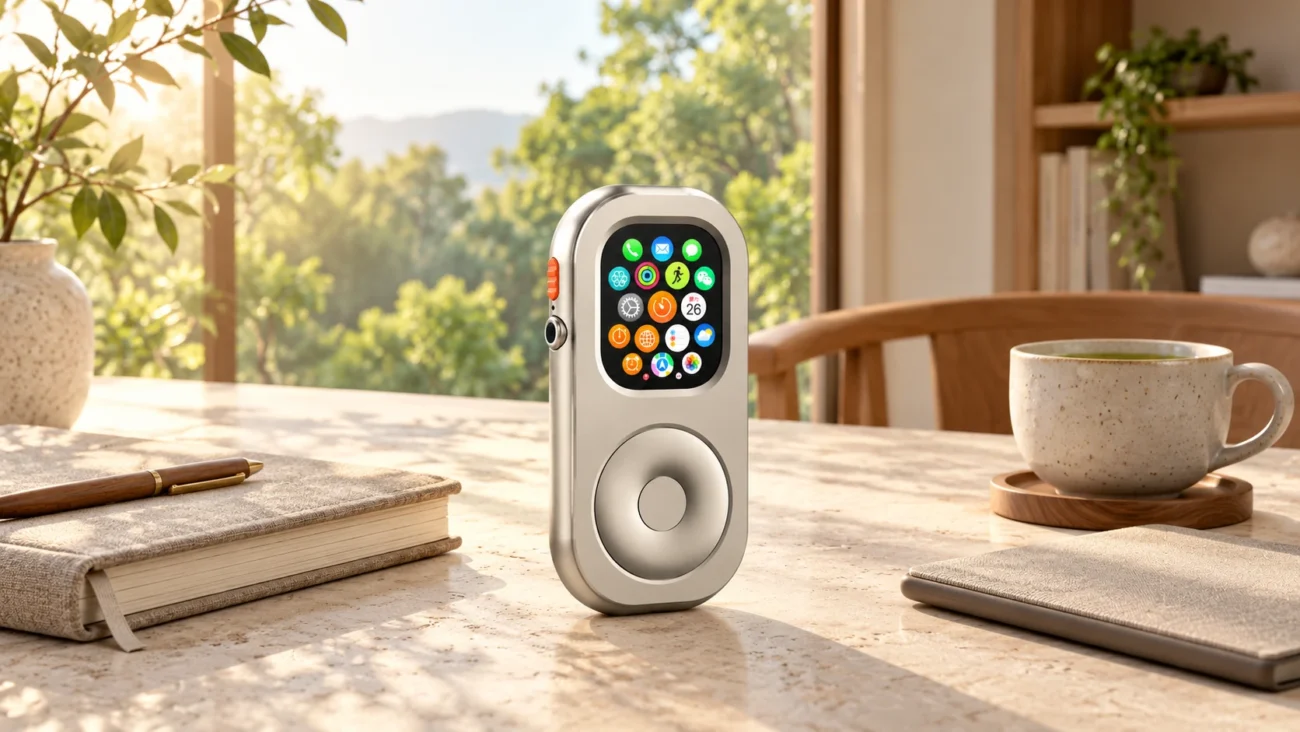
RePod's mechanical wheel is for scrolling. Selecting, confirming, and going back still use the Apple Watch's native touch and system interaction. The wheel does not remove feeds, limit an app's content, or guarantee a stopping point. Whether you find it more comfortable is something to judge in ordinary use.
If material and physical feel are important to you, consider them alongside software controls and practical fit. Our slow-tech everyday carry essay looks more closely at the appeal of tactile objects in a pocket setup.

Build a Slower Routine Before Expanding Your Collection
Choose one situation and one change. You might read a chapter without switching apps, prepare an album before a walk, or keep your phone outside the room during a short writing session. Decide what “finished” means before starting.
Afterward, note whether the task was easier, which interruptions remained, and whether you had to work around a new inconvenience. This is a personal trial, not evidence that a particular material or device treats attention difficulties.
Only then decide whether different hardware would help. A reader that suits your books, a simple timer, or a handheld Watch may each fit a specific preference. There is no requirement to collect all of them.

Frequently Asked Questions
Does Slow Tech Mean Giving Up Modern Apps?
No. Useful maps, messages, audio, and work tools can remain part of your routine. The choice is about which functions you need, which interruptions you accept, and when you use them. A touchscreen device can be part of that approach.
Is Tactile Feedback Always Calmer Than a Touchscreen?
No. Physical controls provide a different interaction and may suit your preferences, but they do not guarantee better focus or reduced screen time. Evaluate the whole experience, including the content, settings, and stopping routine.
How Does RePod Fit These Selection Questions?
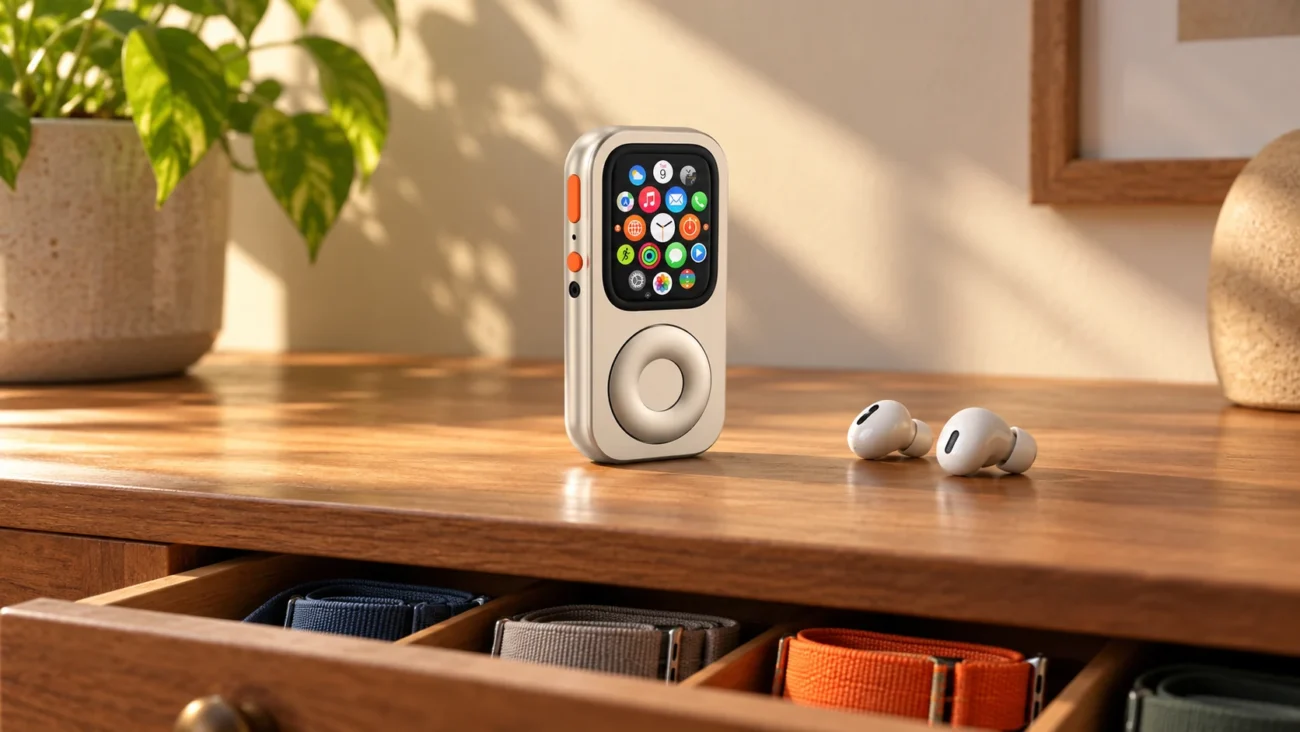
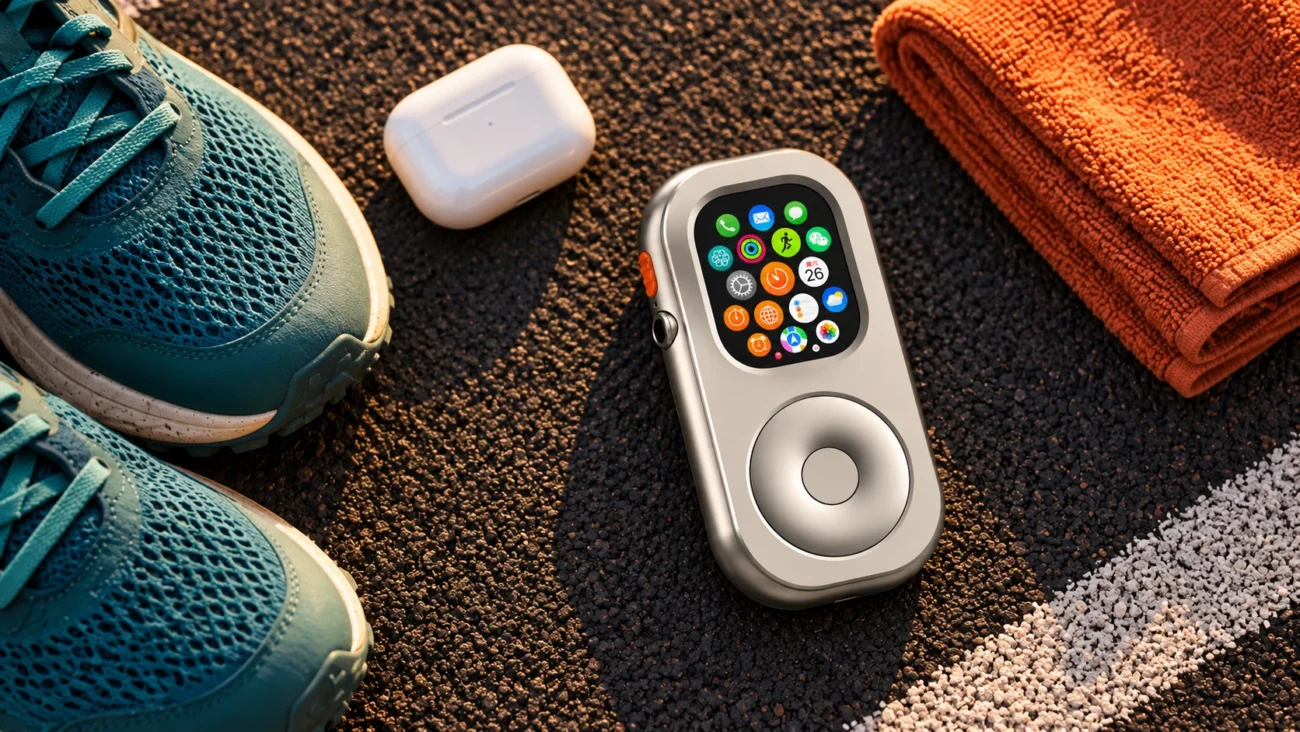
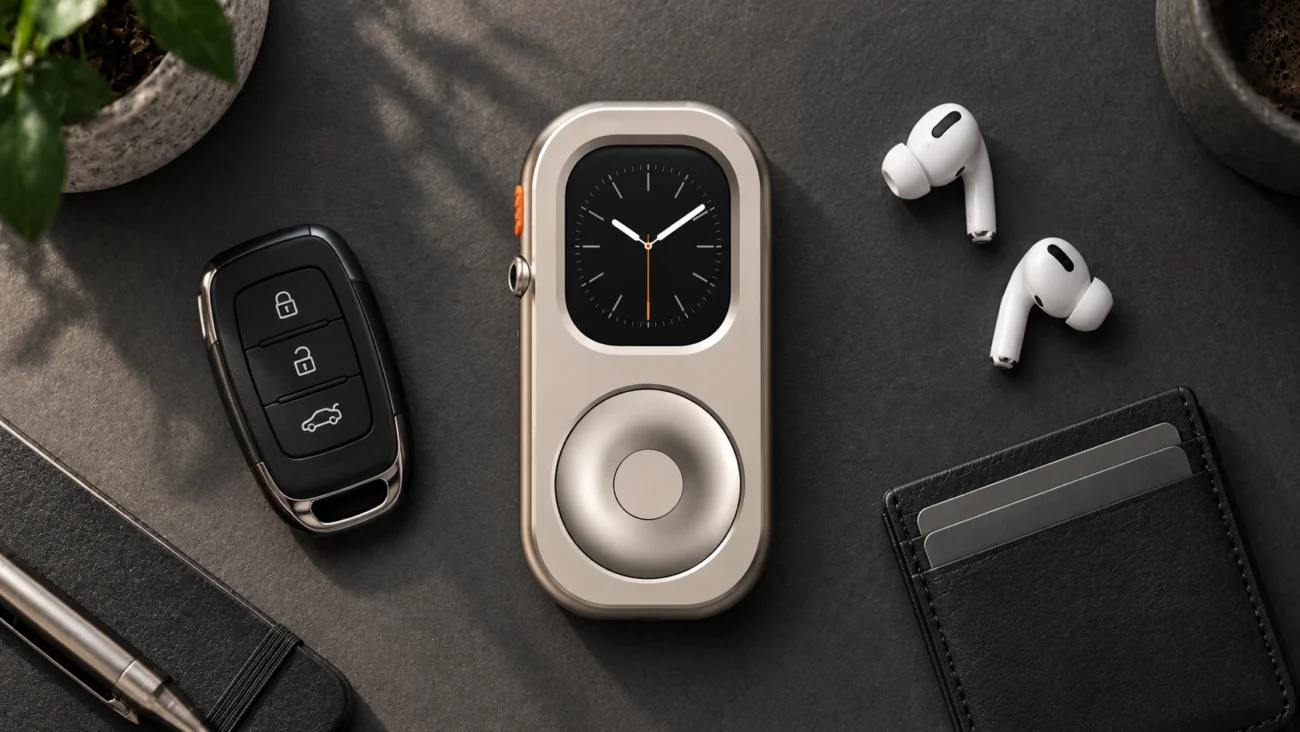
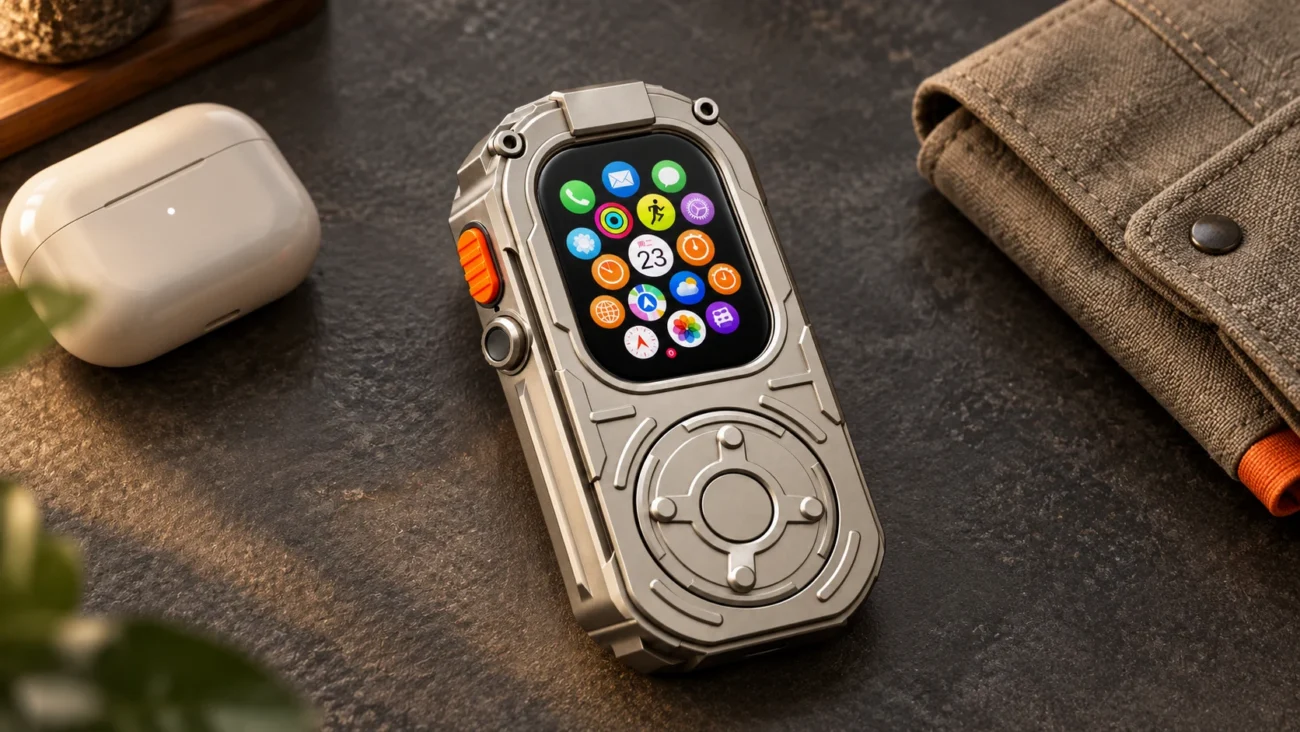
RePod houses a compatible Apple Watch in a handheld case and adds mechanical scrolling. That may suit someone who prefers holding a small device for a defined task. It does not turn watchOS into a different operating system or automatically silence notifications, block apps, or remove screen addiction.
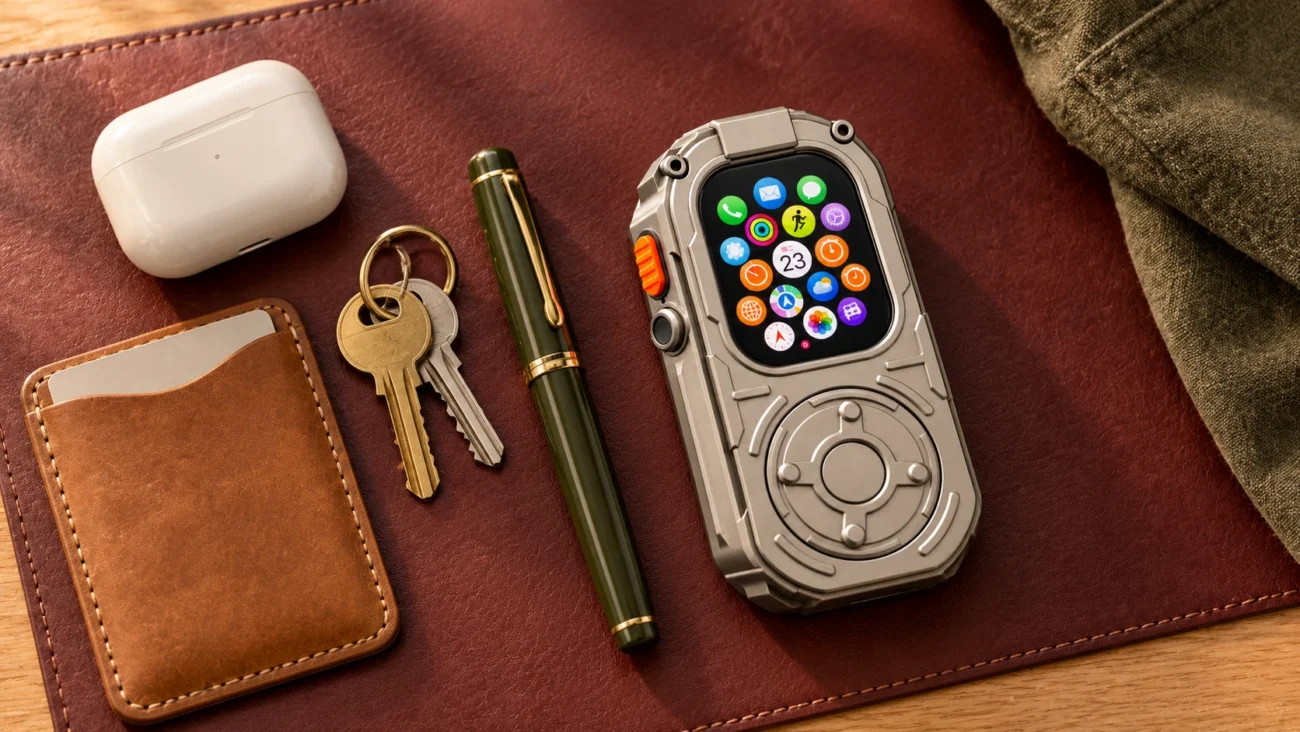
Handheld carry also changes wrist-dependent sensing and some locking behavior. If wrist-based health or workout tracking is the main job, wearing the Watch may be the better choice. RePod Standard and Ultra use aluminum alloy; Ultra EDC uses zinc alloy and has a heavier feel. Choose the form and weight deliberately, and check the model and size guide. Apple Watch is not included.
The RePod Philosophy, Applied Carefully
The idea behind RePod is to offer a different way to hold and use a Watch you already own. You can read our brand story or explore the cases if that solves a real need in your routine.
The five questions still apply. Be clear about the task, keep control of interruptions, know when you are finished, understand the dependencies, and consider what you already have. The right device should earn its place in your day.