



Stories


Compare a physical scroll wheel and touchscreen by grip, visibility, selection and task completion—without assuming hardware alone improves focus.
A smooth screen and a physical wheel offer different ways to move through digital information. One lets you act directly on the display. The other puts a control in a separate place under your hand. Both can be useful, and neither can tell you on its own whether the next ten minutes will be well spent.
The interesting comparison is concrete: what changes when you browse the same list, choose the same item and finish the same task? That is a more useful starting point than treating glass as inherently distracting or metal as a cure for it.
Endless Scrolling Is Not Just a Material Property
Some apps continually present more content. Others contain a finite list, a calculator or a single playback screen. Both kinds of software can appear on a touchscreen. A physical wheel can also move through content that keeps loading.
It is reasonable to dislike the feeling of repeated swipes through an open-ended feed. It is not reasonable to conclude that the absence of mechanical resistance necessarily damages self-control. That is a psychological claim requiring evidence beyond a product's appearance.
Separate three things: the control you touch, the way the app responds, and the habit you bring to it. Changing one may change the experience, but it does not automatically change the other two. Our slow-tech device checklist applies that distinction when choosing equipment.
Mechanical Movement Can Feel Different Without Ending the Feed
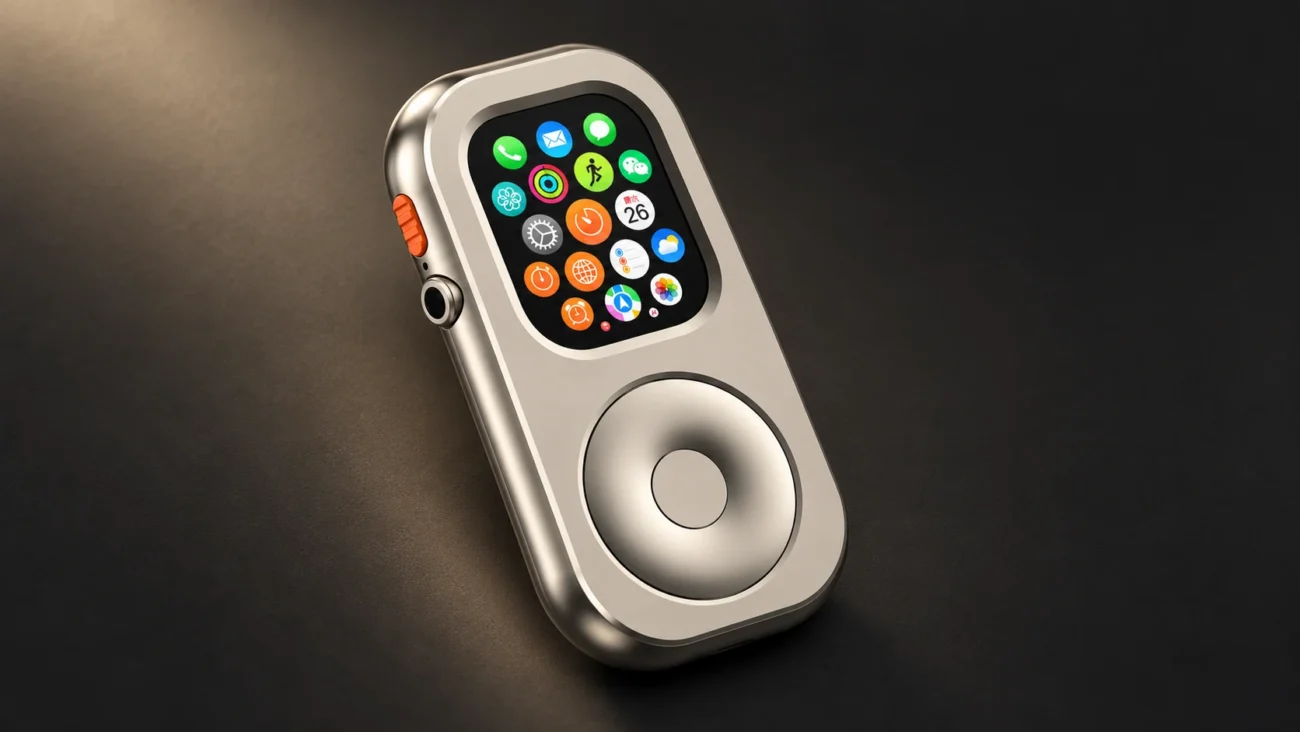
A wheel provides a physical location and movement that some users enjoy. A particular dial may have resistance or detents, but those features must be verified for that actual product. A photograph of a wheel is not evidence of how it feels, how far it turns or whether it clicks.
Nor does a mechanical wheel necessarily have an end stop. The useful stopping point in a music task may simply be reaching the intended album. That destination comes from the task and interface; you can reach it through touch as well.
For a practical comparison, choose a short list and browse to a named item. Notice whether your grip remains comfortable, whether you overshoot, and whether you can clearly tell what is selected. Those observations are about your experience. They do not need to become a claim about everyone's cognition.
The useful boundary is knowing what you came to do and when it is finished. Hardware can support that routine without enforcing it.
From the Digital Crown to Thumb Scrolling
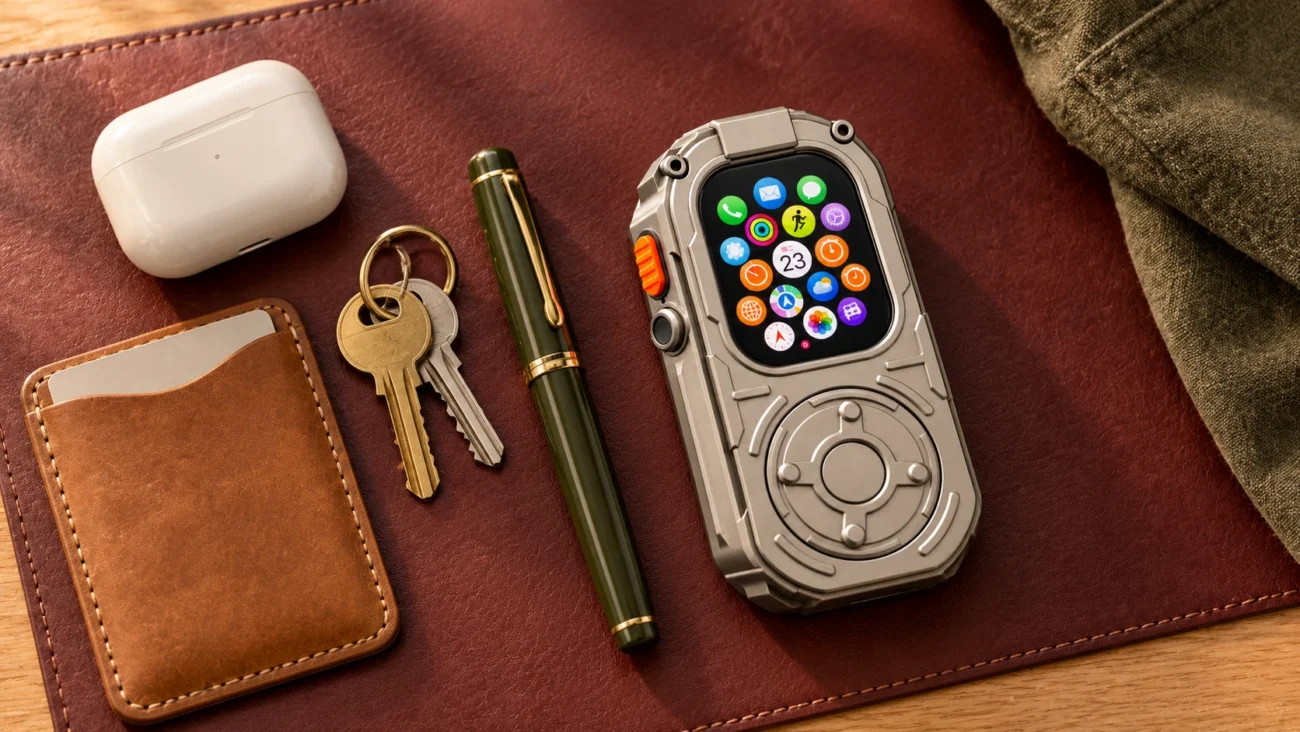
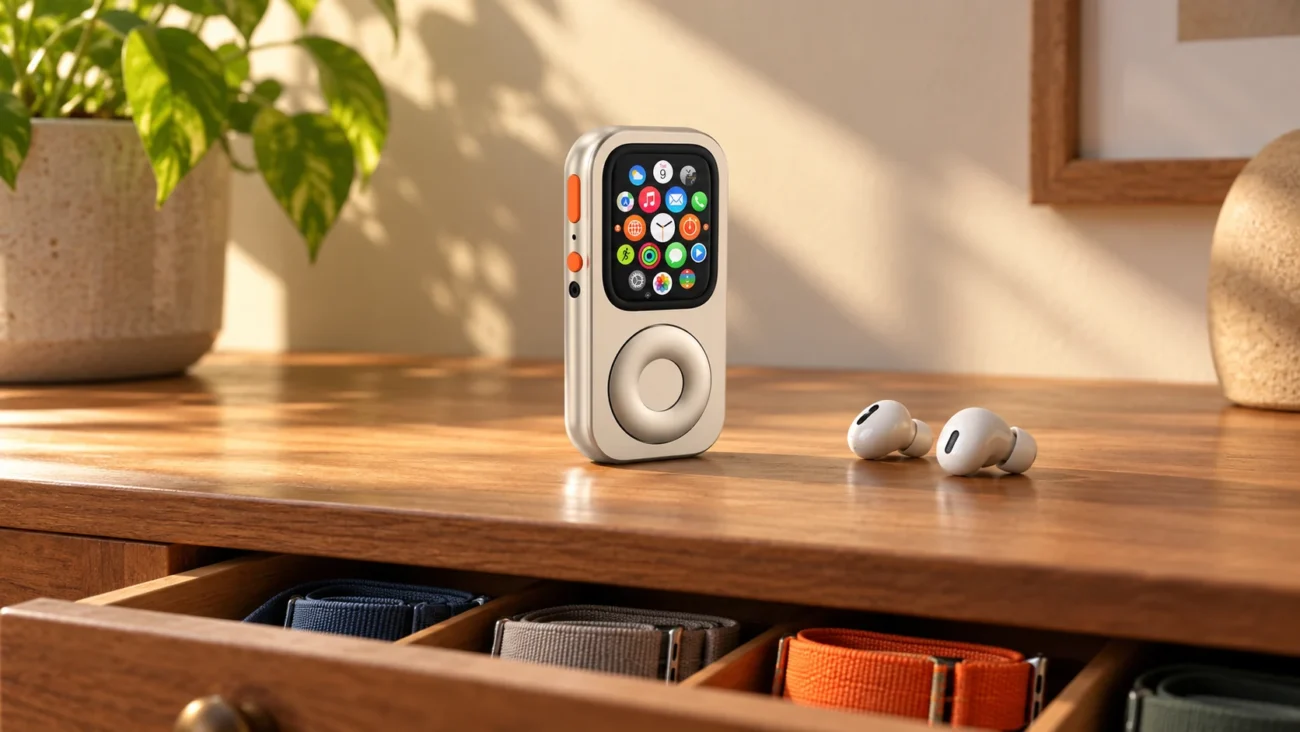
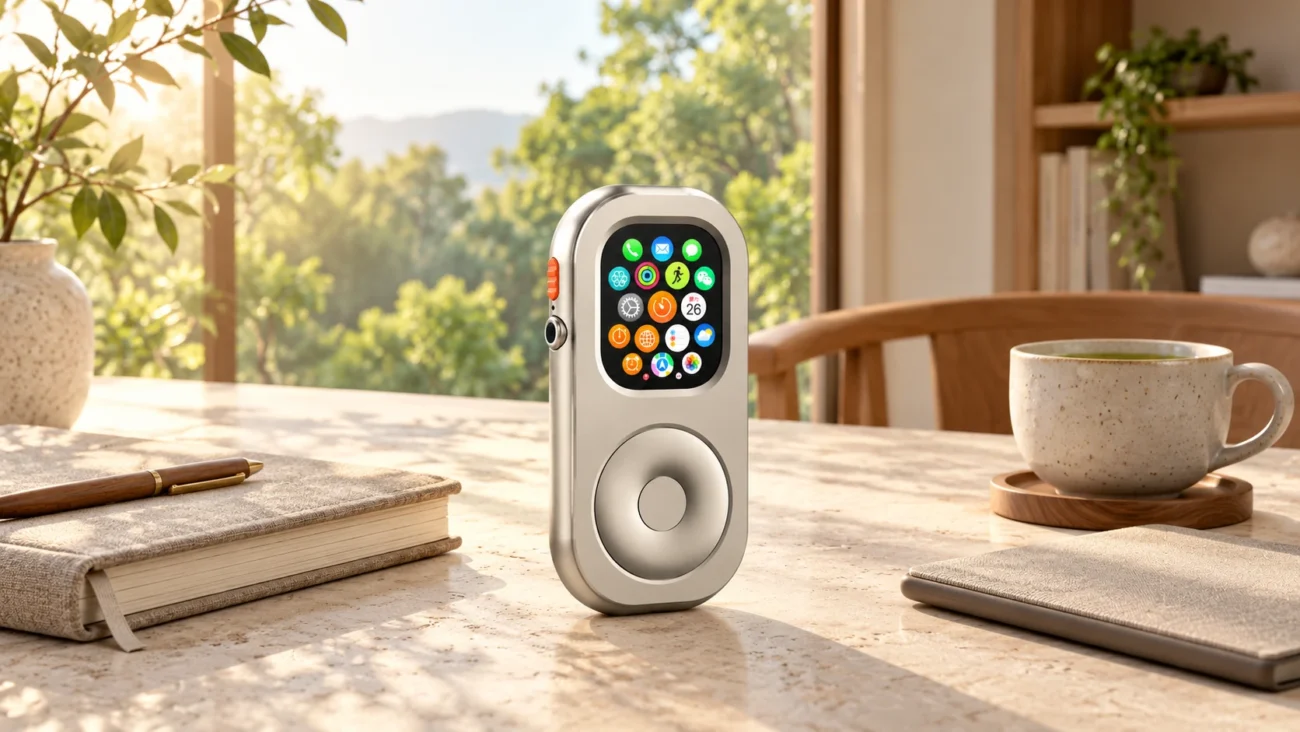
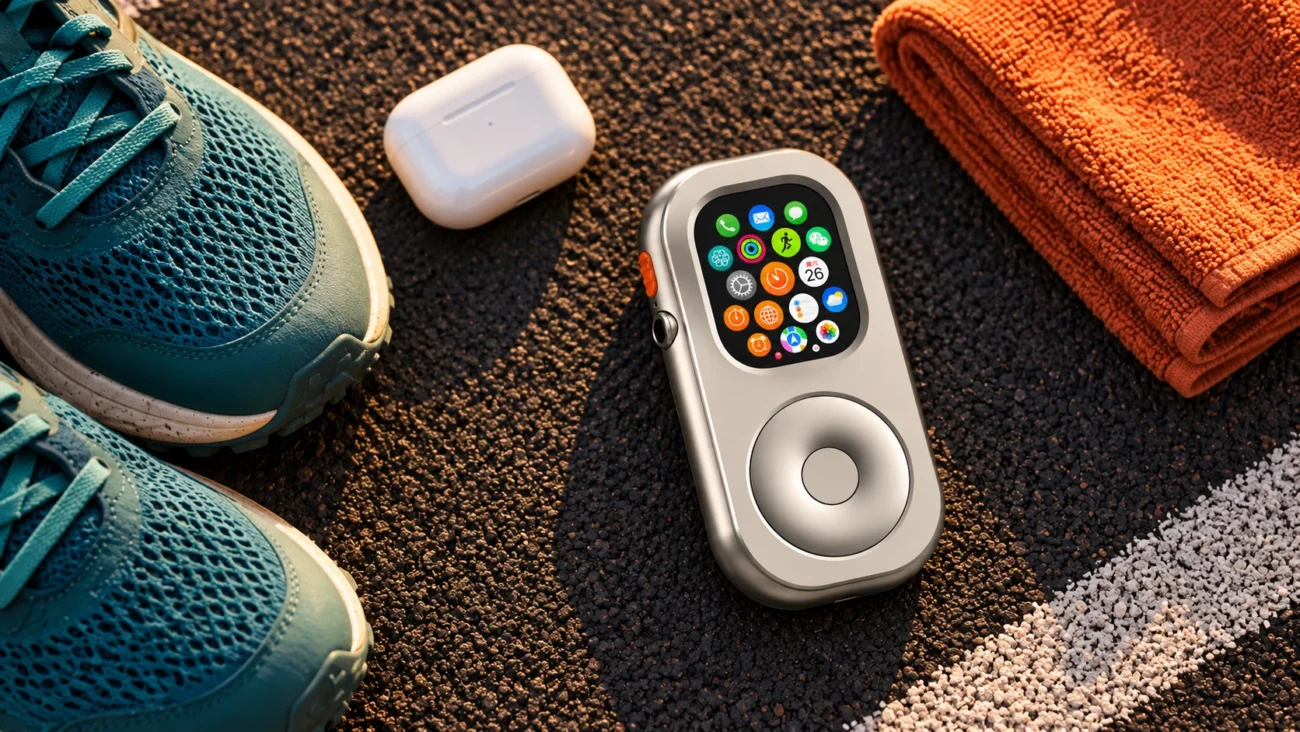
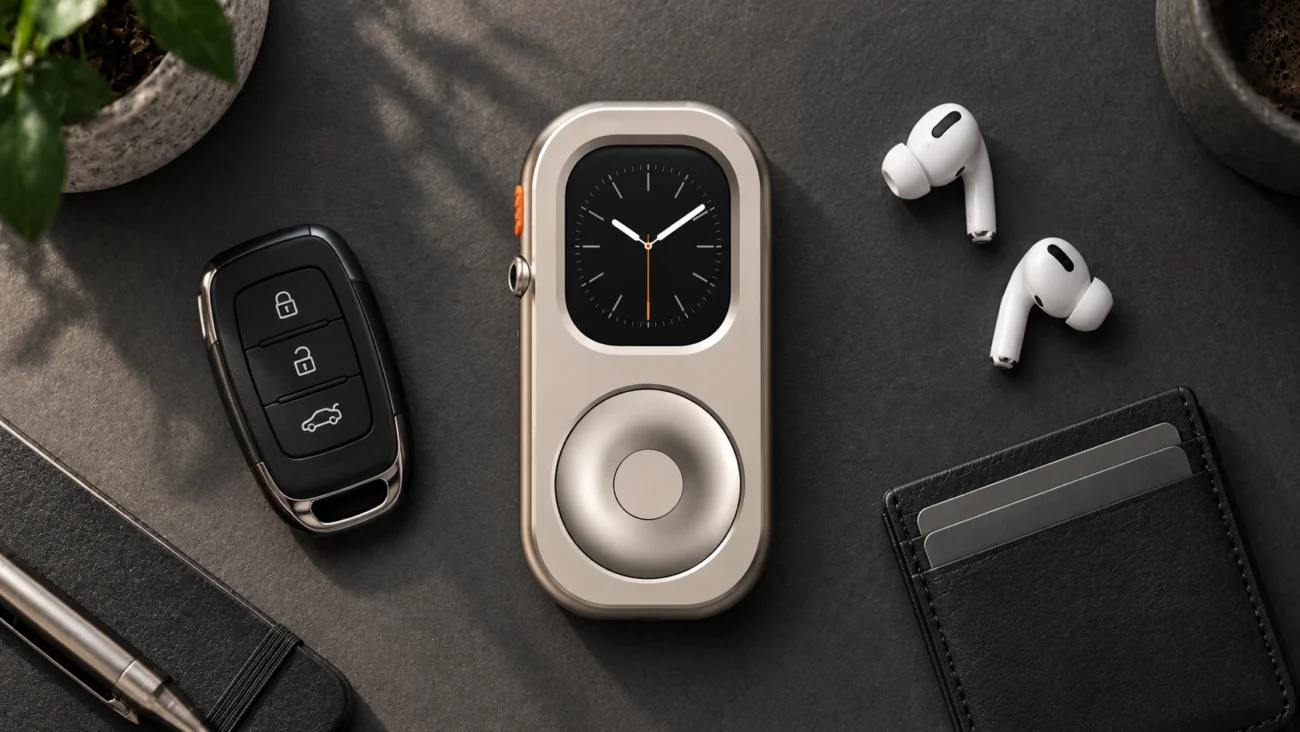
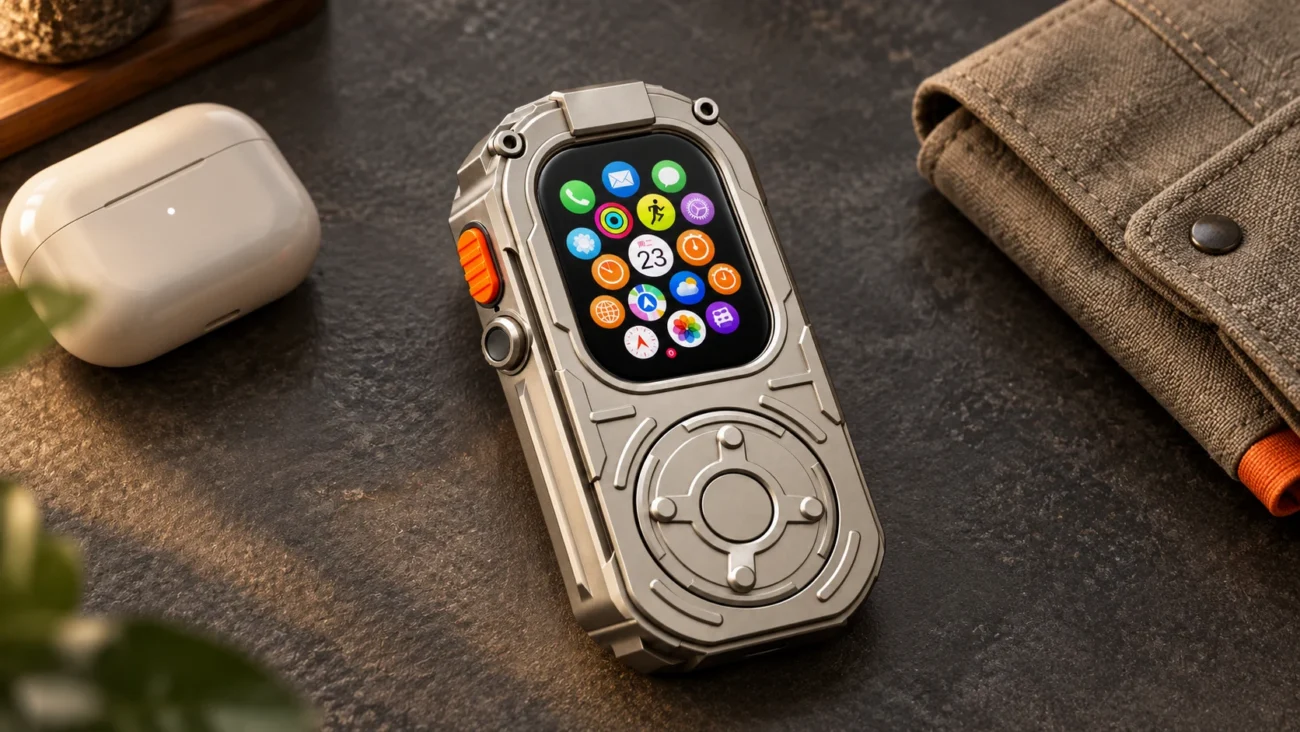
A compatible RePod case changes how a Watch is held and makes scrolling available through an external mechanical wheel. It does not turn every Watch interaction into a one-control operation. Selecting an item, going back and other actions still depend on the native screen, controls and app.
The wheel can let you browse while keeping your finger away from the displayed list. Whether the case is more comfortable than wearing the Watch or using its Crown directly depends on hand size, grip, reach and the chosen model. It is a preference to evaluate, not a universal ergonomic result.
RePod also leaves the underlying software in place. It does not remove social apps, silence notifications, add a mobile plan or make a worn battery healthy. Review how a handheld case works if you are deciding what the accessory actually changes.

Compare the Same Task Both Ways
Browsing a list
Try finding one album or contact with your usual touch interaction, then with the available wheel control. Can you see the item while moving? Is the amount of movement comfortable? Do not compare a short local list on one device with an endless feed on another and attribute the entire difference to hardware.
Confirming an action
Check what happens after you reach the item. A scrolling wheel is not automatically a selection button. If you still need to tap the display, include that step in the comparison. Judge the complete task rather than only the motion that looks appealing in a product video.
Finishing and putting it away
Start playback, set the device down and notice what draws you back. A notification, a content recommendation and an uncomfortable grip are different problems. The first two may call for settings or app choices; the third may concern how you hold the device.
Choosing touch when it works better
Direct tapping can be a straightforward way to select something visible. A touchscreen may be the preferable option for some tasks or accessibility needs. A satisfying physical control does not have to replace all direct touch to be worthwhile.

Intentional Interaction Includes the Settings
If fewer interruptions is the goal, review notifications and app choices alongside any hardware decision. Try one change at a time so you can tell what helped. For a practical starting point, see a gentler digital detox for Apple Watch users.
Do not treat this small comparison as a clinical test or proof that a device will treat compulsive use. It is simply a way to decide what you prefer and what earns a place in your routine.
If you use the Watch off your wrist, also review its passcode, Wrist Detection and health-feature limitations. A pleasant scrolling interaction does not remove those trade-offs.
Choose the Control for the Job
A RePod case may suit someone who wants handheld carry and an external wheel for an existing compatible Watch. It may add little for someone who prefers wrist wear or direct touch. Both are reasonable outcomes.
Compare the current RePod range only after deciding what you want the control to do, and use the size guide to confirm fit. The strongest reason to choose a physical wheel is an experience you value—not a promise that the material will manage your attention for you.