


Stories
An old Apple Watch may still be useful after you upgrade. Depending on the model, watchOS version, settings, connectivity and region, it can play downloaded music, support Apple Pay, record workouts, work as a timer or bedside clock, or become a dedicated spare device. You can also give it a different physical form with RePod. Apple Watch is not included with RePod, and RePod does not add new electronic or cellular capabilities.
What should you do with an old Apple Watch first?
| Condition | Best next step | What to check |
|---|---|---|
| Works well and holds a useful charge | Reuse it for music, workouts, travel, Apple Pay, timers, or a focused pocket setup | Model, watchOS support, storage, connectivity, and case size |
| Works, but the battery drains too quickly | Check Battery Health and compare battery service with limited-use roles | Maximum Capacity, service message, and whether it lasts through the intended routine |
| Cracked, damaged, or unreliable | Get a repair assessment before reusing, selling, or placing it in another case | Screen safety, charging, buttons, sensors, and repair cost |
| Activation Locked | Have the owner remove Activation Lock before transfer or reuse | The previous owner’s Apple Account is required; a case cannot bypass Activation Lock |
| No longer supports the apps or features you need | Use only the remaining suitable local functions, trade it in, or recycle it | App requirements, watchOS compatibility, security, and regional feature support |
| Does not power on or has a serious battery problem | Stop treating it as a reuse project and use an authorized service or recycling route | Do not rely on a damaged or non-working watch as a RePod device |
The key boundary is simple: RePod is an option for a compatible Apple Watch that still functions safely. It is not a repair product, and it cannot restore a dead battery, damaged display, unsupported software, or Activation-Locked device.
1. Check the model, battery and case size first
Check the case size printed on the back of the Watch, its battery condition and whether it still supports the features you need. If you plan to install it in a RePod case, use the RePod Size Guide and confirm the exact model before ordering.
Also check whether the Watch is paired correctly, has enough storage for downloaded media and can be charged reliably. On the Watch, open Settings, Battery, then Battery Health to review Maximum Capacity. If Battery Health reports that service is needed, compare an official battery-service assessment with the value of the role you want the Watch to perform.
If the Watch came from another owner, confirm that Activation Lock has been removed before planning a second life for it. Apple states that the previous owner must unpair the Watch and remove Activation Lock with their Apple Account password.
2. Use it as an offline music or podcast player
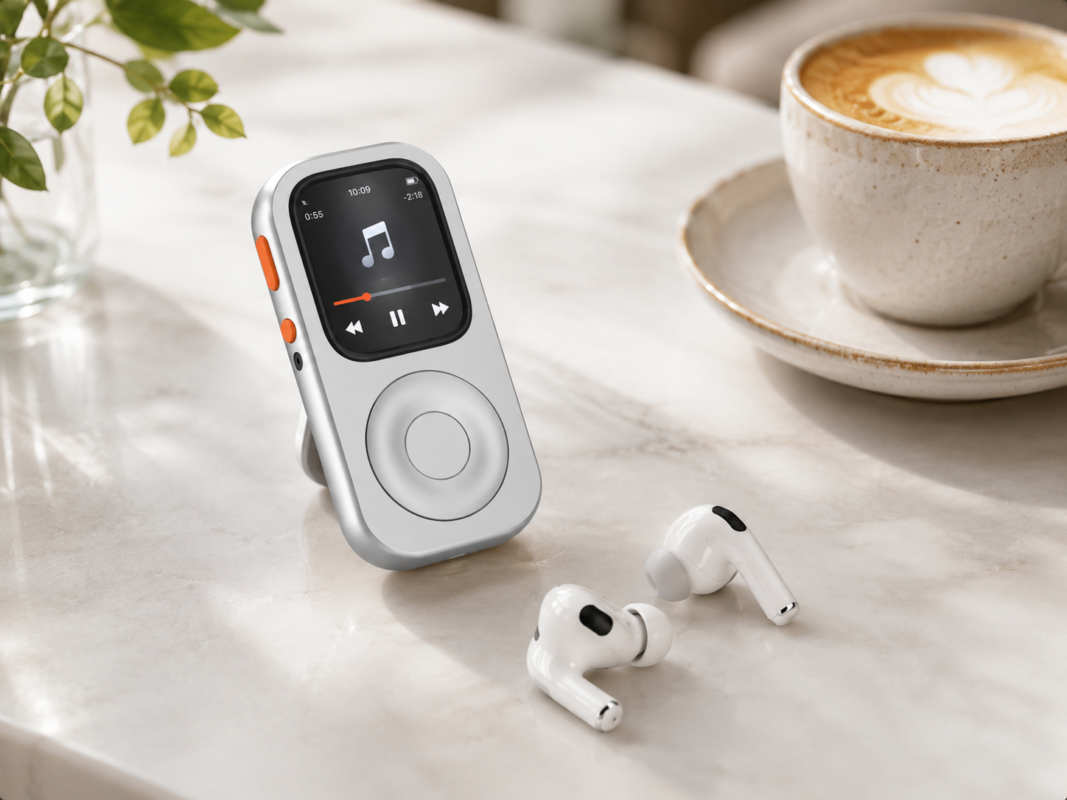
Download music, podcasts or audiobooks before leaving Wi-Fi. With compatible apps, Bluetooth headphones and enough local storage, an older Watch can be useful for a walk, workout or commute without streaming continuously.
Offline playback is not the same as full offline connectivity. Live streaming, web requests and other online features may need Wi-Fi, cellular service or an iPhone connection.
3. Keep Apple Pay for short errands
An older Watch can still be convenient for a quick trip when Apple Pay is supported on your model, in your region and by your bank. Keep your passcode and Wrist Detection settings in mind: changing those settings can change how Apple Pay verifies you.
Test your own setup before relying on it. Card, country and terminal support vary.
4. Make it a workout or travel backup
An older Watch can remain useful as a workout timer, activity tracker or travel backup. Download the content you need, charge it fully and test GPS, headphones and any workout app before leaving.
For health and safety features, follow Apple’s current guidance for your model. RePod is a physical shell and does not improve the Watch’s sensors, battery or emergency capabilities.
5. Use it as a bedside clock, timer or kitchen companion
A spare Watch can be useful on a nightstand or in the kitchen. Timers, alarms and simple local functions do not require the same connectivity as streaming or messaging.
If the model, battery and software still support your needs, it can also serve as a sleep-tracking watch or a controller for compatible Home accessories. Health features vary by model and region, while Home controls and live data require the appropriate network and accessory setup.
6. Pass it to a family member
If the hardware and battery are still suitable, a family member may get more value from the Watch than a drawer does. Before handing it over, back up what you need, unpair it from your account and follow Apple’s current transfer and activation steps.
7. Give it a handheld second life with RePod
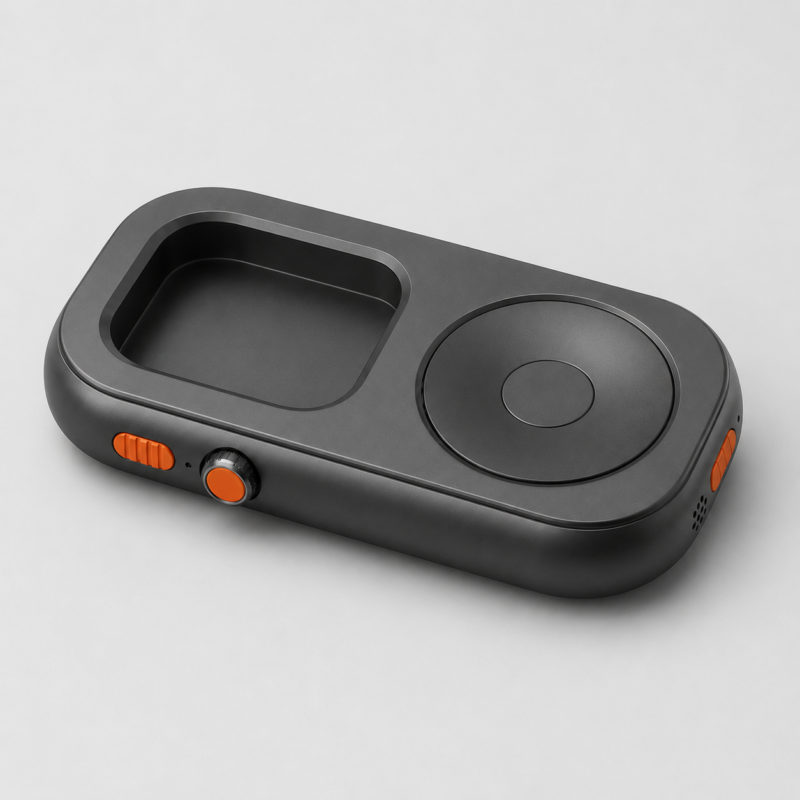
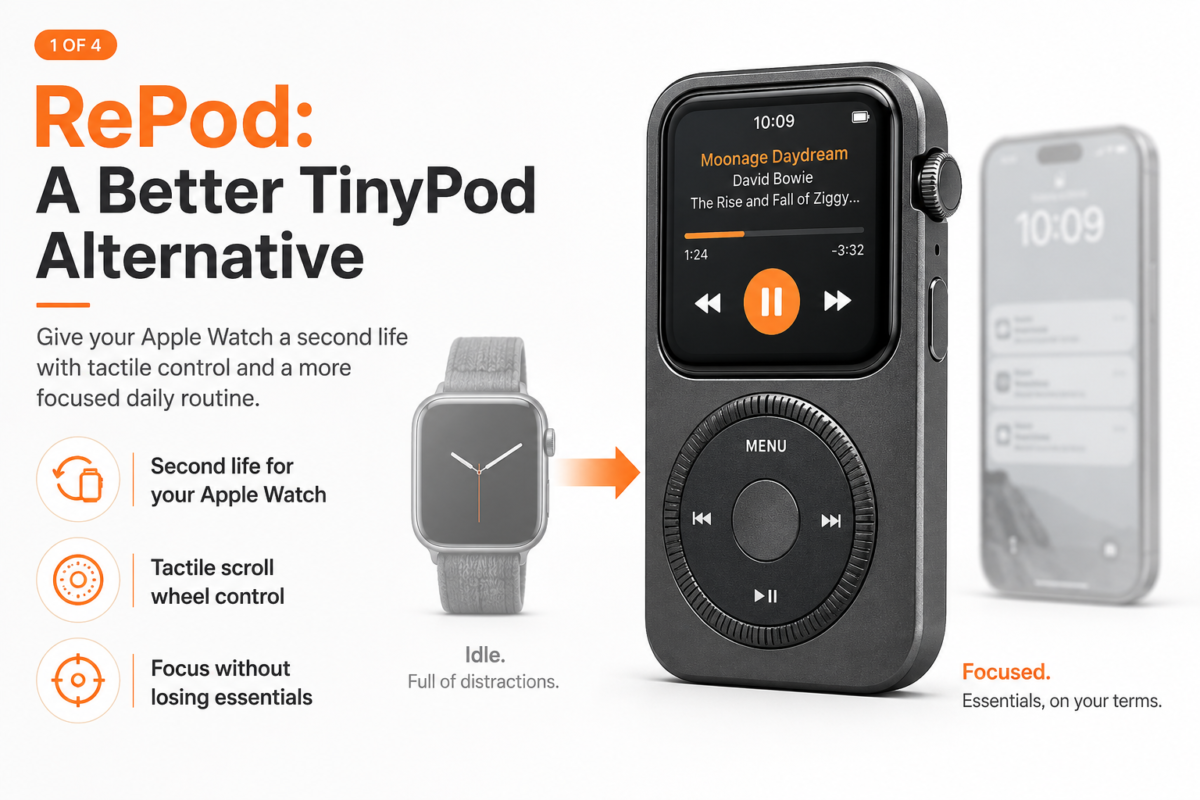
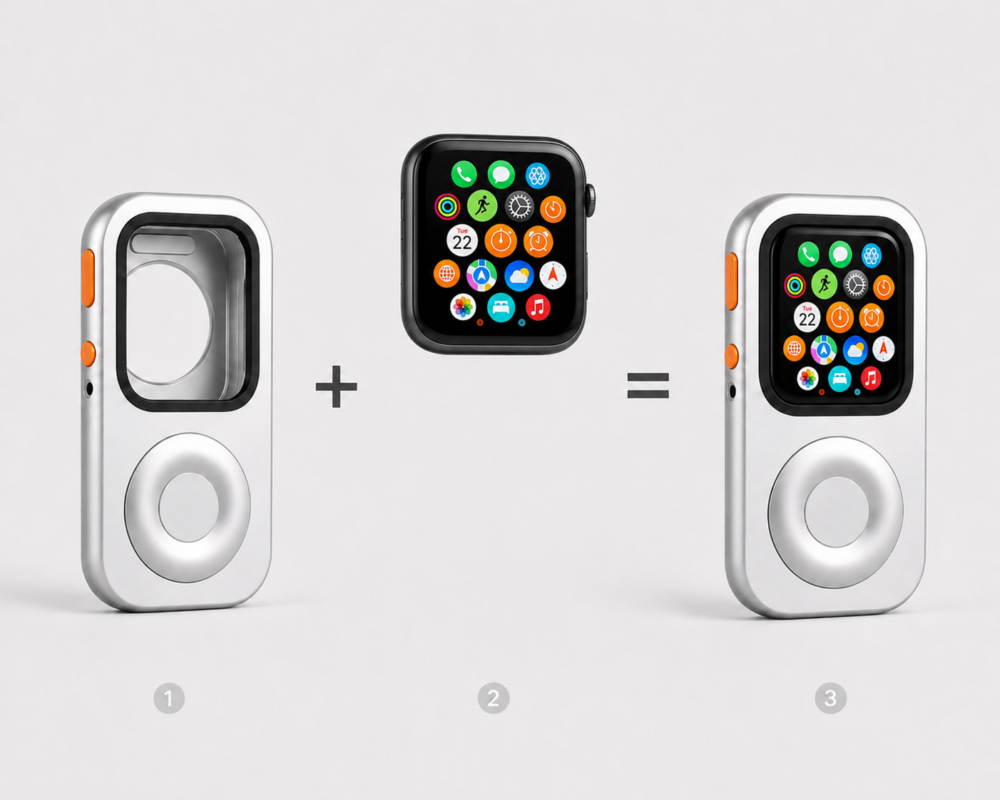
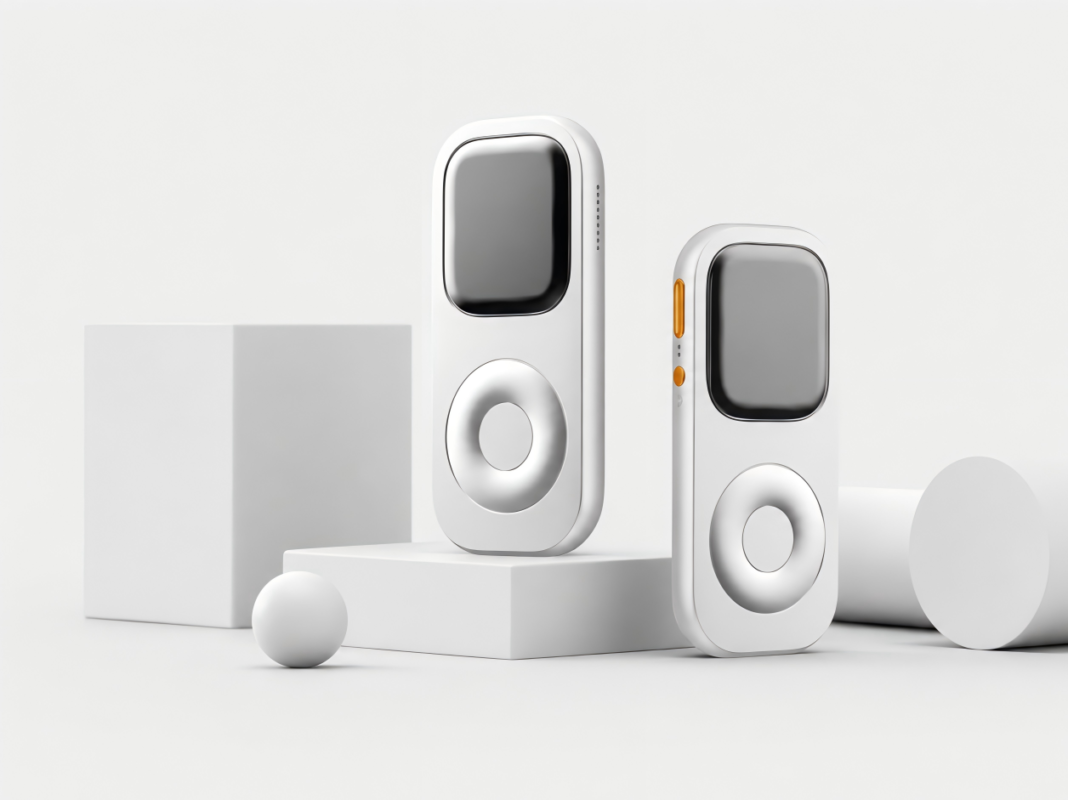
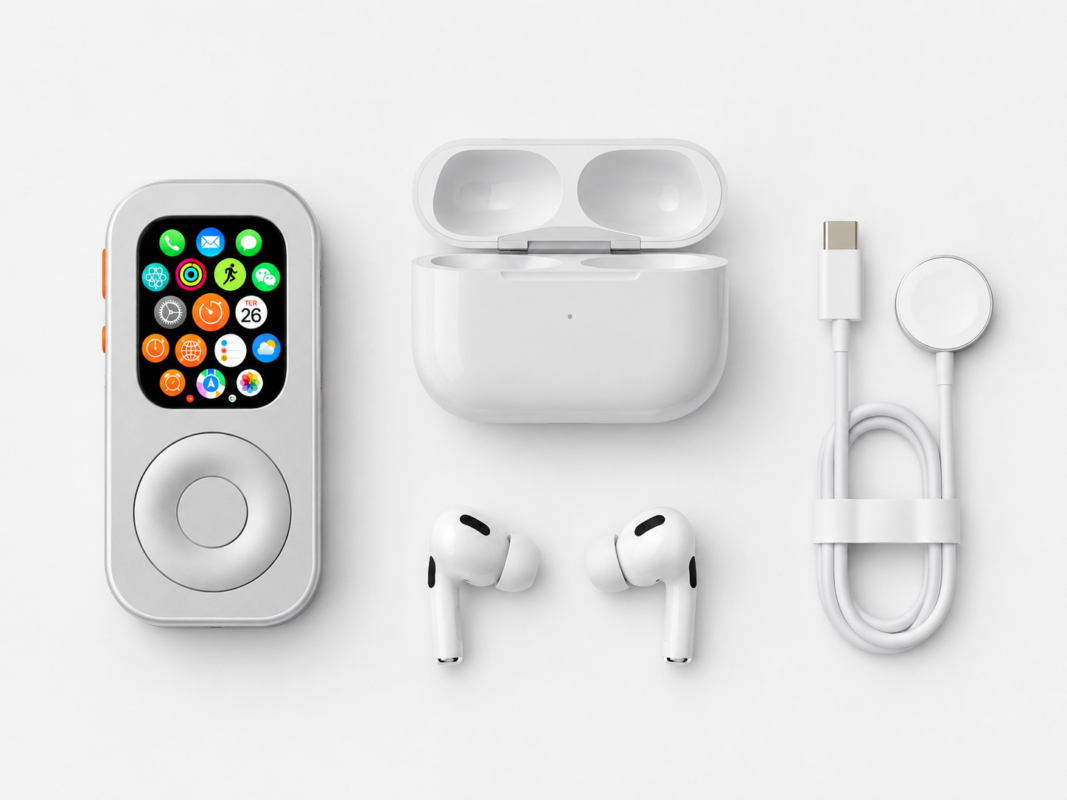
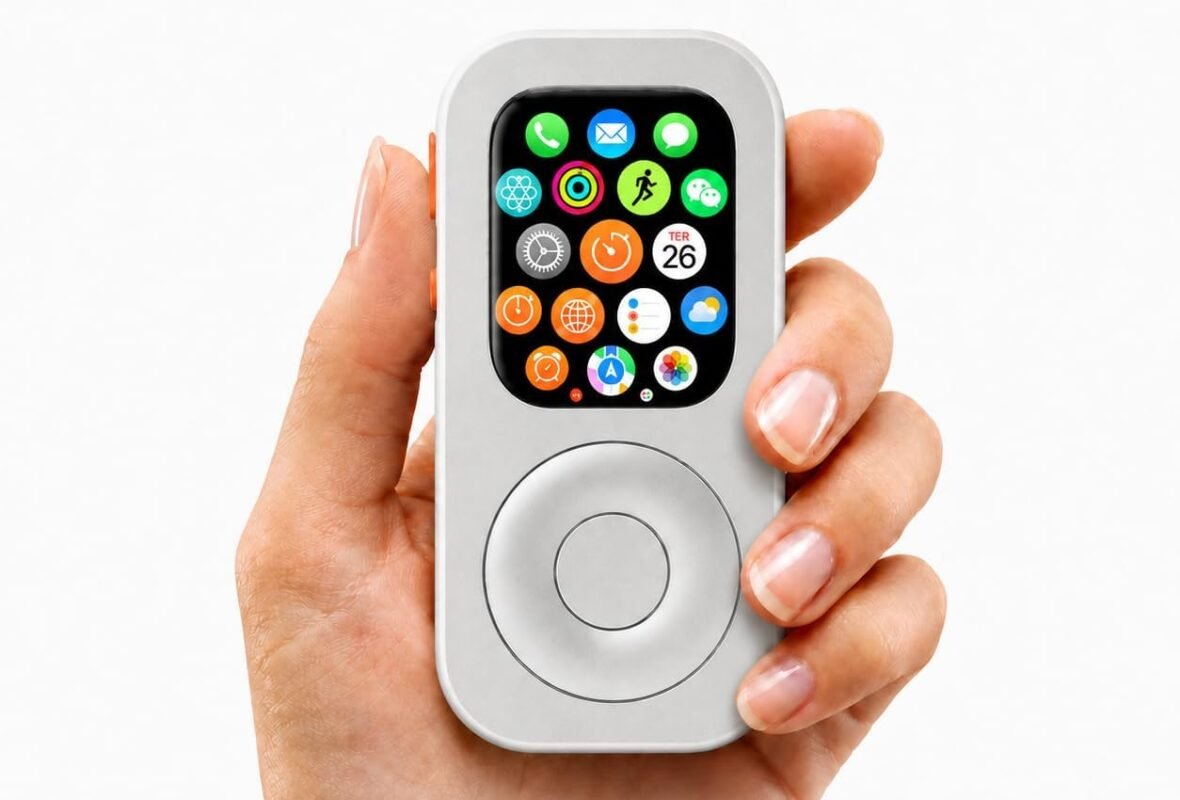
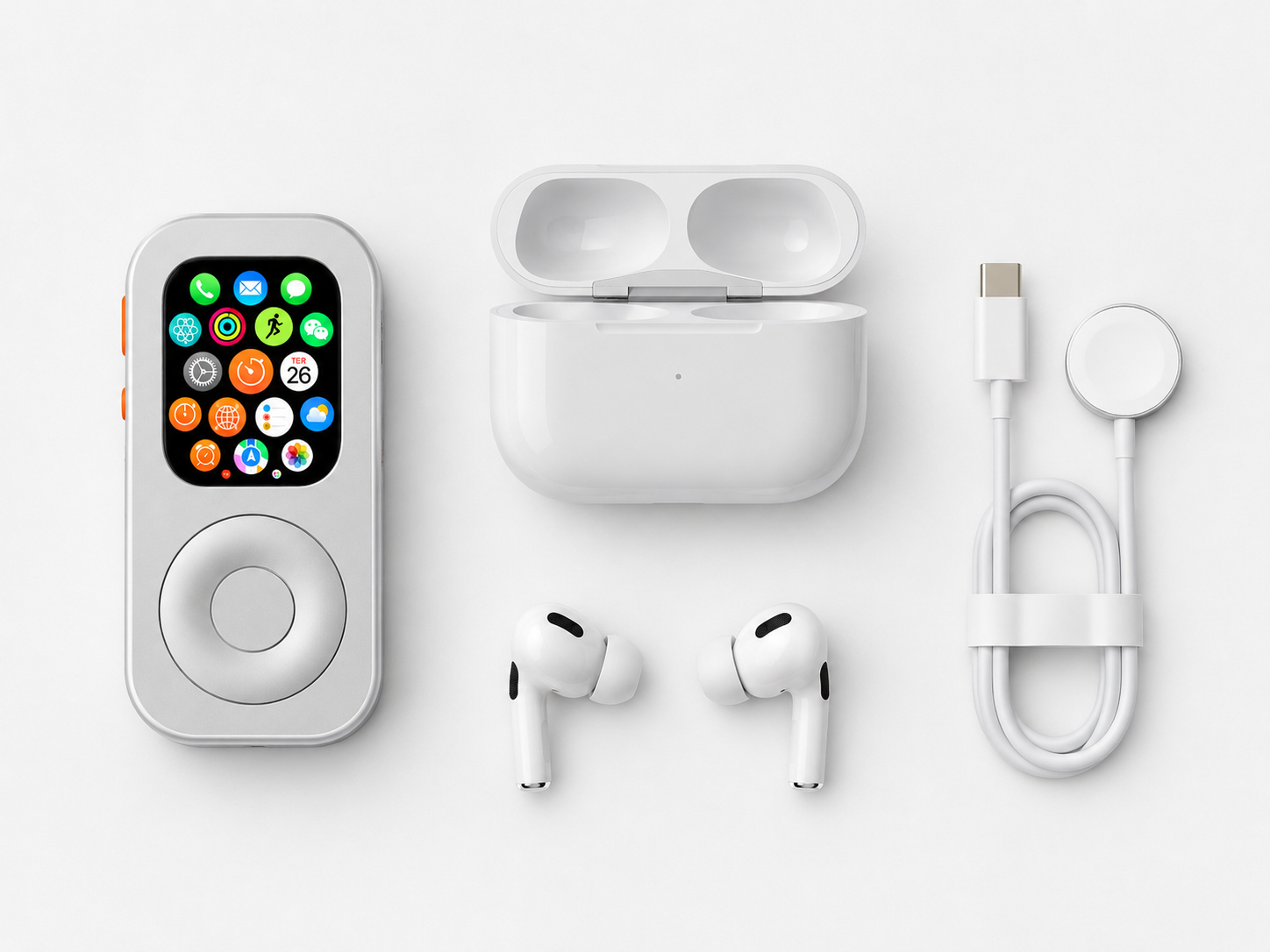
If you want to use the Watch as a small handheld device rather than wear it, RePod provides a different physical form. The Watch remains the source of the software and features; RePod is the enclosure and interaction format.
Before ordering, confirm the case size and the specific product series on the Size Guide and the relevant RePod product page. Apple Watch is not included. Features still depend on your Watch model, watchOS, apps, connectivity, plan and region.
When should you recycle or trade in an old Apple Watch?
Trade-in, repair, or recycling may make more sense if the display or body is damaged, the Watch is unreliable, it cannot hold a useful charge, or it no longer supports the features you need. Apple provides repair assessment and battery-service options; devices without trade-in value may still qualify for free recycling through Apple Trade In, depending on country or region.
Before selling, giving away, trading in, or recycling the Watch, back up what you need, unpair it, remove any cellular plan where applicable, erase personal information, and turn off Activation Lock. Do not install a visibly damaged or non-working Watch in RePod as a workaround.
Quick decision checklist
| If your Watch… | Consider… |
|---|---|
| Still charges and has storage | Offline music, workouts or a travel backup |
| Works but is no longer comfortable to wear | A bedside setup or a handheld form |
| Is suitable for another user | Family transfer after unpairing |
| Has serious battery or hardware problems | Authorized recycling or trade-in |
Frequently asked questions
Can I reuse an Activation-Locked Apple Watch?
Not as a normally transferable device. The owner must remove Activation Lock using their Apple Account before another person can pair and use the Watch. RePod does not change or bypass account security.
Is an old Apple Watch with a weak battery still useful?
Possibly, if it safely lasts through a limited job such as a timer, short workout, or downloaded-audio session. Check Battery Health first. If the Watch reports that battery service is needed or cannot complete the intended routine, compare official service with trade-in or recycling.
Does RePod include an Apple Watch?
No. RePod is a physical case/form factor for a compatible Apple Watch. The Apple Watch must be purchased separately.
Can an old Apple Watch work without an iPhone nearby?
Sometimes. What works depends on the Watch model, Wi-Fi or cellular connectivity, settings, apps and region. Downloaded media and some local functions can work offline; many online features cannot.
Which Apple Watch size should I choose?
Check the case-size marking on the back of the Watch and compare it with the current RePod Size Guide. If you are unsure, contact Support before ordering.
Does RePod add music, calls or Apple Pay?
No. Those capabilities come from the Apple Watch and its software, connectivity and region. RePod changes the physical form only.
Official Apple references
- Check Apple Watch battery health and get battery service
- Prepare Apple Watch before selling, giving away, or trading in
- Use Apple Watch without an iPhone nearby
- Apple Trade In and recycling
Last fact check: August 2026. Product compatibility and links should be checked before ordering.
Turn an Old Apple Watch Into a Useful Pocket Device
If your old Apple Watch still works, the most practical next step is to give it one clear job: music, Apple Pay, workouts, timers, or a lighter phone-free carry setup. These guides connect the reuse options with the RePod shell that changes how the watch is carried.
- Turn an old Apple Watch into an iPod-style pocket device.
- Upcycle an old Apple Watch into an iPod-style dumbphone.
- Apple Watch without phone setup for music, Apple Pay, calls, and EDC routines.
- Use Apple Watch without iPhone for cellular, Wi-Fi, and offline setup details.
- iPod case for Apple Watch buying guide.
- Shop RePod Apple Watch iPod Case.


One thought on “What to Do With an Old Apple Watch”
Comments are closed.