



Stories

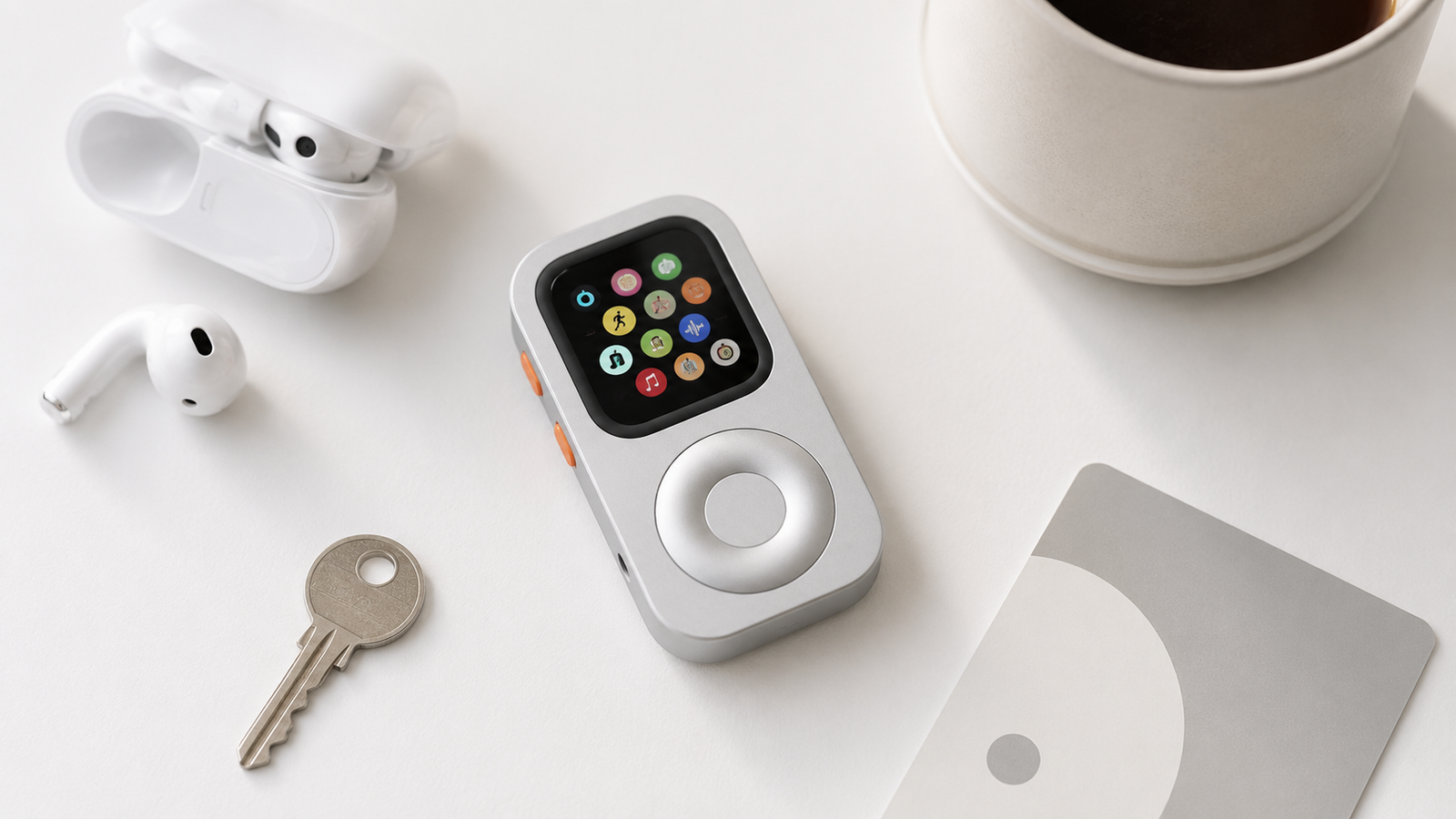
If you have an old Apple Watch sitting in a drawer, it may still be useful even if you no longer want to wear it every day. The best second life is not trying to turn it into a full iPhone replacement. It is turning it into a small, focused device for music, Apple Pay, timers, workouts, Siri, quick messages, and phone-free routines.
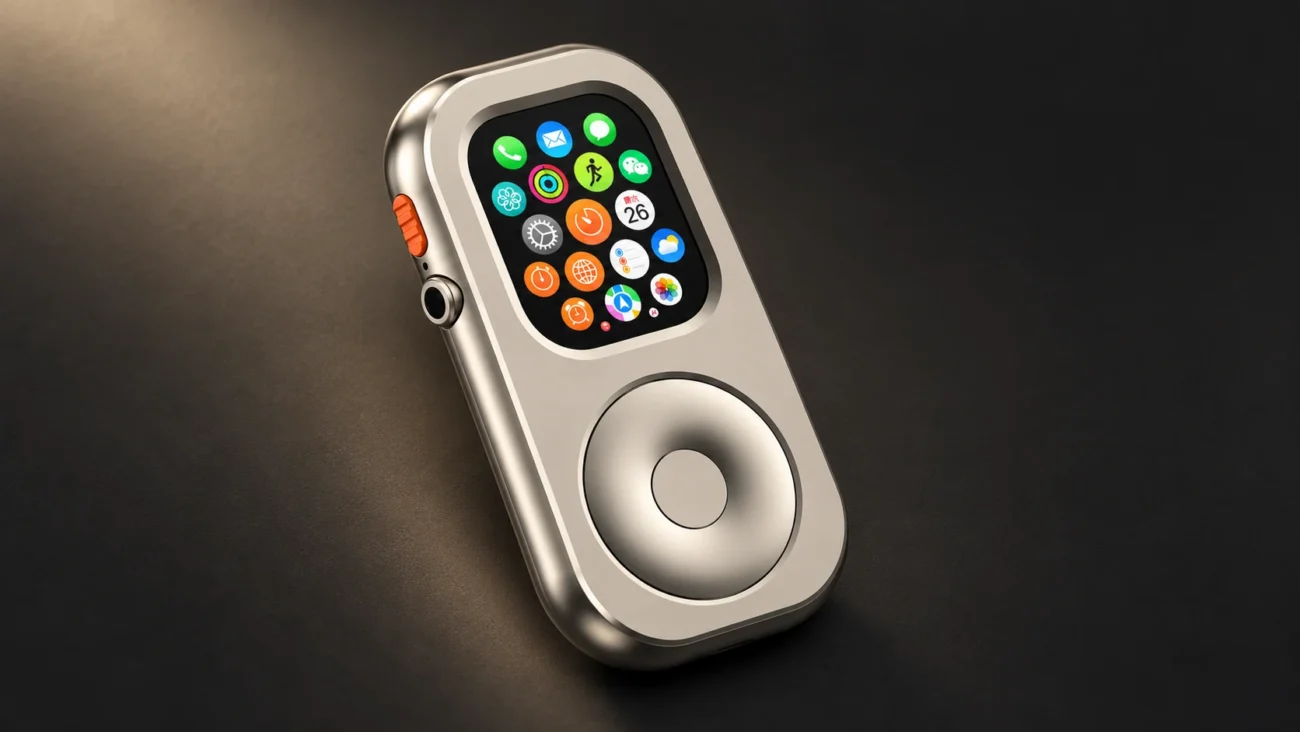
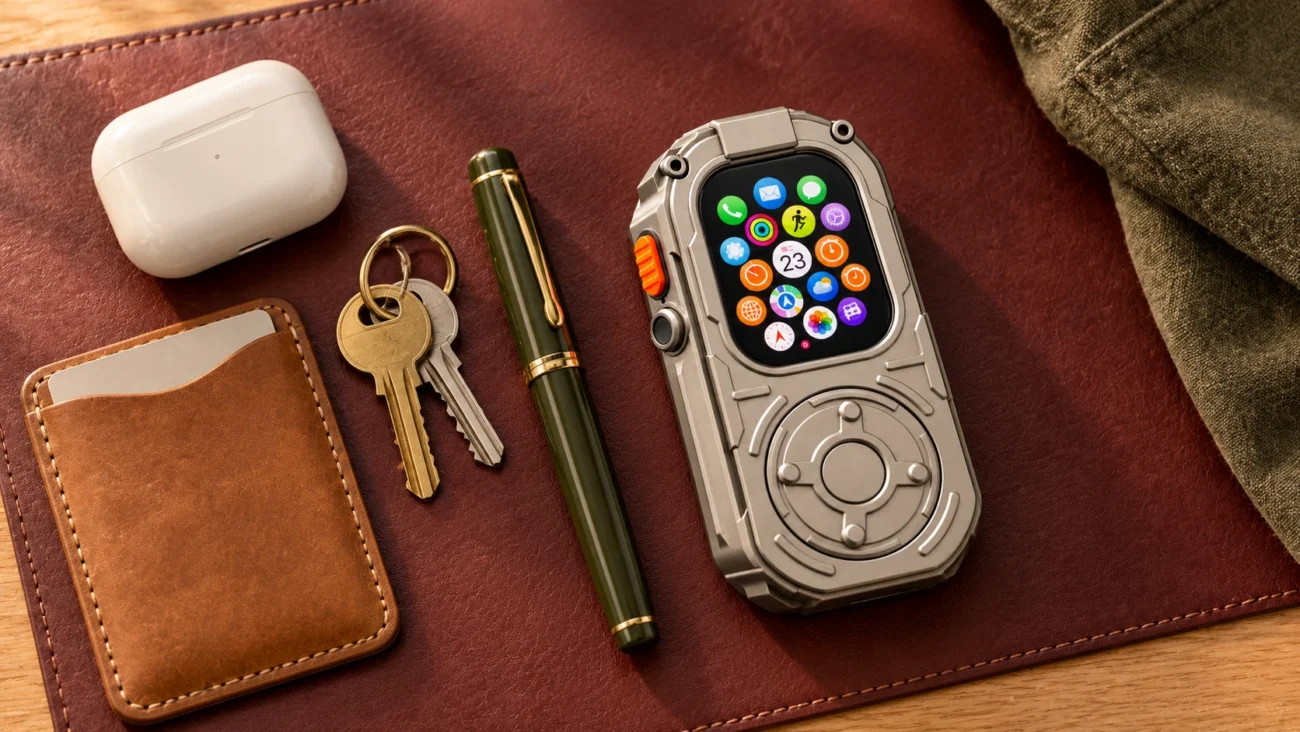
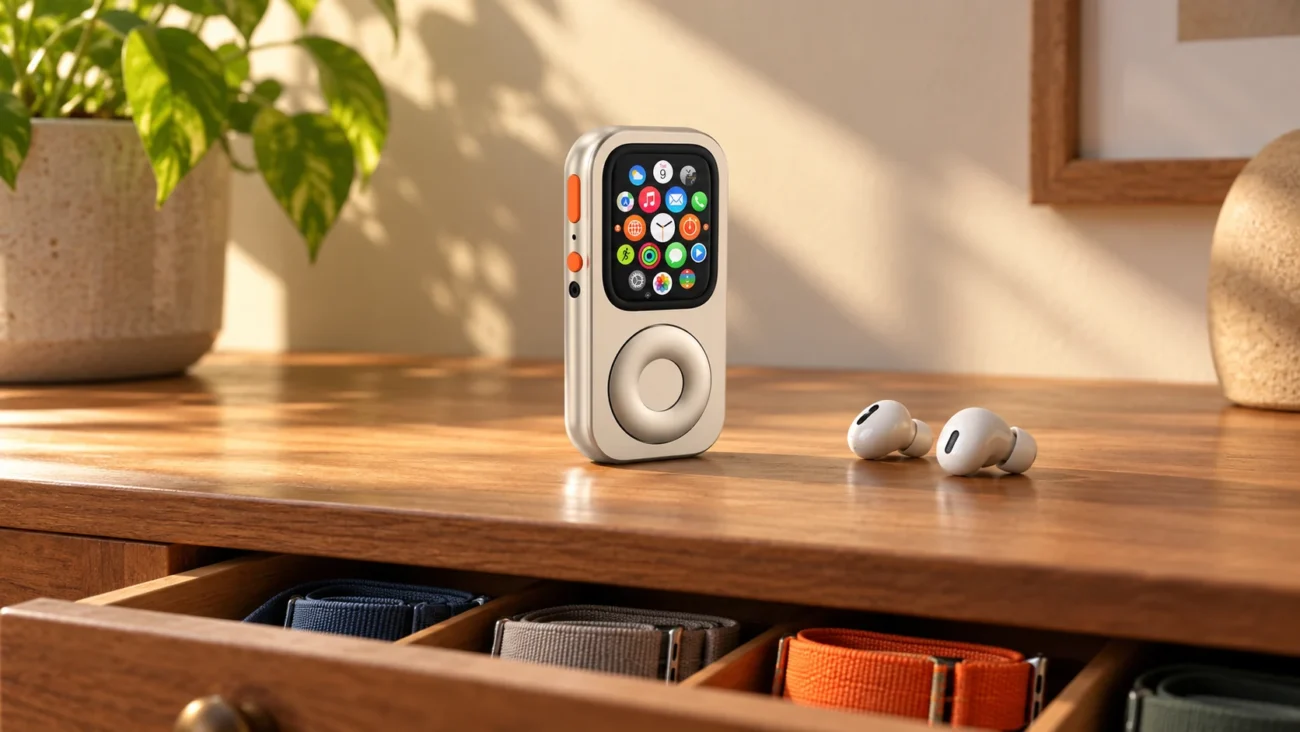
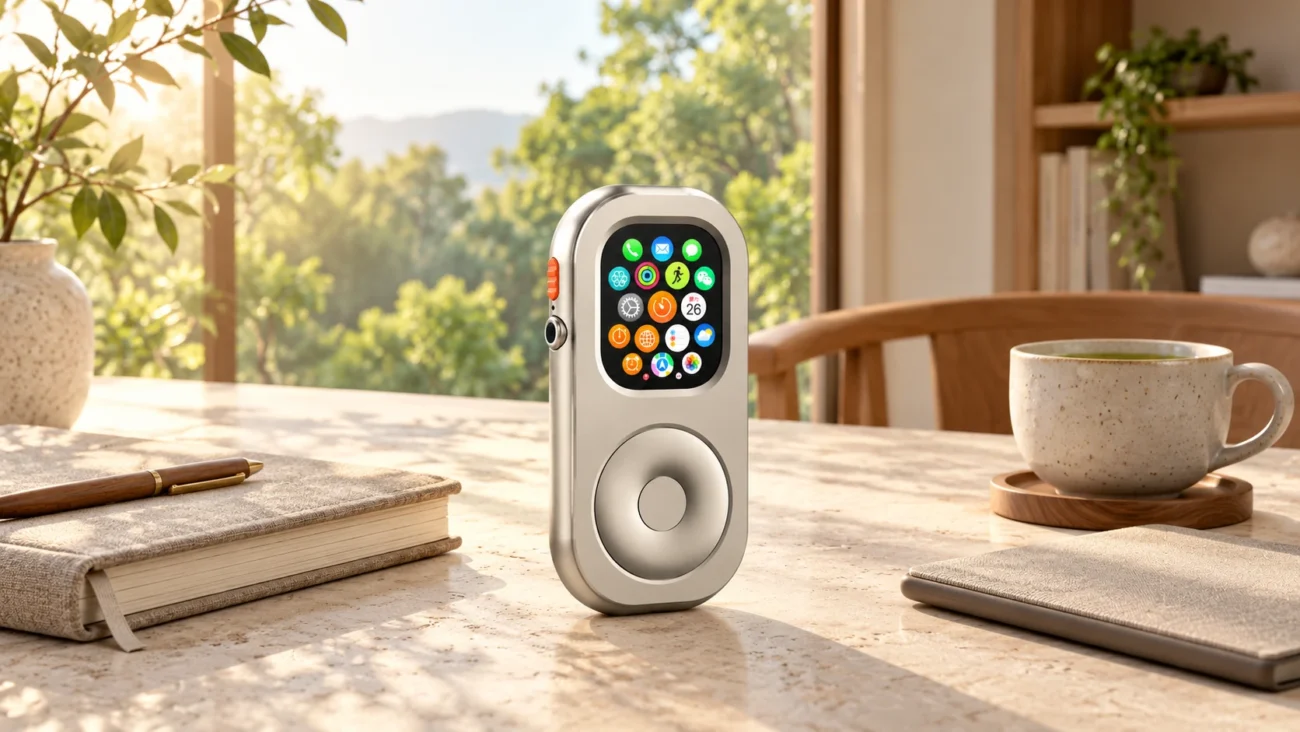
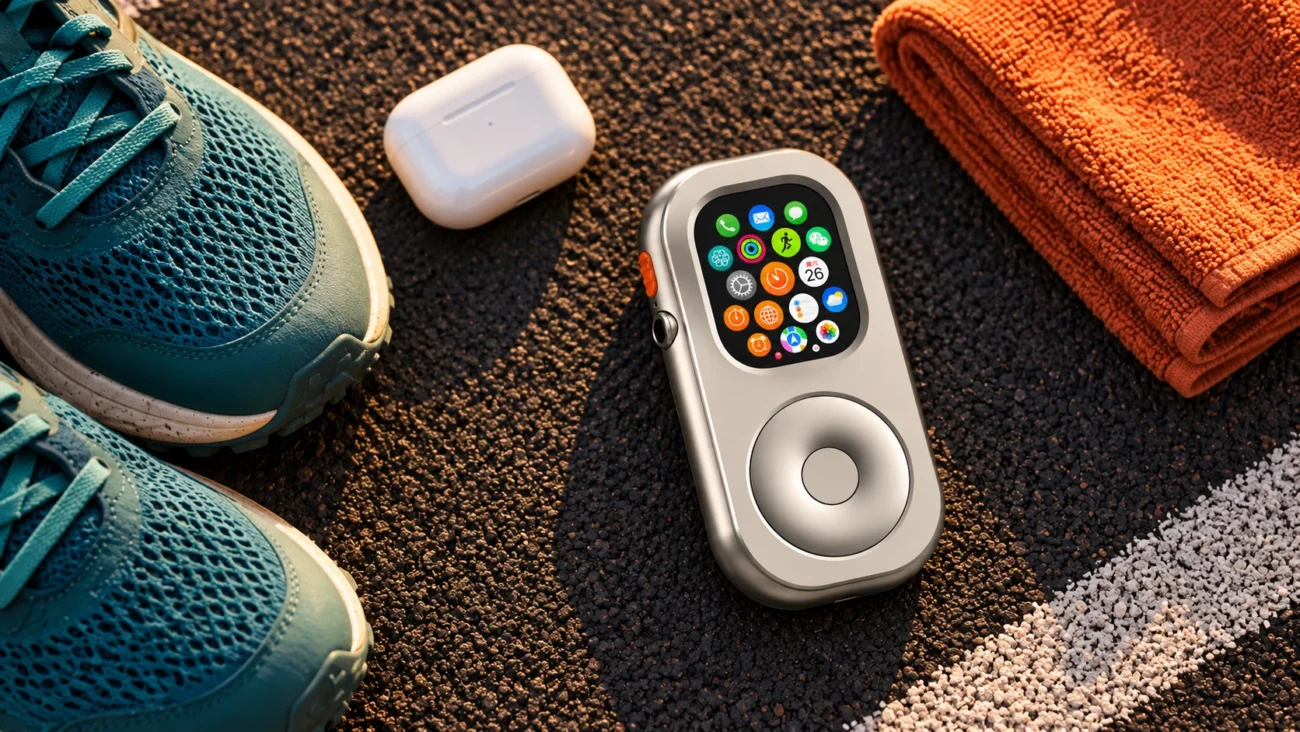
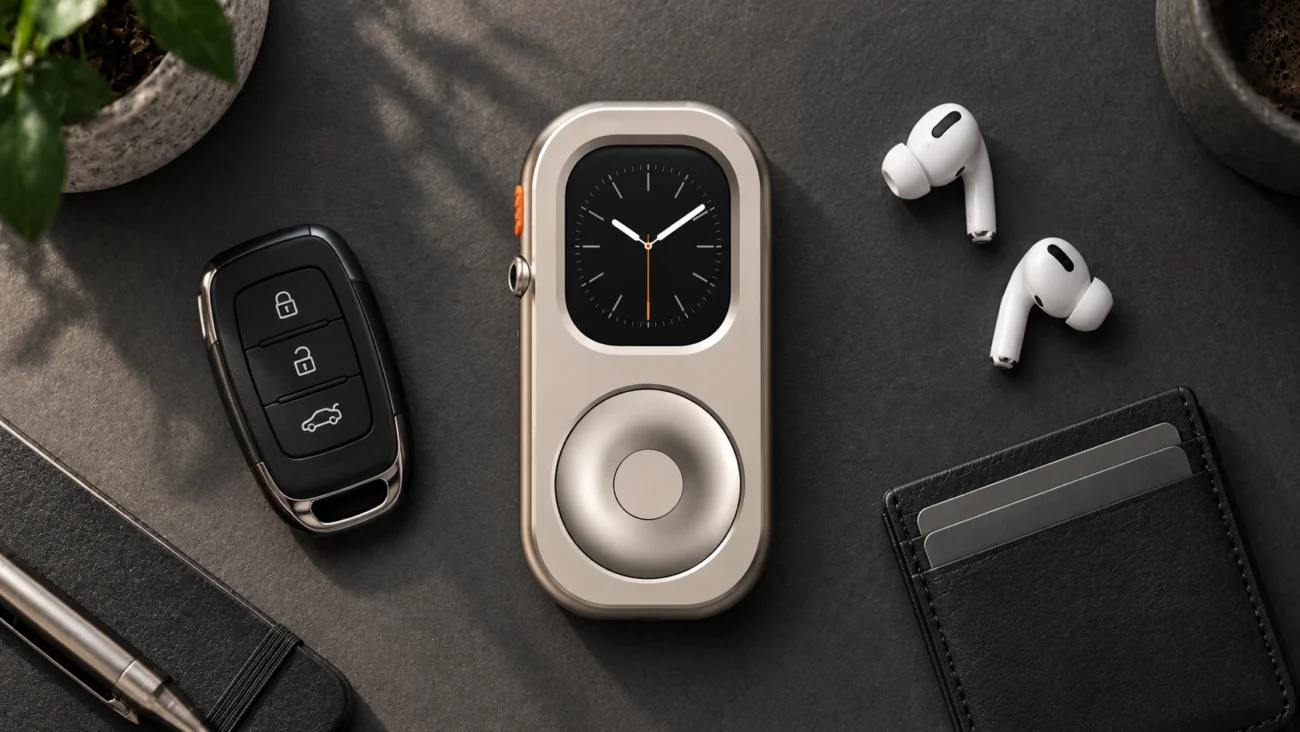
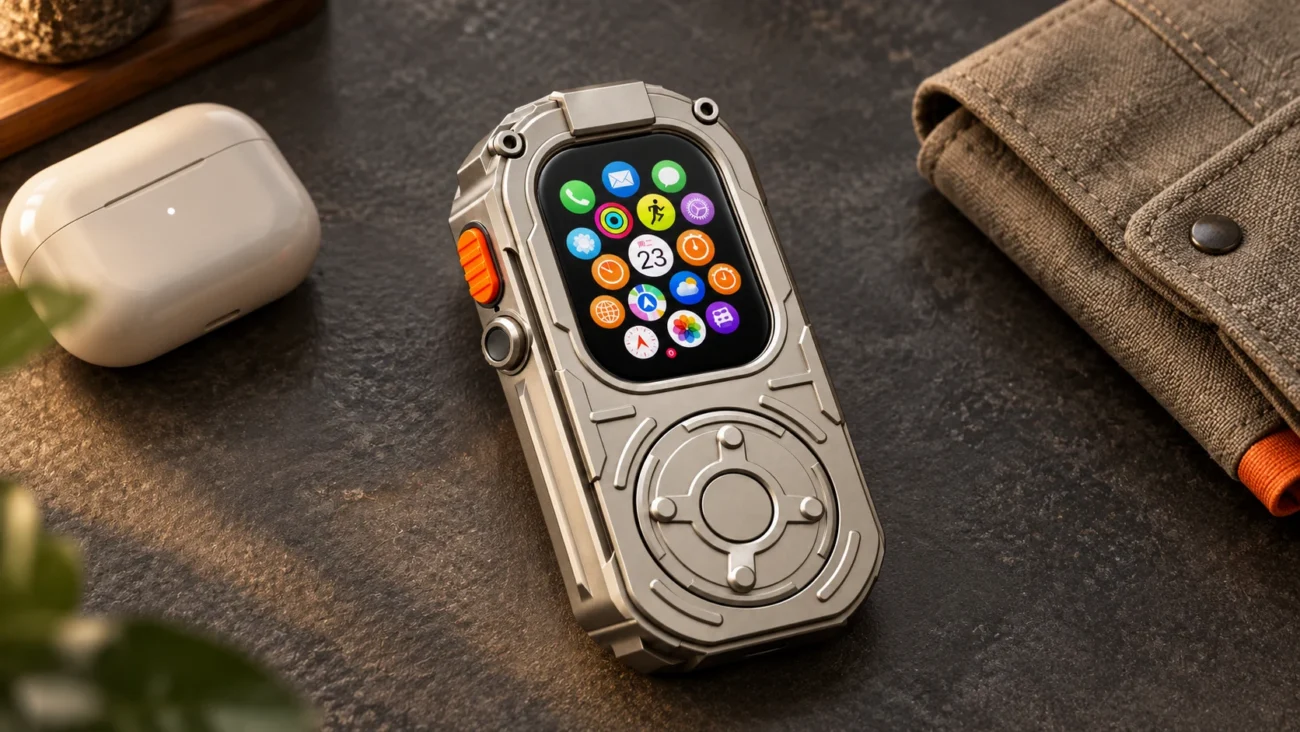
RePod is built for this exact idea. It is an iPod-style case for compatible Apple Watch models. You install your own Apple Watch, pair AirPods or Bluetooth headphones, simplify the watch setup, and carry it as a pocketable device instead of leaving useful hardware unused.
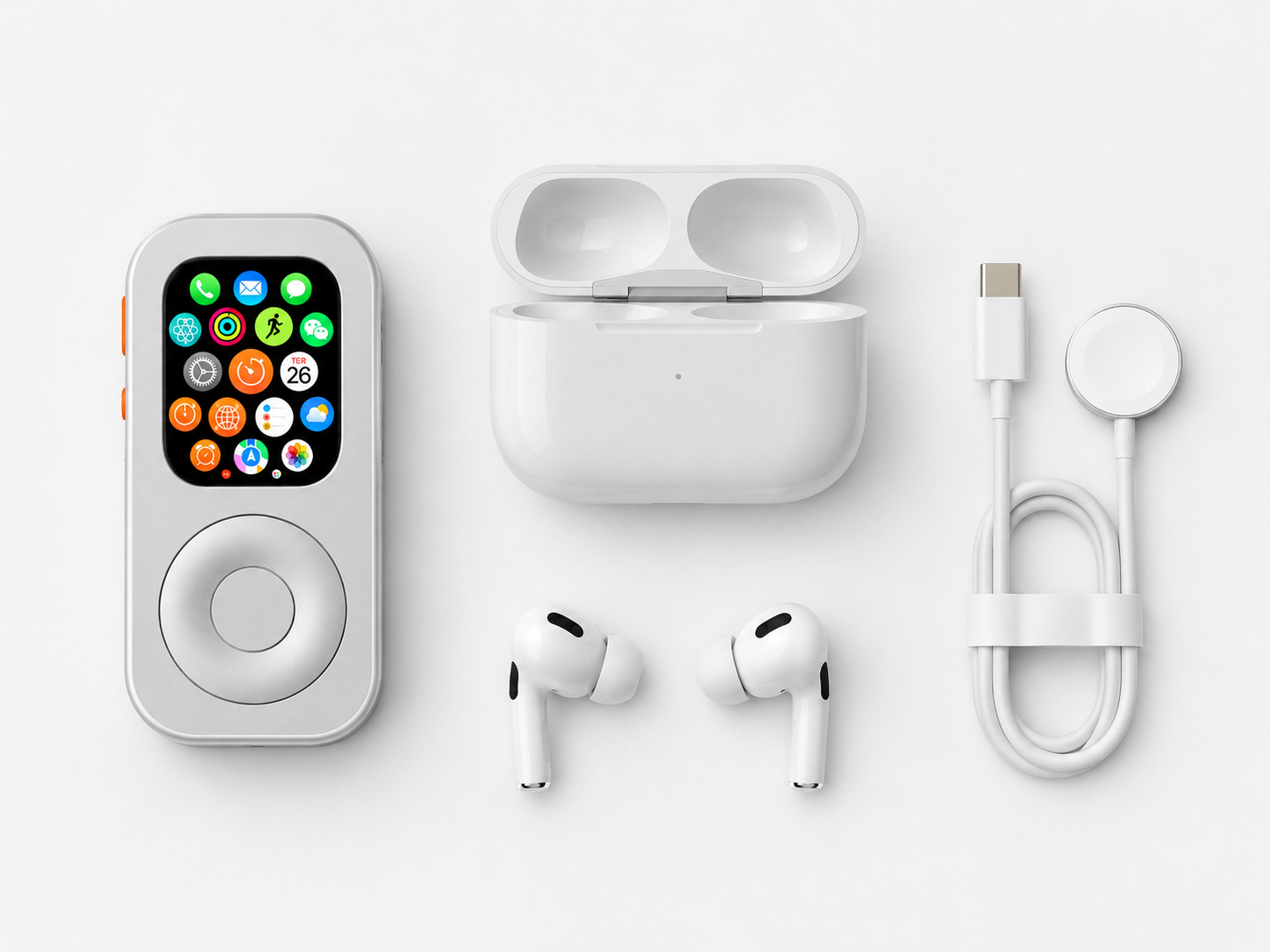
What you need before starting
- A compatible Apple Watch that still turns on and holds enough battery for your routine.
- The correct RePod shell for your Apple Watch size. RePod is a case only; Apple Watch is not included.
- AirPods or Bluetooth headphones if music and podcasts are the main use case.
- Downloaded playlists or podcasts if you want offline listening.
- Apple Pay, Siri, workouts, timers, and notification settings prepared before you leave your iPhone behind.
Step 1: Decide what job the old Apple Watch should do
An old Apple Watch works best when it has one clear job. The most useful options are a dedicated music player, a workout and running device, a quick Apple Pay tool, a desk timer, a travel companion, or a minimalist phone-like device for short outings. Avoid loading it with every possible app, because that recreates the distraction problem you may be trying to escape.
Step 2: Clean up the watch setup
Before putting the watch into a new shell, simplify the software. Remove apps you do not use, choose a simple watch face, turn off low-value notifications, and keep only the essentials. Music, Wallet, Workout, Messages, Timer, Reminders, Maps, and Voice Memos are enough for many phone-free routines.
Step 3: Prepare music and AirPods
If your goal is an iPod-style Apple Watch, audio is the center of the setup. Download playlists, albums, podcasts, or audiobooks to the watch where supported. Pair AirPods or Bluetooth headphones directly with Apple Watch, then test playback before leaving your iPhone behind.
Step 4: Choose the right RePod shell
Check the Apple Watch case size printed on the back of the watch. Standard Apple Watch and Apple Watch Ultra 49mm do not use the same shell. If you use Apple Watch Ultra, compare the dedicated Ultra option. If you use a standard compatible Apple Watch, choose the standard RePod model that matches your size.
- Shop the standard RePod Apple Watch iPod Case.
- Shop RePod Ultra for Apple Watch Ultra 49mm.
- Read the Apple Watch Ultra 49mm iPod case guide.
Step 5: Use it as a phone-free pocket device
Once the old Apple Watch is in RePod, the habit changes. It becomes something you pick up intentionally for music, a payment, a workout, or a quick message. That makes it different from both a wrist notification screen and a full smartphone. The watch still does the useful work, but the form encourages lighter use.
When this setup makes sense
- You already own an Apple Watch that is not being used much.
- You want a small music player without buying another screen-heavy device.
- You want to leave the iPhone at home for short outings.
- You want Apple Pay, timers, workouts, and simple tools without endless scrolling.
- You like the iPod-style form but want to reuse hardware you already have.
Related old Apple Watch and RePod guides
- What to do with an old Apple Watch
- Upcycle an old Apple Watch into an iPod-style dumbphone
- Apple Watch without phone setup
- Use Apple Watch without iPhone
- iPod case for Apple Watch buying guide
- Apple Watch handheld case guide
Turn Old Apple Watch Into iPod FAQ
Can an old Apple Watch work like an iPod?
It can work as an iPod-style music and pocket device if the watch still supports the apps and audio setup you need. Downloaded music, podcasts, AirPods, Apple Pay, workouts, and timers are the strongest use cases.
Does RePod include the Apple Watch?
No. RePod is the case only. You need to install your own compatible Apple Watch and match the RePod shell to the watch size.
Can I use a GPS-only Apple Watch in RePod?
Yes, but away from iPhone and Wi-Fi it is best for offline functions such as downloaded music, workouts, Apple Pay, timers, alarms, and simple tools. Cellular models support more connected features when properly set up.
Is this better than selling the old Apple Watch?
If the watch has low resale value but still works, turning it into a dedicated music or phone-free device may be more useful than selling it. If it still has high resale value, compare that value with how often you would use the RePod setup.
### Excerpt
A practical guide to turning an old Apple Watch into an iPod-style pocket device with RePod, AirPods, downloaded music, Apple Pay, workouts, and phone-free routines.